
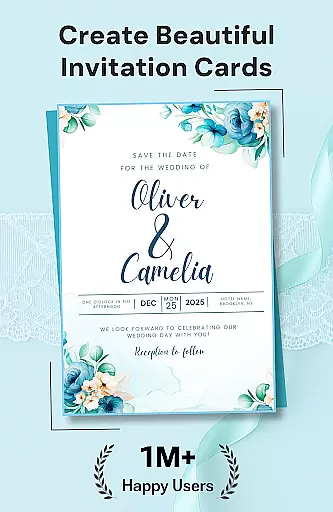
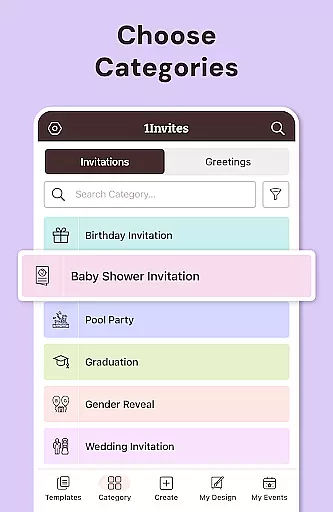
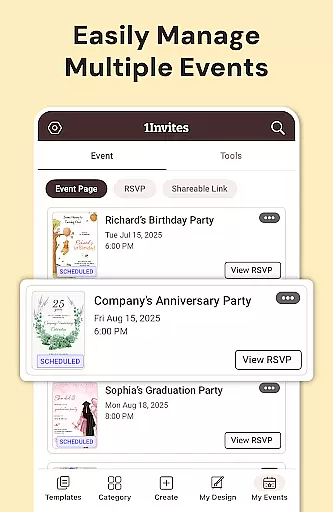
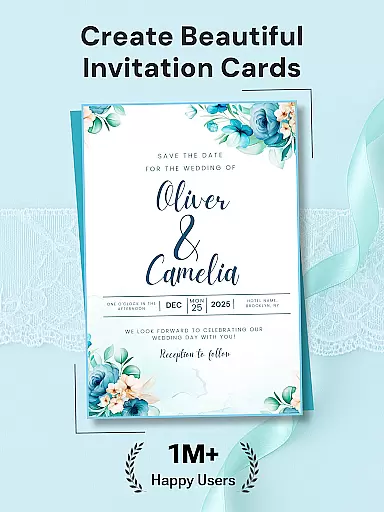
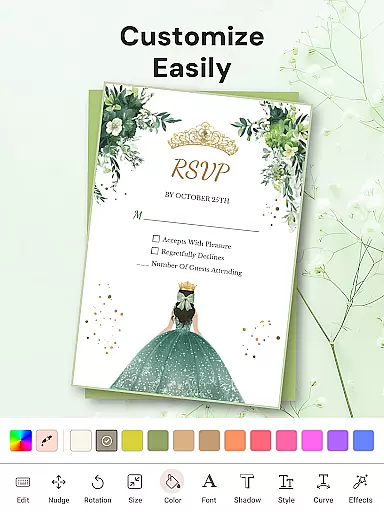

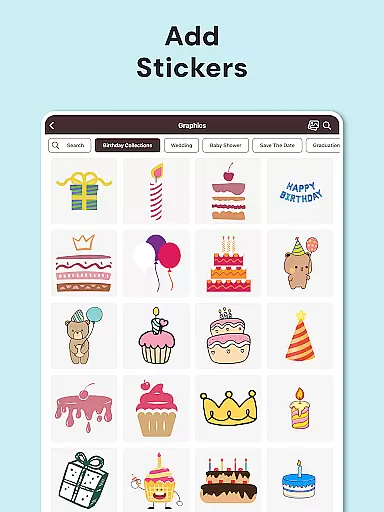
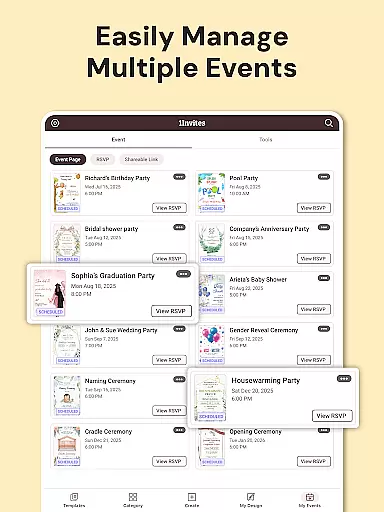
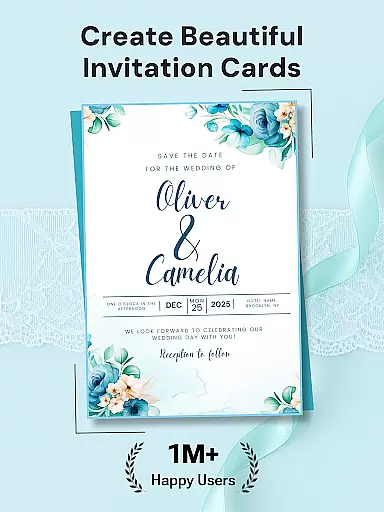

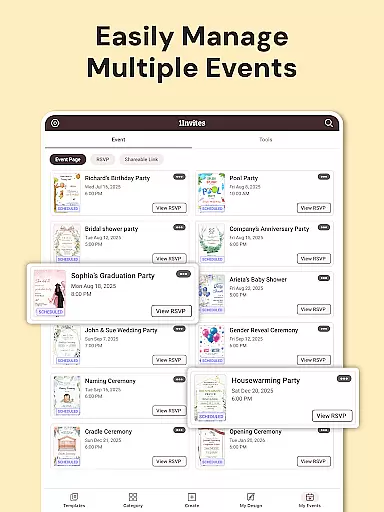
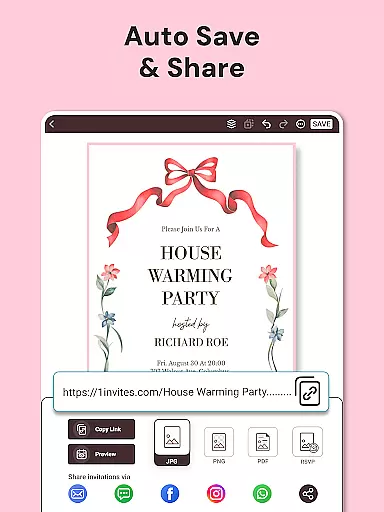


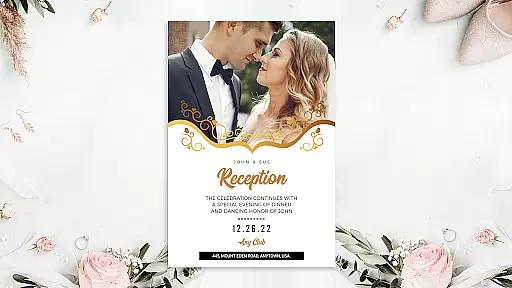
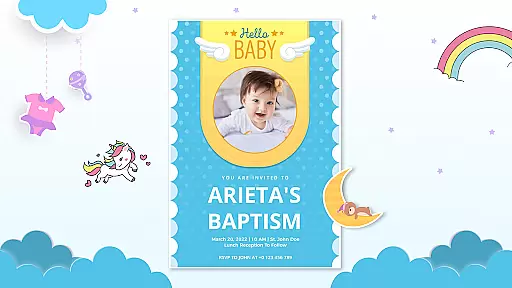




1Invites is a comprehensive event management application that combines professional invitation design with smart RSVP tracking. The app offers over 20,000 customizable templates for various occasions including weddings, birthdays, and corporate events. Users can create beautiful invitations using an intuitive editor featuring fonts, stickers, and frames, while also managing guest lists and tracking responses in real-time. Its built-in event creation tools allow users to organize all event details in one place, eliminating the need for separate spreadsheets or manual follow-ups.
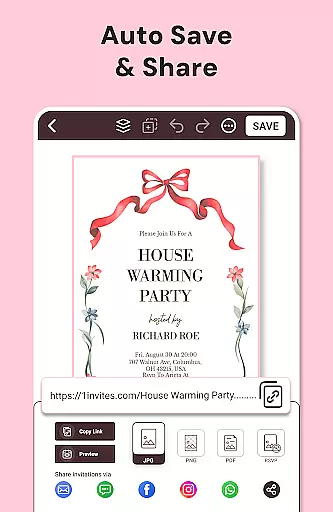
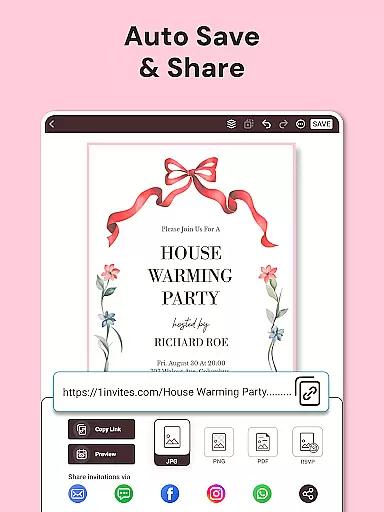
The app's standout feature is its ability to generate clickable PDF invitations with embedded links for maps and websites. This functionality, combined with automatic RSVP collection and attendance tracking, makes event planning more efficient. Whether you're hosting an intimate gathering or a large celebration, 1Invites provides all necessary tools to design, send, and manage invitations seamlessly. The app is particularly valuable for event planners and individuals seeking a stress-free way to organize their special occasions.
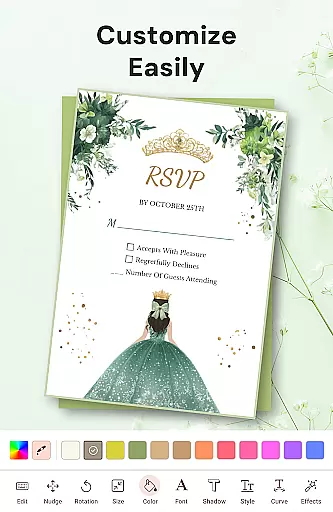
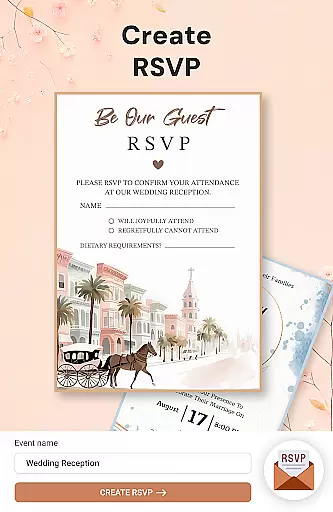
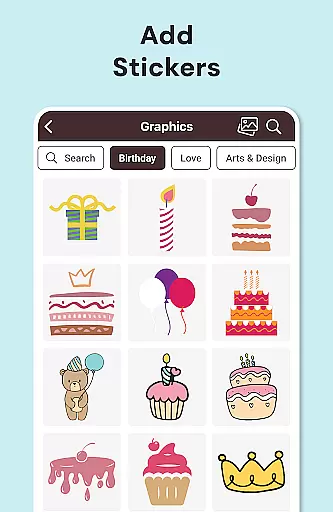
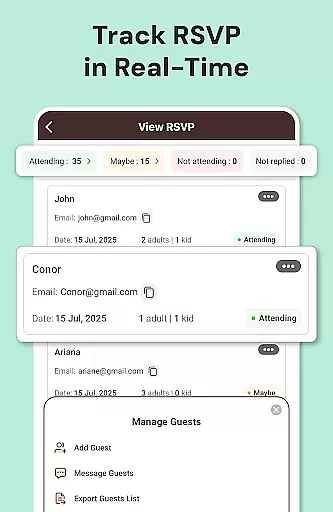
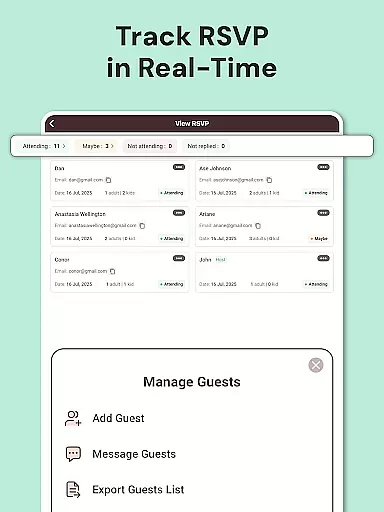
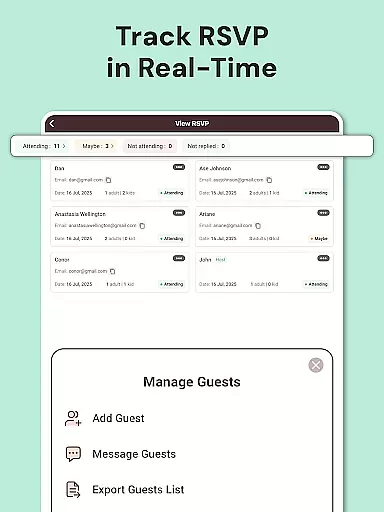
1Invites distinguishes itself through its robust feature set tailored for both invitation design and event management. The app includes an advanced editor with rich design elements such as fonts, stickers, backgrounds, and frames, enabling users to create personalized invitations without any design experience. Its RSVP management system allows real-time tracking of guest responses, showing who has confirmed attendance, declined, or not yet responded.
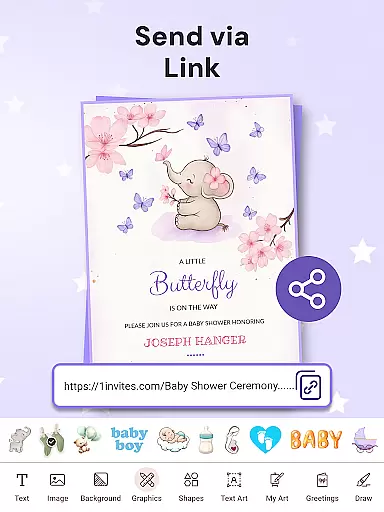
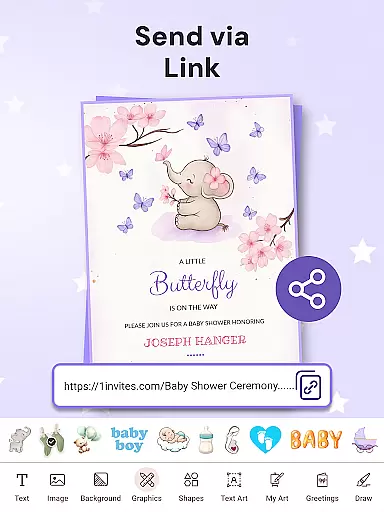
A key innovation is the Smart Links feature, which lets users embed functional URLs within PDF invitations. These links can direct guests to Google Maps for location details or to event websites for additional information. The Guest List Manager helps organize attendee information, including dietary preferences and plus-ones. With support for over 100 event types and reminder notifications for pending RSVPs, 1Invites ensures thorough event preparation. The app also offers multiple export options for digital sharing or high-quality printing, making it versatile for different user needs.
Task creation and detail customization are essential features for any event planning application, allowing users to define specific parameters for their events. With 1Invites, users can effortlessly create detailed events by inputting key information such as date, time, venue, and guest lists directly within the app. This comprehensive approach ensures that every aspect of the event is accounted for in one place.
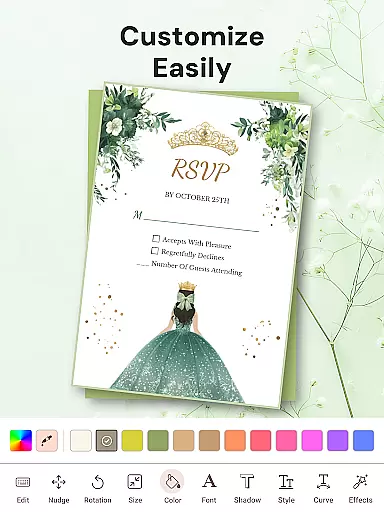
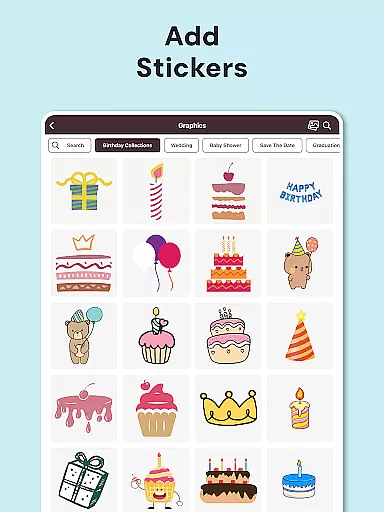
The level of detail available for customization in 1Invites is impressive. Users can choose from over 20,000 templates tailored to various event types, including weddings, birthdays, and corporate gatherings. The easy-to-use editor provides a rich library of fonts, stickers, backgrounds, frames, and decorative elements, empowering users to personalize invitations without needing design experience. This feature not only enhances the aesthetic appeal of each invitation but also ensures that it resonates with the theme and tone of the event.
By integrating RSVP management into task creation, 1Invites streamlines the entire process. Event creators can track responses in real-time, seeing who has confirmed attendance, declined, or not yet responded. This functionality eliminates the need for manual follow-ups and cumbersome spreadsheets, saving time and reducing stress. Additionally, smart links embedded in PDF invitations provide guests with instant access to location maps, event websites, and other relevant URLs, enhancing convenience and engagement.
Ultimately, the ability to create and customize event details with 1Invites offers significant value to users. It simplifies event planning, making it accessible to everyone regardless of their experience level. By consolidating design tools with robust event management features, 1Invites enables users to focus on celebrating with their guests rather than getting bogged down by logistical challenges.
Reminder settings play a crucial role in ensuring that event planning stays on track and guests are kept informed. In 1Invites, this feature allows users to set up automated notifications for pending RSVPs, keeping both hosts and invitees updated throughout the planning process. This proactive approach helps maintain communication and prevents last-minute surprises regarding attendance.
The reminder system in 1Invites is designed to be flexible and user-friendly. Hosts can schedule reminders based on specific timelines leading up to the event, ensuring timely responses from guests. These reminders can be customized to include personalized messages, adding a personal touch that enhances guest engagement. Furthermore, the ability to manage these settings within the same platform used for invitation design and distribution creates a seamless user experience.
For guests, receiving timely reminders improves their ability to plan accordingly. Knowing when an RSVP deadline approaches allows them to make necessary arrangements, contributing to a smoother event day. Moreover, the integration of clickable PDF links within reminders provides immediate access to important event details, such as location maps and schedules, further enhancing convenience.
Overall, the reminder settings in 1Invites significantly enhance the event management process. By automating follow-ups and providing customizable options, the app reduces the administrative burden on hosts while improving response rates. This thoughtful feature underscores 1Invites' commitment to delivering a comprehensive solution for creating beautiful invitations and managing successful events.
User-friendly interface
Extensive template library
Real-time RSVP tracking
Smart PDF functionality
All-in-one event solution
Premium features may require payment
Learning curve for advanced tools
Limited offline functionality
Occasional performance issues
Some design limitations

An App for Bhutanese
 4.2
4.2
Audio guide companion APP for SEE's Michelangelo's Sistine Chapel
3.50
CUE Live utilizes ultrasonic sound waves to sync devices at CUE enabled events
4.80
It is an Event Planning Application.
4.2
Greeting card maker with photos best app| Birthday cards| All wishes eCards FREE
4.50
Watch live football matches and streaming events on our Arabic TV app!
3.50
Listen Full Quran MP3 Offline - Qibla Compass, Salah Timing & 99 Names of Allah
4.60
The Official Football Ticketing App for Fans in Qatar
4.4
Microsoft Ignite is an event that showcases latest advancements in technology
4.00
Invitation card maker for birthday party & Wedding. Digital greeting card editor
4.90
The KRUU app - plan, celebrate, remember
4.80
Fast Scans. Happy Fans. For Every Hometown!
4.60
Manage all your events, leads, ticketing, payments and check-ins.
4.30
The official app for Sched events! View your event schedule here.
4.20
The world's largest selection of tickets is now at your fingertips
3.90
Instant photo sharing for every occasion
3.80
RAISE-365 makes fundraising easy and fun!
3.20
Mobile Event Guide for Greater NY Dental Meeting
4.1
The official app of the Carmel Christkindlmarkt!
4.2


User Reviews