
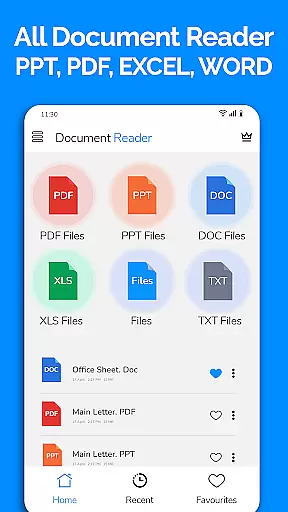
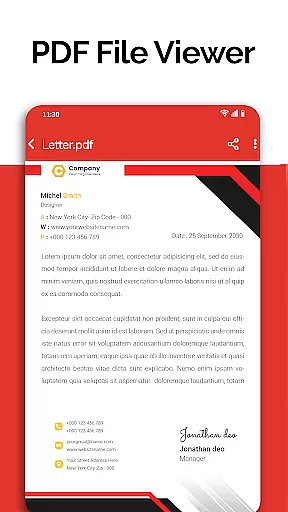
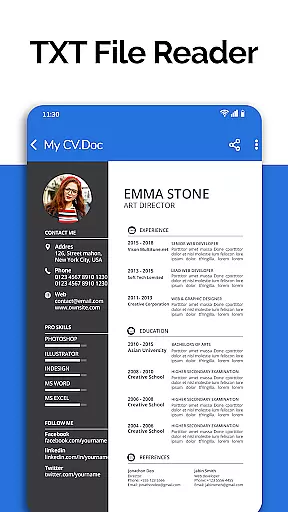
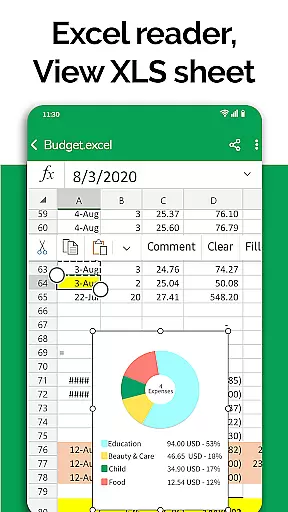
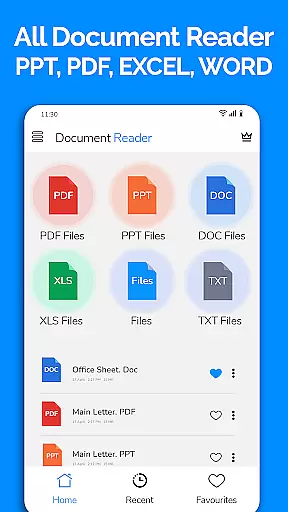
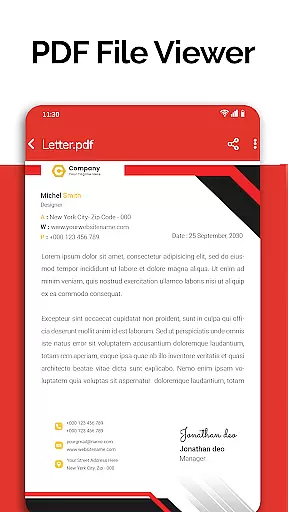
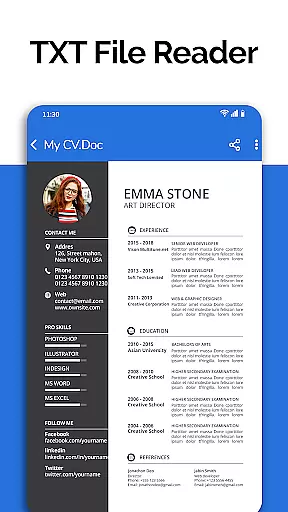
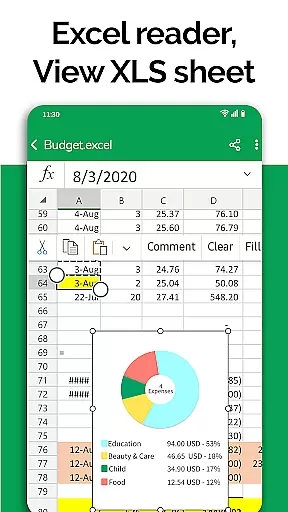
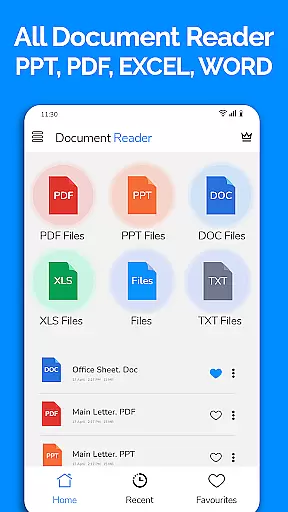
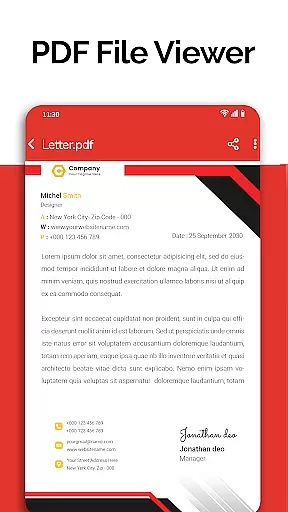
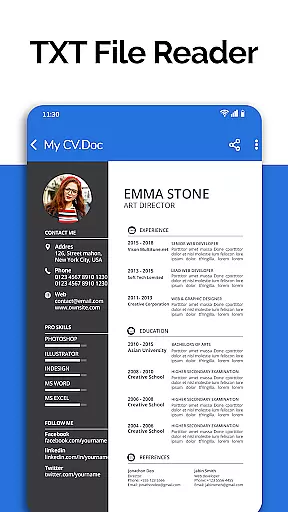
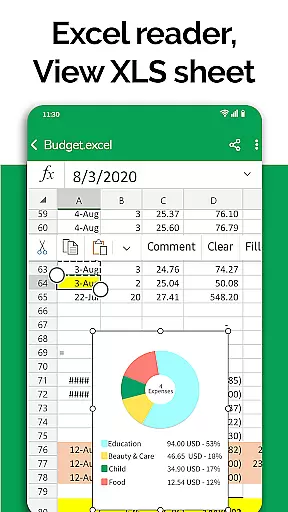
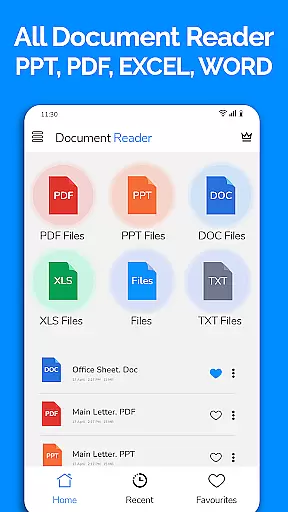
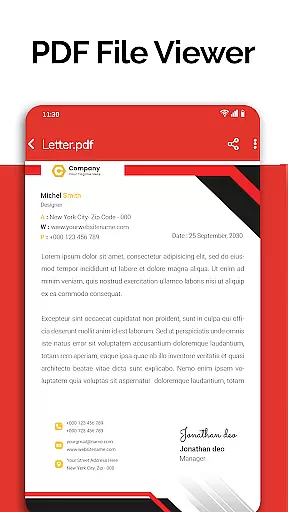
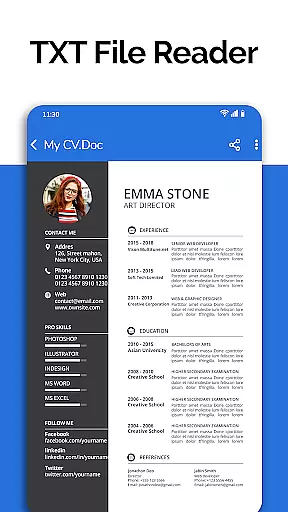
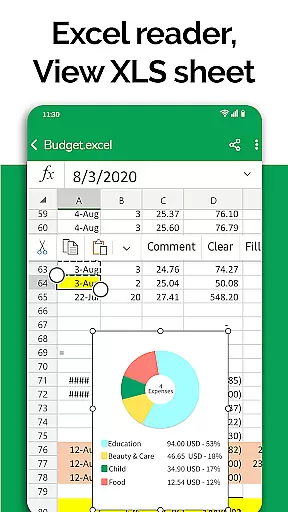
All Document Reader is a comprehensive document management solution that allows users to view, edit, and share various file formats directly from their mobile devices. This business-oriented app supports PDF, Word, Excel, PowerPoint, and TXT files, providing a seamless experience for professionals on the go. The built-in file manager simplifies document organization while the intuitive interface ensures smooth navigation through different file types.
One of the key strengths of this application is its ability to handle multiple document formats without requiring additional software. Users can read newspapers, review business invoices, check travel tickets, and study classroom notes all within a single platform. The app's automatic sorting feature and detailed file information display make document management both efficient and informative.
The app particularly shines in professional settings where quick access to various document types is crucial. Whether you're preparing presentation slides, reviewing budget spreadsheets, or editing text documents, All Document Reader provides the necessary tools to stay productive. Its upcoming features like dark mode and image-to-PDF conversion promise to enhance its already robust functionality, making it an essential tool for modern business operations.
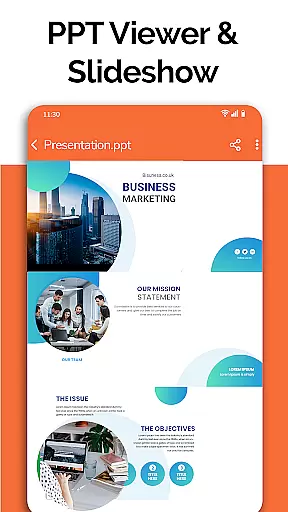
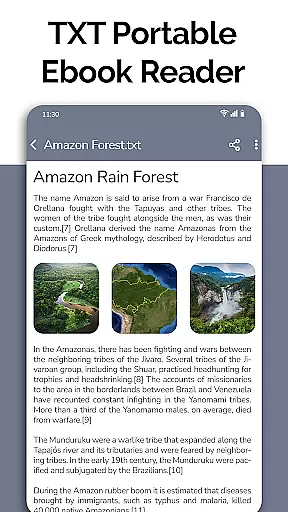
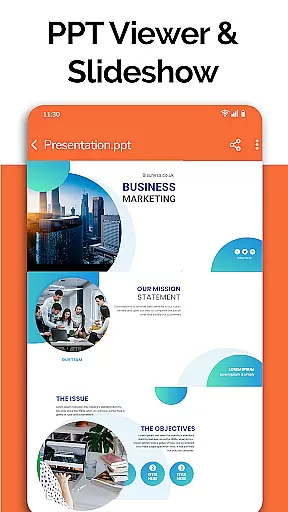
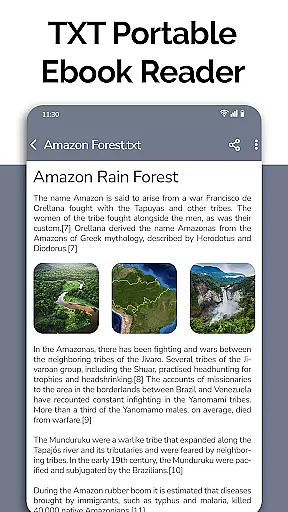
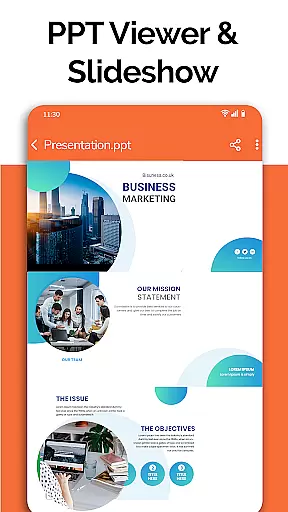
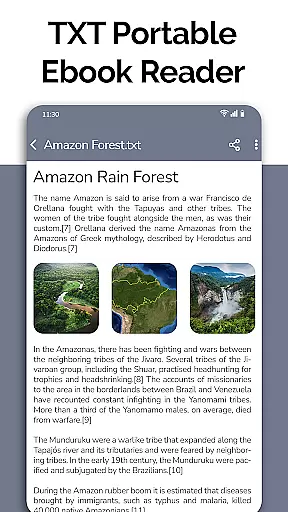
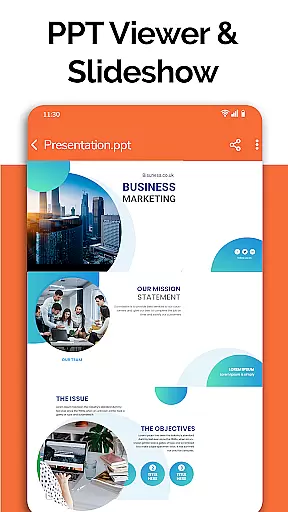
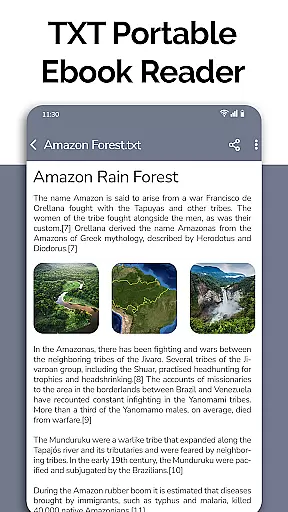
All Document Reader distinguishes itself through its comprehensive feature set designed for maximum productivity. The app's core functionality includes dedicated viewers for each document type - PDF reader for portable documents, DOC viewer for Word files, XLSX viewer for spreadsheets, and PPT viewer for presentations. Each viewer is optimized for mobile use, maintaining document formatting while providing smooth scrolling and zoom capabilities.
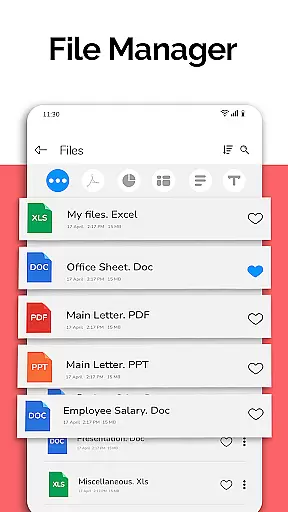
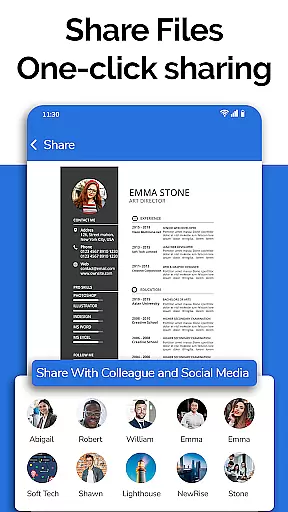
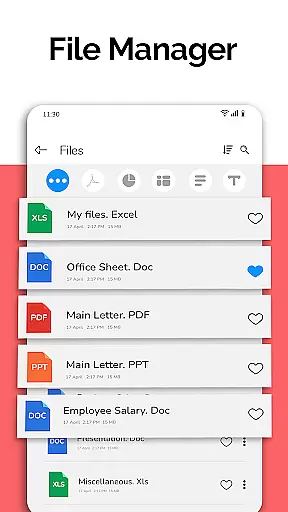
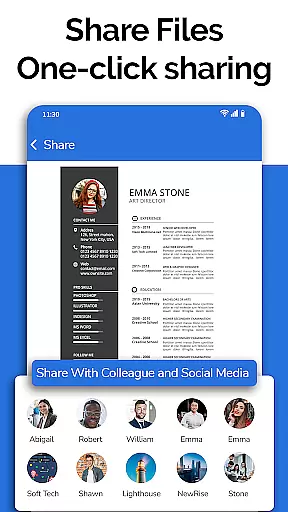
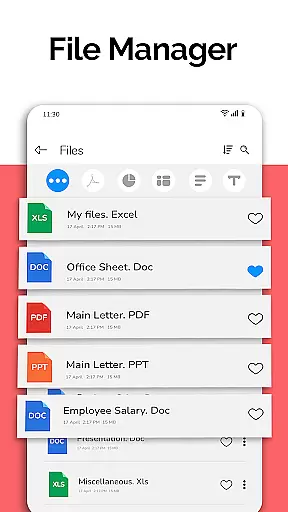
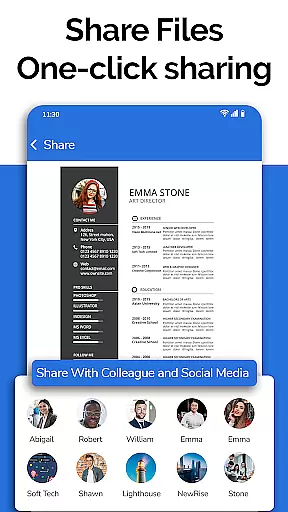
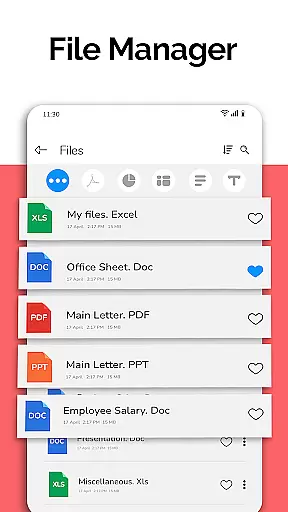
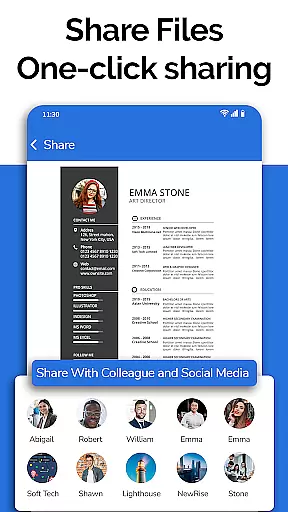
Beyond basic viewing, the app offers practical tools for document management. The integrated file manager automatically organizes documents by type and provides detailed metadata including file paths, sizes, and modification dates. Users can perform essential file operations such as renaming, deleting, and sharing directly within the app. The document editor feature extends functionality by allowing basic modifications to existing files.
Additional features enhance the user experience significantly. The app's intelligent sorting system keeps documents organized, while its powerful search functionality helps locate specific files quickly. Upcoming features like voice search and text search across documents will further streamline document retrieval. The planned doodle functionality on documents suggests potential for more interactive document handling in future updates.
In today's fast-paced business environment, the ability to collaborate effectively is crucial. All Document Reader: PDF Viewer facilitates collaborative work by allowing users to view, edit, and share various document formats including Word, Excel, PowerPoint, PDF, and TXT files directly from their mobile devices.
The app simplifies teamwork by providing a file manager that organizes documents automatically, making it easy for teams to locate and work on the necessary files. With options to delete, rename, and share documents, colleagues can manage project files efficiently without the need for a computer.
Moreover, the document editor feature supports real-time modifications, ensuring that team members are always working with the most up-to-date information. This seamless integration of document management tools within a single application enhances productivity and streamlines workflows across different departments.
By offering comprehensive file info such as file path, size, and last modification date, All Document Reader ensures transparency in collaborative projects. Users can track changes and contributions, fostering accountability and efficient communication among team members.
Effective task management is essential for maintaining productivity and meeting deadlines. All Document Reader: PDF Viewer offers robust task management capabilities by enabling users to handle multiple document types like Word, Excel, PowerPoint, PDF, and TXT files from one platform.
With its intuitive file manager, the app allows users to sort and organize documents automatically, which is particularly beneficial for managing tasks related to different projects. The ability to access complete file information, including file path, size, and last modification date, helps users prioritize their tasks based on urgency and importance.
The document editor not only facilitates viewing and editing but also supports sharing documents effortlessly. This feature is vital for task management as it allows team members to distribute updated files quickly, ensuring everyone is aligned with the latest developments.
Additionally, the upcoming features such as dark mode, voice search, and image to PDF converter promise to further enhance task management by providing more customization and accessibility options. These enhancements will enable users to tailor their experience and optimize their workflow according to personal preferences and project requirements.
User-friendly interface
Multi-format support
Integrated file manager
Automatic organization
Offline functionality
Limited editing tools
No cloud integration
Large app size
Ads in free version
Advanced features locked

ANDROID'S TOP MOBILE OFFICE - Word, Excel, PowerPoint and PDF at your fingertips
 4.50
4.50
VSD Viewer - Visio Drawings Viewer for Android Preview VSD, VDX, VSDX drawings
4.10
The MyWalmart App is available for all associates in stores.
4.70
Manage work life on the go
4.50
Simple, Fast & Lightweight
3.90
Drive and earn extra money
4.50
Grow your business and connect with more people with Meta Business Suite.
4.60
Chat, meet, and collaborate to achieve more together, all in one place on Teams
4.60
We help people get jobs
4.70
Employee Management Made Easy
4.80
Earn free swag, G-Cards & food • Enter sweepstakes • Find stores • So much more.
4.70
Get instant construction estimates: accurate home repair & material calculator.
4.70
Recover what matters — quickly and easily.
4.70
Mobile POS for any business: sales, invoices, retail, restaurants & appointments
4.60
Ship, Track, Find a Location or Get a Quote with UPS. Anytime. Anywhere.
4.60
The All-in-One File Manager for Phone, TV, Watch, Cars, XR / VR, Chromebook
4.10
Zoom built for Chrome OS
3.90
Take the stress out of storage with the all-in-one app to manage your space.
3.70
viewing and sharing PDFs and other files—anytime, anywhere!
4.3


User Reviews