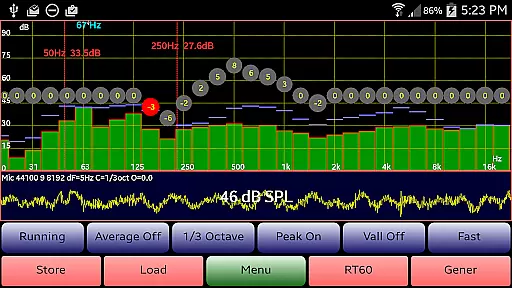
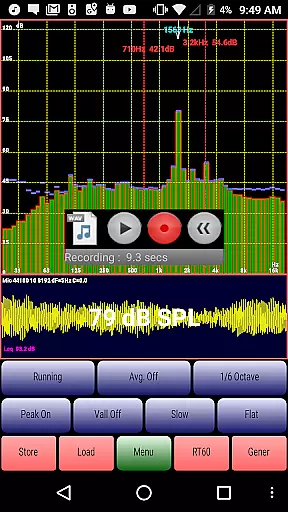
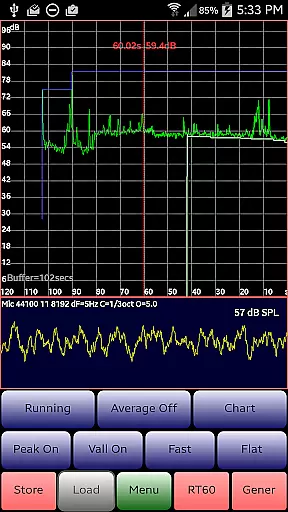
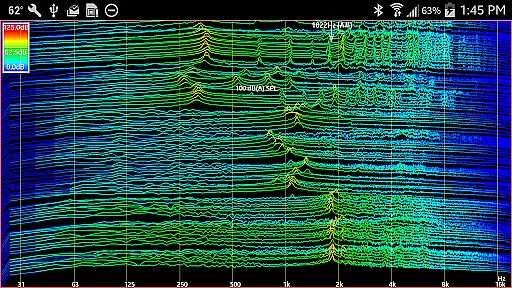
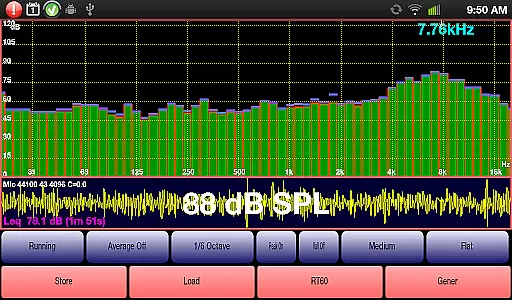
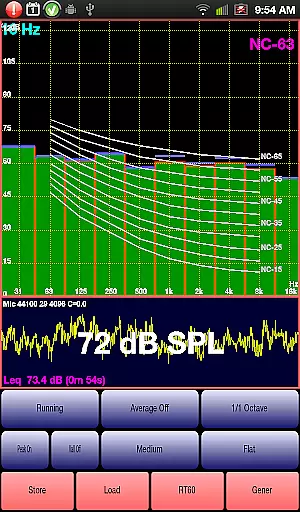
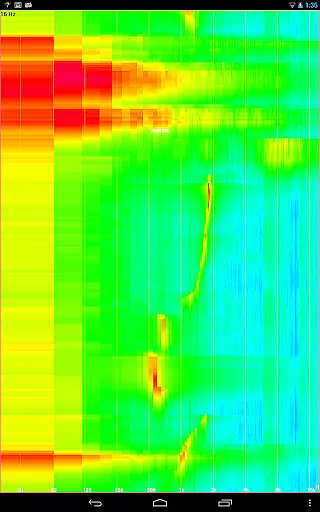
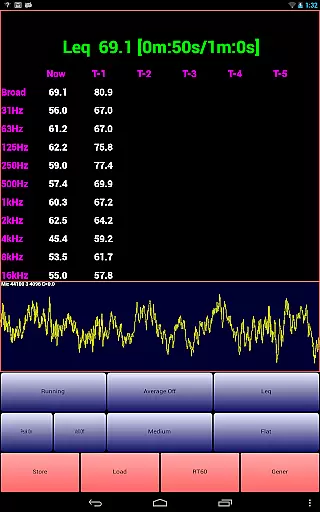
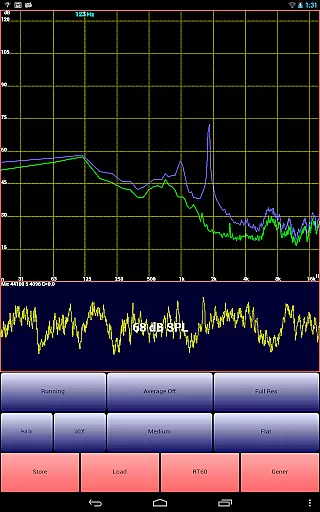
AudioTool is a comprehensive audio measurement application designed for audio engineers and enthusiasts. This app transforms your Android device into a professional-grade audio analysis tool, featuring RT60, Leq, Sone, Spectrum Analyzer, Spectrogram, Chart Recorder, Signal Generator, Polarity Checker, and Mic calibration functionalities.
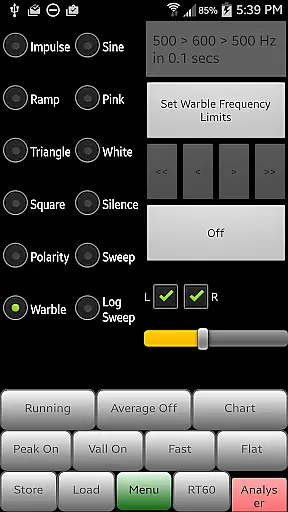
The app supports multiple octave RTA modes (1/1, 1/3, 1/6 & 1/12), various filters (Impulse, Fast, Medium & Slow), and different weighting options (Flat & A/C Weighting and film industry X Curve). AudioTool also includes advanced features like SPL Chart Recorder, Noise Criteria (NC and NR), White/Pink Noise, and multiple signal generators (Sine, Square, Triangle, Sweep, Log Sweep, Warble, Ramp and Impulse signals).
Whether you are conducting gig measurements, setting up a home theater, or analyzing acoustics in a car, AudioTool provides the necessary tools to ensure accurate sound assessments. Its exclusive ISO 1/3 Octave Calibration corrects for your phone's microphone response, ensuring reliable readings across different devices.
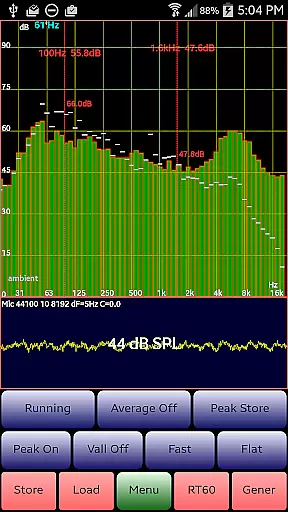
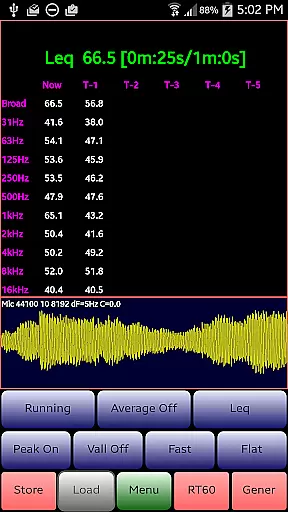
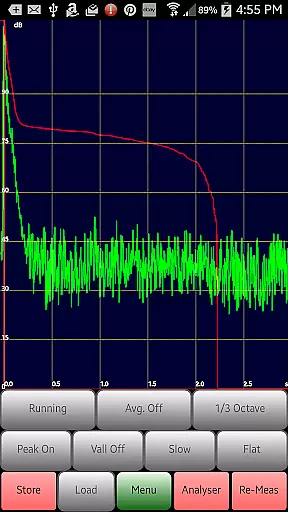
AudioTool stands out with its extensive range of features tailored for audio professionals. The app offers real-time audio spectrum analysis through its 1/1, 1/3, 1/6, and 1/12 octave RTA modes, allowing users to analyze sound with precision. It includes advanced functionalities such as Leq (wideband, Octave, variable duration), Sones (Loudness), and RT60 (wideband, Octave) measurements, which are crucial for evaluating room acoustics and reverberation.
One of the key highlights is the ability to load and display stored spectrum files alongside real-time data, providing a comparative analysis tool. The Signal Generator feature supports various waveforms including White/Pink Noise, Sine, Square, Triangle, and more, catering to diverse testing requirements. Additionally, the app facilitates SPL Chart Recording, Noise Criteria evaluation, and loudspeaker polarity checking, making it an all-in-one solution for audio analysis.
AudioTool ensures ease of use with intuitive controls such as pinch to zoom, scroll to center, and a pair of movable cursors for detailed analysis. The app's compatibility with popular calibration microphones like Dayton Audio iMM-6 and MicW i436 further enhances its accuracy and reliability.
AudioTool offers an extensive suite of audio measurement and generation tools, forming a comprehensive music library that caters to audio engineers and enthusiasts. The application includes features such as RT60, Leq, Sone, Spectrum Analyzer, Spectrogram, Chart Recorder, Signal Generator, Polarity Checker, and Mic calibration.
The app's vast array of functionalities, including 1/1, 1/3, 1/6 & 1/12 octave RTA modes, various filters, and signal types like White/Pink Noise, Sine, Square, Triangle, ensures users have access to a wide variety of copyrighted and authentic audio tools. This guarantees that all measurements and generated sounds are reliable and meet professional standards.
With regular updates and new features, such as the ability to load and display stored spectrum files alongside real-time data, AudioTool demonstrates its commitment to maintaining a current and authoritative music library. Exclusive ISO 1/3 Octave Calibration further enhances the authenticity by correcting for microphone response, ensuring precise and industry-standard audio analysis.
AudioTool provides multiple options for ensuring high-quality audio measurements and outputs, making it a valuable tool for gig measurements, home theater setups, acoustics, and more. The app uses FFTs sets of microphone samples with Hann windowing to reduce aliasing, thereby maintaining high audio quality in real-time calculations.
Users can benefit from several advanced features, such as the ability to save and load spectra, zoom functionality via pinch gestures, and scale adjustments through dragging. These options allow for detailed and precise audio analysis, which is crucial for accurate sound assessments.
In addition to its measurement capabilities, AudioTool includes a Signal Generator that produces various waveforms, including White and Pink Noise, Sine, Square, Triangle, and Ramp waves. With frequency accuracy typically around 1% and good sine wave fidelity across most of the audio range, the app ensures that generated signals are both accurate and reliable, providing users with top-tier audio quality options.
Comprehensive audio tools
Real-time spectrum analysis
Multiple signal generators
Exclusive ISO calibration
User-friendly interface
Dependent on hardware quality
Complex for beginners
No iOS version available
Some features require calibration
Occasional performance issues

Simply convert wav to mp3. Clear. Reliable. Safe.
 4.3
4.3
Control your MIDI USB or Bluetooth devices in app and avoid some trampling
3.30
Performance-Synthesizer & Multi-Track-Sequencer, polyphonic + multi timbral!
4.70
Background pads for your band
3.80
AI Music Maker: Generate And Compose AI Tunes & AI Songs & AI Music & AI Melody!
4.60
Help you quickly get started with Shokz headphones
4.40
Play KORG’s revolutionary touch-based instrument on a variety of devices.
4.40
Full featured mp3 and audio player with Chromecast and Android Auto support.
4.40
Customize Your Favorite Songs and Videos with booster.
4.70
Offline Music Player & MP3 Player.Powerful equalizer, Lyrics, Themes, Tag Editor
4.80
Offline Music Player&MP3 Player with themes, equalizer, lyrics, music play mode
4.60
Learn the notes on the guitar fretboard fast with this easy and fun app
4.60
Guzheng Master supports many playing techniques as an acoustic Guzheng
4.50
DJ Music Mixer - DJ Remix: remix songs, make beat music & record mix of DJ.
4.40
The Music Journey in Your Hands
4.30
Network/Cloud Streaming, Visualization, Graphic Equalizer and Sound Effects.
4.20
No wifi music app. Mp3 offline. Tuner radio, young radio music. Music downloader
4.20
Next generation modular control surface
4.10
The Skullcandy App Experience
3.20


User Reviews