
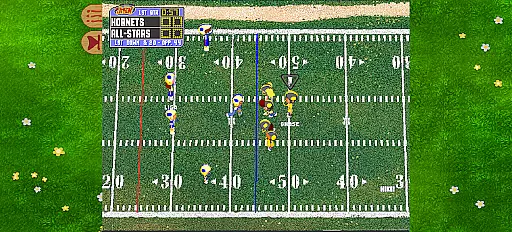
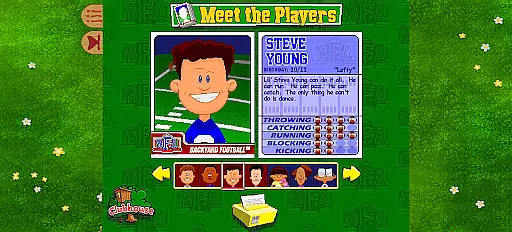
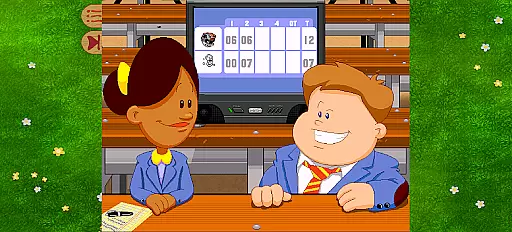
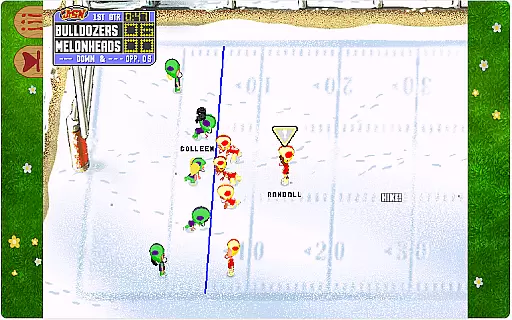

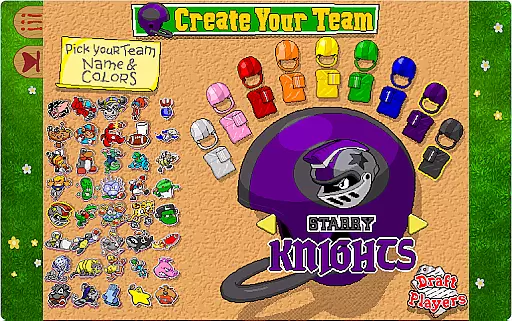
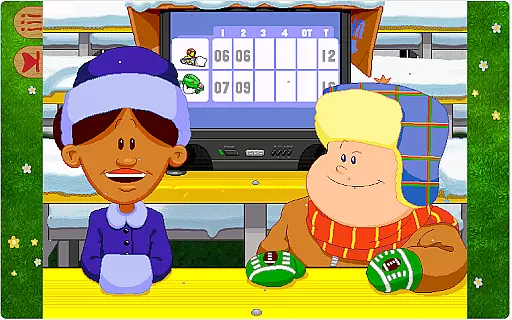

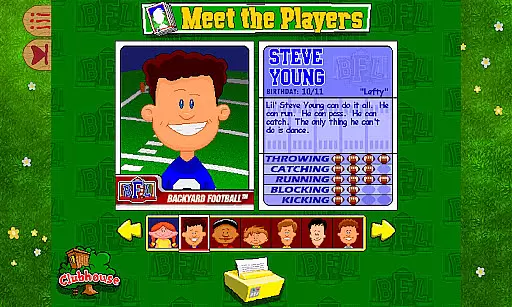
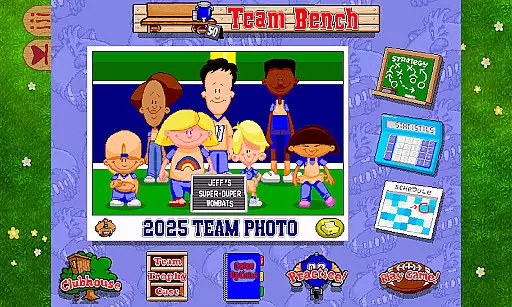
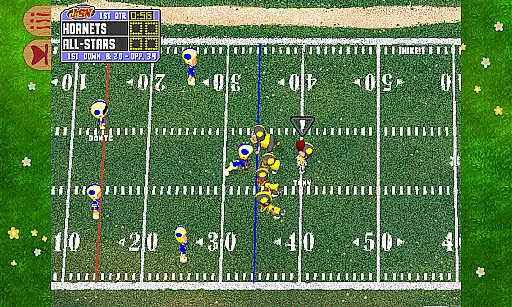
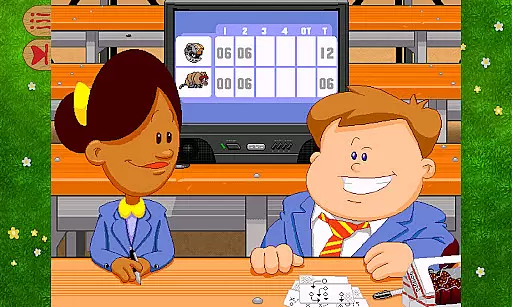
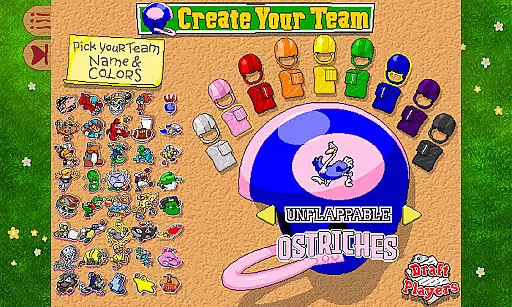
Backyard Football '99 is a nostalgic sports game that brings the classic backyard football experience to modern systems. The app allows players to create their dream team by choosing from 30 iconic Backyard Sports characters and legendary pros like Jerry Rice, Barry Sanders, and more. With simple controls and witty commentary from hosts Sunny Day and Chuck Downfield, this game is designed for both casual and dedicated football fans.
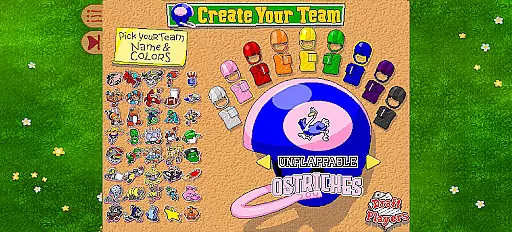
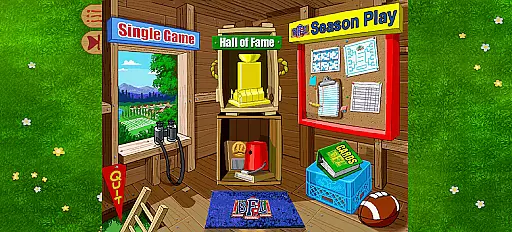
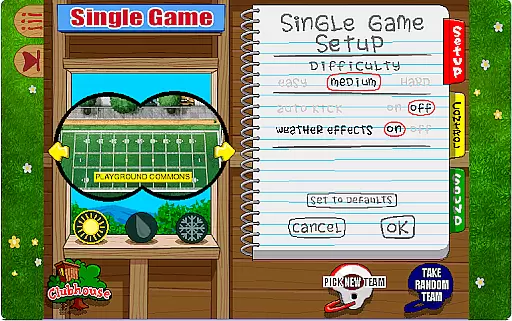
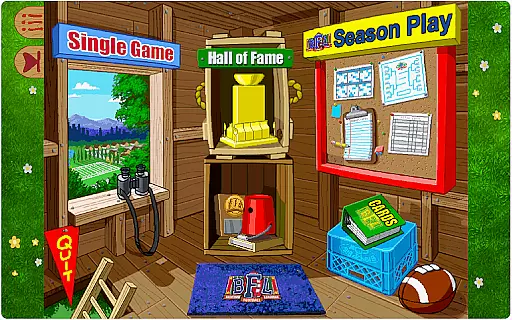
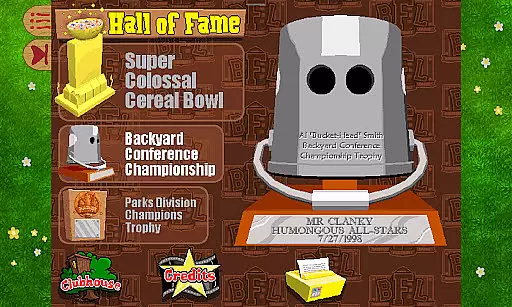
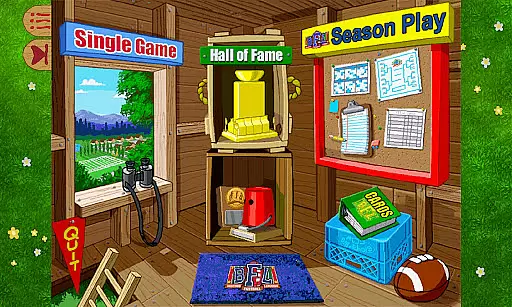
The app features multiple game modes including Single Game and Season Mode. In Single Game mode, users can select from five unique backyard fields with varying weather conditions, design custom team logos, and enjoy quick pick-up games. Season Mode offers a more strategic experience where players draft teams, compete in a 14-game season, and aim for the Super Colossal Cereal Bowl. Additionally, the game includes fun power-ups such as Hocus Pocus, Sonic Boom, and Leap Frog on offense, and Cough Drop, Chameleon, and Spring Loaded on defense, adding an extra layer of excitement to every match.
Whether you're reliving childhood memories or discovering Backyard Football for the first time, this app provides endless entertainment through its engaging gameplay and charming presentation. It's perfect for fans who appreciate retro gaming while still enjoying modern enhancements.
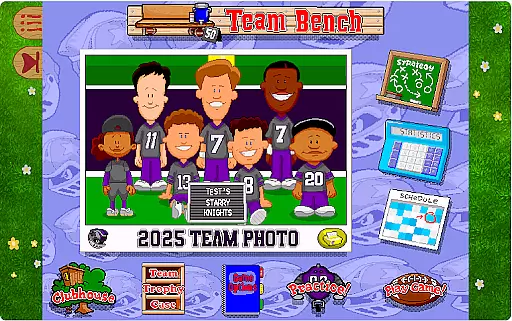
Backyard Football '99 stands out with its combination of classic gameplay and enhanced features tailored for today’s devices. One of the key highlights is the inclusion of legendary NFL players alongside beloved Backyard Sports characters, offering a unique blend of fantasy and reality. Players can draft their favorite athletes, customize teams with personalized logos, and compete across diverse environments featuring dynamic weather effects.
The game also introduces creative power-ups that add strategic depth to matches. On offense, moves like Hocus Porus enable teleportation downfield, while Sonic Boom creates earthquakes to disrupt opponents. Defensive plays include Cough Drop for forcing fumbles and Spring Loaded for leaping over the line to sack the quarterback. These innovative mechanics ensure each play remains unpredictable and thrilling.
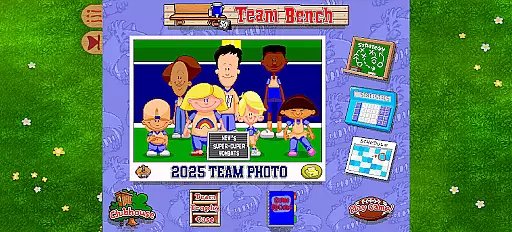
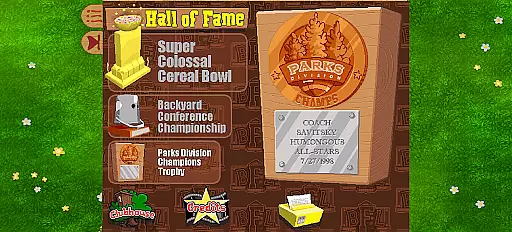
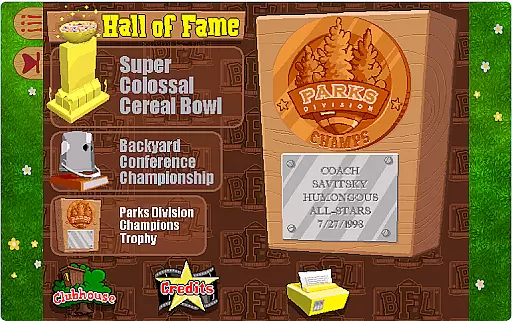
Another notable feature is the Season Mode, which spans 14 games and culminates in the playoffs for the Super Colossal Cereal Bowl. This long-term engagement keeps players invested as they manage their teams throughout the season. Overall, Backyard Football '99 successfully revives a cherished franchise with thoughtful updates that cater to both nostalgia-driven fans and newcomers alike.
Gameplay realism in sports games is crucial for delivering an authentic experience. Backyard Football '99 achieves this by integrating real-life football elements with a touch of whimsy, creating a semi-realistic football simulation that appeals to both kids and adults.
The game features legendary pros like Barry Sanders and Jerry Rice alongside iconic Backyard Sports characters, blending professional player attributes with playful mechanics. This combination ensures that while the gameplay remains accessible, it still mirrors real-world football strategies and movements.
Players can execute unique power-ups such as Hocus Pocus and Sonic Boom, adding a fantastical twist to the otherwise grounded football action. These creative plays maintain the balance between realistic football dynamics and the imaginative spirit of backyard sports.
By incorporating these elements, Backyard Football '99 offers users an engaging experience that captures the essence of football while infusing it with the fun and charm expected from the Backyard Sports franchise.
An intuitive control scheme is essential for ensuring players can easily pick up and enjoy a game without a steep learning curve. Backyard Football '99 excels in this area by providing simple controls that allow anyone to start playing football right away.
The game utilizes straightforward mechanics for passing, running, and tackling, making it accessible even to those new to sports games. Players can quickly grasp how to move their characters, make passes, and execute defensive maneuvers, enhancing the overall user experience.
Additionally, the inclusion of special power-ups like Leap Frog and Spring Loaded adds an extra layer of excitement without complicating the core gameplay. These power-ups are seamlessly integrated into the control scheme, allowing players to activate them effortlessly during gameplay.
This thoughtful design ensures that players spend less time figuring out controls and more time enjoying the action-packed matches filled with witty banter and thrilling plays characteristic of Backyard Football '99.
Simple controls
Iconic characters
Fun power-ups
Engaging season mode
Nostalgic appeal
Limited roster size
No online multiplayer
Outdated graphics
Fewer fields
Repetitive commentary

Very fun billiards game.
 4.60
4.60
BE A SOCCER HERO! Pass, Shoot & Score your way to legendary status!
4.50
Draft your NBA basketball game team. Authentic real-time online sports game.
4.20
Relive the second baseball game in the Backyard Sports franchise!
4.00
Realistic PvP Multiplayer Dart game blending sports games and simulation fun!
4.50
NFL & NBA Real Money Team & Player Picks
4.60
Ride, flip, and perform crazy stunts in an open BMX freestyle playground!
4.80
Build, manage & coach your NFL dream team in this American Football sports game!
4.40
The NFHS Network delivers high school sporting events from across the country.
3.70
It’s time to play pool in the world’s No.1 arcade style Pool game on Android!
4.70
Online app with multiple arenas! Live PvP multiplayer grand slam sports league.
4.60
Trampoline backflips, frontflips & trick stunts! Ultimate adrenaline rush!
4.60
Play the World's Soccer Game Anywhere with Premier League, UCL & LALIGA stars.
4.60
Build your dream soccer team!
4.50
Try your hand at managing an auto racing team!
4.30
Pixel Cup Soccer is a retro-style arcade game, just the fun part of soccer!
4.00
The King of Retro Soccer!
3.60
Run the ball into the endzone in AR.
4.5
Build your football city, train your team— no ads, no in-app purchases!
4.0


User Reviews