
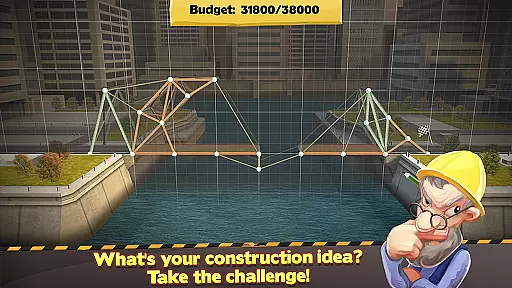
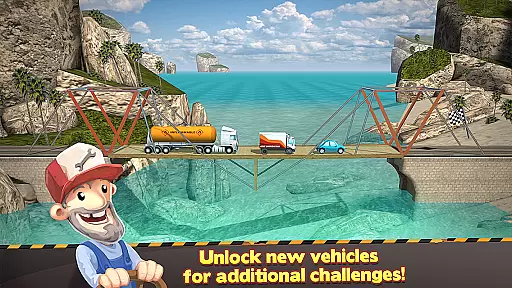
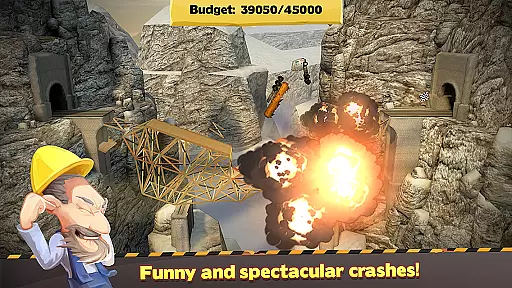

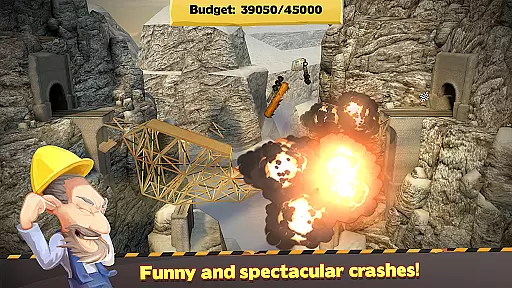

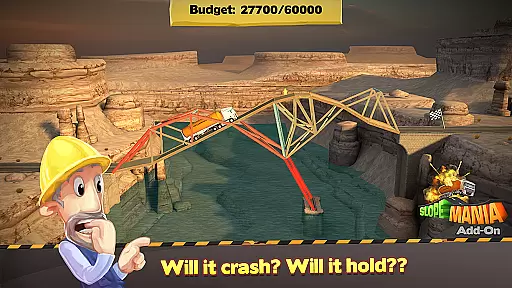
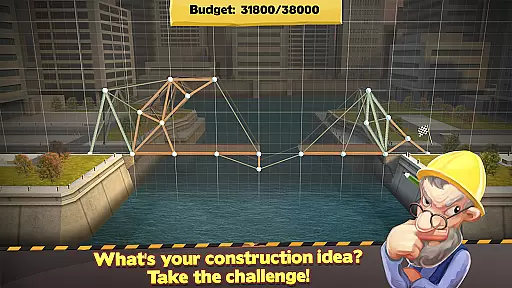
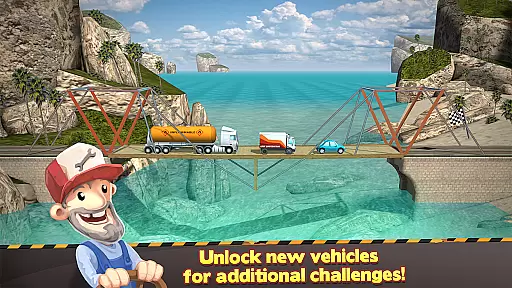
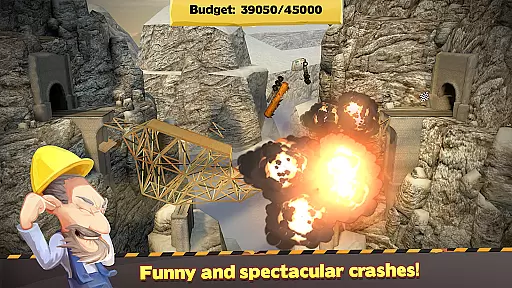

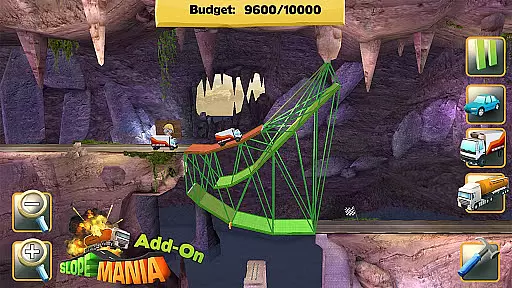
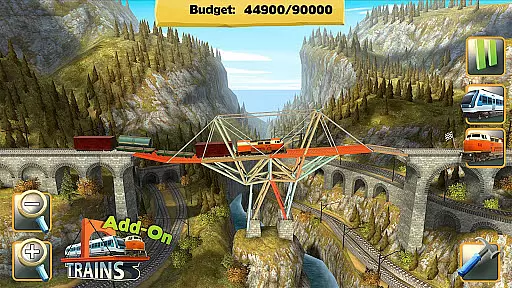
Bridge Constructor is a simulation game that challenges players to build bridges using a variety of materials such as wood, steel, cables, and concrete pillars. Set in diverse environments including cities, canyons, beaches, mountains, and hills, the game offers 65 levels of increasingly complex construction puzzles. The objective is to create structurally sound bridges that can support the weight of cars, trucks, and even tanks.
Players must balance creativity with budget constraints, choosing the right materials to ensure stability while staying within financial limits. The game features a stress simulator to test bridge integrity and provides a help system for guidance when needed. With additional DLC content available, players can unlock new levels and challenges, including constructing bridges for trains and mastering sloping roads in colorful grottoes.
Bridge Constructor stands out with its realistic physics engine and color-coded load indicators for different materials, allowing players to visualize stress points and make necessary adjustments. The game includes multiple settings and environments, each presenting unique challenges and requiring adaptive strategies. Players can experiment with four distinct building materials, discovering innovative solutions to complex engineering problems.
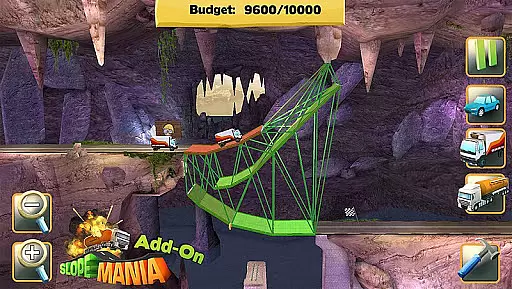
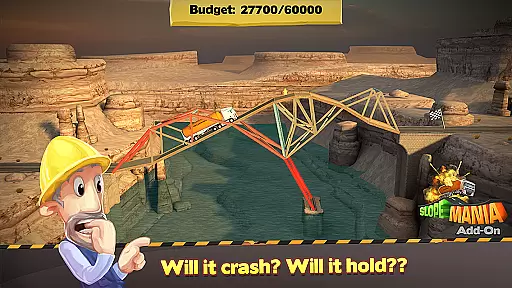
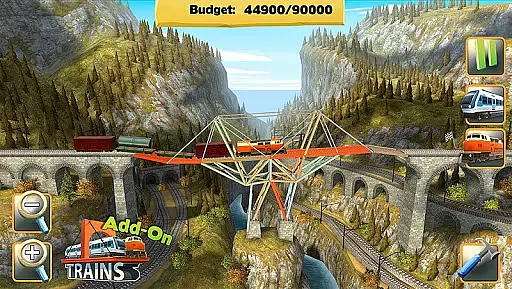
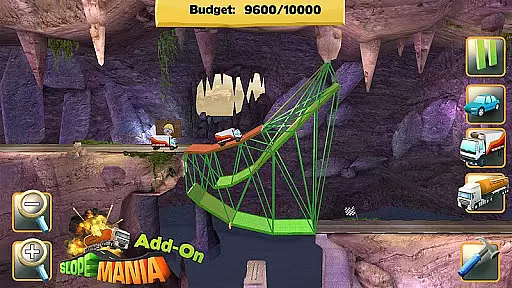
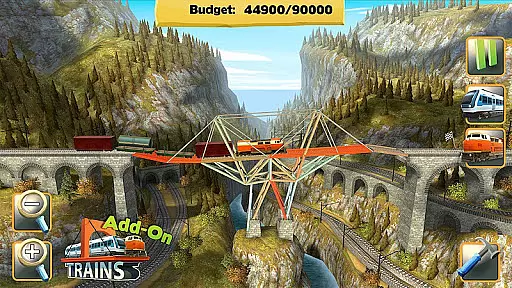
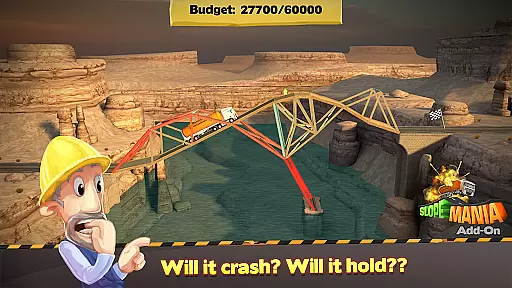
The inclusion of SlopeMania and Trains add-ons expands the gameplay significantly. SlopeMania introduces 24 new levels on the Tiltin Islands, featuring steep inclines and tricky Crazy Levels. The Trains DLC adds 18 levels across three new islands, where players design bridges for commuter and freight trains. These expansions not only increase the difficulty but also offer fresh scenery and creative possibilities, ensuring long-lasting engagement.
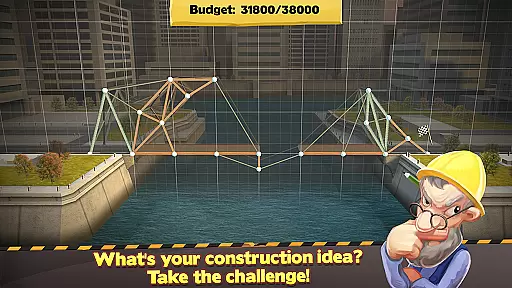
In Bridge Constructor, the economic system is intricately designed to challenge players' resource management skills. The game provides a set budget for each level, requiring players to choose between various materials such as wood, steel, cables, or concrete pillars. Each material has different strength and cost characteristics, creating a complex decision-making process that affects bridge design and structural integrity.
The dynamic feedback system in the game is exceptional. As players construct their bridges, a color-coded load indicator shows stress points and potential weaknesses. This real-time feedback allows players to adjust their designs before subjecting them to the ultimate test of cars and trucks passing through. The responsive nature of this feature ensures that every engineering choice is immediately acknowledged.
Players benefit from this economic system by learning to optimize their spending while maintaining structural integrity. The need to stay within budget encourages creative solutions and innovative bridge designs. This adds an extra layer of strategy, making each completed level a rewarding experience.
The value of this feature lies in its ability to simulate real-world engineering challenges. Players gain practical knowledge about material properties and cost-benefit analysis while enjoying the satisfaction of constructing sturdy bridges. This educational aspect enhances the overall gaming experience.
Resource management in Bridge Constructor is balanced to provide both accessibility for newcomers and depth for experienced players. The game offers five distinct settings including city, canyon, beach, mountains, and hills, each presenting unique challenges that require careful allocation of resources. This variety ensures that players must adapt their strategies rather than relying on a single solution.
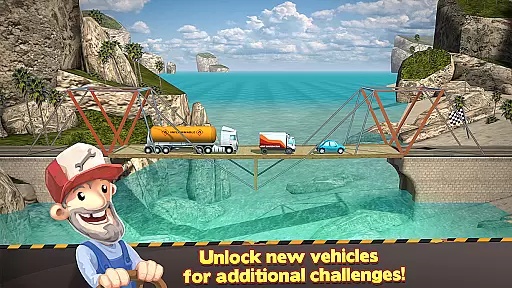
The balance extends to the three different load-bearing levels: car, truck, and tank truck. These levels determine the difficulty and required stability of the constructed bridges. Players must consider these factors when selecting materials and designing structures, ensuring that their bridges can withstand increasing weights without exceeding the budget.
This balance benefits players by providing a gradual learning curve. Beginners can start with simpler designs for lighter vehicles while more experienced builders can tackle complex structures for heavier loads. This progression keeps the gameplay engaging and prevents frustration, allowing players to develop their skills naturally.
The true innovation of Bridge Constructor's resource management lies in its versatility. With options like the SlopeMania and Trains add-ons, players face new challenges such as sloping roads and heavy freight trains. These additional features expand the core mechanics while maintaining the delicate balance that makes the game both challenging and rewarding.
Engaging gameplay
Educational value
Variety of levels
Realistic physics
Creative freedom
Some DLCs are paid
Repetitive after a while
Controls can be tricky
Graphics are basic
No multiplayer mode

Build your zoo, collect and take care of animals and make your guests happy!
 4.3
4.3
Raise crops and animals in this farming simulator!
4.20
Mystical Mixing: little alchemy meets tiny wings spiced with potion permit magic
4.80
ASMR Cooking Minigames to calm & relax
4.50
Experience multiple vehicles in a single driving simulator game.
4.40
Design airplanes in this flight sim and see how they fly with realistic physics.
4.30
Draw the image and color in the spaces to create the complete picture
4.50
Become a viral rich tycoon with Lamar in this idle clicker, life influencer game
4.40
Gas station simulator. Play & earn money offline. Grow petrol station business!
4.40
Work hard and you may reach the top of the video game industry.
4.80
Smash solar systems, orbit planets, and destroy in this universe simulation game
4.70
Farming games: Harvest crops and Grow your own farm
4.60
Experience the sometimes hectic life of a Freddy Fazbear's Pizzeria franchisee.
4.60
Incredible Sandbox Playground - Beats Ragdolls
4.50
Make 'em move!
4.30
Drive trucks along challenging routes inspired by Bolivia
4.20
Cook in the kitchen, Serve food: Manage the dash fever in my restaurant games!
4.20
Explore open-world environments and hunt with a premium selection of firearms.
4.00
Survive, explore, and invent wild machines in a world ruled by robots!
4.5


User Reviews