
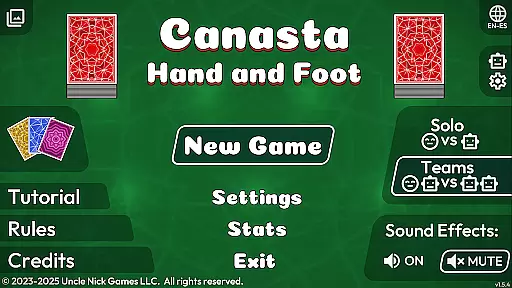
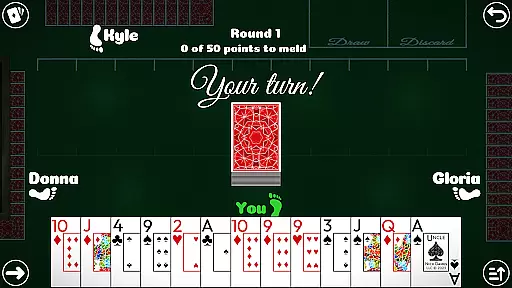
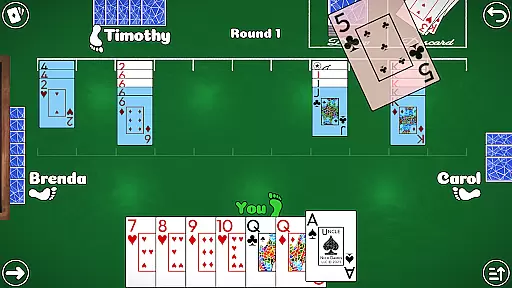

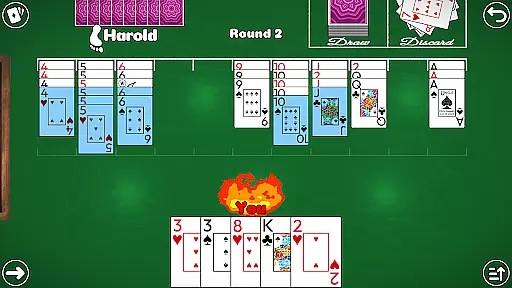
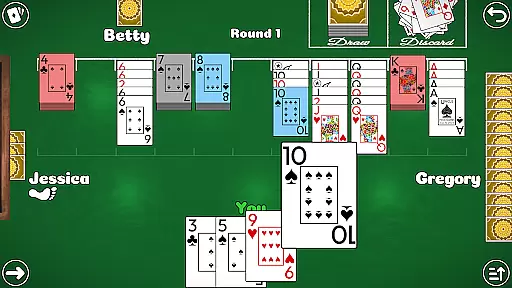
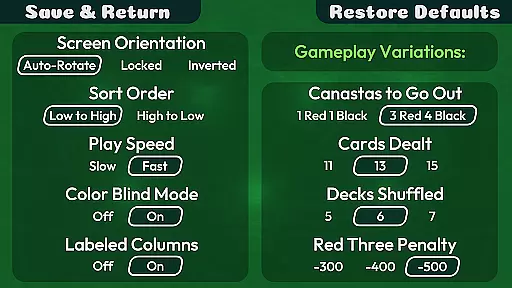
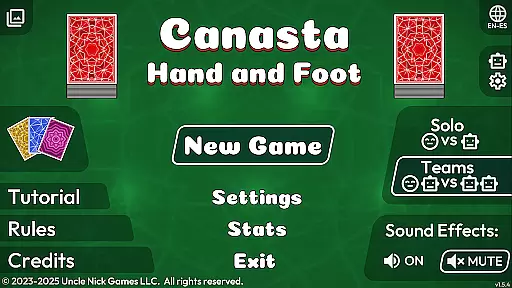
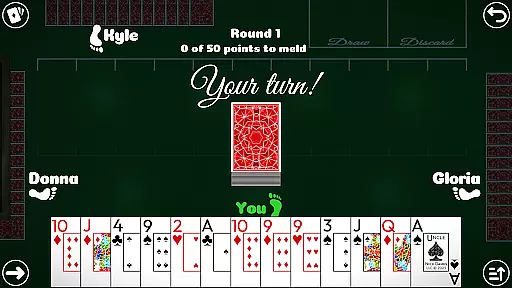
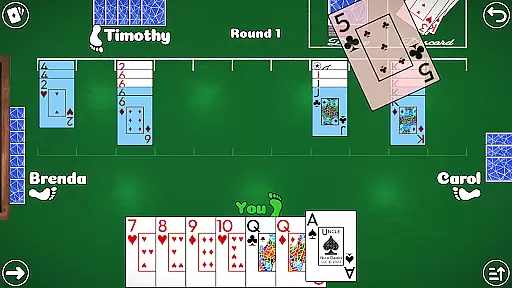
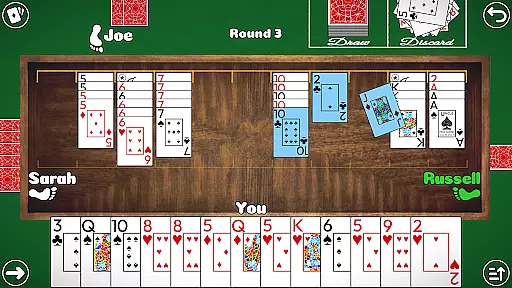
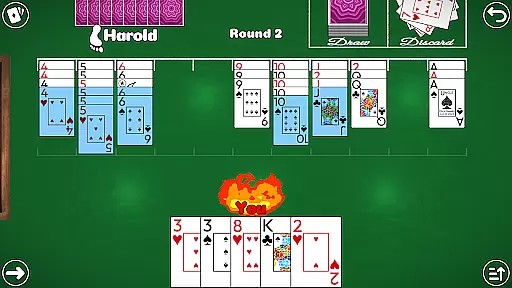
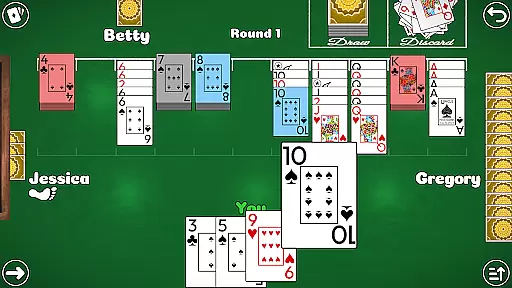
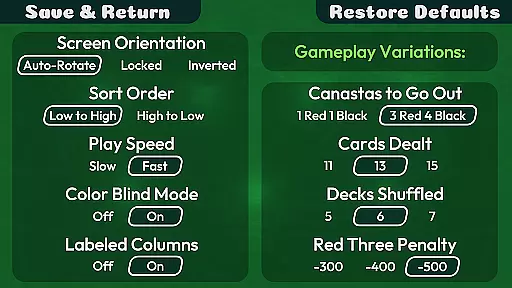
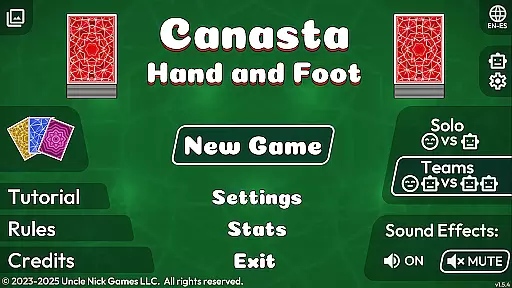
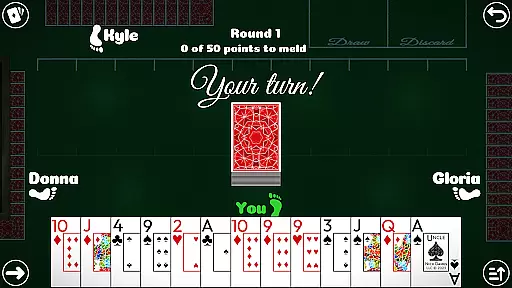
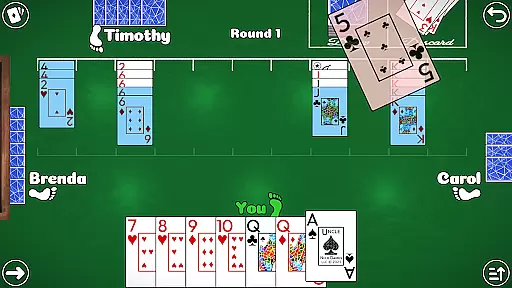
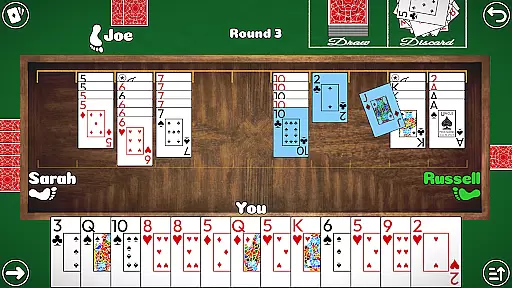
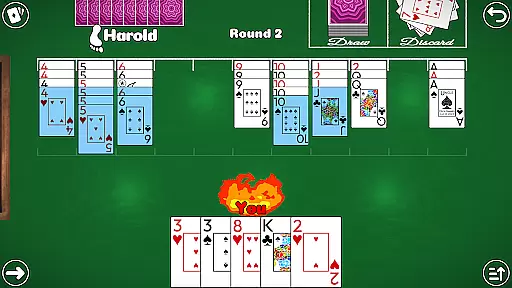
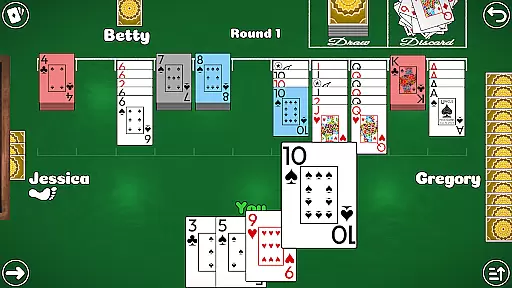
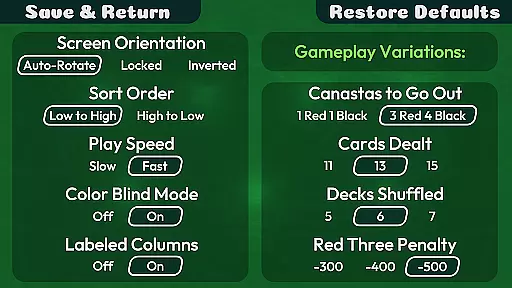
Canasta Hand and Foot is a premium card game app designed for both beginners and experienced players. This offline game offers authentic Canasta gameplay with multiple modes including 2v2 Teams and 1v1 Solo duels. The app provides various rule variations, ensuring strategic depth and replayability.
Players can enjoy high-quality graphics, intuitive touch controls, and accessibility features like color blind mode and auto-sorting of cards. With no ads or microtransactions, this app delivers a seamless gaming experience focused purely on fun and strategy.
Ideal for family game nights or solo practice, Canasta Hand and Foot brings the classic card game experience to your mobile device without any distractions or internet requirements.
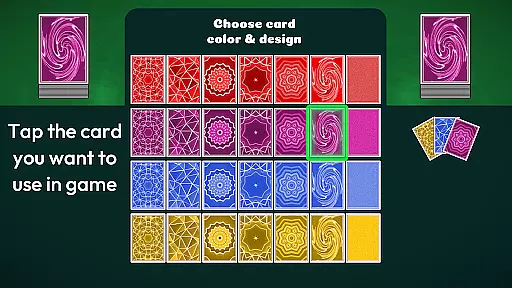
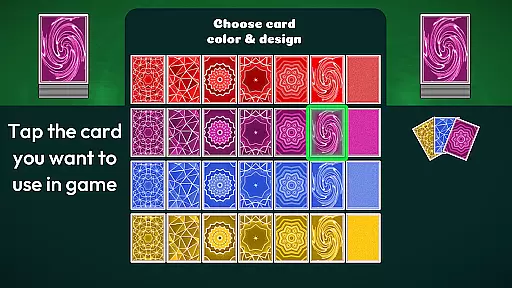
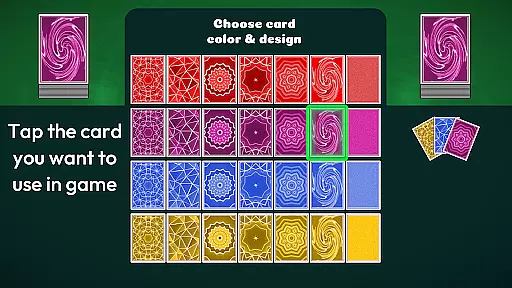
This card game app stands out through its comprehensive feature set tailored for an optimal user experience. It includes automatic saving of game progress, three difficulty settings ranging from Open Hand to Expert level, and seven customizable card back designs in four colors.
Additional notable features include detailed game statistics, high score notifications, and educational resources such as video tutorials and rules pages. Players can adjust computer opponent speed, use sound effects with easy muting options, and benefit from helpful tools like the Meld Point Counter.
The app's commitment to quality extends to its accessibility options, featuring large readable text, color blind mode, and untimed gameplay that allows users to play at their own pace while enjoying the classic Hand & Foot experience.
Random Number Generation (RNG) fairness is crucial in card games like Canasta Hand and Foot to ensure every player has an equal chance of winning. This app guarantees a certified RNG mechanism that mimics the randomness of a real-world card shuffle, providing players with an authentic experience.
The game employs advanced algorithms to shuffle cards, ensuring that each match starts with a truly randomized deck. This process mirrors the unpredictability found in physical card games, thus maintaining the integrity and excitement of each round.
Players can trust that their victories are based on skill and strategy rather than manipulated outcomes. The absence of internet connectivity further assures users that the game results remain unaffected by external factors or tampering.
Fluid controls and minimal input latency are essential for an enjoyable card gaming experience. Canasta Hand and Foot offers intuitive touch-screen controls that respond instantly to user inputs, allowing players to focus on their strategies without distraction.
The app's design emphasizes ease of use through large, readable text and buttons, making it accessible even for those who may not be tech-savvy. Additionally, features such as auto-sorting cards and a meld point counter assist players in managing their hands efficiently.
With no timers pressuring players, they can enjoy the game at their own pace, contemplating their moves thoroughly. Sound effects enhance the gameplay ambiance while being easily adjustable or muteable, catering to individual preferences and ensuring a seamless experience.
User-friendly interface
No in-app purchases
Offline functionality
Variety of rule sets
Accessible design
Limited language support
No multiplayer online
Basic AI opponents
Few customization options
Occasional bugs

FreeCell Solitaire Card Game: Play Classic Solitaire Card Game from MobilityWare
 4.50
4.50
Addictive Classic Solitaire of 2025! Relax with classic and fun card games now!
4.90
Fantasy Realms - A combo-licious card game.
3.10
The Trading Card Game of Hunter's Gambit, Online!
4.4
Enjoy the fun and classic Card game Phase 10 with your friends and family!
4.70
Classic Solitaire card games - Play Klondike Solitaire to unwind and feel good!
4.90
Swipe and be the Queen!
4.60
Deckbuilding Dungeon Crawl
4.30
Cozy Thanksgiving moments plus relaxing offline solitaire games.
4.60
Classic Solitaire: A smart mix of fun, relaxation, and brain training!
4.90
Restore and customize the truck exclusively to your own through Solitaire!
4.60
The Fox in the Forest is a beautifully illustrated trick-taking card game.
4.50
Play the legendary Blackjack 21! Win like a pro in this exciting casino game!
4.50
A fresh take on traditional solitaire card games
4.50
Swipe left, swipe right, be the King.
4.50
90 games. Intuitive, simple, beautiful... just great. Try it and you'll love it!
4.20
Classic Solitaire Game: Brain training & relaxation!
4.20
Decked Builder is the premium deck building app for Magic the Gathering (MTG)
2.90
Build a squad of gnomes and embark on a roguelike adventure with card battles!
4.1


User Reviews