
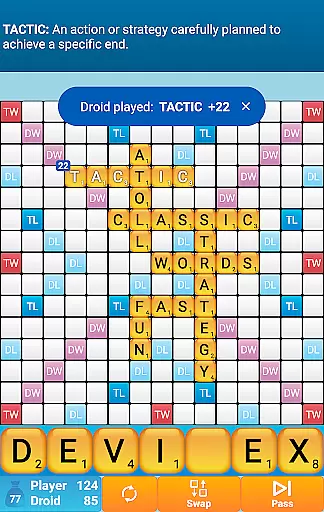
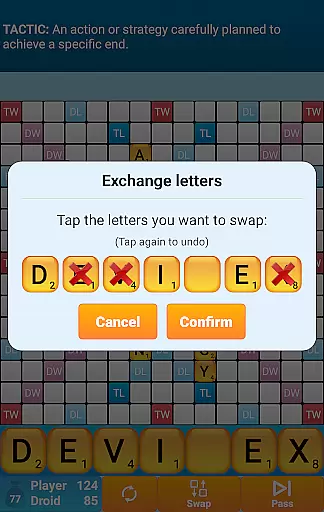
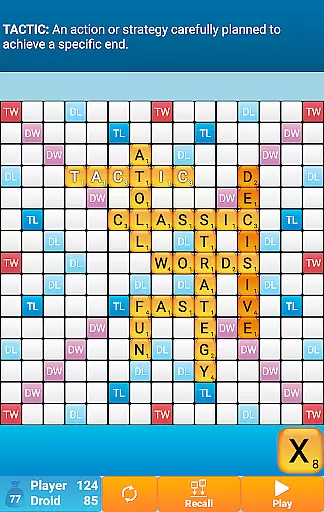
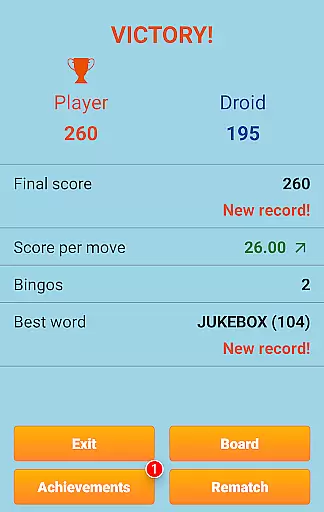
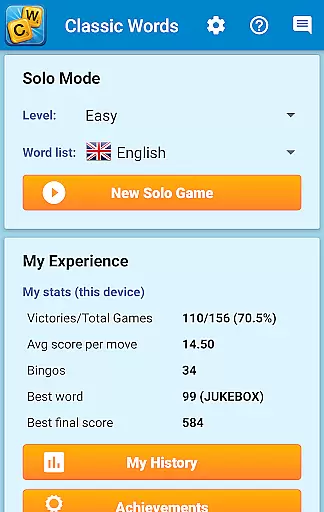
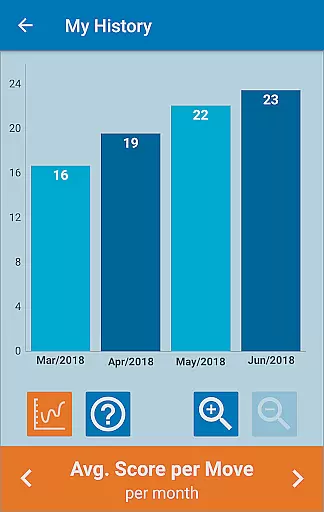
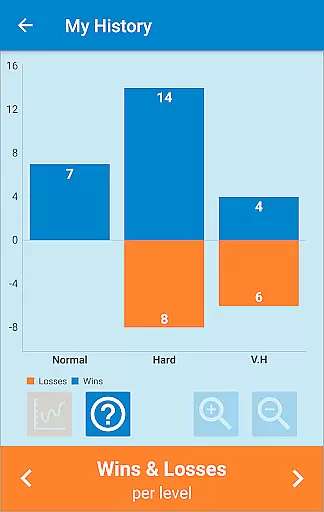
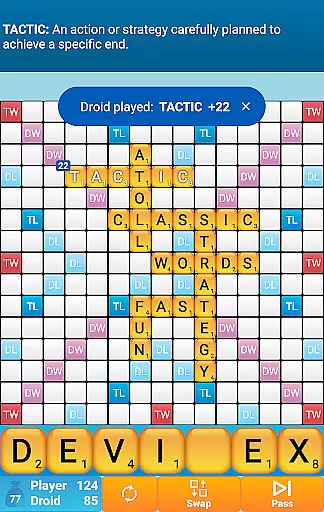
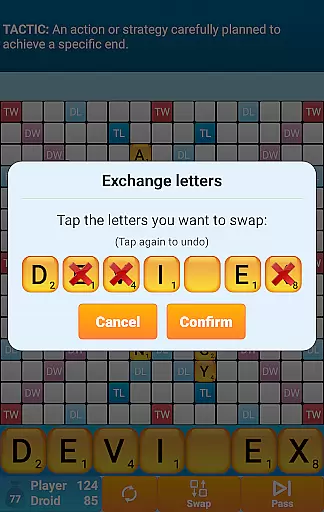
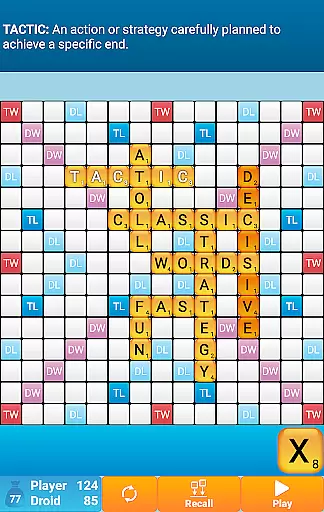
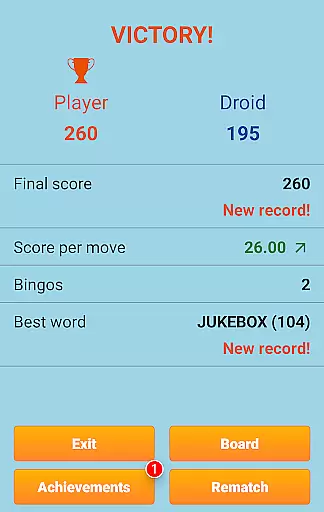
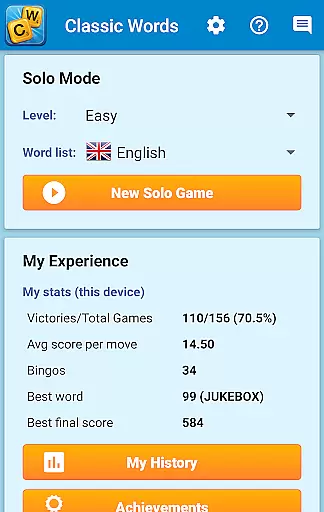
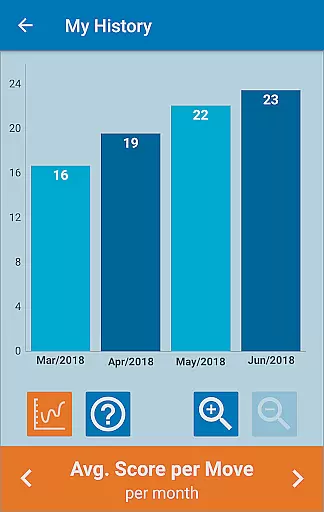
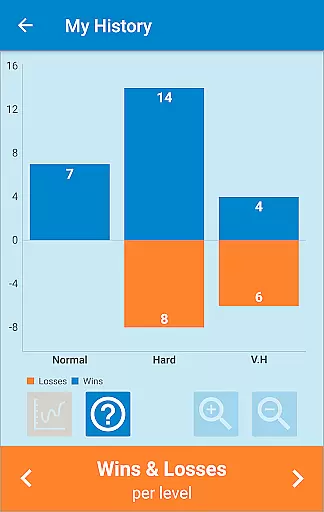
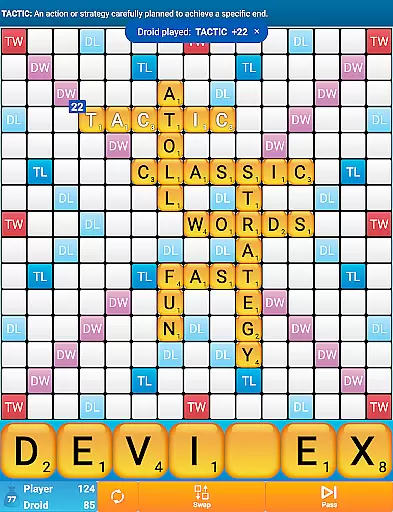
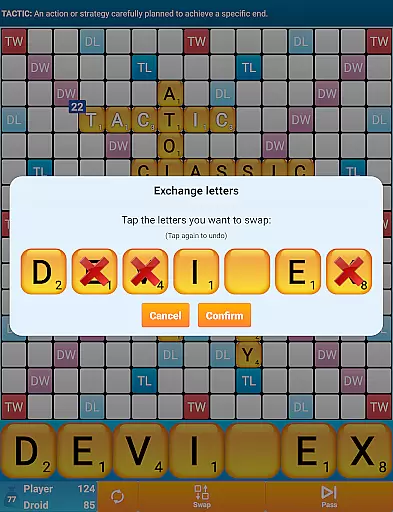
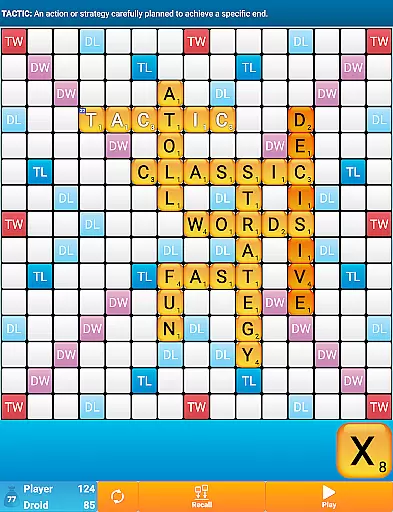
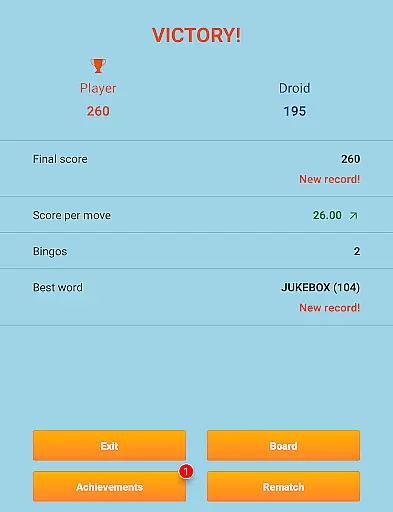
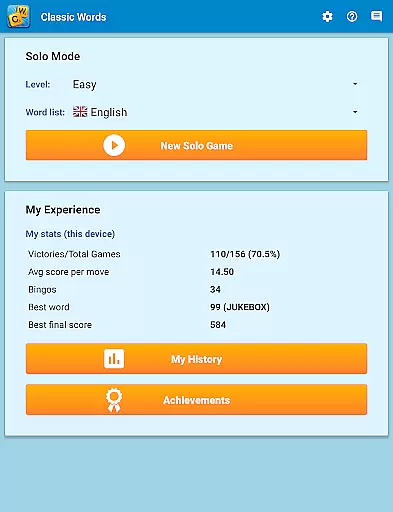
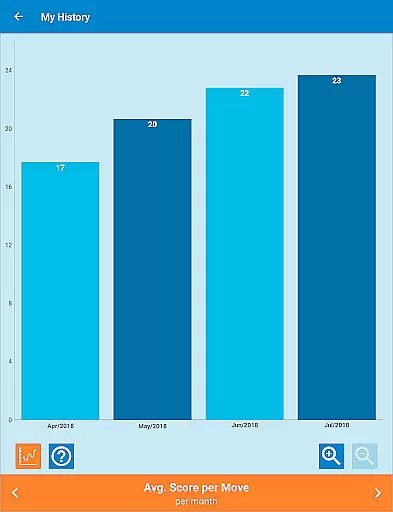
Classic Words Plus is a premium word game that offers an engaging solo experience against your smartphone or tablet. This crossword-style board game allows players to enjoy an ad-free environment while challenging the computer's AI at various difficulty levels. With support for multiple languages and specialized dictionaries, including the NASPA Word List 2020 for English, it caters to both casual players and competitive tournament enthusiasts.
The game stands out with its unique features such as the Teacher mode, which helps expand vocabulary by displaying word definitions, and a Pass-and-Play mode for offline two-player games. Classic Words Plus ensures fair play through randomized letter selection and an AI that operates on the same information available to the player, making it ideal for those tired of online multiplayer games where cheating can occur.
Whether you're looking to improve your spelling, enrich your vocabulary, or simply enjoy a strategic board game, Classic Words Plus provides a comprehensive and enjoyable experience. Its quick gameplay sessions and educational aspects make it suitable for players of all skill levels who want to engage in instant fun without waiting for opponents' moves.
Classic Words Plus boasts a range of features that enhance the traditional word game experience. The game includes smart AI with six levels of difficulty, ensuring a challenge for beginners and experts alike. Players can display word definitions by simply swiping, which aids in learning new vocabulary while enjoying the game. Supporting offline play, this app is perfect for situations where internet access might be limited.
One of the standout features is the extensive language support, covering English, German, French, Italian, Spanish, Dutch, and Polish. Each language has its own specialized dictionary, such as the official NASPA Word List 2020 for English and tournament-standard lists for other languages. The distribution of letters and points adapts to each language, providing an authentic experience across different linguistic backgrounds.
Additional functionalities include the exclusive Teacher mode and a Pass-and-Play option for local multiplayer fun. These features, combined with the lack of ads and the ability to choose from various word lists, make Classic Words Plus a versatile and educational tool for improving one's word skills while enjoying hours of entertainment.
Clue quality and clarity are essential in word games, as they guide players to form valid words. Classic Words Plus ensures that clues are not only clear but also educational. By allowing players to swipe words to display their definitions, the game enhances vocabulary while maintaining transparency in gameplay.
The game supports multiple languages, including English, Spanish, French, Italian, German, Dutch, and Polish. Each language's dictionary is carefully curated, with English featuring the latest NASPA Word List 2020. This attention to detail ensures that clues are accurate and culturally relevant, providing a seamless experience for players across different regions.
Classic Words Plus offers six difficulty levels, catering to beginners and tournament players alike. The varying skill levels ensure that clues remain challenging yet achievable, promoting continuous learning and engagement. Players can rely on the game's smart AI to provide fair and competitive matches, eliminating concerns about cheating or unfair advantages.
Puzzle variety in Classic Words Plus is demonstrated through its diverse gameplay options and language support. With seven languages available, players can choose from different dictionaries, each offering unique word lists and challenges. This diversity keeps the gameplay fresh and engaging, appealing to a wide audience of word game enthusiasts.
The game features six levels of difficulty, ensuring that players of all skill levels find appropriate challenges. Whether you're a beginner looking to improve your spelling or a seasoned player seeking intense competition, Classic Words Plus adapts to your needs. The inclusion of high-scoring squares like Double Letter, Double Word, Triple Letter, and Triple Word adds strategic depth to each puzzle.
Classic Words Plus also includes exclusive features such as an ad-free experience, Teacher mode, and Pass-and-Play for two players. These options enhance the overall variety and enjoyment of the puzzles, making it a versatile choice for solo play or friendly competitions. The fast reactivity and variable skill of the computer ensure dynamic and unpredictable matches every time.
User-friendly interface
Ad-free experience
Multi-language support
Offline play capability
Educational value
No online multiplayer
Limited social features
Paid version only
Complex for beginners
Few visual enhancements

Play heads up with family and friends in an amazing charades and guessing game!
 4.30
4.30
Word Puzzles from the hit TV show! Spin the wheel for fun word games!
4.60
Can you handle the heat of the Word Kitchen?
4.60
Enhance your mind and unwind with word puzzles and solitaire. Play now!
4.80
Mind-challenging word game — form words with letters and beat your opponent!
4.50
Play Word Games & train your brain in Word Collect - Word Games Fun Word Games!
4.70
260 professional cryptic crosswords to keep you pondering.
4.40
Scramble Words Puzzle Game
4.0
Zen Word - where challengers relax, solve word games, and train their minds!
4.80
Challenge your brain with online learning and solve word puzzles!
4.90
Link related words, train your brain, and relax with calming word puzzles!
4.90
A collection of engaging word and logic games with puzzles for all skill levels
4.80
The highly addictive fun word game.
4.70
A roguelike word game!
4.70
Play this fun word connect game to calm and train your brain.
4.60
Heads Up, charades for kids family & friends. Enjoy guessing game in holiday!
4.60
Daily logic and word puzzles: Sudoku, Bonza, Jigsaw, Keysmash & more.
4.60
Combine crossword clues with a fill in the quote cryptogram style answer
4.30
750 professional casual crosswords to keep you busy during coffee break.
4.10


User Reviews