
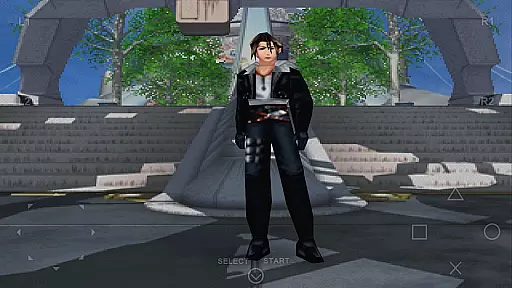
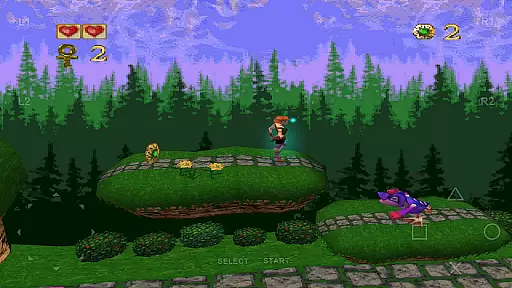
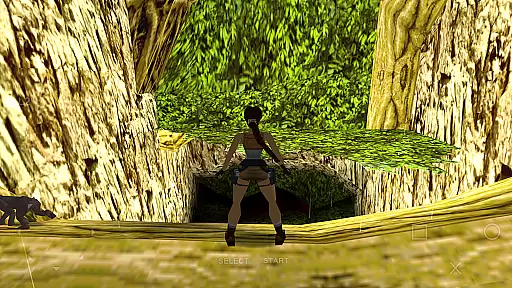
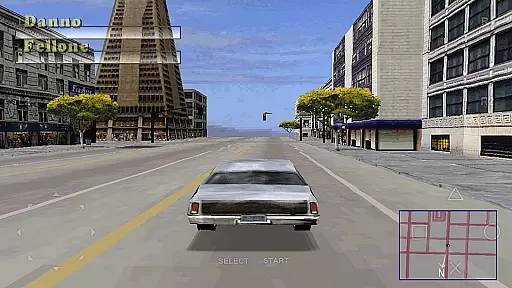
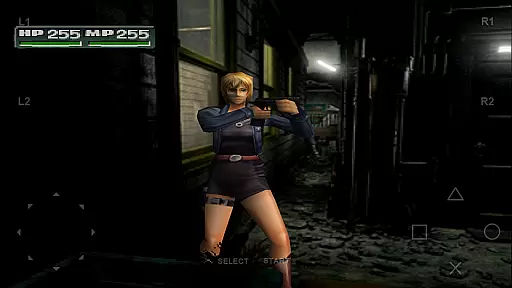
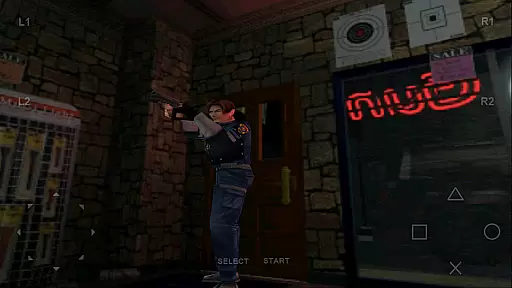
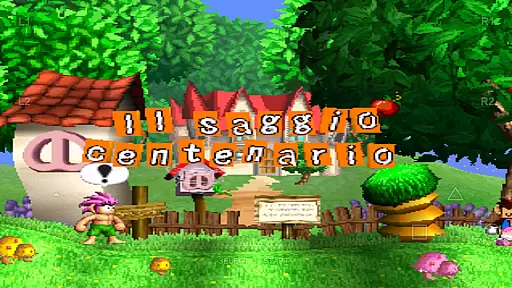
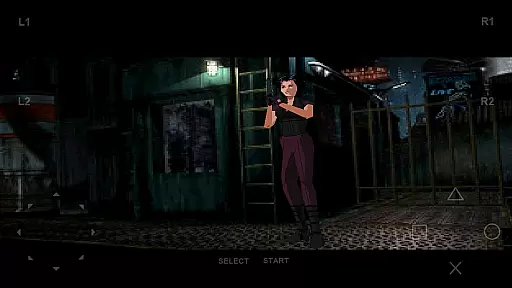
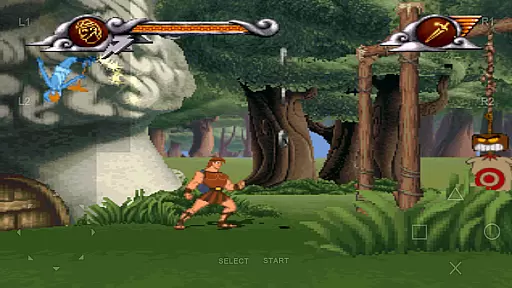
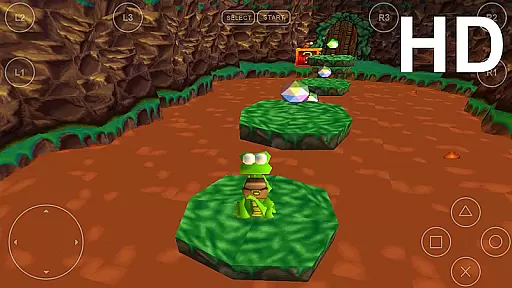

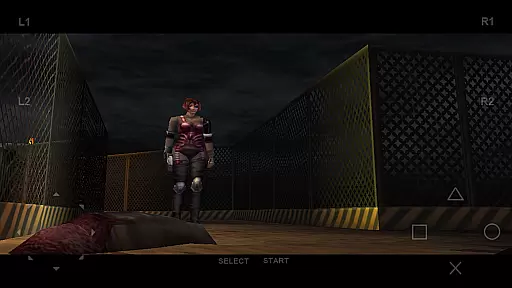
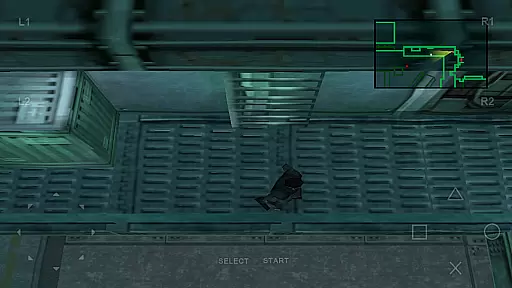

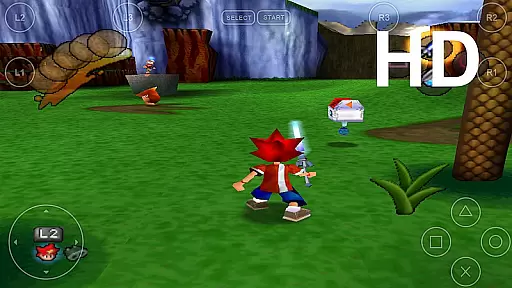
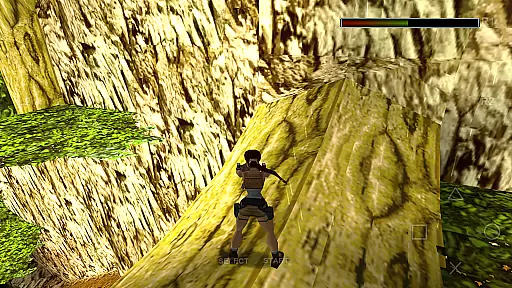
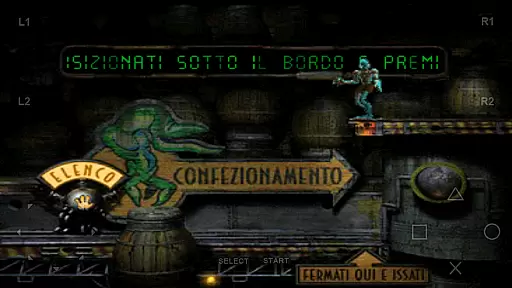
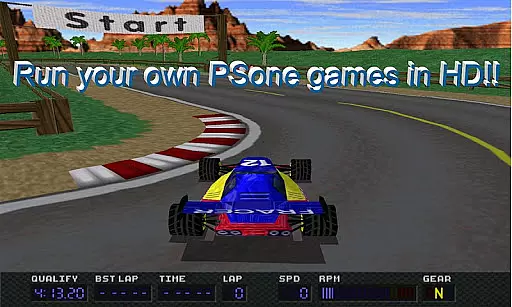

FPse for Android devices is a premier PlayStation 1 emulator designed to bring your favorite PSone games directly to your smartphone. With its advanced capabilities, this app supports high-resolution gaming through OpenGL, delivering exceptional graphics quality. The emulator runs smoothly on devices with Android versions ranging from 2.3 to 8, ensuring broad compatibility.
One of the standout features of FPse is its user-friendly interface that automatically scans local storage for PSone games and displays their covers. Users can enjoy additional functionalities such as savestates, force-feedback, and emulation of audio tracks using .cue files. Whether you're at home or on the go, FPse offers an immersive gaming experience with options like multi-player LAN mode and wide-screen display settings.
FPse boasts an array of sophisticated features tailored for an optimal gaming experience. It includes three different menu styles, all capable of displaying game covers, with one offering video samples of each game. The emulator supports various file formats including .img, .iso, .bin, .cue, .nrg, .mdf, .pbp, and .Z disc image formats, along with handling compressed files like .zip, .rar, .7z, .ecm, and .ape seamlessly.
For those seeking enhanced control options, FPse provides up to 10 customizable on-screen gamepads and supports external controllers like IcontrolPAD, BGP100, Zeemote, and Wiimote. Advanced functionalities include experimental multi-player modes, automatic cheat code search engines, and native support for NFS protocol allowing direct loading from local networks. These features collectively ensure a versatile and engaging gaming session.
FPse for Android offers a streamlined and intuitive experience that makes PlayStation 1 gaming accessible to all users. The emulator's interface is designed to automatically scan local storage for compatible game files, presenting them with their original covers for easy identification.
The application supports multiple control schemes, including on-screen touch controls, external gamepads, and even motion controls through the device's G-Sensor. This ensures that users can choose the most comfortable and familiar control method, enhancing the overall simplicity of the gaming experience.
With compatibility across a wide range of Android versions from 2.3 to 8, FPse guarantees consistent performance regardless of the device's specifications. Even lower-end devices can run games smoothly, while newer devices benefit from significant performance improvements.
Additional features like savestates allow players to save their progress at any point, removing the complexity often associated with traditional save systems. This thoughtful design approach creates an effortless and enjoyable casual gaming experience for users of all skill levels.
One of FPse's standout features is its remarkable session length flexibility, allowing players to enjoy gaming sessions that fit their schedule. The emulator's quick-save functionality enables users to pause their game at any moment and resume later without losing progress, making it perfect for both short bursts of play and extended gaming marathons.
The application's optimized performance ensures that gaming sessions remain smooth and responsive regardless of duration. Advanced optimization techniques make it possible to maintain consistent frame rates even during complex scenes, preventing frustration caused by technical issues or interruptions.
FPse's innovative multi-player modes add another dimension to session flexibility. The experimental LAN mode allows two Android devices to connect for cooperative play, while the exclusive multi-player feature enables up to four devices to join a single game session wirelessly.
Furthermore, the emulator's support for various file formats and automatic handling of compressed archives means users can quickly load different games without lengthy preparation. This versatility, combined with the ability to play in both standard and widescreen modes, provides unparalleled flexibility in managing gaming sessions of any length.
High compatibility
Excellent graphics
User-friendly interface
Advanced control options
Multi-player support
Requires powerful device
Complex setup process
Limited customer support
No cloud saves
Paid version only

Plan, craft and compete—an idle RPG with a smart Forge and Eternal cards.
 4.20
4.20
Manage car traffic by building roads and cities in this highway simulator game
3.70
Join Tom and friends and care for them. Create fun stories and play mini-games.
4.30
Five new incredible party games to liven up any gathering!
3.30
Control Global Flights, Test Your ATC Skills!
4.30
1V1 Hunting Game
4.40
Offline Games - Enjoy Endless Fun Anywhere, Anytime!
4.20
Multiplayer Game featuring Daddies protecting Babies from household danger.
2.70
Get ready to mix, match, and conquer the fashion world, one battle at a time.
3.70
Blast through Match-3 puzzles, collect cute creatures, build your own paradise!
4.90
Help Austin renovate his home and solve exciting match-3 puzzles along the way!
4.70
Repair, Refit, Repaint. Customize your truck today!
4.60
Manage a fish tank of guppies and other aquarium creatures
4.60
Click your way to a fortune in Treasure Chest Clicker!
4.40
Go exploring with Duggee!
4.20
Relive those 8 bit glory days
4.4
Train concentration, reasoning, coordination and patience in a fun way.
4.2
Spice up your next game night with a threesome of hilarious adult party games!
4.3
Join LeeFoxie in a fun tower defense! Cute towers, tricky enemies, endless fun.
4.0


User Reviews