
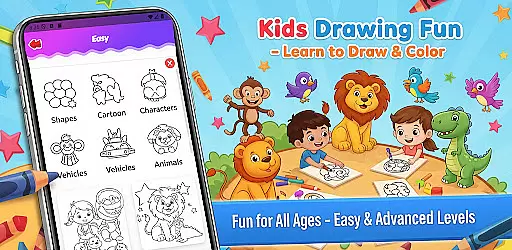
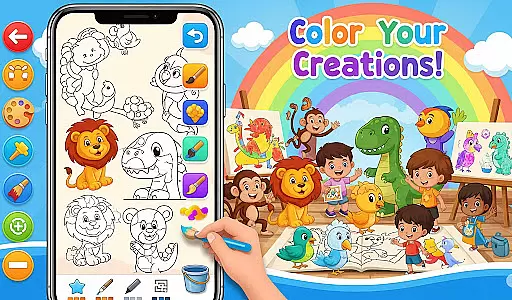
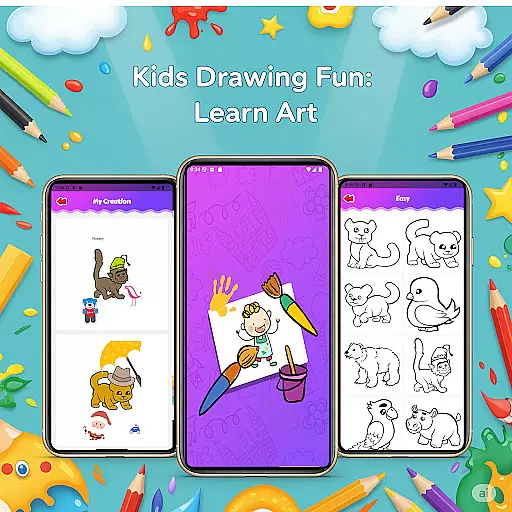
Fun Drawing & Color: Learn Art is an innovative educational app designed to make drawing and coloring both fun and instructional. This app caters to users of all skill levels, from beginners learning the basics to experienced artists looking to refine their techniques. With its comprehensive suite of creative tools, including step-by-step drawing guides, a variety of brush types, and vibrant color palettes, it offers a complete artistic experience.
The app stands out with its ad-free environment, ensuring uninterrupted creativity. Users can enjoy features like stickers for decoration, text options with various fonts, and easy-to-use editing tools such as erase, undo, and redo. Every creation can be saved in a personal gallery, allowing users to revisit and edit their work anytime. Compatible with both tablets and smartphones, this app provides a seamless experience across all Android devices.
Whether you're teaching children how to draw or exploring your own artistic expression, Fun Drawing & Color: Learn Art serves as a valuable tool for nurturing creativity without any distractions. Its focus on user-friendly design makes it ideal for educational purposes and leisure activities alike.
Fun Drawing & Color: Learn Art boasts an impressive array of features that cater to a wide range of artistic needs. One of the standout aspects is the step-by-step drawing guides, which break down complex drawings into simple shapes, making it easier for users to follow along and learn at their own pace. These guides cover various subjects, including animals, vehicles, objects, food, and characters, providing a diverse learning experience.
In addition to the drawing guides, the app offers a rich selection of coloring tools, vibrant stickers, and customizable text styles. Users can experiment with different brush types, such as pencil, brush, and magic brush, each offering unique textures and effects. The color fill and palette tools allow for precise coloring, enabling users to bring their creations to life with vivid hues. Editing features like erase, undo, and redo ensure that mistakes can be easily corrected, fostering a stress-free creative process.
Another notable feature is the personal gallery, where all drawings are automatically saved. This allows users to track their progress over time and revisit past projects for further refinement. With support for multiple skill levels and compatibility across various devices, Fun Drawing & Color: Learn Art ensures that everyone can enjoy a personalized and flexible artistic journey.
In the realm of educational drawing apps, content authority and curriculum alignment are crucial for ensuring that learning is both effective and credible. Fun Drawing & Color: Learn Art positions itself as not just a creative outlet, but also an authoritative source for art education.
The app offers step-by-step drawing guides that cover a wide array of subjects, from animals to vehicles, each designed with educational value in mind. These lessons are crafted to align with fundamental art curricula, making them suitable for users at different stages of their artistic journey.
By providing structured lessons that progress from basic shapes to more complex drawings, the app ensures that users can advance their skills systematically. This approach not only enhances the learning experience but also instills confidence in users as they see tangible improvements in their work.
Moreover, the app's compatibility across multiple devices, including tablets and smartphones, means that learners can access these authoritative resources anytime, anywhere, thus supporting continuous and flexible learning opportunities.
Gamification has become a pivotal strategy in merging entertainment with education, and Fun Drawing & Color: Learn Art leverages this by integrating game-like features into its learning framework. This fusion creates an engaging environment where users are motivated to learn and create consistently.
One of the standout gamified elements within the app is the presence of stickers and fun fonts, which serve as rewards or enhancements for users' creations. These features encourage experimentation and personalization, allowing users to take pride in their unique artworks.
Additionally, the app includes various skill levels ranging from beginner to advanced, effectively mimicking the level-up mechanics found in games. Users can start with simpler tasks and gradually move towards more challenging projects, providing a sense of achievement and progression akin to gaming experiences.
With no ads or subscriptions interrupting the process, users remain immersed in their artistic and educational journey. This seamless integration of gamification elements ensures sustained user engagement while fostering a genuine love for art and learning.
User-friendly interface
Wide range of tools
Step-by-step tutorials
No ads or subscriptions
Suitable for all ages
Limited advanced features
Not suitable for professionals
Fewer social sharing options
Basic font styles
Device compatibility issues

Perfect for Dino fans of all ages.Vivid illustrations.Fascinating_Facts.Narrated
 4.2
4.2
Kids letter tracing technique, which is the first step in learning how to write.
4.30
Pretend play in Pepi City: become a doctor or a patient. Our city, your stories!
4.30
Creative beauty & fashion
4.50
Educational game for children about emergency and other service vehicles
3.80
Cure the patients to create your hospital story!
3.90
Where Little Healers can Make a Big Difference!
4.00
Play pretend & explore at the doctor's & school in Daniel Tiger's Neighborhood.
3.30
Expert-designed fun interactive learning games to prep kids (2-5) for preschool.
4.00
Pro Doctor Dentist for PetsGame
4.60
Stack the States® 2 makes learning US geography fun!
4.50
Monkey Preschool Fix-It is an early learning game for ages 2 to 5.
4.40
Explore Fantasy Land, get to know the world and create stories!
4.30
Animal games! Adopt virtual pet dog, cat & rabbit to create your pet world!
4.10
Welcome to the dollhouse! Unboxing, doll games, dress up & cute pets await!
4.00
Where the beloved world of Peppa Pig meets the creativity of LEGO DUPLO!
4.00
The Squirrels have been learning how to look after animal, now it's your turn!
3.90
Join the pirate math adventure!
3.60
Help your child improve their number literacy with Numberblocks: Card Fun!
2.60


User Reviews