
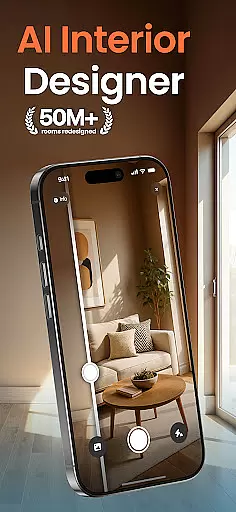
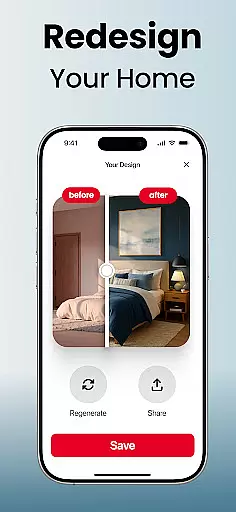
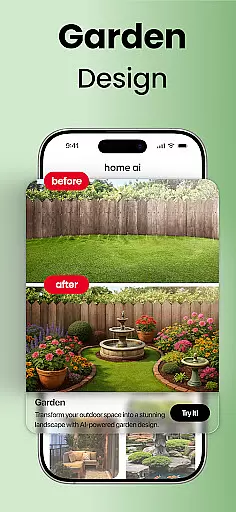
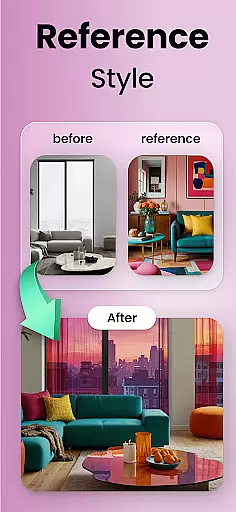
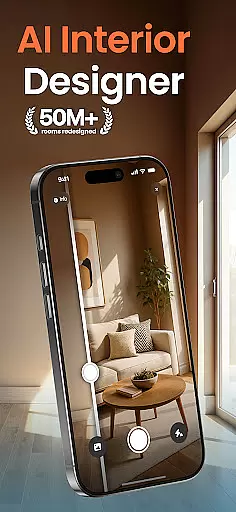
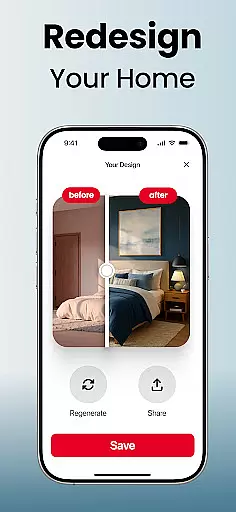
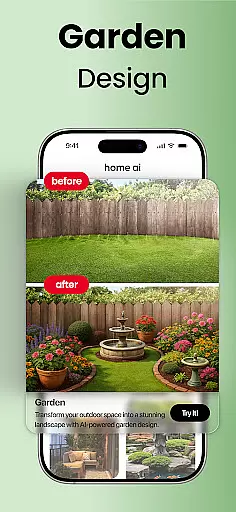
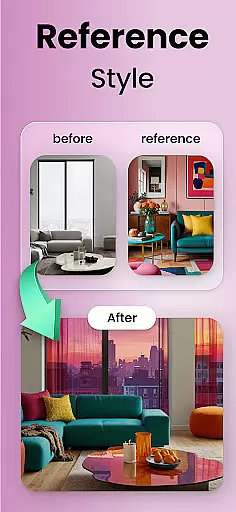
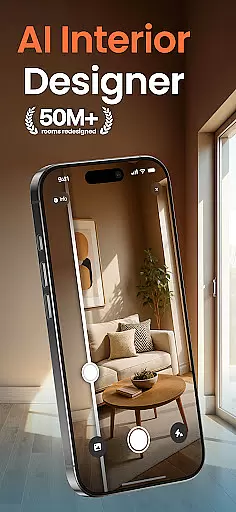
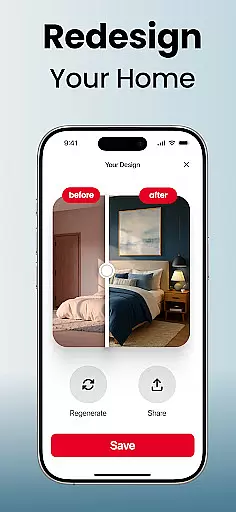
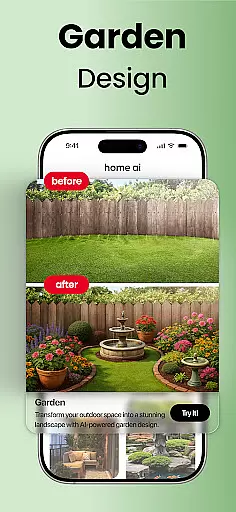
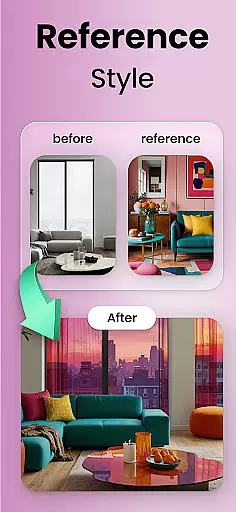
Home AI is an innovative lifestyle application designed to revolutionize the way users approach home design and renovation projects. This app allows homeowners, designers, and real estate professionals to visualize changes in their living spaces with remarkable ease. By uploading a photo and selecting a preferred style, users can explore various interior, exterior, and landscape design options that align with their personal tastes.
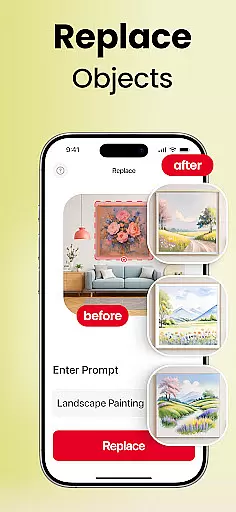
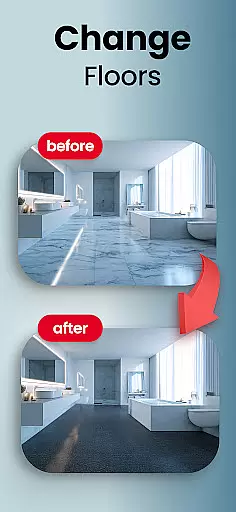
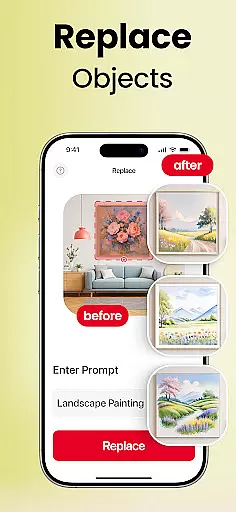
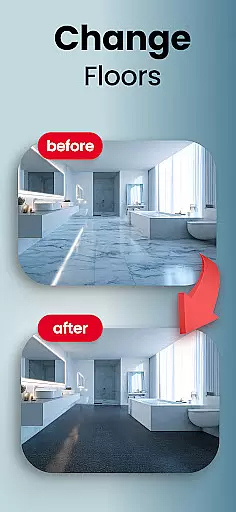
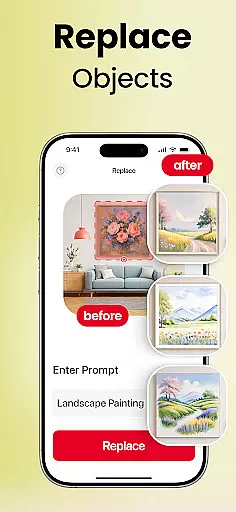
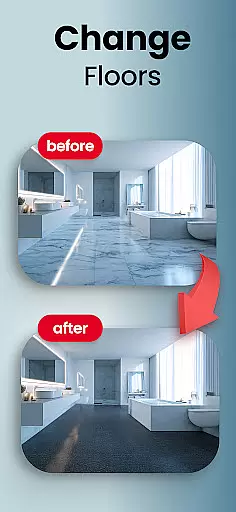
The app's core functionality lies in its powerful AI-driven tools that enable selective changes such as swapping furniture, trying new flooring, or adjusting wall colors. Home AI caters to both professional needs and personal aspirations, making it equally valuable for real estate staging and personal home improvement projects. The ability to save favorite versions and share concepts with others adds a collaborative dimension to the design process.
Whether you're planning a complete home renovation or simply looking to refresh your living room, Home AI provides the guidance and inspiration needed to make informed design decisions. The app's versatility extends from small décor adjustments to large-scale transformations, helping users create spaces that truly feel like home.
Home AI distinguishes itself through a comprehensive set of features tailored for home design enthusiasts. The app offers specialized tools for interior design, allowing users to refresh living rooms, bedrooms, kitchens, and workspaces with harmonious layouts and balanced color schemes. Its garden and landscape design capabilities enable users to create inviting outdoor spaces with carefully planned greenery and tranquil elements.
One of the app's most notable features is its style matching functionality, which lets users upload mood boards or inspiration photos to generate customized design suggestions. The selective change tool provides unprecedented flexibility, enabling users to experiment with different furniture arrangements, flooring options, and wall colors without making permanent commitments. These features are particularly valuable for professionals who need to present multiple design concepts quickly.
Home AI goes beyond simple visualization by offering practical tools for saving favorite designs, comparing different versions, and sharing ideas with collaborators. The app's ability to match reference images from sources like Pinterest makes it an invaluable resource for those seeking to replicate specific design aesthetics. With its wide range of styles and endless variation possibilities, Home AI empowers users to explore creative design solutions while maintaining complete control over their home transformation journey.
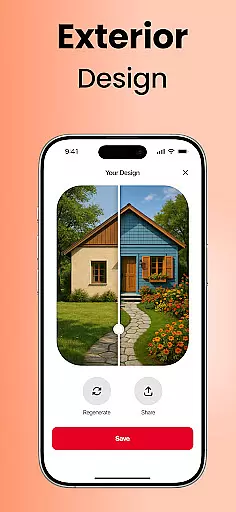
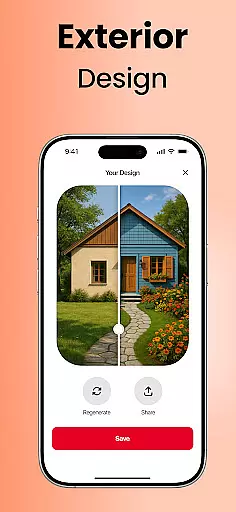
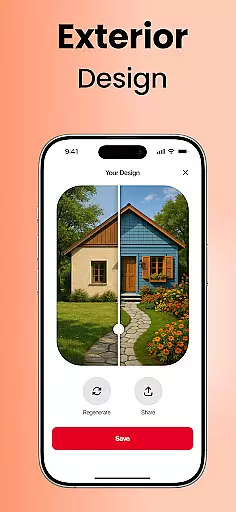
Home AI offers an extensive range of design options that cater to various aspects of lifestyle enhancement. The app allows users to explore interior design, garden and landscape transformations, as well as exterior makeovers. This comprehensive approach ensures that whether you're revamping your living room or redesigning your garden, Home AI has the tools to assist in crafting spaces that resonate with personal style and comfort.
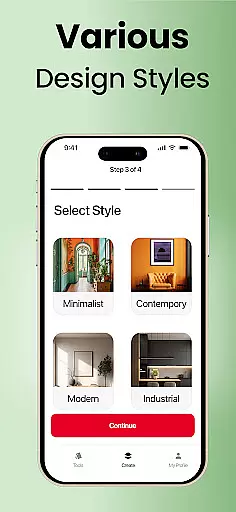
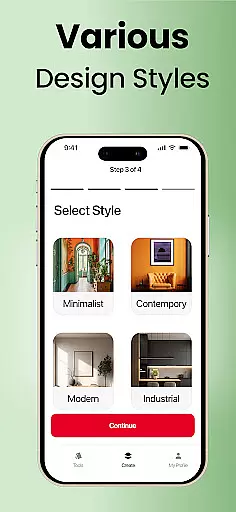
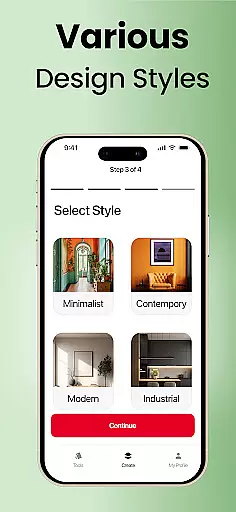
The application's versatility is one of its key strengths, providing tailored solutions for homeowners planning renovations, designers in need of quick visual concepts, real estate agents staging properties, and even garden enthusiasts. With features like style matching and selective changes, users can experiment with different aesthetics and functionalities within their living spaces, making it a holistic home design companion.
By leveraging Home AI's capabilities, individuals can visualize potential modifications before committing to them physically. This not only saves time and resources but also empowers users to be more adventurous with their ideas, knowing they have a reliable platform to test out their visions. Such robust lifestyle category coverage makes Home AI an invaluable resource for anyone looking to breathe new life into their home environment.
Authenticity and credibility are at the core of Home AI's offerings. The app employs advanced algorithms to ensure that each design suggestion is not only visually appealing but also grounded in sound design principles. Users can trust that the styles presented by Home AI reflect current trends and timeless aesthetics, curated with input from design experts who understand what makes a space both beautiful and functional.
Moreover, Home AI provides guidance beyond mere visualization; it acts as a source of inspiration and confidence for its users. Whether matching reference images or Pinterest boards to actual spaces or refining designs through iterative feedback, the app maintains high standards of content accuracy. This dedication to quality assurance means that when users share their concepts with architects, contractors, or loved ones, they do so with the knowledge that these designs are backed by professional-grade insights.
Ultimately, Home AI stands out as a credible tool for those seeking trustworthy advice on home improvements. Its ability to blend cutting-edge technology with expert-driven content ensures that every user receives authentic recommendations tailored specifically to their unique needs and aspirations.
User-friendly interface
AI-powered design tools
Versatile style options
Collaboration features
Professional-grade outputs
Premium features locked
Occasional processing delays
Limited free trials
Device compatibility issues
Steep learning curve

Healthy eating timer app to track meal pace, improve habits, and eat slowly.
 4.5
4.5
Unique Dark Analog style for Wear OS watches.
4.5
Take Hobby Lobby with you wherever you go!
3.40
Paranormal EVP, Ghost Box, Spirit box, ITC, Haunted, Spirit communication device
3.70
A smart Siddur with halachic times
4.60
Big bold hybrid watch face with 30 colors, 5 fonts & 5 complications.
4.3
This app is intended to support professional EMDR therapy.
4.50
Crochet made easy: step-by-step tutorials, beginner patterns & projects
4.60
Share opinions, get paid cash
4.30
Simple, stylish & fresh watch face. Customize colors, gradients & complications.
4.70
Digital smart watch face made for Wear OS.
4.70
Have your Tehillim with you at all times
4.70
Vehicle ownership simplified. Get the myChevrolet® app today.
4.60
Unique "Isometric" style digital watch face for Wear OS
4.50
What is my face shape? Find out your face shape from picture, see fitting frames
3.90
Subwoofer school’s in session! You’ve now enrolled into KICKER U.
3.80
Communicate with your vehicles and Powerwalls anytime, anywhere
3.60
The Miracle Box includes methods used by Steve Huff of Huff Paranormal.
3.20
A watch face with transparency and fluid visuals inspired by liquid glass design
4.5


User Reviews