
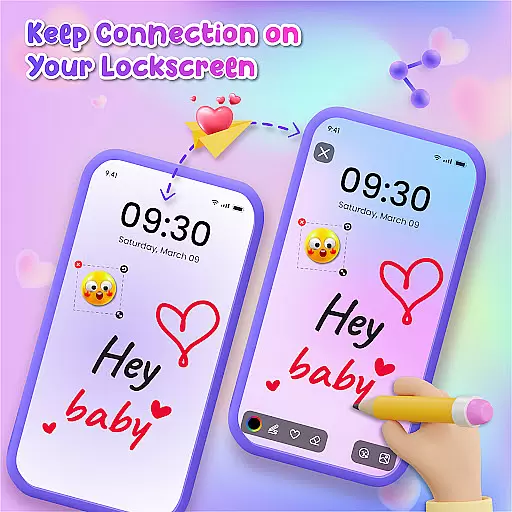
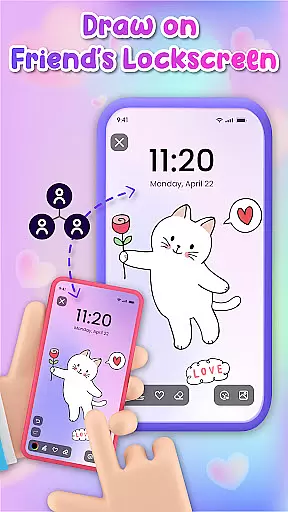
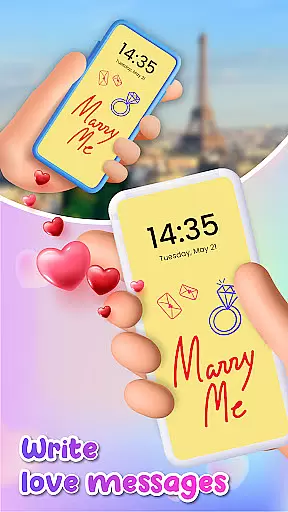
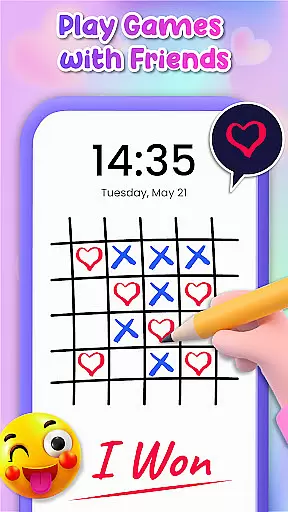
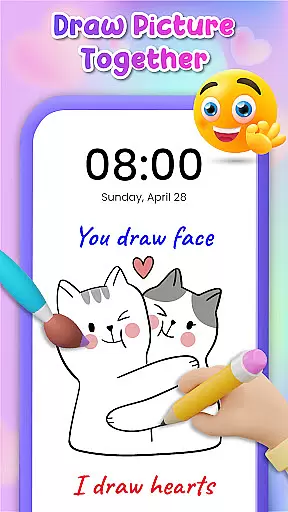
Lockscreen Drawing is a unique personalization app that transforms your phone's lock screen into an interactive canvas. This innovative application allows users to draw directly on their lock screens, share creations instantly with friends, and collaborate in real-time.
The app offers multiple drawing options including lock screen doodling, widget art, and an in-app canvas. With over 100 stickers and 20 themed backgrounds, it provides endless creative possibilities while enabling social connection through art sharing.
This app is perfect for artistic expression during daily commutes or collaborative sessions with friends. Its real-time sharing feature makes it especially valuable for couples and close-knit groups looking for new ways to connect and express themselves creatively.
Lockscreen Drawing stands out with its comprehensive set of creative tools. The app's signature feature is its live lock screen collaboration, where users can draw simultaneously with connected friends, watching each other's artwork unfold in real-time.
Beyond the lock screen, the app includes a dedicated widget for quick access to friends' latest creations and an in-app canvas for more detailed artwork. Users can choose from various backgrounds, including personal photos and themed options, while utilizing over 100 unique stickers to enhance their drawings.
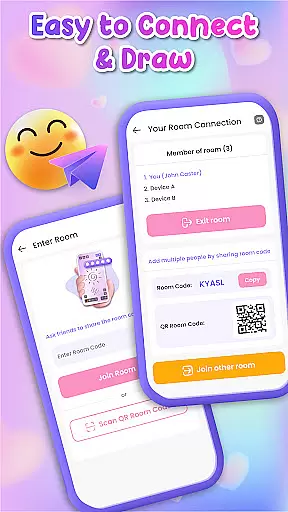
The app also offers multiple connection methods using QR codes, links, or special codes, making it easy to connect with others. Plus, its saving and sharing functionality ensures users can preserve and distribute their artistic collaborations across platforms.
Lockscreen Drawing offers a rich array of customization options that allow users to transform their lock screens into personalized canvases. With over 100 unique stickers and more than 20 themed backgrounds, the app provides endless possibilities for creative expression. Users can choose from various romantic or whimsical backdrops, ensuring there's something for everyone.
The app also allows users to select photos from their gallery as backgrounds, adding a personal touch to every creation. This feature ensures that each lock screen is not just functional but also reflective of the useru2019s individuality and mood. The ability to switch between different themes and styles makes it easy for users to keep their device fresh and engaging.
Moreover, the inclusion of live collaboration features adds another layer of customization. Friends can draw together in real-time, making each lock screen a dynamic piece of art. This interactive element enhances the user experience by fostering creativity and connection, setting Lockscreen Drawing apart from other personalization apps.
Theme compatibility is a crucial aspect of Lockscreen Drawing, ensuring that all customizations seamlessly integrate with the deviceu2019s existing aesthetics. The app supports a wide range of themes, allowing users to maintain visual consistency across their devices while still enjoying personalized content. Whether you prefer minimalist designs or vibrant patterns, the app adapts to fit your style.
In addition to supporting diverse themes, Lockscreen Drawing includes a handy widget that displays friends' latest creations without disrupting the overall look of the home screen. This thoughtful design choice ensures that users can stay connected without compromising on aesthetics. The widget blends naturally with other app icons and system elements, maintaining a cohesive appearance.
Furthermore, the appu2019s sticker library and background options are designed to be versatile, working harmoniously with any chosen theme. This flexibility empowers users to experiment with different looks without worrying about mismatched elements. By prioritizing theme compatibility, Lockscreen Drawing delivers a polished and professional user experience that enhances both functionality and visual appeal.
User-friendly interface
Real-time collaboration
Variety of creative tools
Multiple connection options
Free to use
Limited advanced tools
Potential battery drain
Privacy concerns
Occasional glitches
Basic sharing options

Capture moments that pass like a storm, second by second.
 4.5
4.5
Glass style colourful icons with a One UI look and feel
4.60
Prank your friends with realistic broken screen and cracked HD effects!
4.3
Themes - Widget & Wallpaper: Customize home screen, icon changer w unique themes
4.30
AI-powered Copilot. Personalized keyboard with gifs, stickers & themes
4.40
App Icon Changer & Shortcut Creator. Customize your icons without any watermarks
4.30
Turn text & photos into stunning AI videos, art, and creative visual stories.
4.50
Emoji Maker app - Design custom emojis and effortlessly blend them with Mixer
3.80
Install amazing sticker packs: endless styles, always cool.
4.70
Sparkle your screen with Glitter Wallpapers For Girls and Cute Backgrounds!
4.80
Vertically oriented rectangular icons
4.70
Nothing Icon pack with more than 3750+ highly crafted icons.
4.70
Unique Android Launcher
4.60
Want to make your phone more special than ever?
4.60
Transform your phone with Launcher iOS 26 - Smooth & elegant iOS experience
4.50 4.50
4.50
Run multiple accounts of the same app on a single device
4.10
Create unique, fun emojis with Funny Emoji Maker! Unlimited creativity!
4.00
Interactive Miniature Painting Catalogue
3.30


User Reviews