
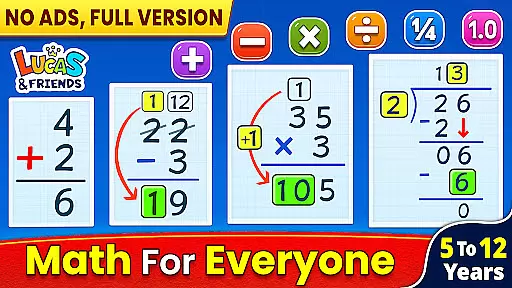
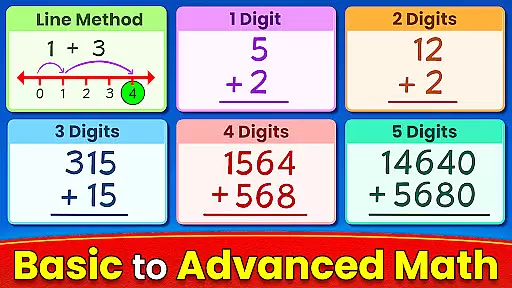
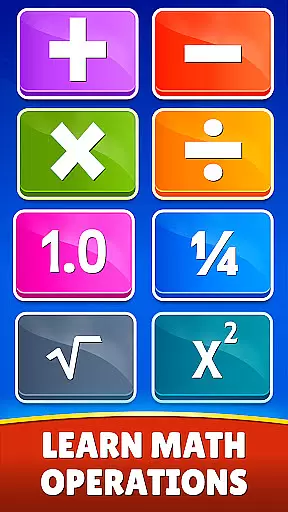
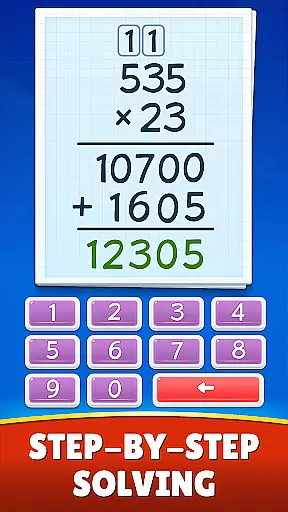
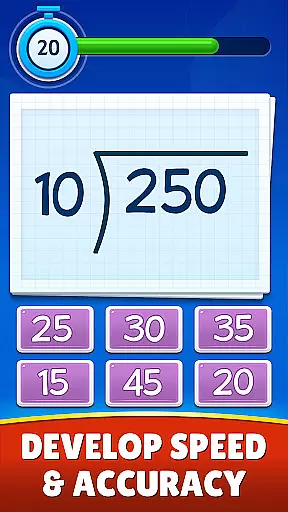
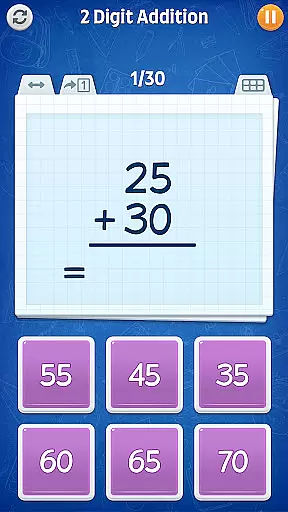
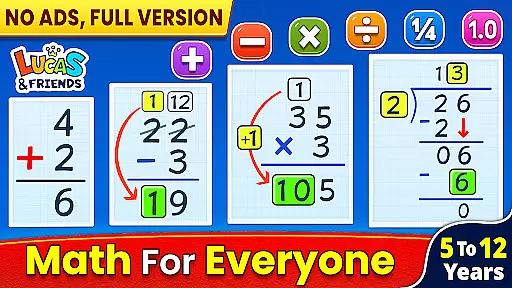
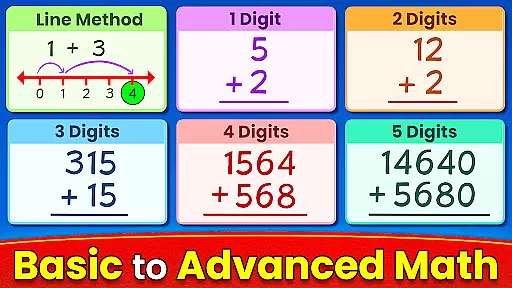
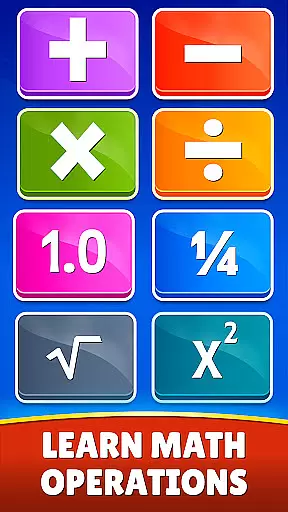
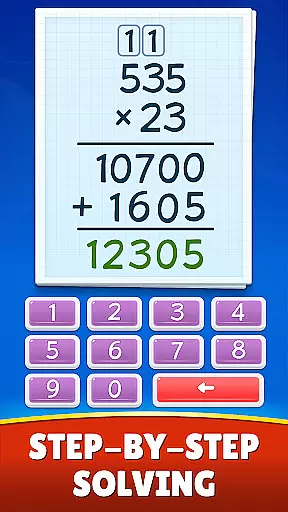
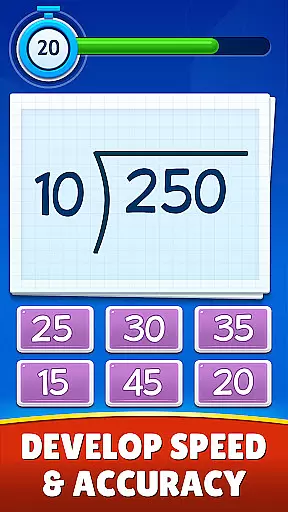
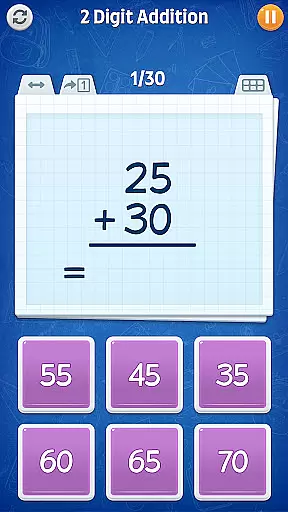
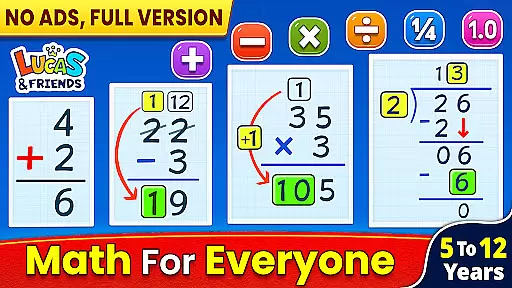
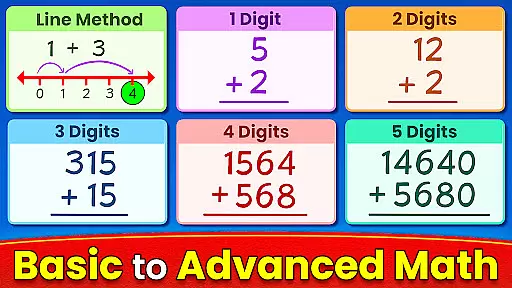
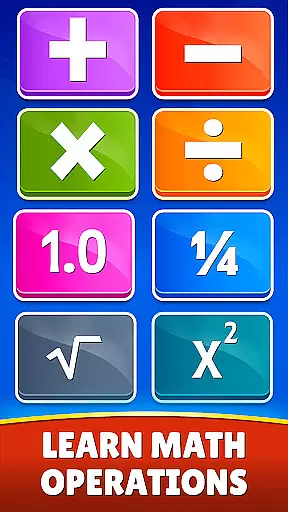
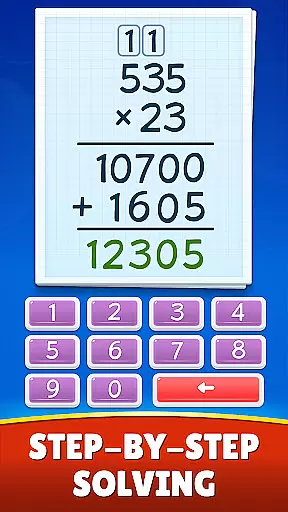
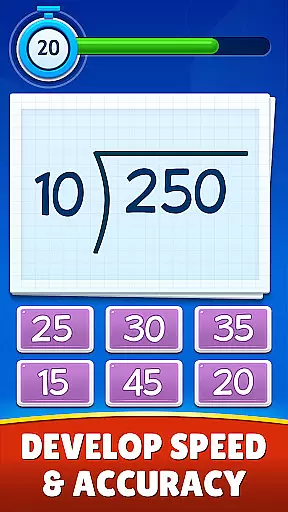
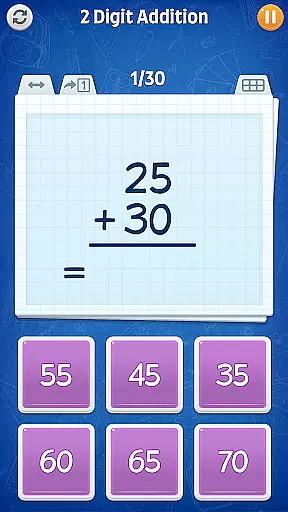
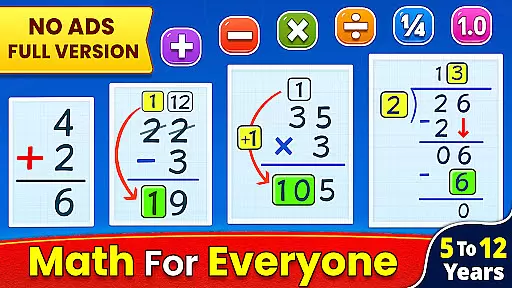
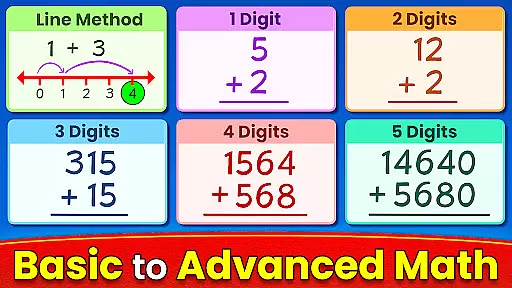
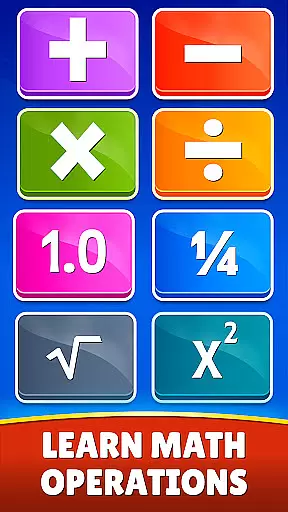
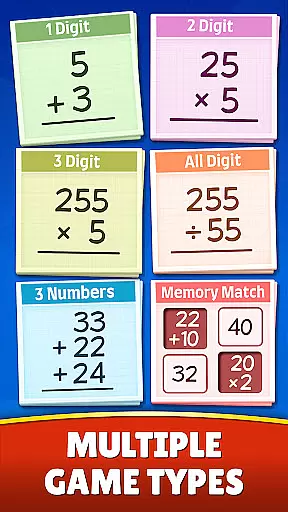
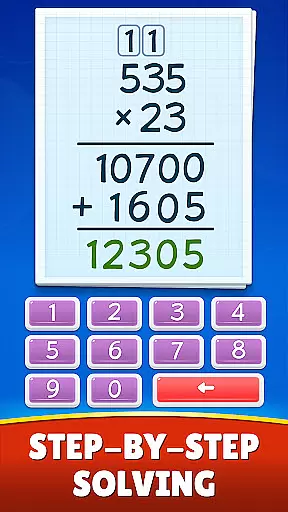
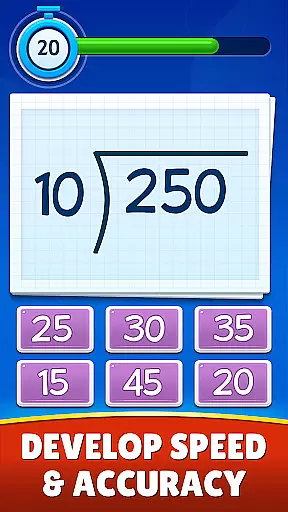
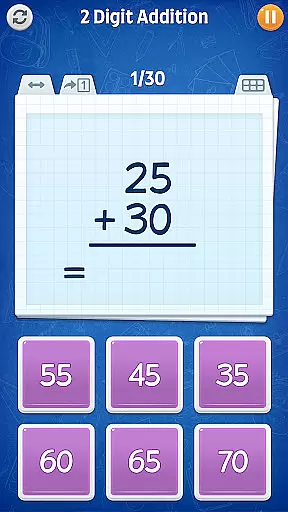
Math Games: Math for Kids is an educational app designed to make learning math enjoyable and accessible for children. This app provides a variety of fun, free math games that cover basic arithmetic operations such as addition, subtraction, multiplication, and division. It also includes more advanced topics like fractions, decimals, square roots, and exponents.
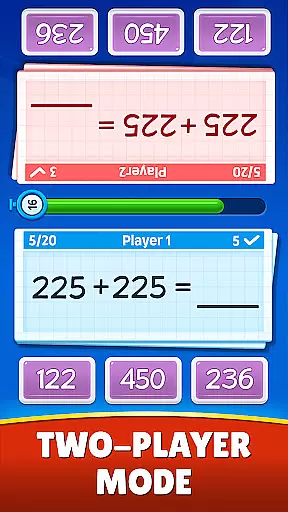
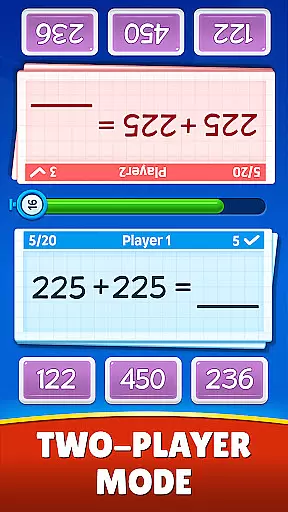
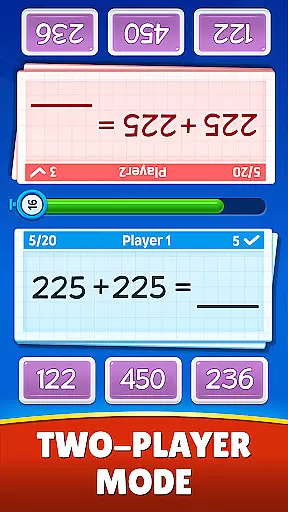
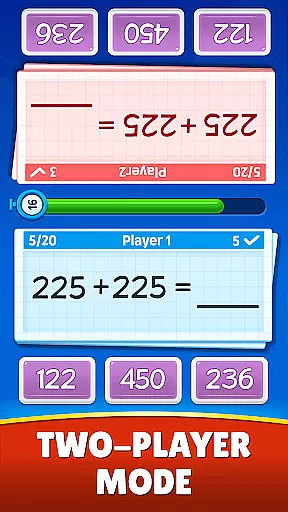
The app offers multiple game modes including Memory Match, Challenge Mode, and Dual Mode for two players. These interactive features help kids from kindergarten through 6th grade practice their math skills in engaging ways. With its colorful design and step-by-step teaching methods, this app ensures that children can learn at their own pace while having fun.
Parents and educators will appreciate how Math Games: Math for Kids helps reinforce essential math concepts outside the classroom. By turning practice into play, it encourages young learners to master mathematics without feeling overwhelmed or bored. Suitable for all ages, this app is perfect for anyone looking to sharpen their math abilities.
Math Games: Math for Kids stands out with its comprehensive range of features tailored to enhance mathematical learning. The app includes various educational modes focusing on addition, subtraction, multiplication, division, fractions, decimals, square roots, and exponents. Each mode is crafted to provide a step-by-step learning process, ensuring that children grasp fundamental concepts before moving on to more complex problems.
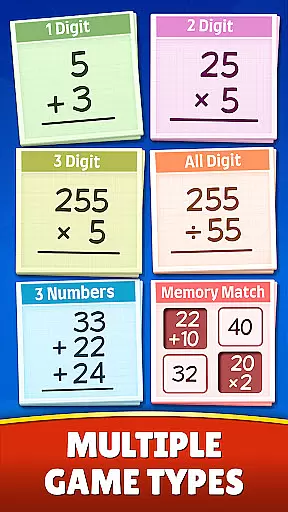
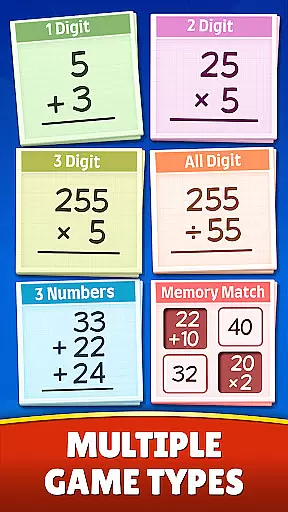
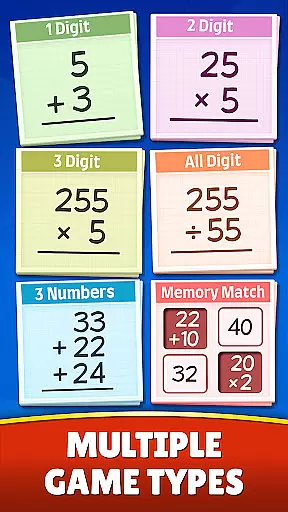
In addition to traditional problem-solving exercises, the app incorporates interactive game modes such as Memory Match, where players flip cards to match equations with answers, and Challenge Mode, which tests speed and accuracy under time constraints. The Dual Mode allows two players to compete on a split-screen interface, fostering collaborative learning experiences.
Designed for both smartphones and tablets, the app supports accessibility across different devices. Its user-friendly interface makes navigation intuitive even for younger users. Regular updates ensure content remains fresh and relevant, providing endless opportunities for practice and improvement. Whether used at home or in classrooms, Math Games: Math for Kids delivers an enriching experience that combines education with entertainment seamlessly.
When it comes to educational apps, content authority and curriculum alignment are crucial for ensuring that the learning experience is both accurate and relevant. Math Games: Math for Kids takes these aspects seriously by providing a wide range of math puzzles and brain teasers that adhere to basic arithmetic principles.
The app covers fundamental operations such as addition, subtraction, multiplication, and division, with specialized games that cater to different age groups and skill levels. It also introduces more advanced concepts like fractions, decimals, square roots, and exponents in a fun and engaging way, making sure that each topic aligns with educational standards.
By offering various modes tailored to kindergarten through 6th-grade students, the app ensures that every child can learn at their own pace while following a structured curriculum. This approach not only helps kids master mathematics but also prepares them for future academic challenges.
Gamification has become an integral part of modern learning strategies, especially when it comes to children's education. Math Games: Math for Kids excels in gamification-learning integration by transforming traditional math exercises into exciting games that keep children engaged and motivated.
With features like Memory Match, where kids flip number memory cards to match answers to equations, and Challenge Mode, which encourages quick thinking under time constraints, the app makes learning math an adventure. The Dual Mode allows two players to compete on a split-screen interface, adding a social element to the learning process.
This combination of play and education ensures that children are not just passively absorbing information but actively participating in their learning journey. As they progress through various levels and challenges, they build confidence in their math skills, turning what could be a daunting subject into an enjoyable pastime.
User-friendly interface
Wide range of math topics
Engaging game modes
Suitable for all ages
Regular updates
Limited advanced math topics
Some features may require in-app purchases
Ads can be distracting
No offline multiplayer
Occasional bugs

Wind down, relax and snuggle up with your favourite Blocks characters.
 3.30
3.30
Absorbing, highly visual, effective learning of multiplication, division
4.4
Join Duggee and the Squirrels as they practice their counting!
4.2
Perfect for Dino fans of all ages.Vivid illustrations.Fascinating_Facts.Narrated
4.4
Enjoy the fun kid's hospital play game with Cocobi, the little dinosaurs!
4.00
Fun baby care game for kids with dinosaur friends. Enjoy the fun kids game.
4.00
Tons of kids safety games, cartoons, and stories are included in one kids app!
4.70
Find Carmen - Play the classic detective game, stop VILE and find Carmen
4.10
Featuring the Numberblocks
3.60
Preschool learning games: 123 numbers game for kids, abc learning for toddlers
4.70
Kids coloring games for boys! Fun drawing, painting & learning book for kids.
4.60
Fun educational jigsaw puzzles for kids and preschoolers.
4.50
This will quickly become your kids' favorite animals game!
4.40
Fun educational game: Learn, imagine, create, draw and color!
4.20
A fan of cute games? Try animal games & take care of fluffy virtual pets!
4.20
The Squirrels have been learning how to look after animal, now it's your turn!
3.90
Safe, fun, ad-free games for kids! For babies, toddlers, & kids age 2-6
3.60
Companion app for Cozmo, the educational toy robot who’s got a mind of his own.
3.30
A speed-learning English vocabulary game designed for user to reach proficiency
4.3


User Reviews