
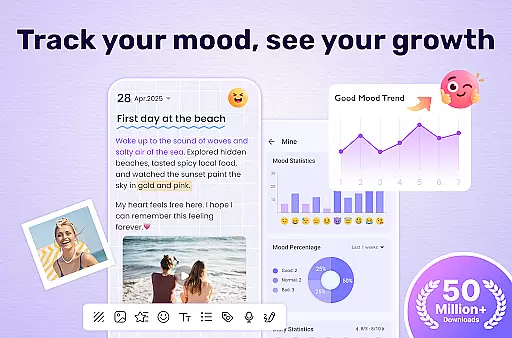
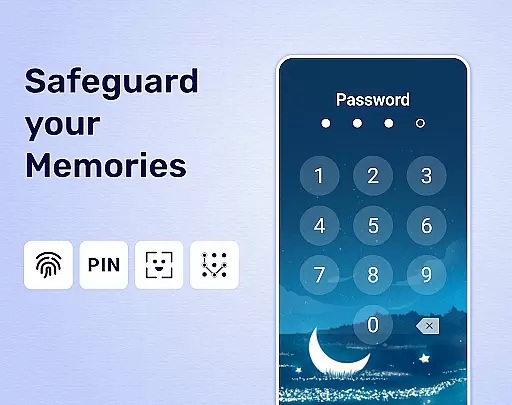

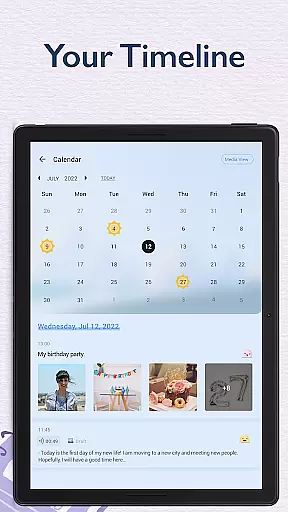
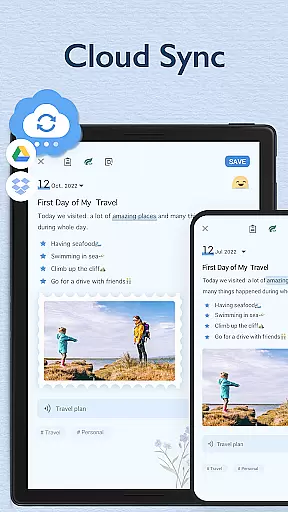
My Diary is an innovative lifestyle application designed for individuals who value privacy and creativity in journaling. This digital diary offers a secure platform to document daily experiences, personal reflections, and memorable events through text, images, and videos. With features such as password protection, fingerprint authentication, and cloud synchronization via Google Drive or Dropbox, users can ensure their entries remain confidential yet accessible across multiple devices.
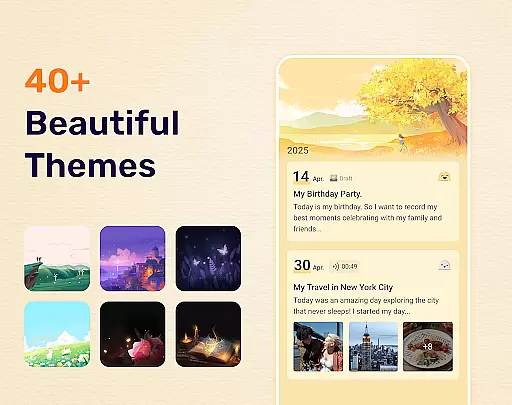
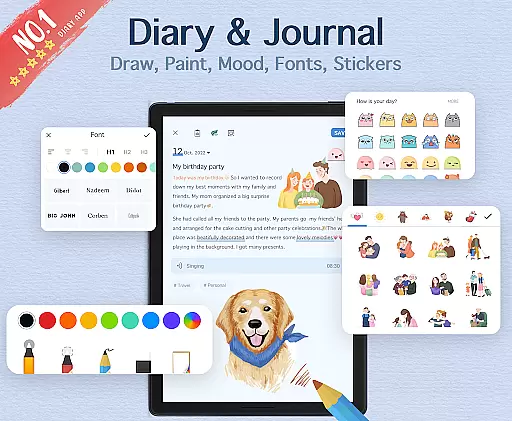
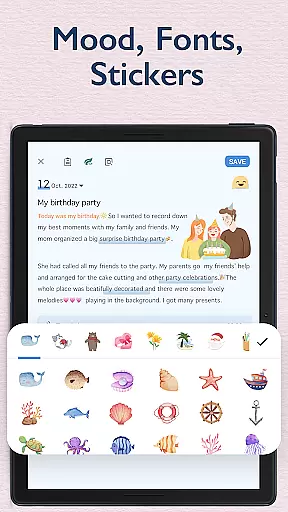
Beyond its core functionality, My Diary enhances the journaling experience by offering customizable themes, artistic fonts, and mood-tracking stickers. Whether capturing a travel adventure or chronicling personal growth, this app provides tools to express emotions vividly while safeguarding cherished memories. Its user-friendly interface makes it suitable for anyone seeking a modern alternative to traditional paper diaries.
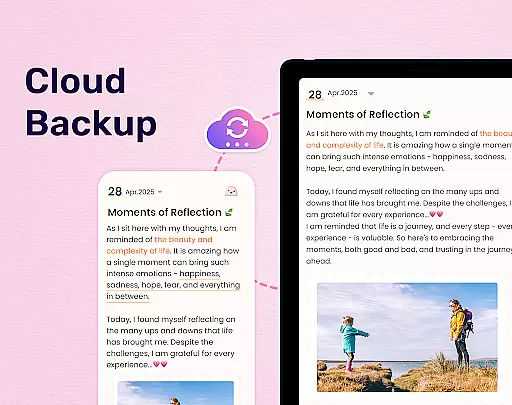
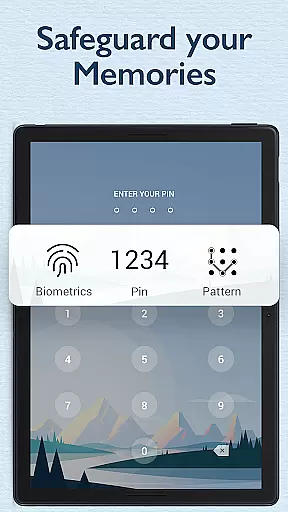
One of the standout features of My Diary is its robust security system. Users can protect their entries with a passcode or fingerprint lock, ensuring complete privacy. The app also supports automatic backups to cloud services like Google Drive, preventing data loss and enabling seamless access from different devices. Additionally, My Diary allows exporting journal entries into formats such as PDF or TXT, making it easy to preserve physical copies if desired.
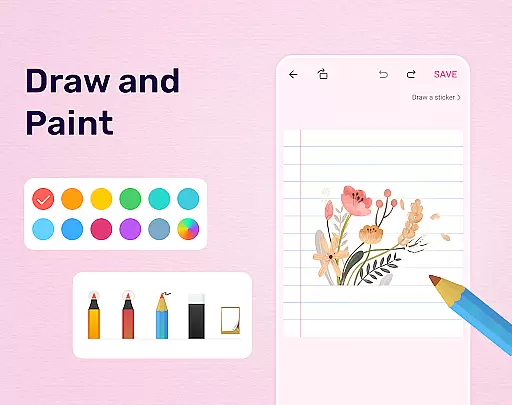
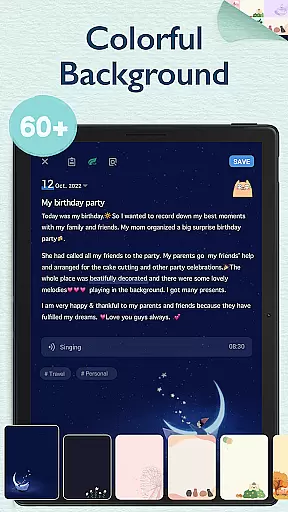
Creativity thrives within My Diary thanks to its extensive customization options. From selecting unique themes and backgrounds to incorporating multimedia elements like photos and videos, users can craft visually appealing diary entries. The inclusion of mood symbols, tags for organizing content, and an eye-protection mode further enriches the overall experience. These thoughtful additions not only enhance usability but also cater to diverse preferences, setting My Diary apart in the lifestyle category.
My Diary offers extensive lifestyle category coverage, making it more than just a digital diary. It serves as a comprehensive personal organizer that supports various aspects of daily life.
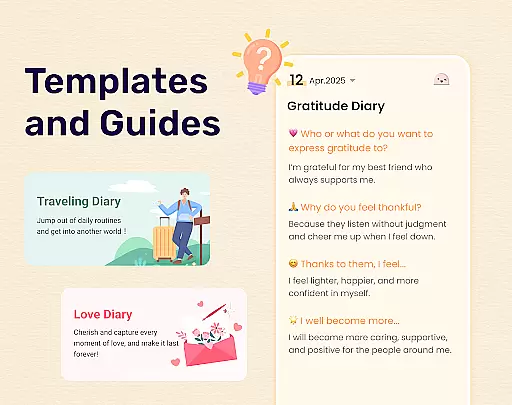
The app provides specialized journaling options such as travel journals, mood diaries, love diaries, baby diaries, and even pregnancy and work diaries. This diversity ensures users can document different facets of their lives in a structured manner.
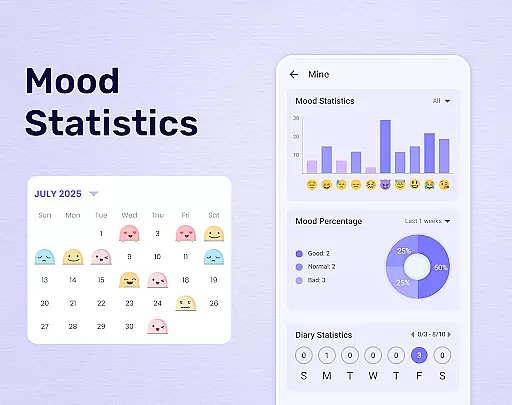
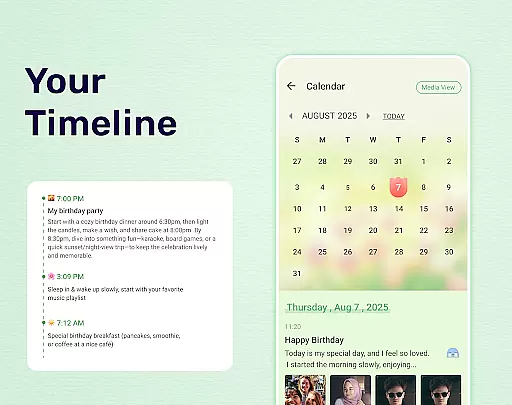
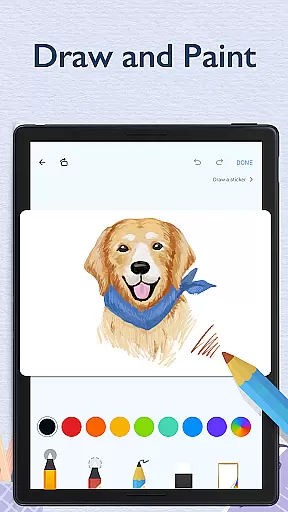
With features like mood tracking, customizable themes, and multimedia integration, the app creates an immersive journaling experience. Users can add pictures, videos, stickers, and different fonts to make each entry unique and expressive.
Additionally, the eye protection mode and cloud sync functionality demonstrate the app's commitment to user well-being and data security, making it a well-rounded lifestyle companion.
When it comes to personal journaling, content authenticity is paramount. My Diary ensures that every entry remains private and secure through advanced encryption and multiple verification methods.
The app employs fingerprint authentication and password protection, giving users complete control over their diary access. This multi-layered security approach guarantees that personal thoughts and memories remain confidential.
While the app doesn't claim medical or psychological expertise, its mood tracking and emotional expression features are designed based on general psychological principles. The continuous updates of stickers and emojis reflect current emotional expression trends.
Furthermore, the developers' commitment to regular updates and user feedback demonstrates their dedication to maintaining both technical reliability and content relevance, establishing trustworthiness in the digital journaling space.
User-friendly interface
Secure cloud backup
Vivid customization options
Mood tracking capabilities
Export functionality
Limited offline features
Premium theme costs
Occasional sync issues
No voice recording
Ads in free version

Unique informative Dial with Live Moon Phase at a glance!
 3.60
3.60
Stay connected with your loved ones & vehicles | Share live GPS location updates
4.60
Premium floor cleaning robots
4.50
Smart & Healthy Living
4.60
SmartHQ: Your Connected Home Command Center
4.10
Colorful minimal digital watch face for Wear OS
4.60
The Miracle Box includes methods used by Steve Huff of Huff Paranormal.
3.20
Control your Tapo smart devices from anywhere.
4.60
Just play, earn rewards, fetch gift cards, and turn gaming into real payouts!
4.80
Good magnifier app to see tiny things bigger and more clearly!
4.80
A smart Siddur with halachic times
4.60
Zodiac & Horoscope Launcher: Daily Sign Predictions & Astrology
4.40
Chat, meet genuine singles in your area. Real connections start with being real.
4.30
Spirit Communicator is a real paranormal ghost hunting app with many fun modes.
3.90
Design and brew great homebrewing beer, mead, cider and wine recipes on the go!
3.60
Easily manage your child's playtime, spending messaging and more.
3.50
A uniquely designed isometric digital watch face made for Wear OS
4.5
Customize your Wear OS watch with festive Christmas figures and colors!
4.2
Celebrate the holidays with Advent Calendar: daily surprises and festive fun!
4.3


User Reviews