
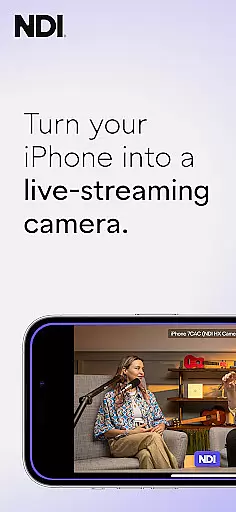
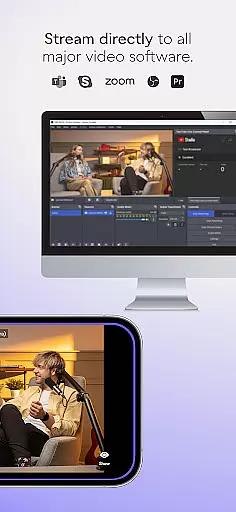
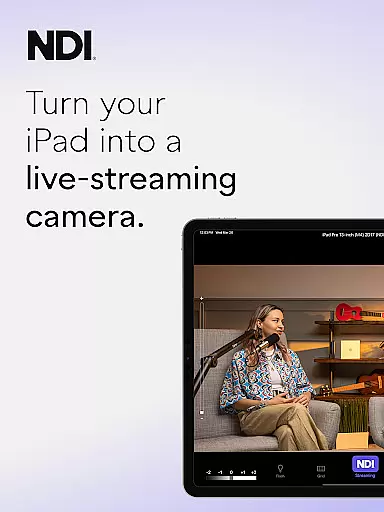
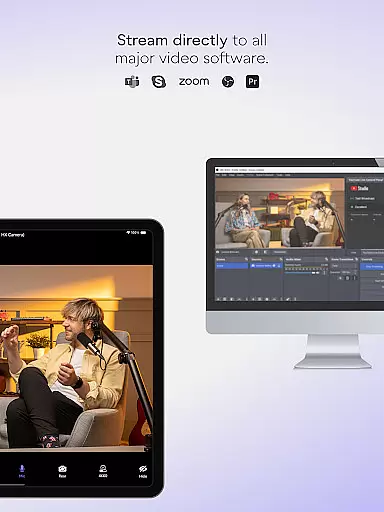
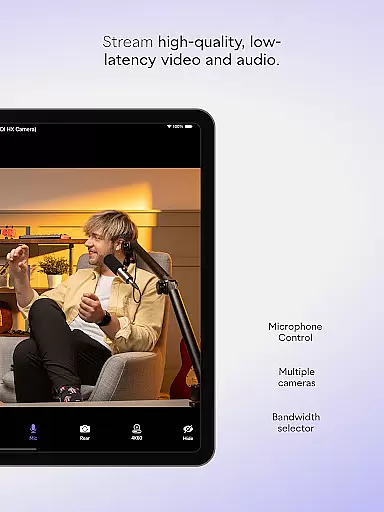
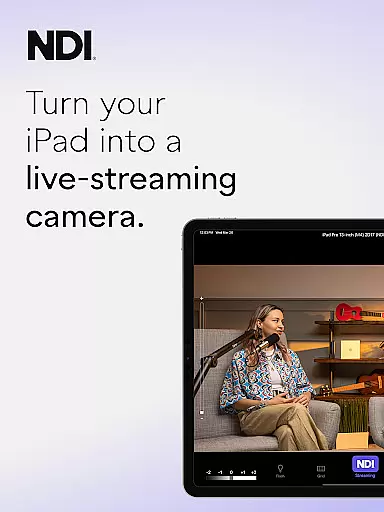
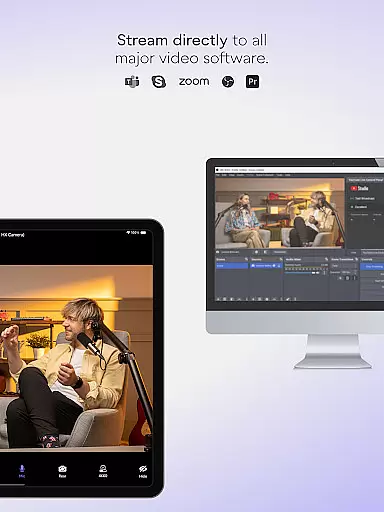
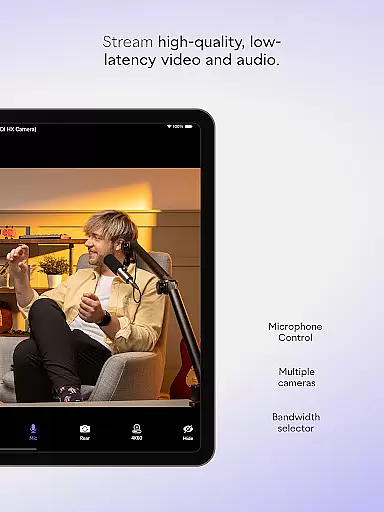
NDI Camera is a professional live-streaming application that transforms your mobile device into a high-quality NDI camera. With its intuitive interface and advanced features, the app allows users to stream low-latency video and audio directly to popular platforms such as MS Teams, Skype, and Zoom. Designed for both amateur and professional use, it offers seamless integration into any live production system, making it an ideal tool for enhancing broadcasts with multiple camera angles and perspectives.
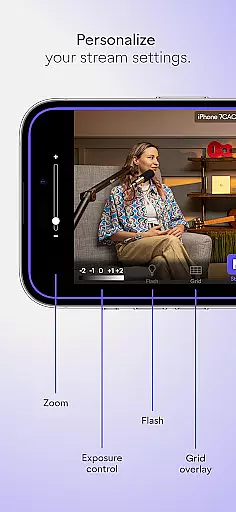
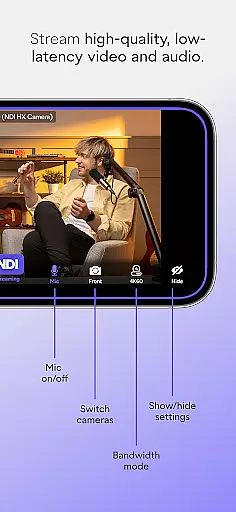
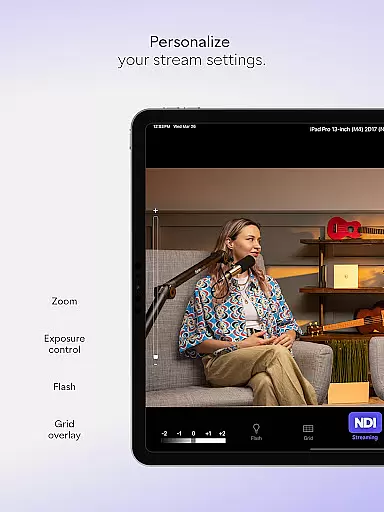
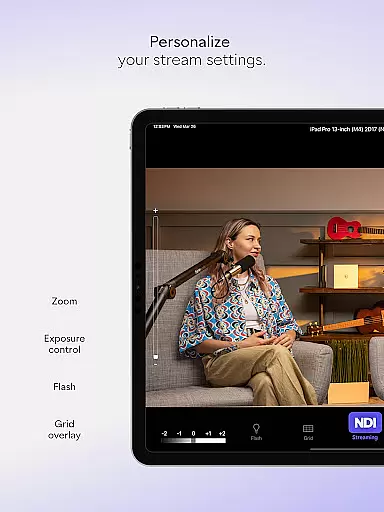
The app provides several professional settings including adjustable bandwidth modes, grid overlay options, autofocus, pinchable zoom, and front/rear camera selection. These features ensure optimal streaming quality while adapting to various network conditions. Whether you're conducting virtual meetings or producing live events, NDI Camera brings new dimensions to your presentations by enabling flexible and dynamic coverage from the convenience of your smartphone.
NDI Camera stands out with its modernized user interface designed for an intuitive experience. The latest version includes enhancements like a fixed viewfinder that displays full video height and a tally light feature with multiple modes, ensuring users have clear visual cues during live streams. These innovations simplify the streaming process, allowing users to focus on content delivery rather than technical adjustments.
One of the key strengths of NDI Camera is its compatibility with NDI 4 or newer, which enables seamless integration with professional broadcasting equipment. Users can choose between different bandwidth modes to suit their network's capabilities, ensuring stable and high-quality streams. Additional features like the on-screen connection meter and tally display provide real-time feedback on streaming status, empowering users to maintain control over their broadcasts at all times.
Real-time messaging speed and reliability are crucial for seamless communication in live-streaming applications like NDI Camera. This ensures that video and audio streams are transmitted without delays or interruptions, providing a smooth experience for both the broadcaster and the audience.
NDI Camera excels in this area by utilizing NDI 4 or newer technology, which is designed to deliver high-quality, low-latency video and audio. The app optimizes network usage with selectable bandwidth modes, ensuring stable transmission even under varying network conditions.
Users benefit from the app's professional settings that include an on-screen connection meter and tally display for preview and on-air status. These features provide real-time feedback on the streaming quality and status, allowing users to make necessary adjustments promptly.
The reliability of NDI Camera is further enhanced by its compatibility with popular platforms such as MS Teams, Skype, and Zoom. This integration ensures that mobile phones can be seamlessly incorporated into professional live production systems, offering flexibility and additional perspectives to live broadcasts and presentations.
Media sharing support in communication apps like NDI Camera allows users to transmit video and audio content efficiently across different platforms and devices. This feature is essential for expanding the reach and versatility of live broadcasts, webcasts, and presentations.
NDI Camera offers robust media sharing capabilities by enabling users to stream directly from their mobile phones to networks and platforms such as MS Teams, Skype, and Zoom. With just a push of a button, users can start streaming high-quality video and audio, making it an ideal tool for professionals who need to integrate mobile sources into their live production systems.
The app provides multiple professional settings to enhance media sharing, including front and rear camera selection, autofocus, and pinchable zoom. These options ensure that users can capture and share content from various angles and perspectives, adding new dimensions to their broadcasts.
Additionally, NDI Camera includes optional features like a grid overlay and tally light with multiple modes, which assist users in composing and managing their shots effectively. By supporting these advanced functionalities, NDI Camera empowers users to produce engaging and dynamic content, elevating the overall quality of their live streams.
User-friendly interface
High-quality streaming
Multiple platform support
Flexible camera settings
Professional-grade features
Requires NDI 4 or newer
Limited free features
Network dependent
Occasional bugs
Premium version costly

We’re taking the yada yada out of wireless—now we’ve taken it out of your app.
 4.70
4.70
Use this Dialer app alone or as a TREK: Total Interface companion.
4.70
SMS Messenger ensures that communication become effortless and accessible.
3.80
Manage and Fund Calling Accounts and Schedule and Join Video Sessions
3.60
Create a secure hotspot on-the-go with Portable WiFi - Mobile hotspot.
4.40
Faster version of Messages. Messenger for your contacts.
4.50
An agentic AI browser for Android, built by Perplexity
4.50
An app dedicated solely to marriage, not dating, and supported by a rigorous verification mechanism to ensure seriousness.
4.3
Say “hello” to privacy.
4.60
Identify unknown numbers, block spam calls, customize calls with cool themes.
4.60
Manage BoostMobile Account
4.60
Messenger, an MMS & SMS messages app with Blockers, Driving mode & Private box
4.60
SMS Messenger is a lightning-fast messaging app.
4.20
BE PRIVATE
Anonymous. No Trace. Fast.
4.20
BiP is a fast, secure, free messaging and HD video calling app!
4.10
Share the moment!
4.10
Pure modern IRC experience for Android
3.70
A softphone app with seamless SIP calling and an intuitive VoIP dialer
3.50
Radio communication simulator for gaming communities
4.4


User Reviews