
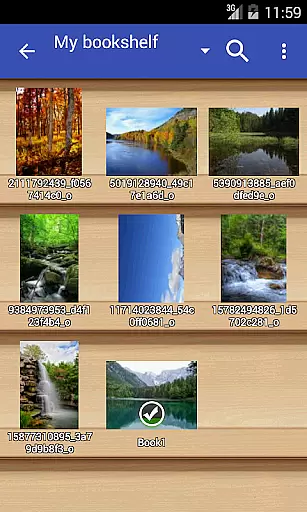
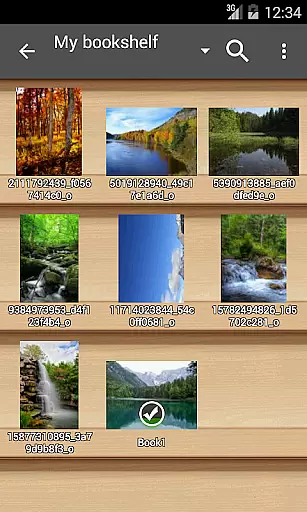
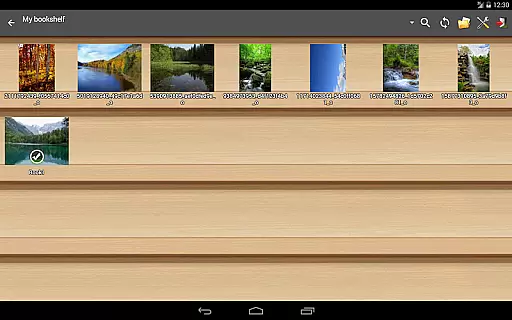
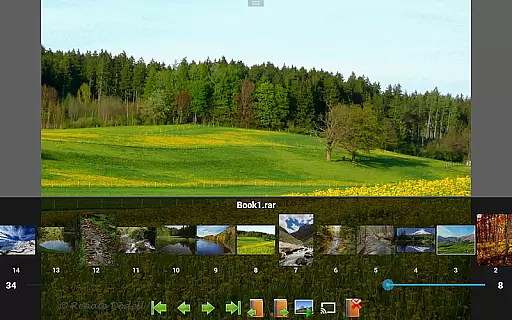
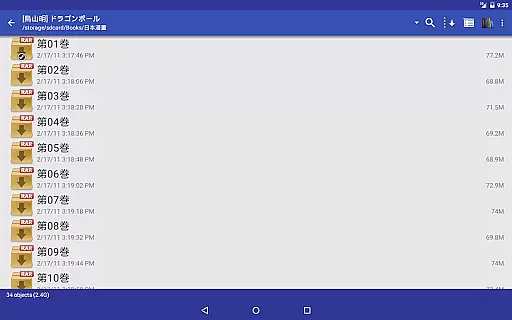
Perfect Viewer stands out as a versatile and fast image, comic, and ebook viewer tailored for comic enthusiasts and readers alike. The app supports an extensive range of file formats including EPUB, HTML, TXT for ebooks, JPEG, PNG, GIF, BMP, WebP, TIFF for images, and CBZ/ZIP, CBR/RAR, 7Z/CB7, LZH, CBT/TAR for archives. With additional plugins, users can also access PDF, XPS, and DJVU files.
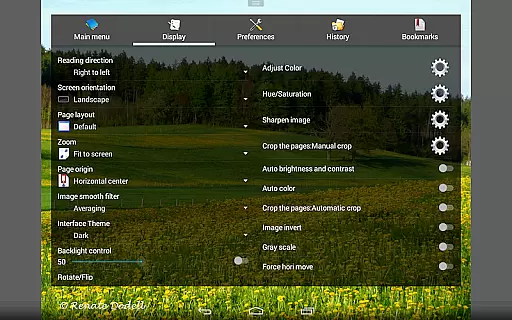
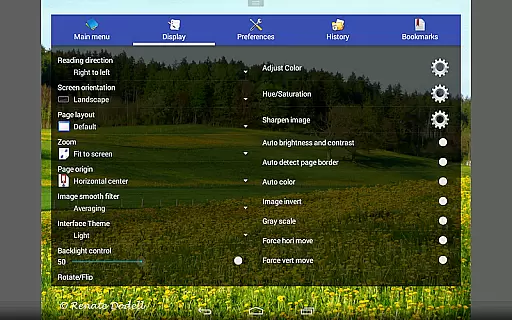
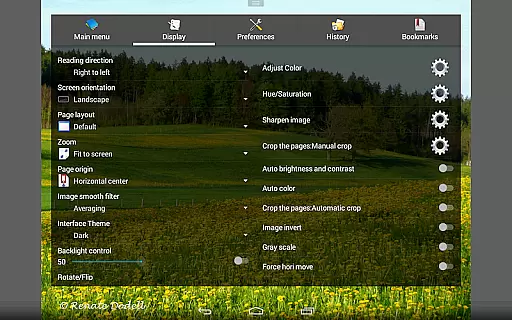
One of the key highlights is its customizable viewing options that cater to individual preferences. Users can choose from multiple page layouts, viewer modes such as vertical or horizontal scrolling, and various view modes like Fit Screen or Full Size. Moreover, Perfect Viewer offers network file sharing capabilities, allowing access to files from Google Drive, Dropbox, and OneDrive, making it adaptable to different user needs.
The application's ability to open files from network shares and support for pinch-to-zoom and fling gestures enhance the overall reading experience. Whether you're at home or on the go, Perfect Viewer provides a seamless way to manage and enjoy your digital library across Android devices.
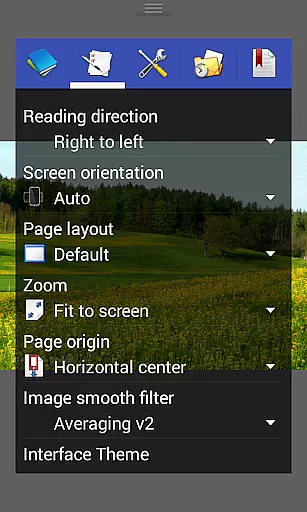
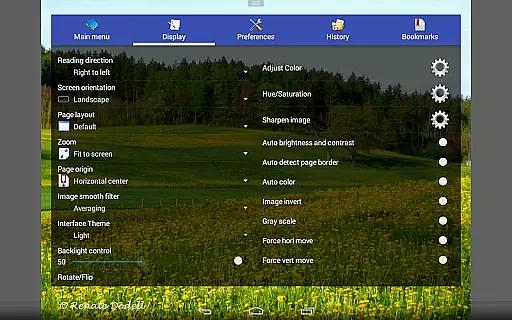
Perfect Viewer boasts an array of features designed to enrich the reading experience. Its capability to colorize black and white images into four-color illustrations (exclusive to donated users) adds a unique touch to classic comics. The app's support for smooth filters such as Averaging, Bilinear, Bicubic, and Lanczos3 ensures high-quality image rendering.
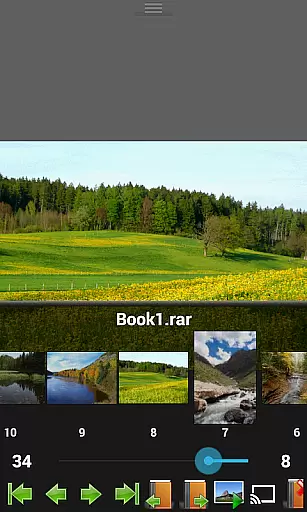
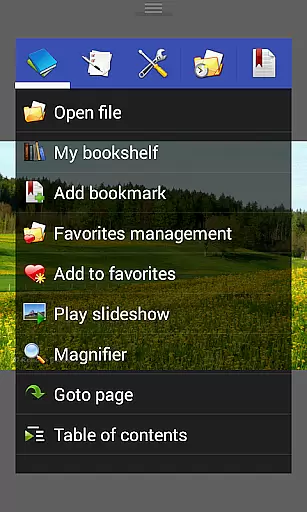
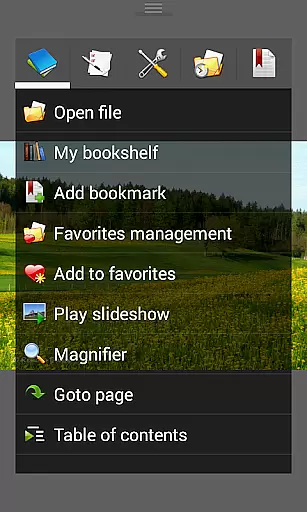
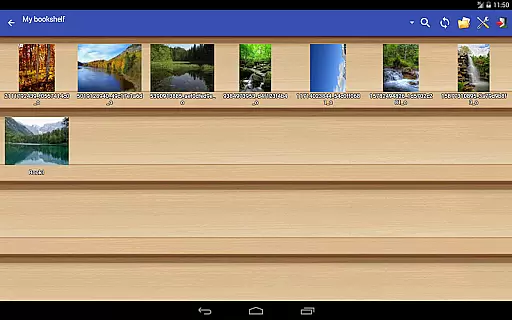
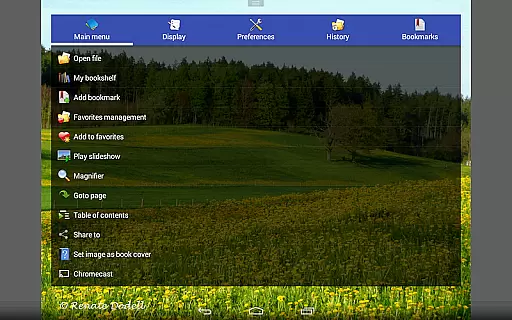
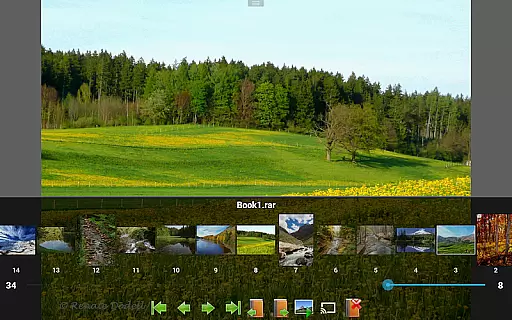
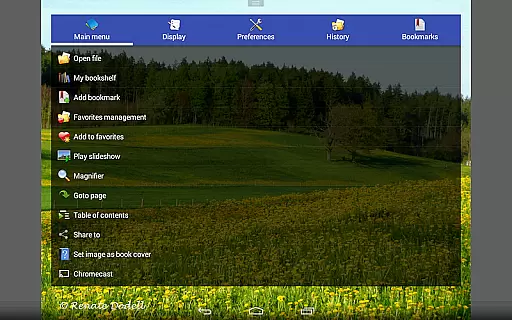
Navigation within the app is intuitive with left-to-right and right-to-left reading options, alongside five distinct view modes catering to varied reading styles. Additional functionalities include setting images as wallpapers, browsing thumbnails in folders/archives, and managing favorites. Simple bookmarking and slideshow features further augment usability.
Advanced features like cache management for next and previous pages, extracting files from archives, and adjusting image brightness, contrast, and gamma make Perfect Viewer a comprehensive tool for comic aficionados. Integration with Google Chromecast and a balloon magnifier are thoughtful additions that extend the app's utility beyond basic viewing.
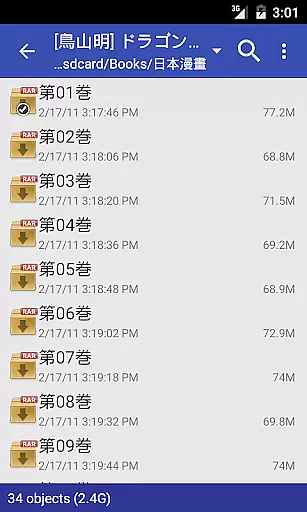
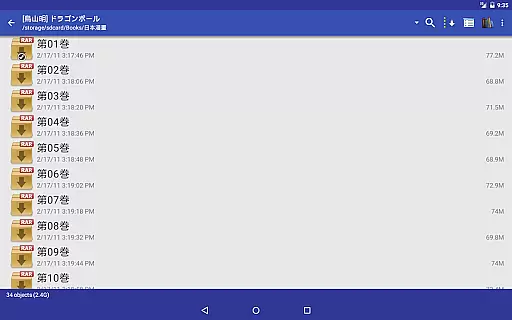
Perfect Viewer offers an extensive comic library that supports multiple file formats, making it versatile for comic enthusiasts. The application is compatible with CBZ/ZIP, CBR/RAR, 7Z/CB7, LZH, and CBT/TAR archive formats, ensuring that users can access a wide variety of comics without compatibility issues.
In addition to traditional comic files, Perfect Viewer also supports image file formats such as JPEG, PNG, GIF, BMP, WebP, and TIFF. This diversity in format support allows users to maintain an expansive collection that isn't limited by file type restrictions, enhancing the overall experience.
For those interested in digital publications beyond comics, the app provides support for EPUB, HTML, and TXT ebook files. With this feature, users can enjoy not only visual content but also text-based stories, expanding their reading options significantly.
Furthermore, Perfect Viewer's integration capabilities extend its library size virtually infinitely. By connecting to network file shares (CIFS/SAMBA), FTP, SFTP, FTPS, and services like Google Drive, Dropbox, and OneDrive, users can access even more content from different sources, ensuring they always have fresh material to explore.
Perfect Viewer places a strong emphasis on content authenticity and proper licensing, which is crucial for both creators and readers in the digital age. While the app itself does not host any content, it provides users with the tools necessary to ensure that their library consists of legally obtained materials.
By supporting a wide range of file formats and allowing users to open files from various cloud storage services, Perfect Viewer encourages users to organize and view their legally purchased or properly licensed comics and ebooks. This approach respects intellectual property rights while offering a seamless reading experience.
The requirement to install separate plugins for certain functionalities, such as PDF support, reinforces the app's commitment to modularity and legal distribution of features. Users must actively choose to expand the app's capabilities, which often involves obtaining these plugins from verified sources.
Moreover, Perfect Viewer's donation application unlocks additional features, incentivizing users to support the developers directly. This model not only ensures the sustainability of the app but also promotes ethical consumption of digital content within the comic-reading community.
User-friendly interface
Extensive format support
Customizable viewing options
Network file sharing
Advanced image adjustments
Premium features require donation
Interface may feel dated
Occasional performance lags
Limited free plugin availability
Complex settings for beginners

A free paradise specially built for comic lovers. When you step into this comic universe full of surprises, it is like opening a door to endless joy. You are immediately immersed in the wonderful world brought by reading and enjoy the infinite charm of reading.
 4.4
4.4
Official digital-manga store. Quality translations that support artists.
3.10
Comic reader app: open ZIP, RAR, CBZ, CBR, and PDF files
3.00
The ultimate app for comic lovers
4.50
Free Comic Book Collection Management & Price Guide
4.60
The anime tv for fans Sud and Dub
4.20
File management and show images, comics and pictures in compressed cbr, pdf file
4.70
Pose Tool 3D for the Artists, create any human figure pose quickly for your art.
4.00
Kodansha official Manga app
4.30
The pure application on the Manga SWAT website
4.80
Artists wanting to use decent hand reference on the go, this app is for you!
4.70
Read comics & manga
4.70
Comics and stories from Japan
4.60
Scan comics instantly! Find comic value, price, and key collector details fast.
4.50
The most popular comic book reader.
4.40
Read latest manga with this minimal reader with NO ADS.
4.30
Browse and read all your comics and mangas from YACReaderLibrary
4.20
Read officially manga titles from Japan including Attack on Titan
3.80
More fun from BOM! Hurry up and do the following self-test, if you meet more than one item, come and experience the brand new world of comics!
3.40


User Reviews