
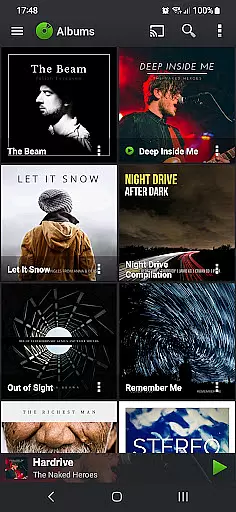
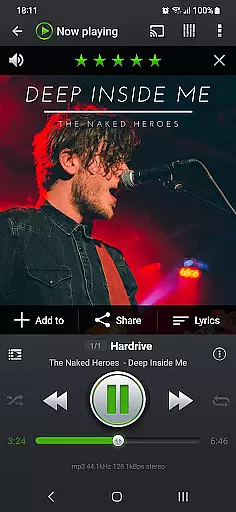
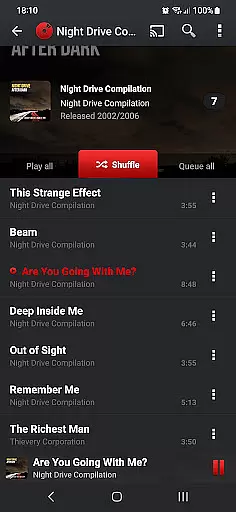
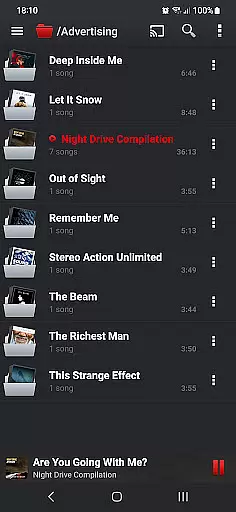
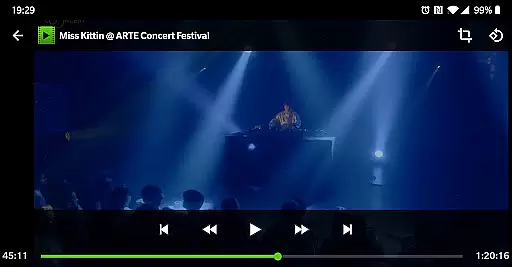
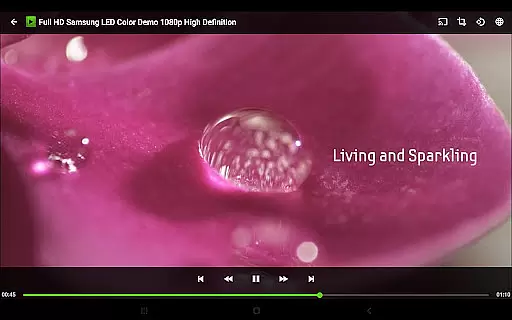
PlayerPro Music Player (Pro) is a premium music and video player designed for Android users who demand high-quality audio and advanced customization options. This app stands out with its intuitive interface, powerful audio configuration tools, and support for a wide range of audio formats including Mp3, Flac, and High-Res audio up to 32-bit, 384kHz.
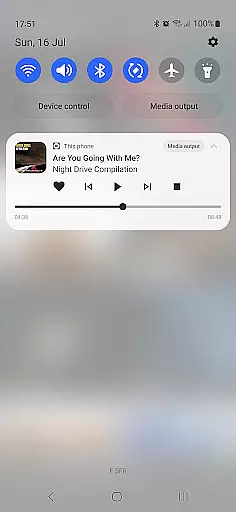
Beyond basic playback, PlayerPro offers sophisticated library management features such as ID3 tag editing, album artwork integration, and smart playlist creation. Users can personalize their experience through customizable skins, lock screen widgets, and home screen widgets. The app also supports modern technologies like Android Auto, Chromecast streaming, and Google Assistant integration, making it versatile for various listening scenarios.
Ideal for audiophiles and music enthusiasts, PlayerPro provides professional-grade DSP effects, ReplayGain support, and gapless playback. Its comprehensive feature set makes it perfect for those who want complete control over their music library while enjoying rich sound quality and seamless navigation.
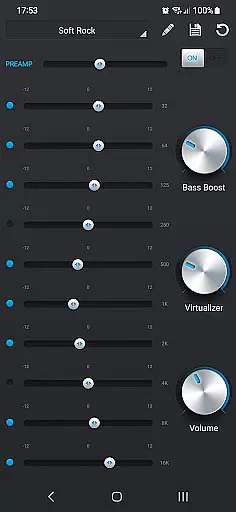
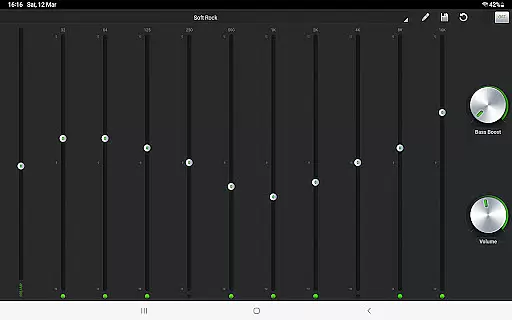
PlayerPro Music Player (Pro) boasts an impressive array of features that cater to both casual listeners and audio professionals. One of its standout capabilities is the advanced audio processing options, including a 10-band graphic equalizer with 20 presets, Pre-Amp control, and stereo widening effects. These features allow users to fine-tune their listening experience according to personal preferences or specific audio equipment characteristics.
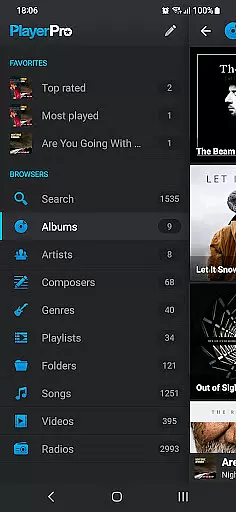
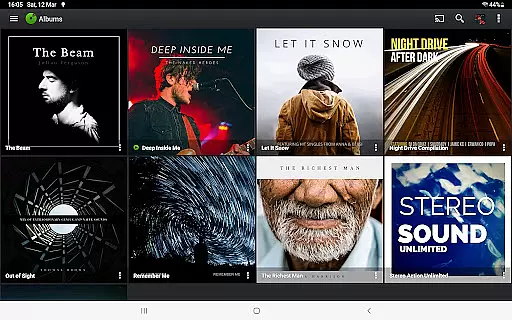
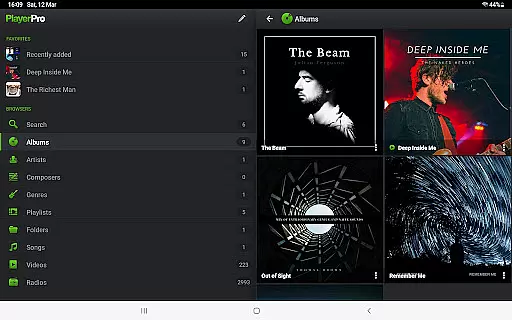
The app excels in library organization and metadata management. It supports browsing music by multiple categories such as albums, artists, genres, and playlists. The ID3 tag editor enables detailed metadata modification, even in batch mode, while the smart playlist editor helps create dynamic collections based on various criteria like play count, ratings, and BPM. Additionally, users can enhance their library's visual appeal by integrating album artwork from multiple sources.
Customization is another key strength of PlayerPro. The app offers numerous interface personalization options, including different view modes, widget styles, and skin choices. Practical features like sleep timer with fade-out, shake gesture controls, and comprehensive scrobbling support demonstrate the app's attention to user convenience. Furthermore, its compatibility with Android Auto and Chromecast devices ensures a modern, connected listening experience across different platforms.
PlayerPro Music Player (Pro) offers an extensive music library that supports all major audio formats including Mp3, Mp4, Ogg Vorbis, Flac, Wav, Aif, Dsf, Wma, Opus, and Speex. This ensures users can access a vast range of music without compatibility issues.
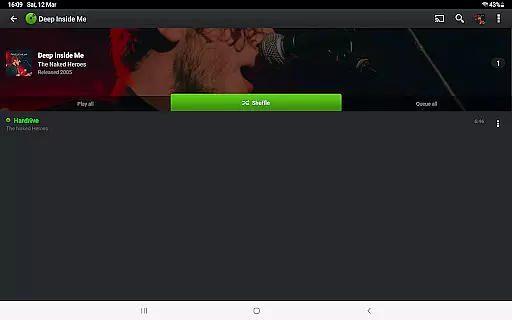
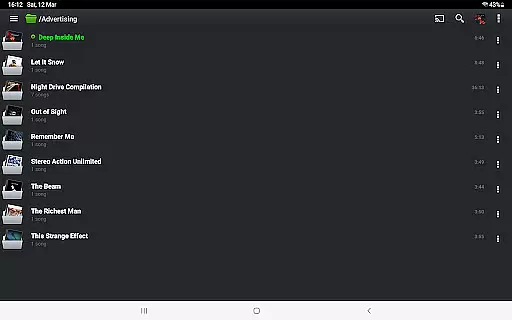
The app allows browsing and playing music in multiple ways such as by albums, artists, genres, playlists, folders, or songs. This flexibility enhances user experience by catering to individual preferences for organizing and accessing their music collection.
In terms of copyright authenticity, PlayerPro respects ID3 tags and embedded artwork, ensuring that metadata from original music files is preserved and displayed accurately. Users can also edit these tags in single or batch mode, supporting up to 15 different tag fields.
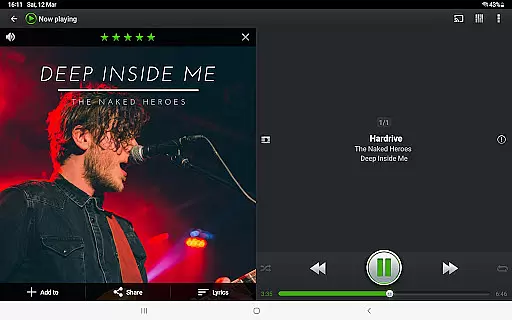
By providing options to customize the layout and view lyrics embedded in the ID3 tags, PlayerPro not only enriches the music listening experience but also ensures that users have control over how they interact with their legally acquired music content.
PlayerPro Music Player (Pro) stands out with its powerful audio configuration options designed to enhance sound quality. The app includes a default 5-band graphic equalizer with 15 presets, stereo widening effect, reverb effects, bass boost, and volume control, allowing users to tailor audio output to their preference.
For audiophiles seeking even higher quality, PlayerPro offers a free DSP plugin that supports High-Res audio up to 32-bit, 384kHz. This plugin adds a 10-band graphic equalizer, Pre-Amp control, bass boost, stereo widening, and more, ensuring pristine audio playback.
Advanced features like gapless playback, auto/manual crossfade, replay gain, and an audio limiter further refine the listening experience. These options ensure that audio tracks play seamlessly, maintaining consistent volume levels and dynamic range.
With support for streaming music to Chromecast Audio compatible devices and Android Auto, PlayerPro guarantees high-quality audio whether at home or on the go. Such versatility makes it an excellent choice for users who prioritize superior sound fidelity.
Advanced audio configuration
Comprehensive ID3 tag editing
Beautiful customizable interface
Wide format compatibility
Professional DSP effects
Paid application without free version
Steep learning curve for beginners
Occasional stability issues reported
High system resource usage
Limited customer support options

Performance-Synthesizer & Multi-Track-Sequencer, polyphonic + multi timbral!
 4.70
4.70
Remove ads permanently from Music Visualizer
4.4
VB-AUDIO Software / VBAN-Receptor allows listening to any VBAN Streams
4.10
Simple & Intuitive Metronome
4.70
Advanced 10-Band Audio Graphic Equalizer Sound Booster Pro
4.30
24,000 free audio books and no ads!
4.90
The original SP-1200 experience on your iPad
4.20
Powerful 10-Band equalizer pro with sound booster improves Android audio quality
4.30
Play your music offline without limits
4.80
Brian Eno and Peter Chilvers’ acclaimed music app Bloom, radically reinvented.
4.80
Listen to live FM radio stations, sports, music and news on global radios online
4.70
Reverse your voice & songs instantly! Fun singing challenge with cool effects.
4.60
10-Band Audio Equalizer, Sound / Bass Booster for Spotify Users & Music Players
4.40
Full featured mp3 and audio player with Chromecast and Android Auto support.
4.40
Your HD audio recorder on the go for music, meetings, ambience, animal sounds…
4.30
Time Guru will strengthen your internal sense of musical time via random muting.
4.30
Offline and always ad-free - stream in the highest quality available.
4.10
Turn your phone into a musical instrument from the future!
3.90
Music Streaming suite for Ampache, Nextcloud Music and compatible backends.
4.5


User Reviews