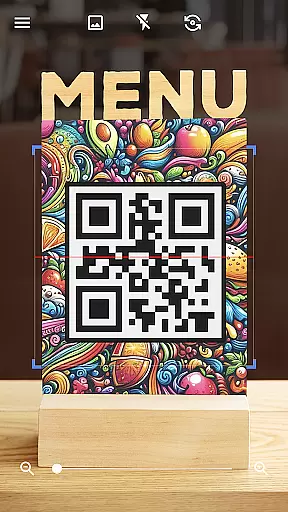

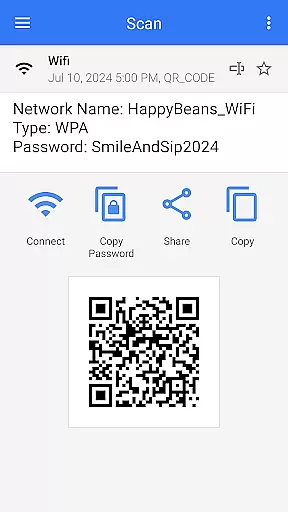
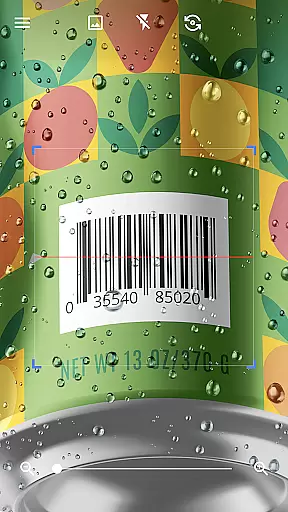
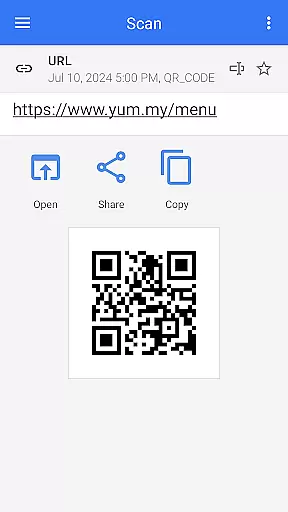
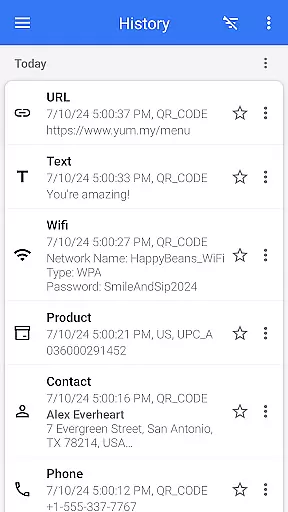
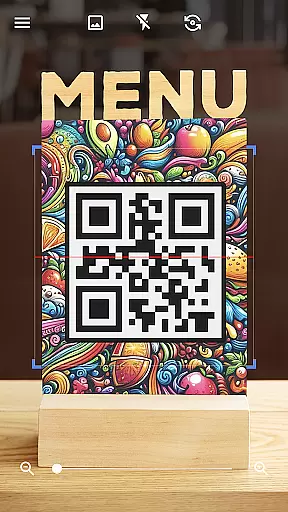

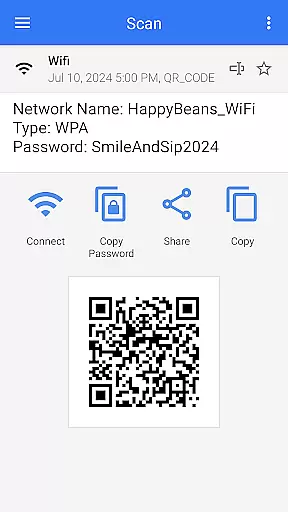
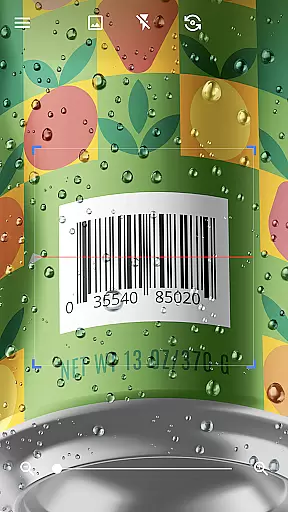
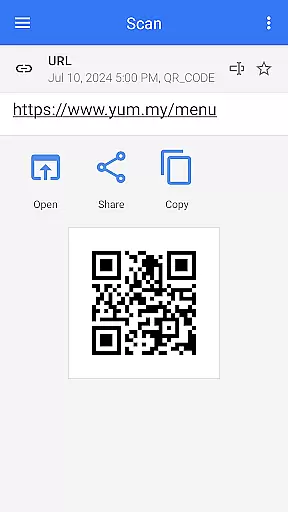
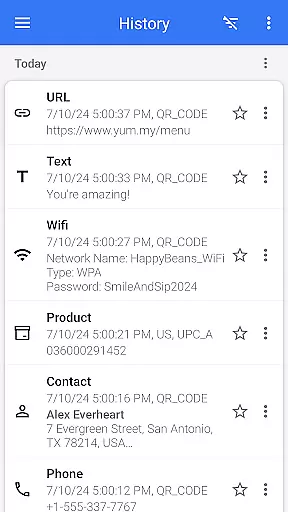
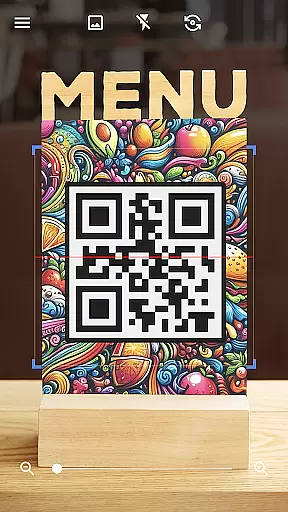

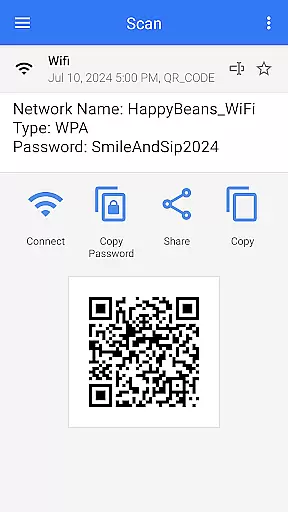
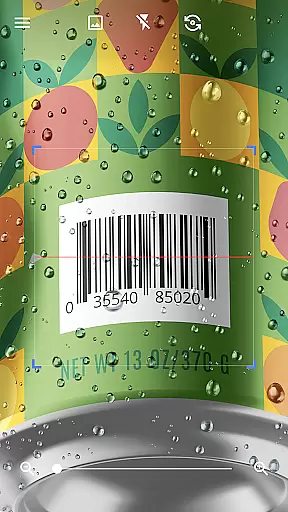
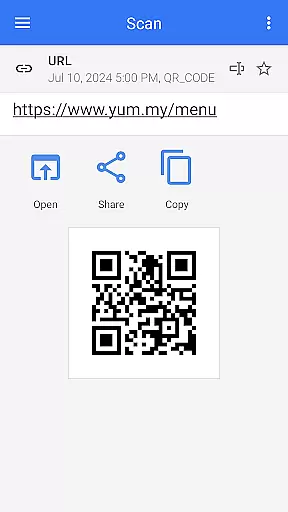
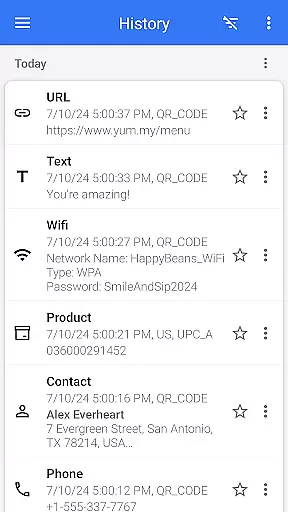

QR & Barcode Scanner is a versatile tool designed for Android users who need fast and reliable scanning capabilities. This app allows users to effortlessly scan various types of QR codes and barcodes, including text, URLs, ISBNs, product details, contacts, calendar events, emails, locations, Wi-Fi information, and more. With its intuitive interface, the app automatically scans and decodes QR codes without requiring any additional actions from the user, such as pressing buttons or adjusting zoom.
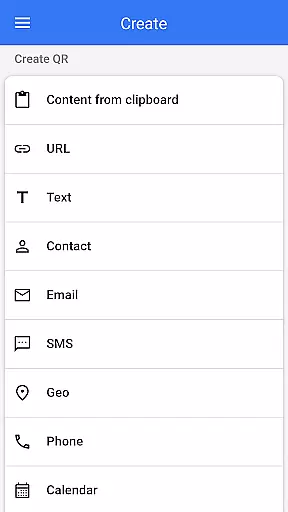
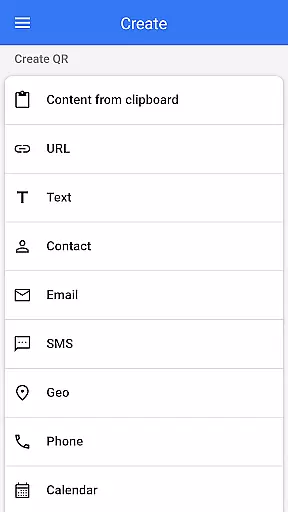
In addition to its scanning capabilities, QR & Barcode Scanner also functions as a QR code generator. Users can easily create QR codes by entering desired data and generating the corresponding code. The app supports multiple functionalities like creating QR codes, scanning them from images or galleries, sharing contact information via QR, and even comparing product prices by scanning barcodes in shops. Its comprehensive feature set makes it an essential tool for both personal convenience and professional use.
This application is particularly useful in scenarios where quick access to information is crucial, such as shopping, networking events, or managing digital content. By providing relevant options based on the scanned QR code type, it enables users to take appropriate actions efficiently. Whether you're looking to connect to Wi-Fi networks seamlessly or share data across platforms, QR & Barcode Scanner offers a practical solution that enhances productivity and simplifies daily tasks.
QR & Barcode Scanner stands out due to its rich array of features tailored to meet diverse user needs. One of its primary strengths is the ability to scan and decode a wide variety of QR code and barcode formats automatically. This includes not only standard text and URL codes but also specialized formats like ISBNs, product details, calendar events, and Wi-Fi credentials. The app's automatic scanning feature eliminates the need for manual input, making the process seamless and efficient.
Beyond scanning, the app provides robust tools for generating QR codes. Users can input various types of data—such as text, URLs, or contact information—and instantly create QR codes that can be shared or used as needed. Additional functionalities include batch scanning, which allows users to scan multiple codes at once, and exporting scan results in formats like CSV or TXT for easy record-keeping. The app also supports importing CSV files, adding scanned items to favorites, and sharing data across different applications.
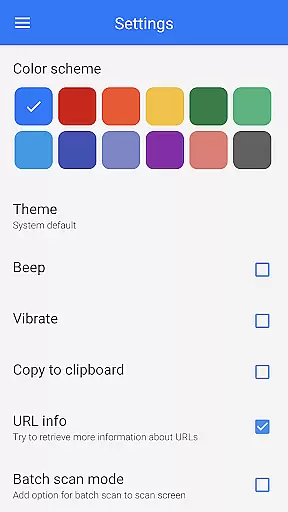
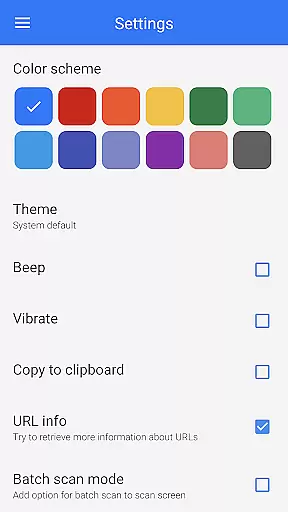
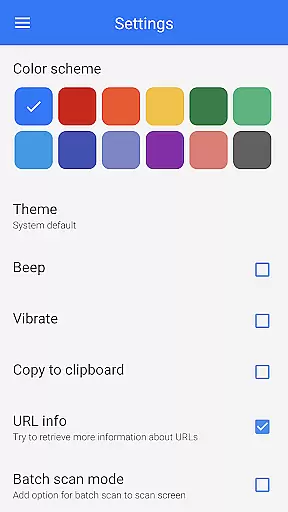
Another notable feature is the app's customization options. Users can adjust settings such as color themes, switch to dark mode, and enable flashlight functionality for scanning in low-light conditions. These features ensure that the app remains user-friendly and adaptable to different environments and preferences. Overall, QR & Barcode Scanner combines powerful scanning and generation capabilities with a high degree of customization, offering a comprehensive toolset that enhances user experience and efficiency.
QR & Barcode Scanner stands out for its exceptional core functionality, providing users with an efficient and reliable scanning experience. The app's ability to quickly and accurately scan various types of QR codes and barcodes is central to its design.
The application employs advanced scanning technology that automatically detects and decodes QR codes and barcodes without the need for user intervention. This seamless process ensures that users can obtain the information they need almost instantaneously, whether it's a URL, product details, or contact information.
Users benefit from the app's versatility as it supports a wide range of formats including text, URLs, ISBNs, and even Wi-Fi network information. After scanning, the app intelligently presents relevant actions based on the type of code scanned, enhancing the overall utility and user experience.
By integrating additional features such as a built-in flashlight for low-light conditions and zoom capabilities, QR & Barcode Scanner guarantees accurate scans in any environment. These thoughtful additions underscore the app's commitment to delivering precise and effective functionality.
A hallmark of QR & Barcode Scanner is its simple and intuitive interface, which makes the app accessible to users of all technical backgrounds. The design prioritizes ease of use, ensuring that anyone can operate the scanner effortlessly.
Upon launching the app, users are greeted with a clean, uncluttered interface that requires no prior training to navigate. The absence of unnecessary buttons or complex settings means that scanning can begin immediately, simply by pointing the camera at the desired code.
This straightforward approach extends to the app's additional functionalities, such as generating QR codes and managing scanned data. Users can easily create QR codes by entering the required information and tapping to generate, streamlining what could otherwise be a complicated process.
Moreover, features like batch scanning and exporting results in convenient formats demonstrate how the app balances simplicity with powerful tools. By maintaining an intuitive layout while offering advanced options, QR & Barcode Scanner delivers an interface that is both easy to grasp and rich in functionality.
User-friendly interface
Fast scanning capability
Versatile QR code generation
Automatic decoding
Customizable settings
Limited iOS support
Occasional ads
Requires internet
No cloud sync
Basic design

pdf merge, word to pdf, jpg to pdf, edit pdf, convert to pdf and much more!
 4.20
4.20
Easily install aab(Android App Bundle) files on your Android device with our app
4.80
Just one-tap to easy translate in any language after calls within seconds.
4.20
Extremely fast, secure, and protects your privacy
4.80
Create your own live wallpaper or check out thousands already made presets
3.90
Effortlessly run ADB commands directly on your device without a PC.
4.20
Fast Video Downloader, Movie Downloader, Torrent Downloader & Adblock Browser
4.70
A simple app to back up and restore SMS & MMS messages and call logs.
4.10
fast and easy mp3 music downloader
4.80
Powerful collection of electronics tools and reference.A must for any enthusiast
4.90
Remote Play with FSR upscaling, low latency & full controller support
4.80
Connect instantly to a fast, encrypted VPN with one tap
4.60
The Ultimate Bluetooth Keyboard & Mouse. Securely control your PC, Mac, and more
4.50
Screen Mirroring for Roku Sticks, Roku TCL TV and Roku Hisense TV
4.50
Game Booster, GFX Tool is now compatible with newer game update
4.50 4.10
4.10
Clean the junk files on your device
3.40
card-reader app
2.20
Transfer Files, APK from Phone to Watch & Install.
4.5


User Reviews