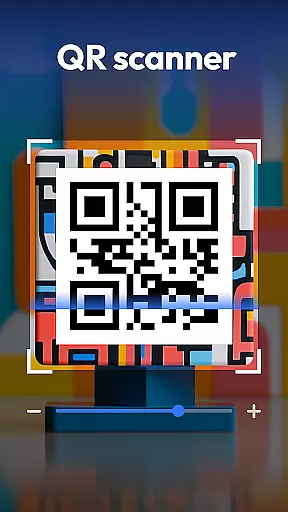
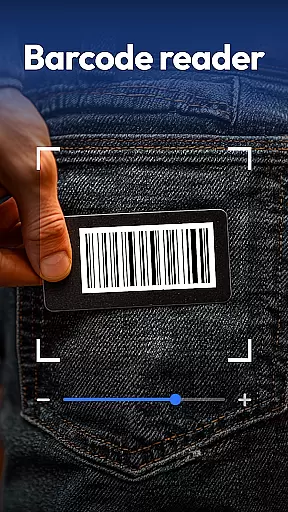
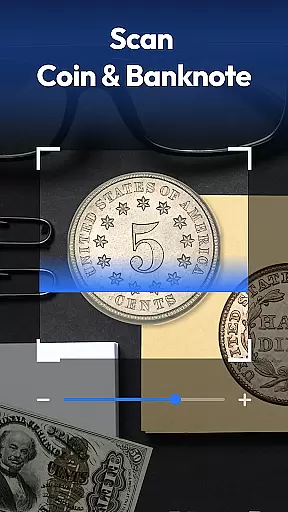
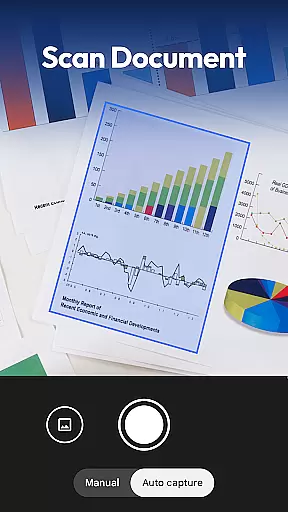
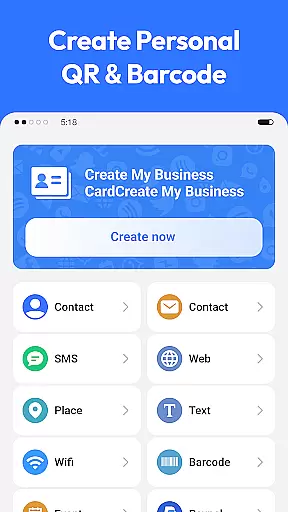
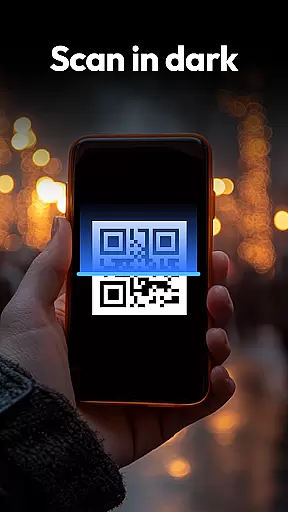
QR & Barcode Scanner is a versatile productivity tool designed to streamline various scanning tasks on Android devices. This all-in-one application combines multiple scanning capabilities, making it an essential utility for both personal and professional use.
The app's core functionality revolves around its powerful scanning engine that supports QR codes, barcodes, coins, banknotes, food labels, and documents. Its advanced features include automatic zoom, low-light scanning with flashlight support, and a comprehensive scan history system. The inclusion of specialized scanning modes for currency recognition and nutritional information makes this app particularly valuable for collectors and health-conscious users.
Whether you're managing inventory, digitizing documents, or making informed purchasing decisions, QR & Barcode Scanner provides practical solutions. The app's ability to convert physical documents into searchable PDFs and its privacy-focused design requiring only camera access demonstrate its commitment to user convenience and data protection.
QR & Barcode Scanner distinguishes itself through its comprehensive feature set and innovative implementations. The application supports an extensive range of code formats including QR, Data Matrix, UPC, EAN, and Code 39, ensuring compatibility with virtually all standard barcode types.
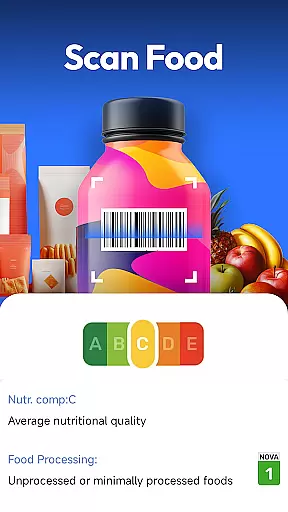
One of the app's standout features is its specialized scanning modes. The coin and banknote identifier utilizes advanced image recognition algorithms to help collectors and travelers identify currency from around the world. The food scanner provides detailed nutritional information, allergen warnings, and health ratings by analyzing product barcodes, empowering users to make informed dietary choices.
The document scanning functionality incorporates optical character recognition (OCR) technology to create searchable PDFs from physical documents. Additional notable features include a built-in QR code generator for creating Wi-Fi, contact, and URL codes, and integrated price comparison tools for major retailers like Amazon, eBay, and Walmart. The app's smart scanning system automatically adjusts focus and lighting conditions while maintaining a minimal permission profile.
Task management is a cornerstone of productivity applications, and QR & Barcode Scanner excels in this area by offering an all-in-one solution for various scanning needs. This app allows users to manage different types of tasks such as scanning QR codes, barcodes, coins, banknotes, food labels, and documents efficiently.
The application's design emphasizes speed and ease of use, ensuring that users can swiftly transition between different scanning modes. With features like auto-zoom, flashlight activation for low-light conditions, and a comprehensive scan history, users are equipped with tools that make task management seamless and efficient.
By integrating additional functionalities such as Coin & Currency Recognition and Food Scanner for Healthier Choices, the app goes beyond basic scanning to provide a versatile task management experience. Users can easily track their collections or monitor nutritional information, making it an indispensable tool for both personal and professional use.
Cross-device synchronization is vital for users who rely on consistent access to their data across multiple devices. QR & Barcode Scanner addresses this need by ensuring reliable synchronization of scan histories and generated QR codes among Android devices.
While the app itself does not explicitly detail cloud-based sync features, its privacy-first approach implies that any synchronization would respect user privacy and security. The focus on minimal permissions reduces the risk of data breaches, which is crucial when dealing with potentially sensitive scanned information.
Moreover, the app's lightweight nature suggests that it maintains performance while handling synchronization tasks. Users can expect timely updates across their devices without compromising speed or consuming excessive resources, thus enhancing the overall productivity experience.
Comprehensive scanning options
User-friendly interface
Advanced document management
Privacy-focused design
Free with no ads
Limited iOS availability
Occasional scanning errors
No cloud sync
Basic OCR capabilities
Heavy on battery

Experience real multitasking on your Android!
 4.00
4.00
Smart PDF reader & editor to view, organize and manage PDF documents easily.
3.70
Customizable calendar widget for seamless event sync, planning & scheduling.
4.00
Stay on top of your to-dos with Google Tasks, part of Google Workspace.
4.60
PDF scanner & converter for files, photos, lottery, QR codes. One swipe away!
4.50
Simple and reliable communication between inmates, friends and family
3.20
Lightweight PDF, Word, Excel reader.
4.60
Scan paperwork into PDF/JPG, generate your own e-signature and send fax or email
4.70
Browse and view your photos and videos from the phone with photo & video hide.
4.10
8 custom complications. Custom Time Fonts. Beautiful color schemes. A++ Design.
5.00
Mind Map and brainstorm, note taking and idea collection
4.80
Secure, fast, open-source, Remote Desktop Client for Windows and Linux with SSH
4.60
The AI assistant that thinks with you - write, code, and solve complex tasks
4.60
Send files, sync SMS, notifications & clipboard across devices via local network
4.40
Easily read and manage all your PDF files
4.10
* block pre-roll ads, pop-up and forced redirect ads * Samsung certification app
4.00
Take control of your clipboard with Clipper!
3.90
The upgraded version of Name Wheel with AI and the power to add your own wheels.
4.2
A comprehensive suite of tools designed specifically for Lactation Consultants
4.4


User Reviews