
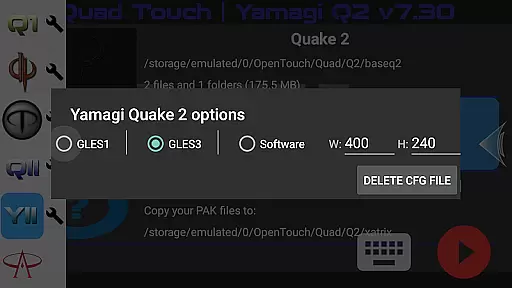
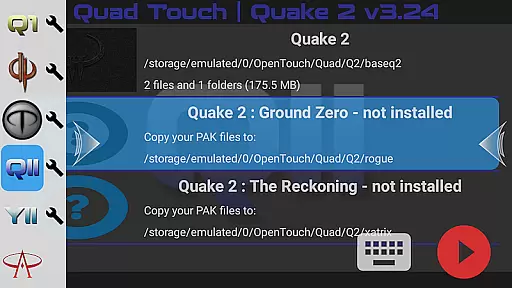
Quad Touch brings the most advanced Quake engines to Android, offering an unparalleled first-person shooter experience. The app supports multiple engine versions including DarkPlaces, QuakeSpasm, FTEQW, and more, each providing unique features for different Quake games. These engines deliver enhanced graphics, multiplayer capabilities, and support for mods and total conversions.
Designed for both casual and hardcore gamers, Quad Touch offers sophisticated touch controls, full gamepad support, and customizable key bindings. Players can enjoy official expansion packs, import/export settings, and benefit from scoped storage compatibility. Whether you're reliving classic Quake experiences or exploring modern adaptations like WRATH: Aeon of Ruin, Quad Touch provides the tools for an optimal gaming session.
The application's true value lies in its versatility and attention to detail. With built-in keyboards, weapon wheels, gyro aim assist, and full console access, it creates a comprehensive environment for FPS enthusiasts. While users must provide their own game files, the app ensures a premium experience across supported titles through meticulous optimization and user-friendly features.
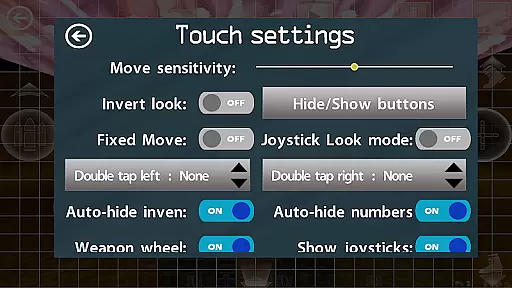
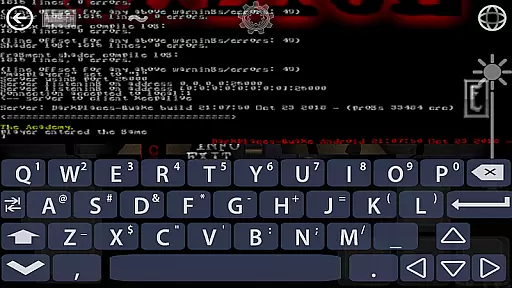
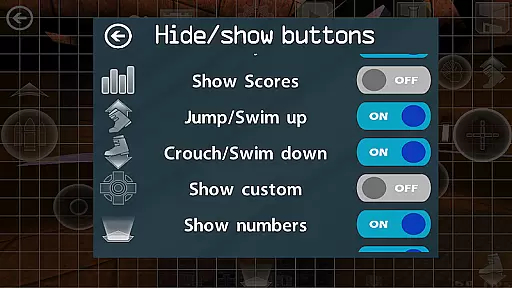
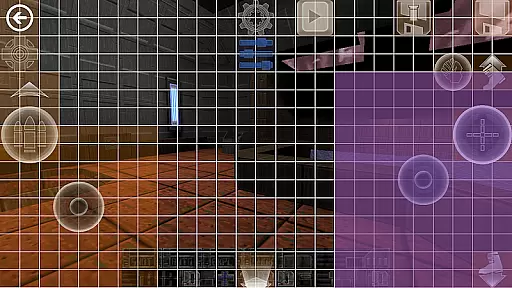
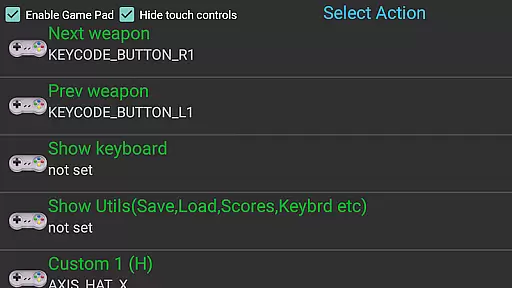
Quad Touch distinguishes itself through its extensive feature set tailored for Quake engine enthusiasts. The app includes six custom buttons for personalized command binding, allowing players to create a customized control scheme that suits their playstyle. Advanced touch screen controls and full gamepad support ensure precise and responsive gameplay, while the built-in keyboard facilitates easy navigation and input.
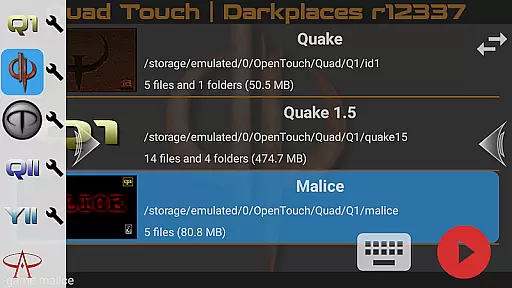
One of the standout features is the weapon wheel, which streamlines weapon selection during intense gaming sessions. The app also provides complete console access for all supported games, giving experienced players the ability to fine-tune their experience. Additionally, Quad Touch offers a graphical user interface for selecting mods and total conversions, making it simple to expand and modify gameplay without technical hurdles.
Other notable features include scoped storage compatibility, gyro aim assist for devices with gyroscopes, and support for playing official expansion packs for Quake 1 and 2. The app maintains legal compliance by not including any original Quake or Hexen 2 data, instead focusing on delivering a robust platform for users to enjoy their legally acquired game files with enhanced functionality and performance.
Control responsiveness and latency are crucial factors in action games, determining how quickly and accurately a player's inputs are translated into in-game actions. Quad Touch offers an advanced touch control system specifically optimized for first-person shooter (FPS) games, ensuring that every tap and swipe on your Android device is registered with precision.
The app supports full gamepad integration, providing players with responsive controls akin to console gaming experiences. Whether you're using a touchscreen or a connected controller, the input latency is minimized to deliver seamless gameplay. This means faster reaction times and more accurate movements during intense combat scenarios.
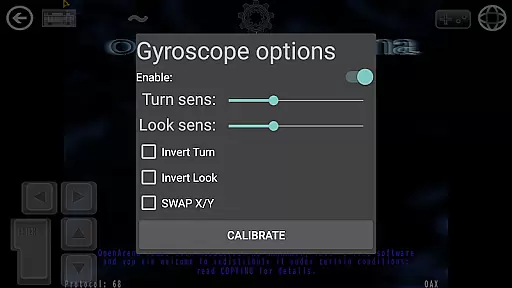
Quad Touch also features customizable buttons and a built-in keyboard, allowing users to tailor their control schemes according to personal preferences. With six custom buttons available for binding commands, players can execute complex actions effortlessly. The inclusion of gyro aim assist further enhances control by leveraging your device's gyroscope for precise aiming.
Ultimately, Quad Touch ensures that gamers experience optimal responsiveness and minimal delay between their actions and the gameu2019s response. This level of performance is essential for competitive play and immersive engagement, making it a top choice for enthusiasts seeking high-quality FPS experiences on mobile devices.
Combat feedback tightness refers to how effectively a game communicates the impact of combat actions to the player through visual, auditory, and tactile cues. In Quad Touch, this aspect is meticulously crafted to provide an engaging and immersive experience. The app leverages enhanced graphics engines like DarkPlaces, QuakeSpasm, FTEQW, and others to deliver stunning visual effects that make every shot count.
Players will notice immediate visual responses when they engage enemies, thanks to detailed particle effects and realistic animations. These graphical enhancements are complemented by robust audio design, which includes dynamic soundtracks and impactful sound effects that heighten the sense of urgency and excitement during battles.
Moreover, Quad Touch supports full console access across all supported games, enabling players to fine-tune settings for optimal performance. This flexibility allows users to adjust parameters such as hit detection and damage indicators, ensuring that combat feels both challenging and fair.
By combining cutting-edge engine technology with comprehensive customization options, Quad Touch delivers tight combat feedback that keeps players immersed and invested in their gaming sessions. Whether battling through classic Quake levels or exploring new realms in WRATH: Aeon of Ruin, users can expect a consistently thrilling experience where every action has clear and satisfying consequences.
Advanced touch controls
Full gamepad support
Customizable key bindings
Wide engine selection
Active development
No included game data
High-end device needed
Complex setup required
Limited user guidance
Premium price point
Survive epic space battles in an offline roguelike bullet heaven adventure
 4.60
4.60
Command your army, crush the enemy, and reclaim the nation!
4.30
Join stickman game - runner & fun race with a crowd. Epic battle & running game
4.60
Defeat the nasty aliens!
5.00
A classic console-feeling action game
4.40
Descend deeper into the toy factory with more puzzles and a new threat looming
4.20
Childhood nightmares should remain in the past.
4.60
Run with thousands of foods and feed them to each other!
4.70
Choice of Over 1 Billion Players! Ultimate Battle Royale On Mobile!
4.30
Gaze upon the horrors that dwell beyond the Wall of Insanity.
4.90
Hunt your target & become a strong PVP sniper in this Epic 3D sniper FPS game
4.80
The fast-paced FPS that changed gaming forever.
4.40
Try yourself at intense combat & tactical stealth missions in our shooting game!
4.40
Epic Fantasy RPG & Arena
4.30
A funny game with open world offline games and many Online multiplayer games
4.30
Escape the pixel maze full of traps! Fun games for arcade and old games lovers!
4.30
Fast-paced multiplayer fun. 3v3 & 5v5 matches, PvP brawls and battle royales!
4.20
A Naruto game full of 3D competitive action!
4.20
Run and jump through the depths of the jungle!
4.5


User Reviews