
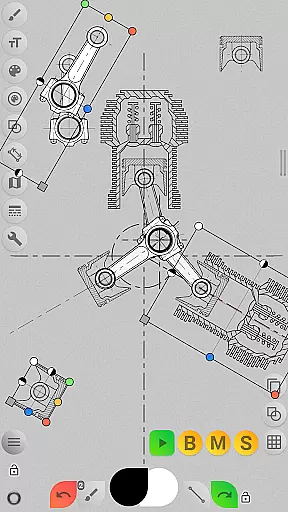
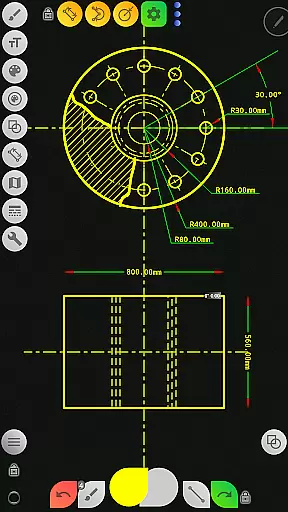
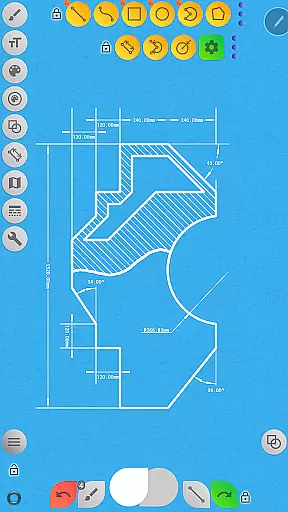
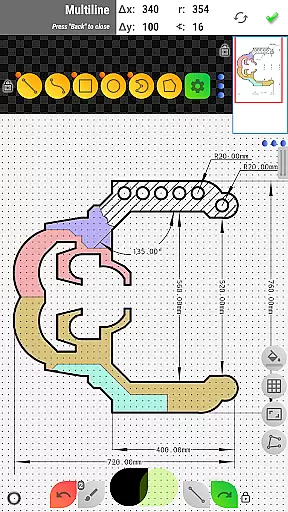

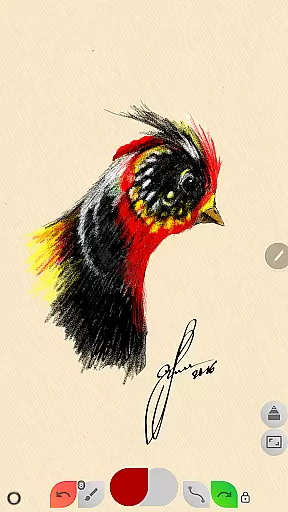
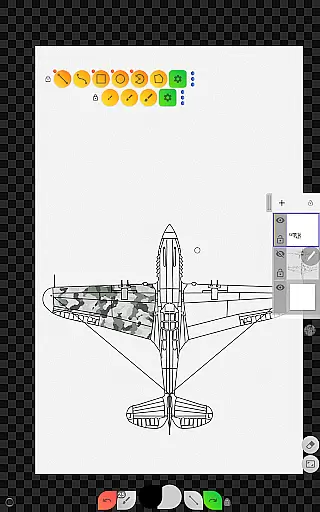
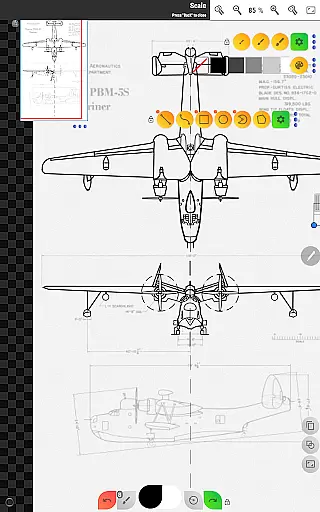
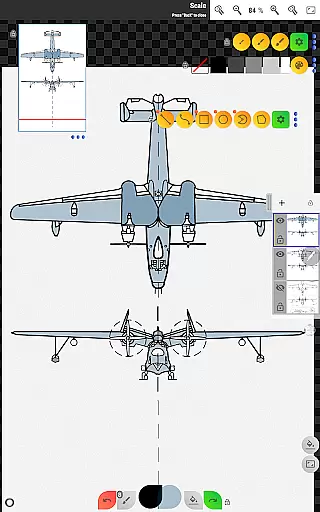
Sketch Box Pro is a versatile and lightweight sketching and drawing application designed to meet a wide range of requirements. It serves as an alternative to vector CAD systems while also supporting general sketching, online maps, and interactive map tools. The app uniquely combines the features of traditional drawing applications with the precision of CAD systems, making it suitable for both creative and technical users.
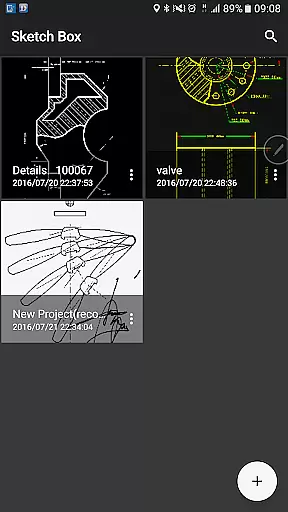
The app offers project-based functionality, allowing users to create projects from scratch, import snapshots from online maps, or use images from their device gallery. With support for up to six layers in the Pro version, users can manage layer opacity, lock layers, and merge layers as needed. Sketch Box Pro provides essential tools such as basic shapes, predefined brushes, grid tools, dimension tools, and flood-filling capabilities, ensuring that users can create detailed sketches for various tasks.
One of the standout features of Sketch Box Pro is its online map support. Users can utilize Google Maps as a background, share locations with custom markings, and employ interactive compass tools to align sketches with geographic directions. This makes the app particularly valuable for engineers, designers, and creatives who need to capture ideas quickly and accurately, whether working on technical drawings or spontaneous sketches.
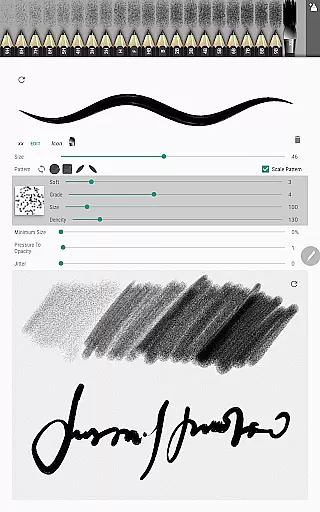
Sketch Box Pro stands out with its innovative combination of artistic and technical drawing tools. The app includes a 'Pencils Set' feature, enabling users to customize pencil characteristics through a powerful editor. Additionally, the optimized Multiline tool allows continuous drawing with any basic shape, while manual point positioning supports both scalar and radial coordinates. Free and radial selection tools further enhance precision during the drawing process.
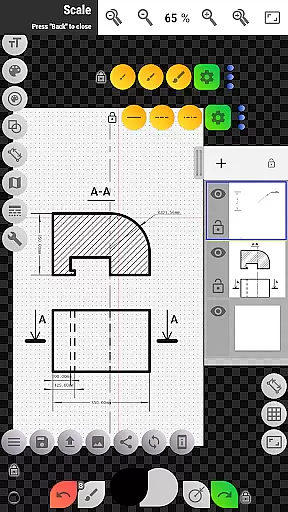
The app's layer management system is robust, offering advanced controls such as locking, duplicating, clearing, and merging layers. This ensures that users can organize complex drawings efficiently. Other notable features include a Flood Filling Tool, Hatching Tool, Text Tool, and Scale Tool for setting accurate ratios. The Copy Tool allows users to duplicate parts of their drawings and paste them repeatedly, even across layers, with options for angular multi-paste modes.
For professionals requiring geographic precision, Sketch Box Pro integrates seamlessly with online maps. The app supports distance measurement (odometer), area calculation, and azimuth display using vector tools. These features are complemented by an interactive compass tool that aligns sketches with the North direction. Overall, Sketch Box Pro delivers a comprehensive suite of tools tailored for productivity and creativity in equal measure.
Sketch Box Pro excels in core task management by offering a versatile platform for both creative and technical drawing needs. The app provides an extensive set of tools that cater to a wide array of requirements, from freehand sketching to detailed technical drawings.
With project-based functionality, users can initiate new projects from scratch, utilize online map snapshots, or import images from their device gallery. This flexibility ensures that whether you're drafting innovative design ideas or mapping out precise engineering plans, Sketch Box Pro adapts to your workflow.
The application supports layers, giving users the ability to work on different elements without affecting others, thus streamlining complex drawing tasks. Features such as locking layers, controlling opacity, and merging layers allow for meticulous organization and execution of intricate designs.
Cross-device synchronization is crucial for productivity apps, and Sketch Box Pro ensures reliable performance across various devices. By allowing users to create, duplicate, and share projects, it facilitates seamless transitions between working environments.
Projects are not only reusable but can also be shared with others, enhancing collaborative efforts. Whether you're continuing work on a different device or sharing your sketches for feedback, Sketch Box Pro maintains the integrity and quality of your drawings.
Moreover, the app's optimization for mobile use means that your workspace is always in your pocket. With the ability to export drawings to your gallery or directly share them, staying productive and connected has never been easier or more efficient.
User-friendly interface
Powerful customization options
Excellent layer management
Precise drawing tools
Integrated map functionality
Pro features require payment
Steep learning curve
Limited free version
Occasional performance lags
Complex UI for beginners

Seamlessly integrate data and reports to build your presentation to impress
 4.80
4.80
The long-awaited modern gallery app for your Nextcloud server
4.70
Activate Two Factor Authentication (2FA or Multi OTP), Password manager and more
4.10
Tally and goal counter for Wear OS & mobile
4.50
Great calculator for Android named one of USA TODAY's "25 Essential Apps".
4.90
Experience and share your SolidWorks designs on your Android® phone and tablet.
2.50
Scan paperwork into PDF/JPG, generate your own e-signature and send fax or email
4.70
AT&T Internet customers can use this app to personalize their Wi-Fi network.
4.40
Daily processing of PDF documents.
4.40
Best Tool for the professionals Electrician, Electrical contractors, etc.
4.90
Mind Map and brainstorm, note taking and idea collection
4.80
To do list widget with a notebook organizer, checklist, simple shopping list
4.60
All in One PDF Reader: Manage, Read and Edit your Documents
4.20
Make apps & sites with natural language prompts
4.10
Intelligent AI Assistant
4.10
The ultimate file manager for rooted devices. The original and still the best.
4.00
Smart PDF reader & editor to view, organize and manage PDF documents easily.
3.70
Auto-shutoff Alarm with Sunrise, Sunset & Fixed Options.
3.50
A comprehensive suite of tools designed specifically for Lactation Consultants
4.1


User Reviews