
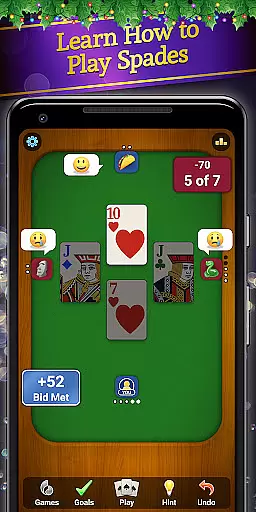
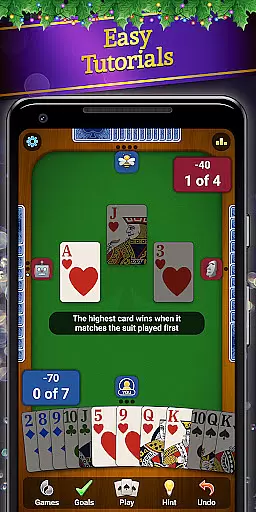



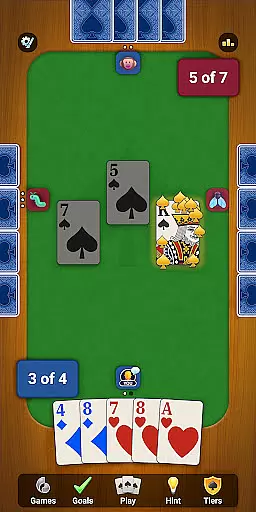
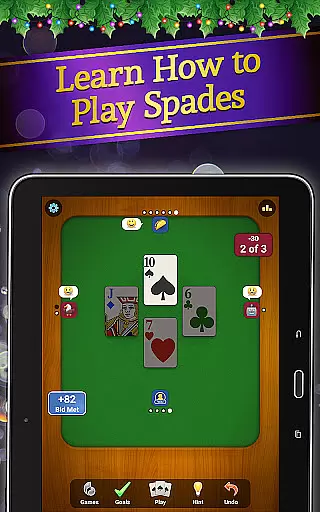
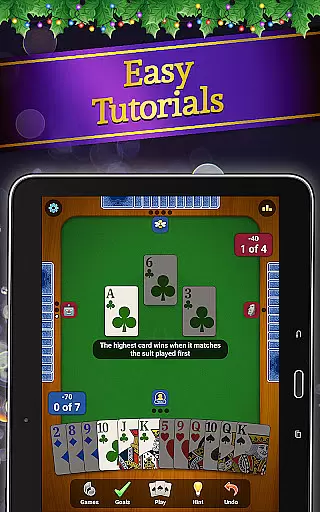
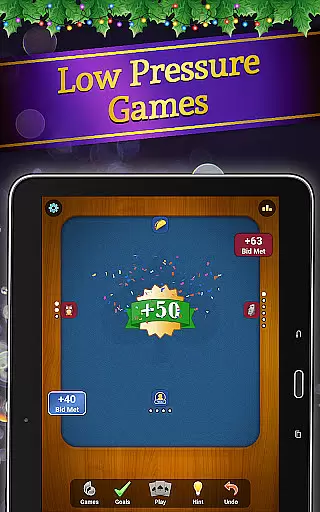
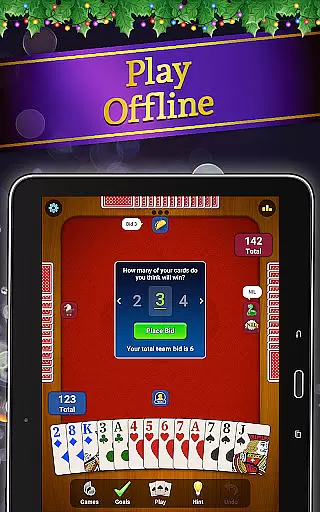

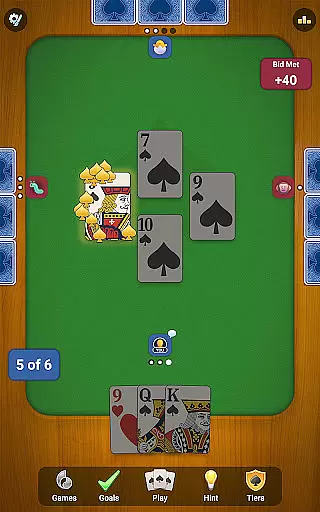
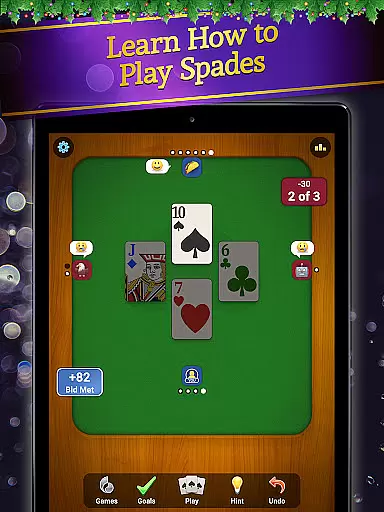
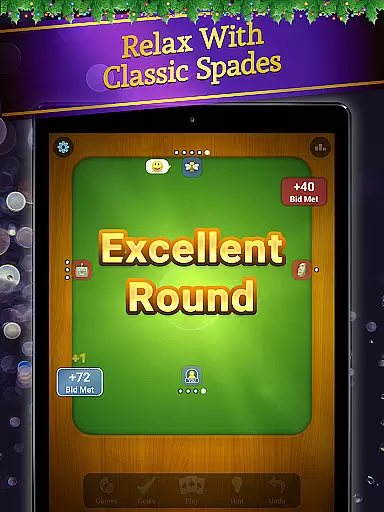
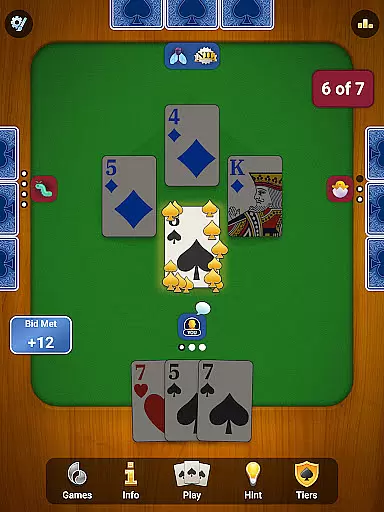
Spades: Classic Card Games brings the timeless trick-taking card game to your Android device with a modern twist. Developed by MobilityWare, this app offers a polished Spades experience featuring smooth gameplay, strategic depth, and various play modes. Whether you're a seasoned player or new to the game, this app provides an accessible entry point while maintaining the classic Spades challenge.
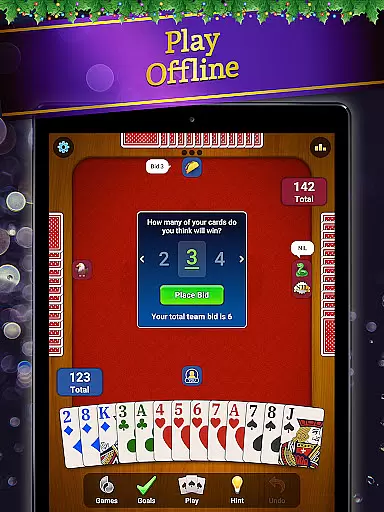
The application supports both online multiplayer and offline play against AI opponents, making it versatile for different gaming situations. With features like unlimited hints, undos, and customizable rules, players can tailor their experience to match their skill level. The addition of monthly challenges and exclusive rewards keeps the gameplay fresh and engaging, offering players new goals to strive for.
Ideal for fans of classic card games such as Hearts, Rummy, and Cribbage, Spades: Classic Card Games is perfect for those seeking a mix of strategy, competition, and relaxation. Its comprehensive feature set and mobile optimization make it a top choice for anyone looking to enjoy Spades on the go.
Spades: Classic Card Games stands out with its robust feature set designed to enhance the traditional card game experience. The app includes a fresh, mobile-optimized interface that makes navigation and gameplay intuitive. Players can enjoy drop-in-drop-out gameplay, allowing them to start and stop games at their convenience, which is ideal for quick sessions or longer play periods.
One of the key highlights is the ability to express yourself with fun emojis during play, adding a social element to the game. Additionally, the app offers both online multiplayer and offline modes where you can compete against smart AI bots. For newcomers, unlimited hints and undos provide a forgiving learning curve, ensuring that players can improve their skills without frustration.
Special monthly opponents bring variety to the game, offering exclusive rewards such as boosters, emotes, hats, and avatars. The app caters to all skill levels with customizable game rules, stat tracking, and high score leaderboards. Whether playing solo or with friends, users can train their brains and refine their strategies in a flexible gaming environment that includes portrait or landscape mode and auto-save functionality.
In the realm of card games, ensuring true randomness is crucial for fair play. Spades: Classic Card Games incorporates a certified Random Number Generator (RNG) system that guarantees every shuffle and deal is completely random and unbiased. This level of fairness ensures that each player's success or failure is determined by skill and strategy rather than pre-determined outcomes.
The developers at MobilityWare have gone to great lengths to obtain third-party certification for their RNG algorithms. This rigorous process involves regular audits and testing by independent agencies to verify the integrity of the randomization process. Players can rest assured knowing that their gaming experience is both challenging and equitable.
By prioritizing RNG fairness, Spades: Classic Card Games creates an environment where players can focus on honing their skills without worrying about manipulated results. The game's commitment to transparency builds trust among its user base, encouraging healthy competition and fostering a vibrant community of card game enthusiasts.
Smooth and responsive controls are essential for an immersive card gaming experience. Spades: Classic Card Games excels in this area by offering fluid touch controls that respond instantly to player inputs. Whether you're selecting cards, making bids, or communicating with emotes, every action feels natural and intuitive.
The development team has optimized the game engine to minimize input latency, ensuring that your commands are executed without noticeable delay. This technical achievement is particularly important during fast-paced matches where split-second decisions can make or break your strategy. Players will appreciate how seamlessly they can execute complex moves without fighting against sluggish controls.
Beyond basic responsiveness, the game offers customizable control schemes and accessibility options. These features allow players to tailor their interface for maximum comfort and efficiency. Whether you prefer portrait or landscape mode, left- or right-handed play, Spades: Classic Card Games adapts to your preferences while maintaining exceptional performance standards throughout.
User-friendly interface
Variety of play modes
Customizable game rules
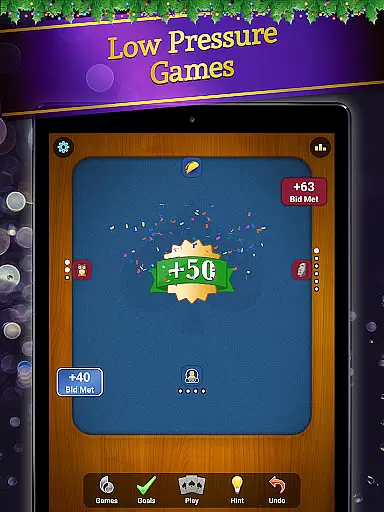
Engaging monthly challenges
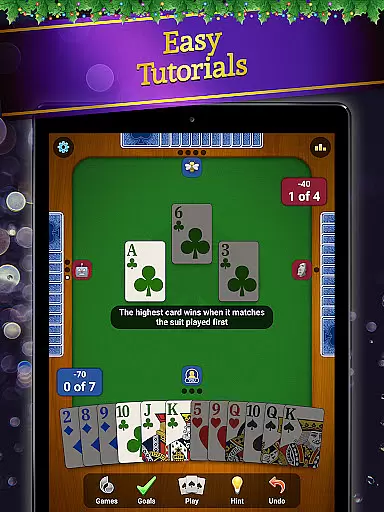
Comprehensive tutorial system
Limited offline content
Occasional performance issues
In-app purchases can add up
Ads may disrupt gameplay
Steep learning curve for beginners

Play and Master the Fun Classic Card Game Spades. Outsmart Opponents & Enjoy
 4.80
4.80
Card-based yatzy duels!
4.80
90 games. Intuitive, simple, beautiful... just great. Try it and you'll love it!
4.20
The Conquian made with 100% Mexican talent.
4.40
Sit on the Iron Throne
4.60
Play your cards carefully in this 4 player trick-taking card game!
4.60
Classic, Original, Klondike Solitaire Game with Large Cards!
4.90
Play Blackjack and and earn gift cards
4.50
Classic Solitaire Card Game: Join a Tripeaks Solitaire Game with a Twist
4.70
Addictive Classic Solitaire of 2025! Relax with classic and fun card games now!
4.90
Enjoy Fun and Relaxing Classic Spades Card Game with Friends!
4.90
Solitaire games and ocean adventure await!
4.60
Find dragons in mysterious land and play card games.
4.60
Swipe left, swipe right, be the King.
4.50
Play classic Spider Solitaire & Spiderette! Daily challenges, badges & events!
4.50
Compete against the computer in this classic trick-taking game.
4.20
World Series of Poker: Texas Hold em, Video Poker & Omaha Poker Card Games!
4.20
Strategy and luck combine in our favorite partnership card game.
4.1
Solitaire pro is a premium classic card game that you can enjoy all day.
4.0


User Reviews