
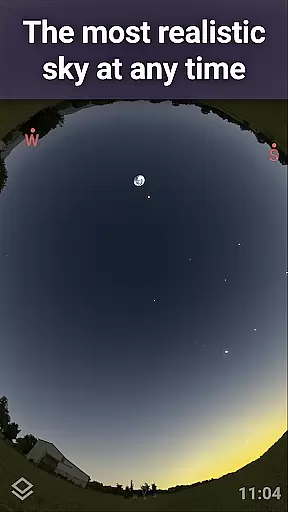
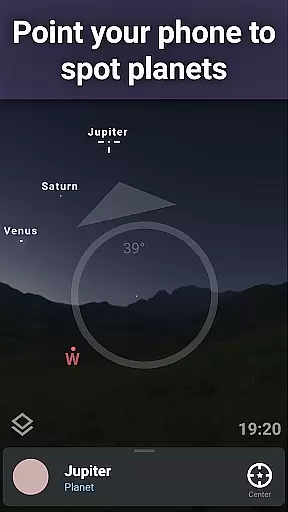
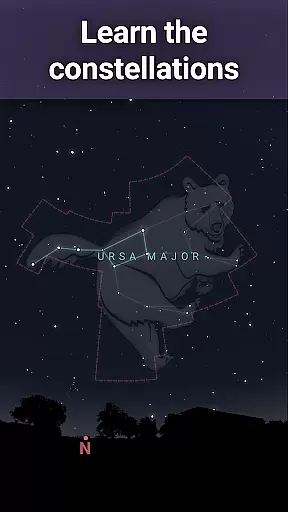
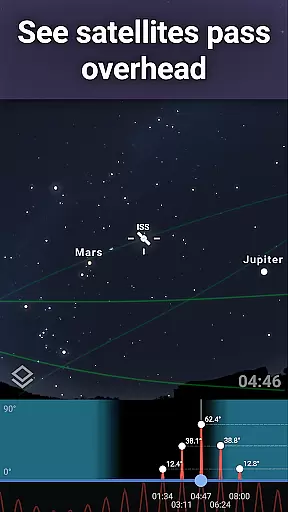
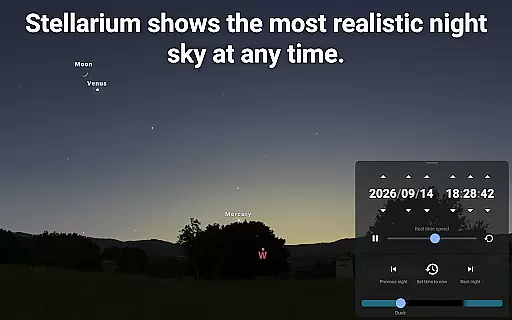
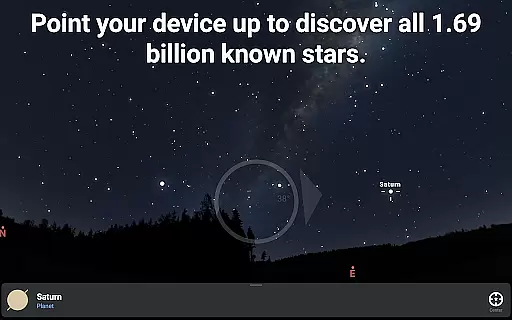
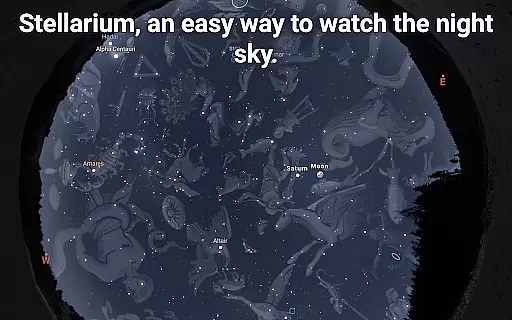
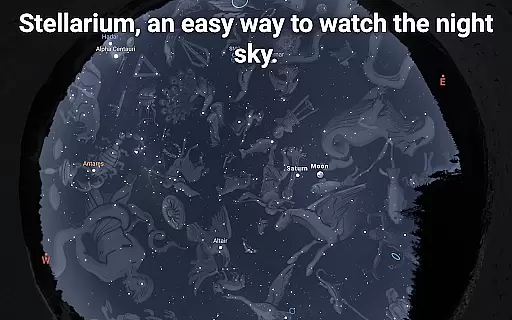
Stellarium Mobile - Star Map is an advanced planetarium app designed for both amateur stargazers and professional astronomers. This application provides a real-time representation of the night sky, accurately displaying stars, planets, constellations, and deep-sky objects visible to the user. With its intuitive interface, it allows users to explore the universe by simply pointing their device at the sky.
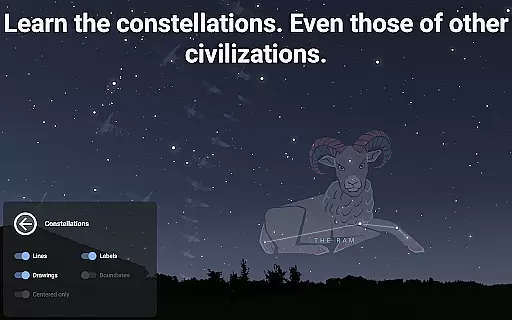
The app offers a comprehensive suite of features including realistic Milky Way rendering, detailed information on celestial bodies, and constellation illustrations from various cultures. Its powerful simulation capabilities enable users to view the sky from different locations and times, making it an invaluable tool for planning astronomical observations. Whether you're an educator, student, or enthusiast, Stellarium Mobile delivers scientifically accurate data in an accessible format.
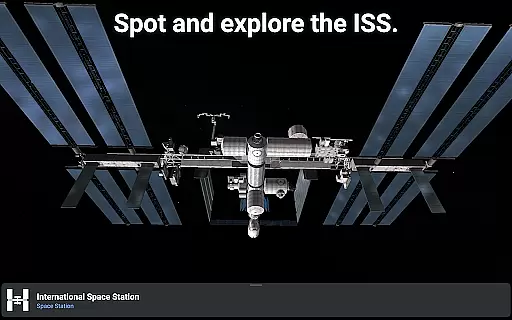
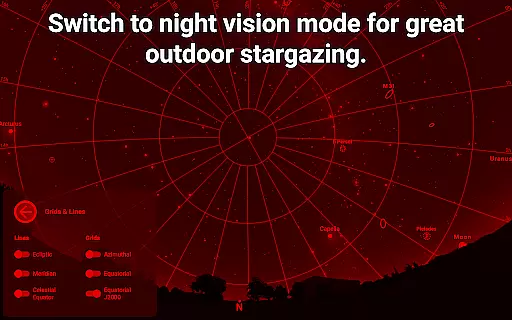
One of the key strengths of this application lies in its ability to function as both an educational tool and observational aid. Users can identify celestial objects with precision, track artificial satellites like the ISS, and even simulate atmospheric conditions. The app's red night mode helps preserve dark adaptation, while its extensive catalog of celestial objects makes it suitable for both casual exploration and serious astronomical research.
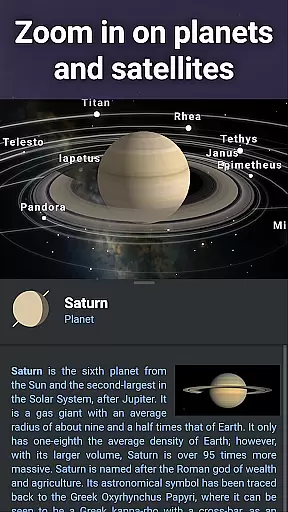
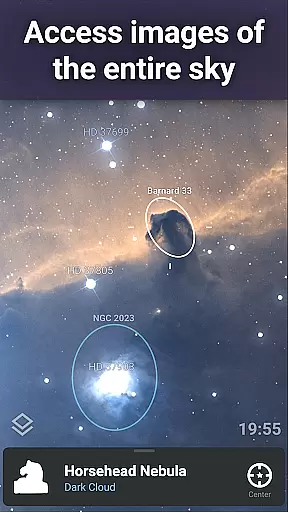
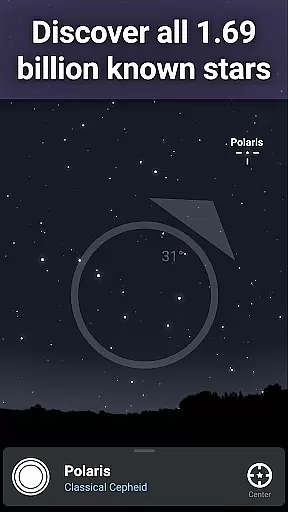
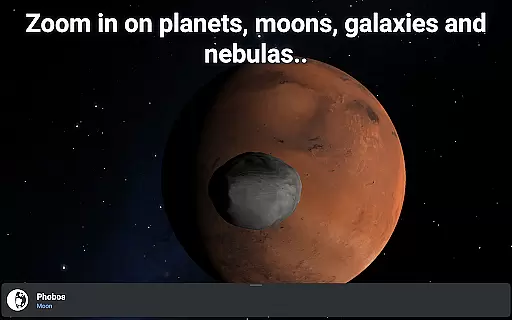
Stellarium Mobile distinguishes itself through its exceptional feature set tailored for astronomy enthusiasts. The application provides an impressive collection of over 1.69 billion stars from the Gaia DR2 catalog, along with detailed information about planets, moons, and deep-sky objects. Its sophisticated rendering engine displays realistic Milky Way visuals and high-resolution images of nebulas and galaxies, providing users with an immersive stargazing experience.
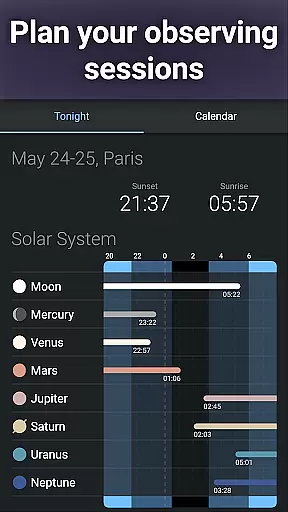
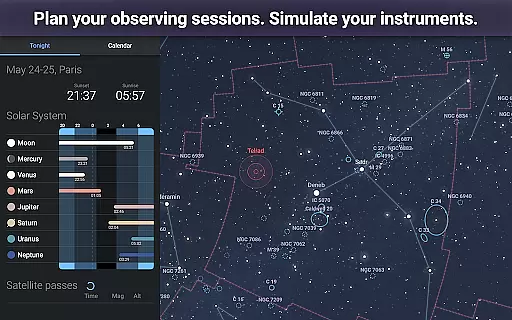
A notable feature is the app's ability to control telescopes through Bluetooth or Wi-Fi connections, supporting popular protocols such as NexStar, SynScan, and LX200. This functionality transforms mobile devices into powerful telescope controllers, enabling precise targeting of celestial objects. Additionally, the application includes advanced observation tools that help users plan their stargazing sessions by predicting object visibility and transit times.
The app's versatility extends to its offline capabilities, allowing users to access a reduced dataset of 2 million stars and deep-sky objects without internet connection. Premium features available through in-app purchase unlock even more capabilities, including magnitude 22 object visibility and enhanced observation planning tools. These features make Stellarium Mobile particularly valuable for field observations and educational purposes, bridging the gap between casual stargazing and professional astronomical research.
Stellarium Mobile - Star Map stands out in the realm of educational applications due to its commitment to content accuracy and authority. The app provides an accurate night sky simulation that includes stars, planets, and deep sky objects for any date, time, and location. This precision is achieved through the integration of extensive astronomical catalogs, ensuring users receive a reliable and factual representation of the cosmos.
The application's dedication to authoritative content is further demonstrated by its inclusion of the Gaia DR2 catalog, which boasts over 1.69 billion known stars. Additionally, it encompasses all known planets, natural satellites, comets, and minor solar system objects, alongside a combined catalog of more than 2 million nebulas and galaxies. Such comprehensive data sets are crucial for both amateur stargazers and professional astronomers who rely on precise celestial information.
Users benefit from this meticulous attention to detail as they explore the night sky. Whether identifying constellations or tracking artificial satellites like the ISS, Stellarium Mobile ensures that each observation aligns with current scientific knowledge. This empowers learners to acquire accurate astronomical insights while enjoying an engaging experience that bridges science education with real-world application.
While Stellarium Mobile - Star Map may not offer traditional personalized learning paths found in some educational apps, it does provide unique features that cater to individual exploration and discovery. By allowing users to view the night sky from different locations and times, the app fosters a personalized journey through the cosmos tailored to each user's curiosity and pace.
One key aspect of personalization within Stellarium Mobile is its ability to display how various cultures around the world perceive constellations. Users can select constellation shapes and illustrations from multiple sky cultures, enabling them to understand diverse astronomical perspectives. This feature not only enriches cultural awareness but also allows learners to follow their interests across global traditions of star lore.
Moreover, advanced observing tools available via in-app purchases enhance personal discovery by predicting celestial object observability and transit times. These capabilities support users in planning their unique stargazing sessions, whether for casual enjoyment or serious study. Thus, while structured learning paths are absent, Stellarium Mobile equips users with powerful resources to forge their own educational experiences under the stars.
User-friendly interface
Accurate celestial data
Realistic sky simulation
Telescope control capability
Offline functionality
Premium features costly
High battery consumption
Complex for beginners
Limited free content
Occasional lag

Learn Words Daily in Just Minutes - Boost Your Language Skills Fast!
 4.60
4.60
Age-Related Child Developmental Milestones
4.80
Practice Casino Roulette Payouts for Table Game Dealers and Croupiers
4.40
THE ESTABLISHED "GO TO" ARMY BOARD PREPARATION APP!
4.30
An aviator’s preparation, study and test tool for FAA Knowledge Exams.
3.80
An aviator’s preparation, study and test tool for FAA Knowledge Exams.
4.00
The "Go To" app for Airmen studying for promotion to SSgt and TSgt
4.30
A fast and fun way to learn guitar - works with any guitar.
4.60
Educational Activities for 2-8
3.70
Explore myths and gods across cultures with in-depth insights and stories.
5.00
Learn & Speak New Languages
4.70
A magical world of fun, building, and learning with Mickey Mouse and more!
4.20
Learn to make peaceful contact with extraterrestrial civilizations
4.10
An aviator’s preparation, study and test tool for FAA Knowledge Exams.
3.90
Listen, request and record pronunciations in more than 450 languages. Everywhere
3.90
FAR/AIM, FAR for Flight Crew and FAR for Aviation Maintenance Technicians
3.80
Deal Craps (Practice Craps Payouts)
3.80
Explore the City of the Sun in Augmented Reality
3.70
scanner body part for fun Prank friends realistic scan effects
3.00


User Reviews