
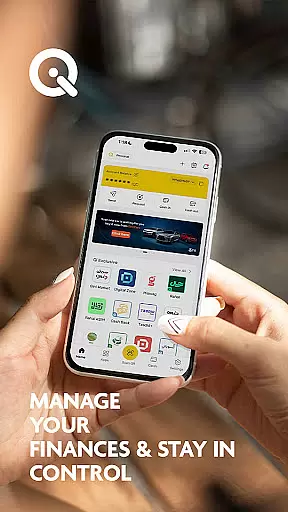
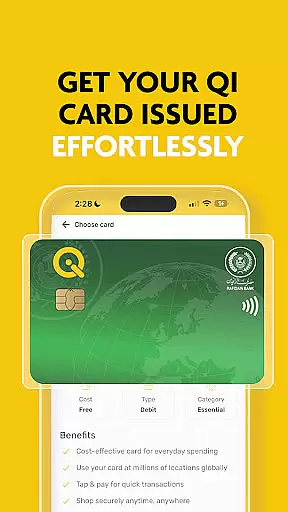
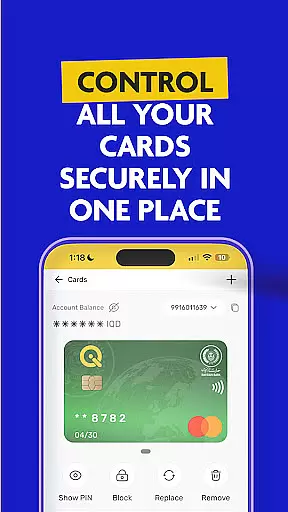
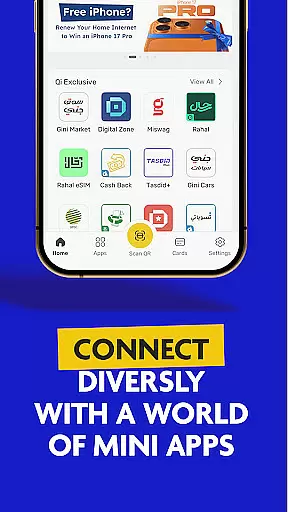

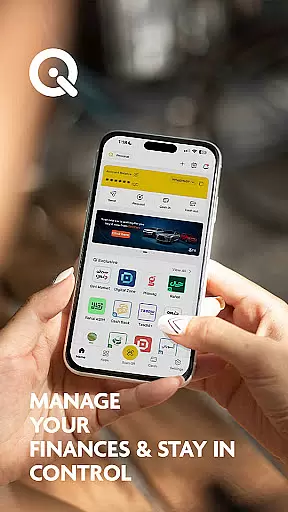
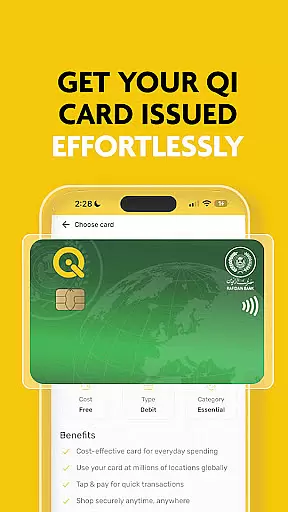
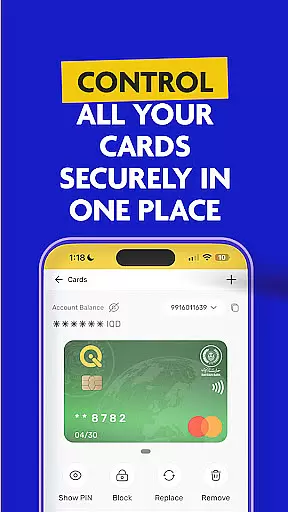
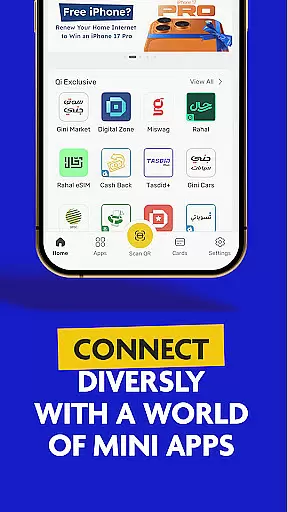

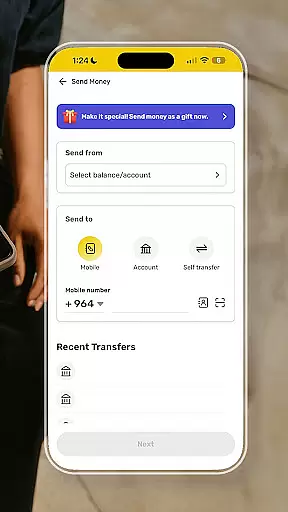
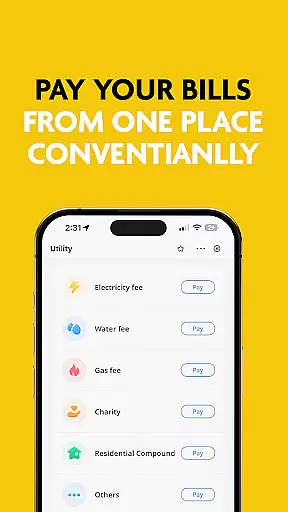
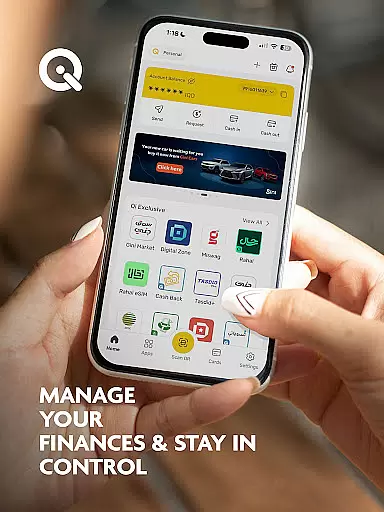
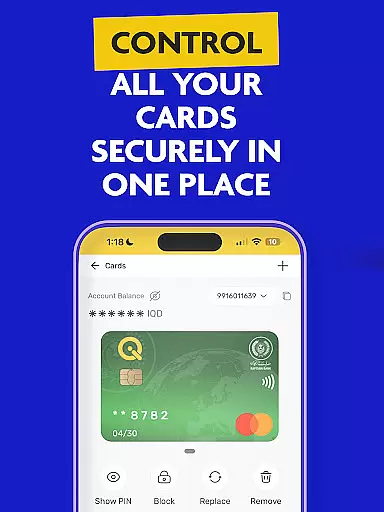

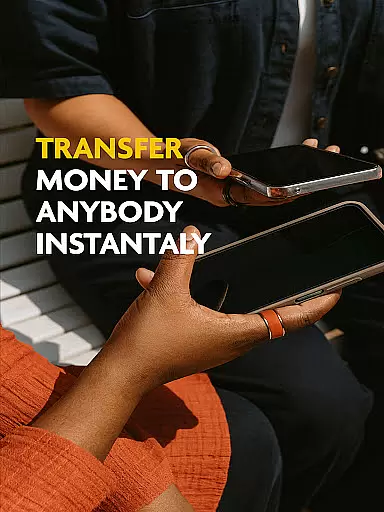
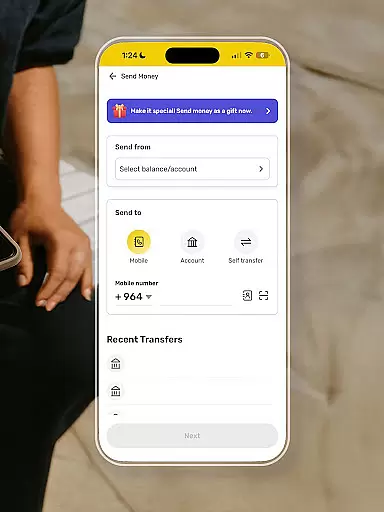
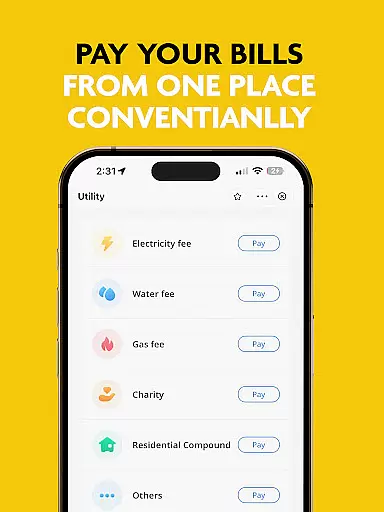
SuperQi is a comprehensive financial super-app designed specifically for users in Iraq, offering an all-in-one solution for digital transactions. The app enables seamless money transfers, bill payments, mobile recharges, and e-commerce services through a secure and user-friendly interface. With advanced security protocols, users can safely manage their Qi Bank accounts and perform various transactions such as transferring funds between cards or accounts, and making payments via QR codes. SuperQi also features mini-apps that cater to different aspects of daily life, providing access to a wide network of trusted merchants across multiple sectors including groceries, travel, and household essentials.
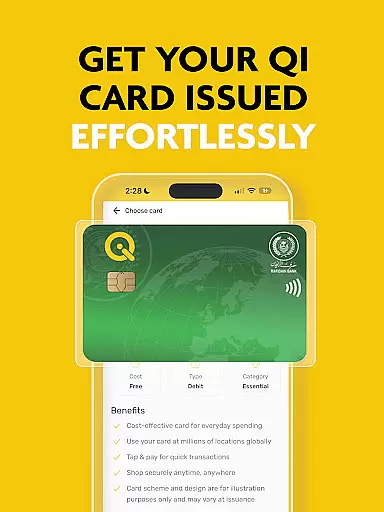
The app's standout feature is its ability to integrate with MasterCard and Visa, functioning as a digital wallet and payment gateway. This allows users to apply for Rafidain Bank loans, installment services, and even facilitate international money transfers through Western Union. Available anytime and anywhere, SuperQi simplifies the organization of daily essentials by consolidating all necessary financial tools into one platform, making it an indispensable lifestyle partner for modern Iraqi consumers.
SuperQi stands out with its robust set of features tailored to enhance the digital transaction experience. One of the core functionalities is its secure transaction system, which employs advanced security measures to protect user data and financial information. Users can easily access and manage their Qi Bank accounts directly from the app, streamlining their banking activities. The inclusion of mini-apps adds versatility, allowing users to explore various services that cater to different aspects of their daily lives, from shopping to utility management.
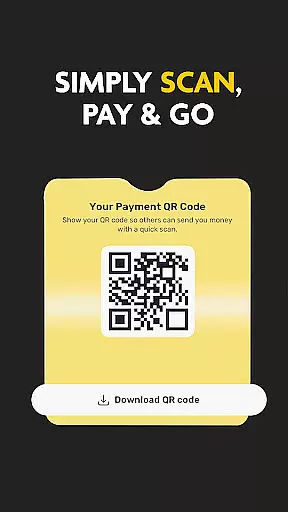
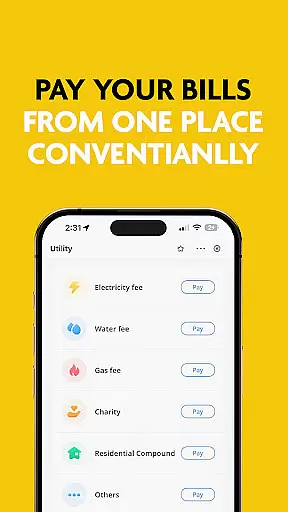
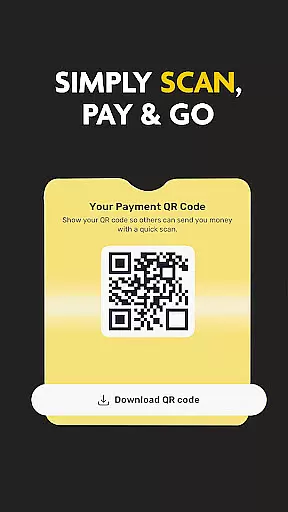
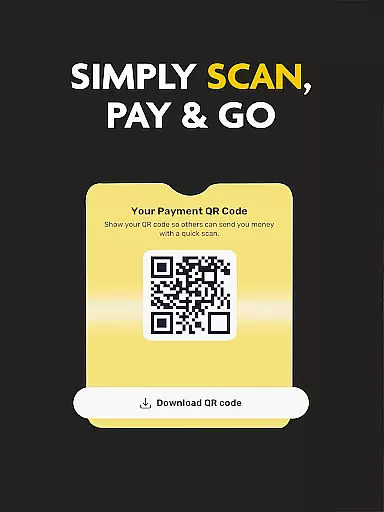
Another notable feature is the Scan to Pay functionality, enabling swift transactions through QR code scanning. This method not only speeds up the payment process but also enhances convenience for users. Additionally, the app supports one-tap bill payments, ensuring that users can settle their dues quickly and securely. With a vast network of merchants spanning multiple industries, SuperQi provides a diverse range of options for users to fulfill their needs, whether it's grocery shopping, travel bookings, or household essentials. The app's integration with MasterCard and Visa further extends its utility, functioning as both a digital wallet and a payment gateway.
In the realm of digital finance, security stands as a paramount concern for users. SuperQi addresses this by implementing advanced security protocols to protect every transaction made through the app. The application employs cutting-edge encryption technologies that ensure all financial data remains confidential and impervious to unauthorized access.
SuperQi provides users with peace of mind through its robust authentication processes. Before any transaction is processed, multiple verification steps are carried out, including biometric checks and two-factor authentication. This ensures that only authorized users can access their Qi bank accounts or perform money transfers, significantly reducing the risk of fraud.
The benefit to users is clear: they can manage their funds and make transactions knowing that their assets are safeguarded against cyber threats. With features like secure QR code payments and one-tap bill payments, SuperQi not only simplifies financial management but also reinforces trust in digital banking.
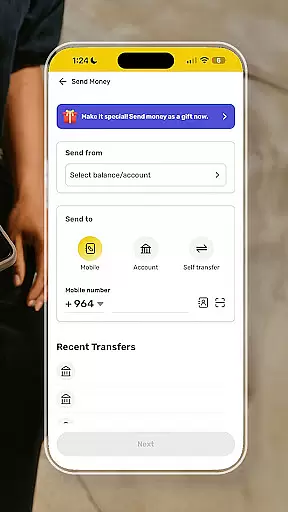
A seamless transaction experience is at the heart of SuperQi's design, aiming to provide users with swift and hassle-free interactions. Whether it's transferring money between accounts, paying bills, or making purchases through partner merchants, each action is streamlined for maximum efficiency. The app's interface is crafted to guide users effortlessly through their financial tasks.
Real-time notifications play a crucial role in enhancing the transaction experience within SuperQi. Users receive instant updates on their activities, ensuring transparency and enabling them to track their spending and account movements accurately. Additionally, the integration with MasterCard and Visa allows for smooth international transactions, expanding the user's financial reach beyond local boundaries.
By consolidating various services such as mobile recharge, e-commerce, and even loan applications from Rafidain Bank into one platform, SuperQi delivers an unmatched level of convenience. This consolidation empowers users to handle all their daily essentials without ever leaving the app, truly embodying the concept of a lifestyle partner in the digital age.
User-friendly interface
Secure transactions
Versatile mini-apps
Wide merchant network
Comprehensive financial tools
Limited regional focus
Potential learning curve
Dependent on internet connectivity
Transaction fees may apply
Requires personal data sharing

Companies owe you money.
 4.80
4.80
Play for fun, earn for real. Collect rent by owning virtual land & get cashback
4.60
Download the MySynchrony App to manage your accounts securely and conveniently!
4.60
Bill Manager is a simple app to help you keep track of your upcoming bills.
4.5
Earn cash & save money daily. Access instant cash advances* - no credit check!
4.50
Pay rent on your schedule.
4.70
Get 250$ Cash Advance to solve emergencies instantly in loan app called LendMe
4.70
Put crypto to work & earn rewards. Stake crypto like Ethereum, Solana & Cardano
4.40
Currency Converter (200+ currencies) with live exchange rates and offline mode.
4.70
Secure, simple money transfer app. Send money to Mexico and worldwide fast.
4.80
PayMe helps you claim money from settlements on companies that harmed you.
4.80
All expenses at a glance.
4.80
Powerful Money Manager, Expense & Savings Tracker, Budget Planner - Pro Version
4.70
Over 180 currencies conversion rates with live exchange rates and offline mode.
4.60
Make Real Cash by Playing Games! Fetch Playful Rewards, Win & Triumph
4.50
Manage budget, save money, or file tax. Build, track & improve your credit score
4.40
The PayPal app is the secure way to send and receive money, shop and pay in 4.
4.20
Make your paycheck work harder for you with Perpay.
4.10
Bank better with our new app
3.80


User Reviews