
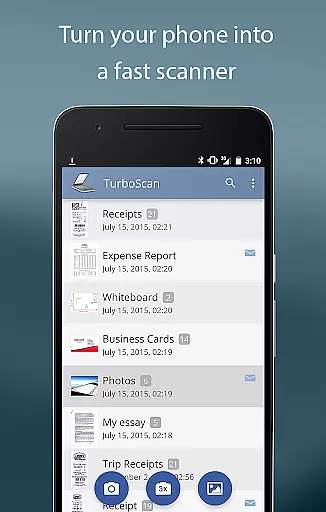
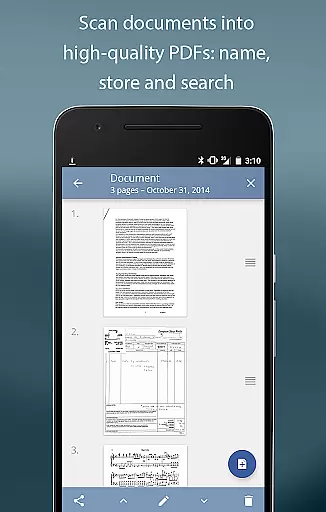
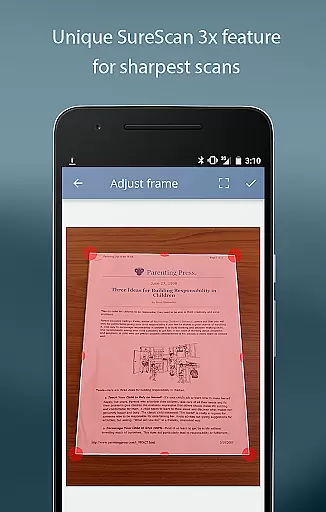
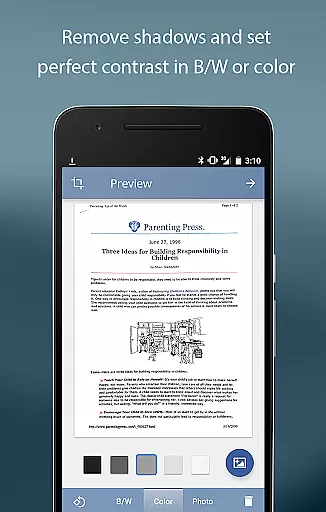
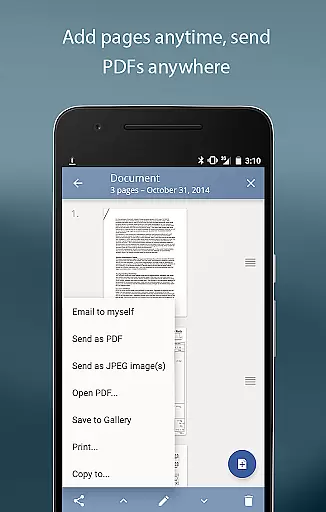
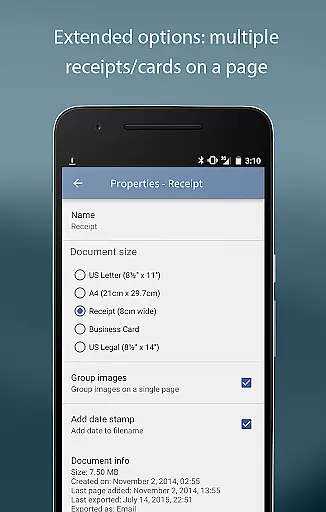
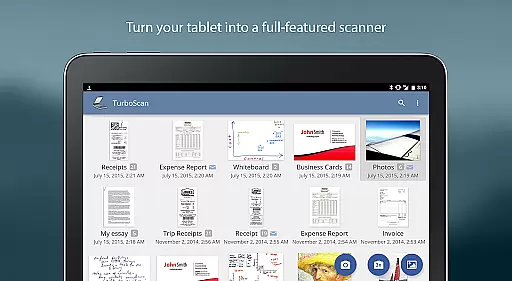
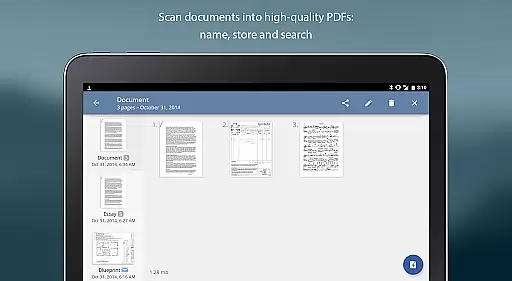
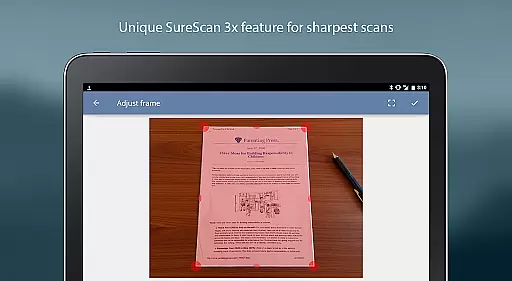
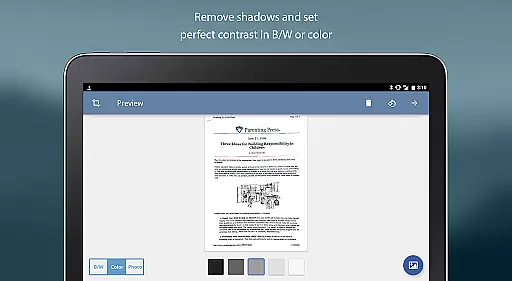
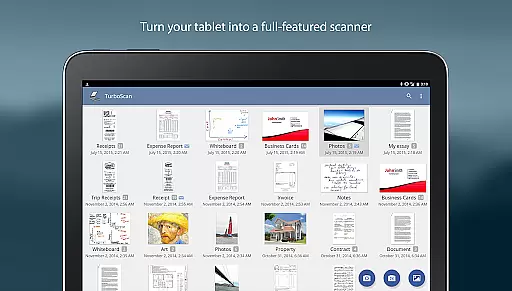
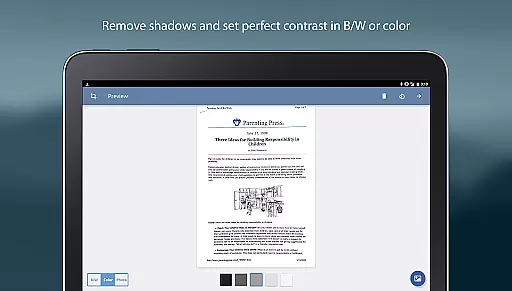
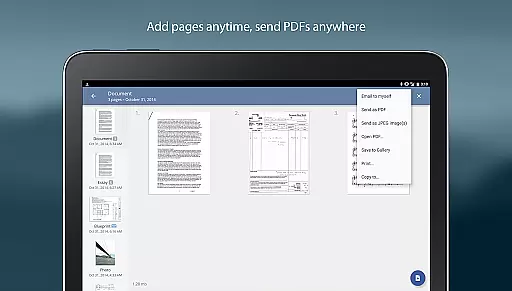
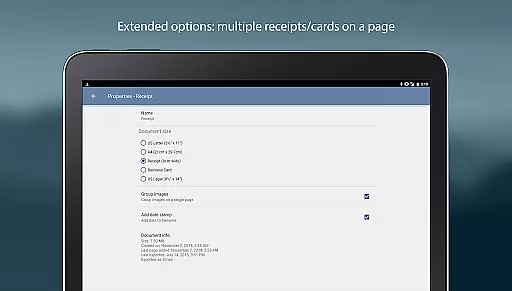
TurboScan Pro is a top-tier mobile scanning solution that transforms your smartphone into a versatile document scanner. Designed for business professionals and individuals alike, this app allows you to scan documents, receipts, notes, and more with exceptional clarity. Utilizing advanced algorithms, TurboScan ensures every scan is optimized with features like edge detection, perspective correction, and shadow elimination.
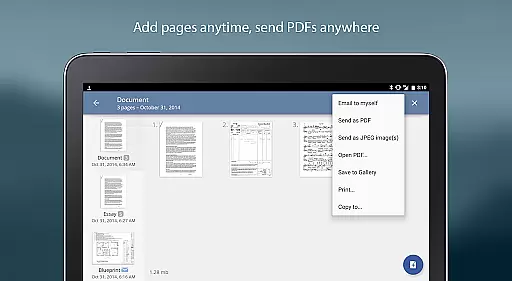
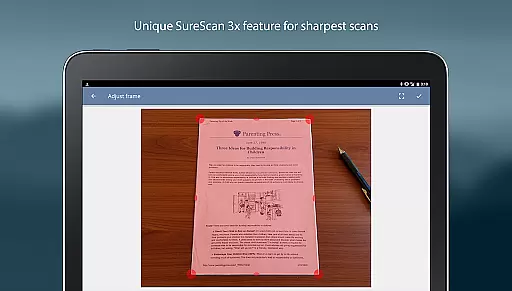
What sets TurboScan Pro apart is its SureScan mode, which captures sharper images even in low-light environments by taking three consecutive shots of the same document. With multipage support, users can compile, reorder, and manage PDF or JPEG files effortlessly. The app also integrates seamlessly with cloud services like Evernote and Google Drive, ensuring your documents are securely stored and easily accessible.
TurboScan Pro offers an array of powerful features designed to streamline document management. Its automatic edge detection and perspective correction tools ensure every scanned document is perfectly aligned and easy to read. The proprietary SureScan technology enhances image sharpness, making it ideal for capturing text-heavy documents in challenging lighting conditions.
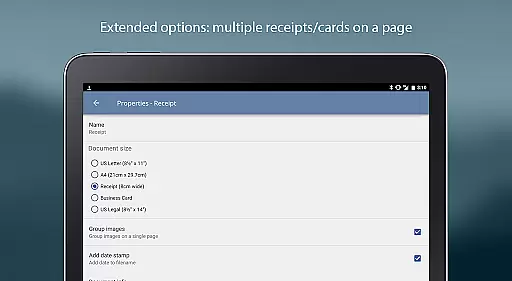
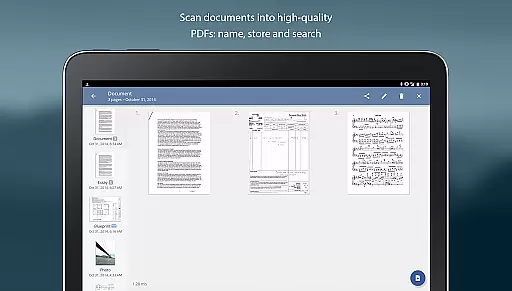
In addition to its scanning capabilities, TurboScan Pro provides robust editing options. Users can name, store, and search for documents within the app, as well as organize pages through an intuitive interface. The app supports multiple file formats including PDF, JPEG, and PNG, and allows direct sharing to email or cloud storage platforms. With instant brightness, rotation, and color controls, TurboScan Pro delivers unmatched flexibility and precision.
Advanced scanning algorithms
Fast processing speed
Multipage document support
Seamless cloud integration
User-friendly interface
Premium version required
Occasional glitches
Limited free features
High storage usage
Ads in free version

Completed Course Lectures on how to use IBM Maximo in Maintenance issues
 4.5
4.5
viewing and sharing PDFs and other files—anytime, anywhere!
4.4
We are a dynamic team of creatives people of design, marketing, web & apps
3.00
Access All PDF Files
3.40
Smarter career moves start here. AI job alerts, insights & the right tools.
4.20
All-in-one Mobile solutions for employees & managers to succeed at work
4.30
Say hello to the mobile work experience built to help you thrive at work.
4.30
Work happy with AI Companion
4.10
We help people get jobs
4.70
Permission Guard is a security app that helps you manage app permissions.
4.80
Create curriculum vitae, a professional cover letter creator and resume designer
4.80 4.70
4.70
Earn free swag, G-Cards & food • Enter sweepstakes • Find stores • So much more.
4.70
All your team communication in one place
4.70
Grow your business and connect with more people with Meta Business Suite.
4.60
Chat, meet, and collaborate to achieve more together, all in one place on Teams
4.60
Earn crypto with secure cloud mining. Monitor, track & withdraw easily
4.40
The Penny Puss app with DG penny finder
4.10
viewing and sharing of PDFs
3.60


User Reviews