



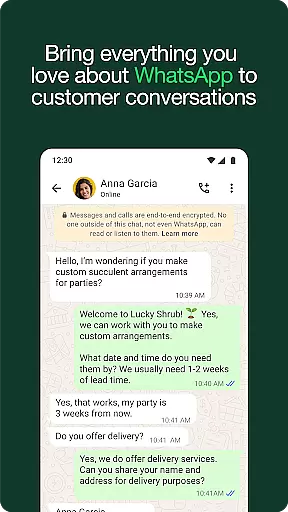





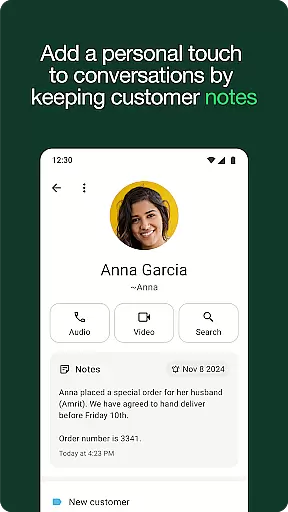

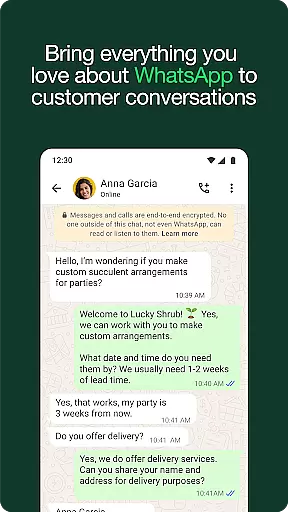
WhatsApp Business is a specialized communication app designed to help businesses enhance their customer interactions. The platform offers built-in business tools that enable companies to work more efficiently while building trust and growing their operations. Key features include automated responses, labeling systems for better organization, and in-app order processing.
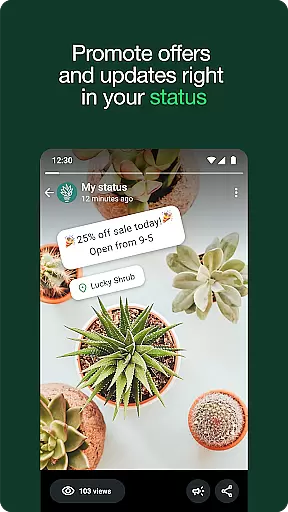
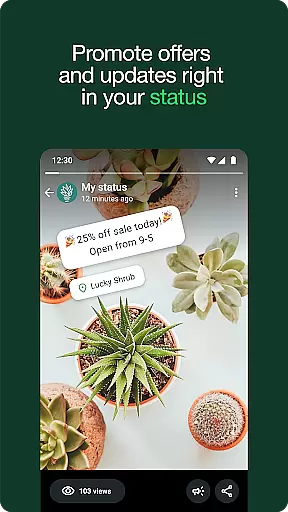
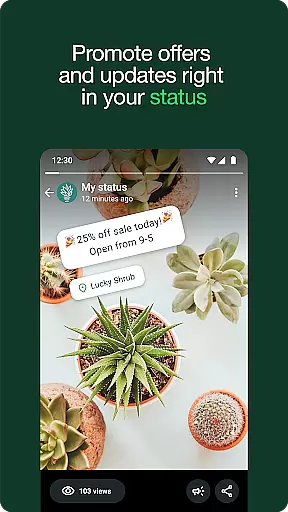
This app is particularly beneficial for small and medium-sized enterprises looking to establish a professional presence on a secure messaging platform. By providing responsive customer support and targeted promotional capabilities, WhatsApp Business helps businesses strengthen client relationships and increase sales through strategic engagement.
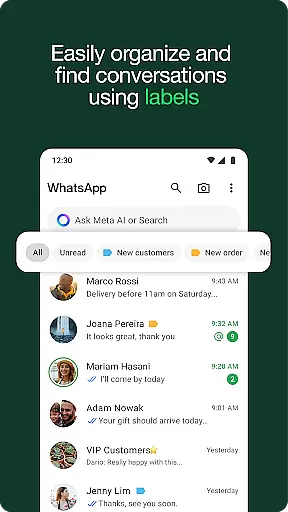
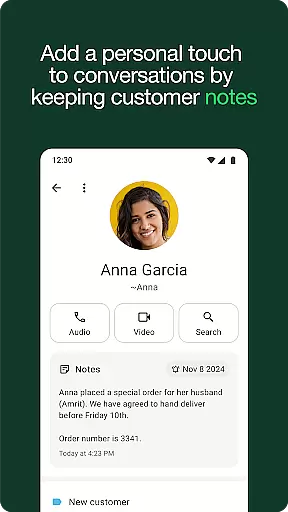
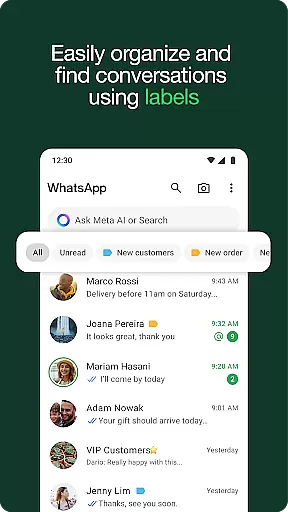
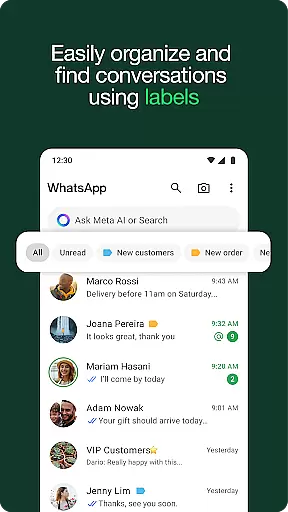
WhatsApp Business stands out with its comprehensive suite of business-oriented features. The app allows businesses to set up automated quick replies and away messages, ensuring timely communication even during non-working hours. Its labeling system enables users to categorize chats for streamlined management, making it easier to prioritize important conversations.
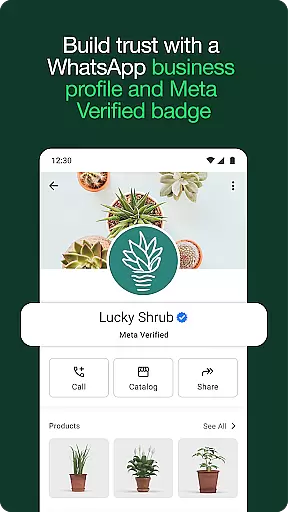
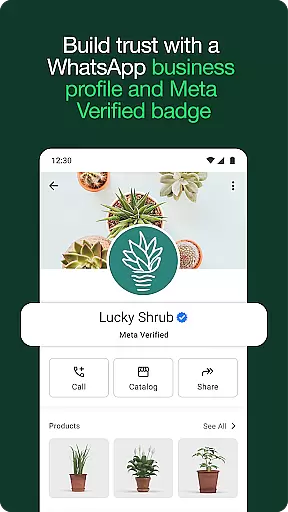
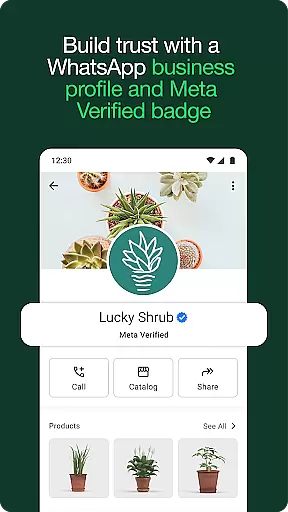
Another notable feature is the ability to create professional business profiles, which enhances credibility among customers. Additionally, businesses can showcase product catalogs and accept orders directly within the app. These functionalities not only improve operational efficiency but also contribute to creating a seamless customer experience that encourages loyalty and repeat business.
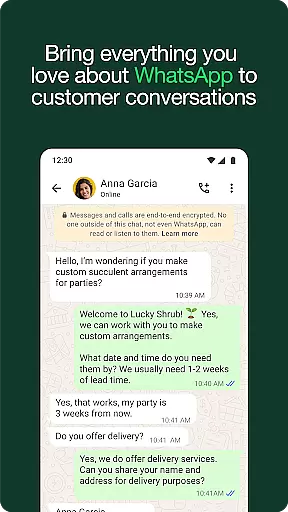
Real-time messaging speed and reliability are crucial for any communication app, especially in a business context. WhatsApp Business excels in this area by providing instant message delivery and read receipts, ensuring that your communications are both timely and verifiable.
The app leverages end-to-end encryption to secure messages, which not only protects the privacy of conversations but also maintains the integrity and reliability of the information exchanged. This means businesses can trust that their messages are delivered exactly as intended, without alteration.
WhatsApp Business supports a wide range of content types, from simple text messages to multimedia files, all delivered with minimal latency. This versatility allows businesses to communicate effectively using the most appropriate format for their message, enhancing the clarity and impact of their interactions.
Moreover, the app's ability to maintain stable connections even under poor network conditions ensures that businesses can rely on it for consistent communication, regardless of location or infrastructure limitations.
Media sharing is an integral part of modern communication, allowing businesses to convey complex ideas quickly and engagingly. WhatsApp Business offers robust support for various media formats, including images, videos, documents, and voice notes, making it easier than ever to share rich content with customers and colleagues.
The app provides seamless integration for file sharing, enabling users to send files up to 2GB in size. This feature is particularly beneficial for businesses that need to exchange large documents or high-resolution media without compromising on quality or resorting to external storage solutions.
In addition to traditional media, WhatsApp Business also supports interactive content such as product catalogs and order forms. These features allow businesses to showcase their offerings directly within the chat interface, streamlining the sales process and enhancing customer engagement.
Furthermore, the app's intuitive interface makes it easy to manage and organize shared media, ensuring that important files are always accessible and conversations remain clutter-free. This focus on usability enhances the overall efficiency of media-based communication.
User-friendly interface
Free international messaging
Automated responses
In-app order processing
Professional business profiles
Limited to five devices
Paid features available
Not all markets supported
Requires separate number
Meta Verified subscription

Manage your data, talk & text - affordable phone plans & data usage made simple
 4.30
4.30
Secure Messaging App to Enhance Messenger Texting Experience and Organize SMS.
3.50
The ultimate productivity solution for all your email communication needs.
4.40
A Browser with powerful ad blocker to help focus on what really matters.
3.00
Message and video call your family and friends in HD!
3.80
Comprehensive and powerful scan tool app with enhanced functions
3.00
Threema is the messenger with the most consistent focus on security and privacy.
4.00
Telegram is a messaging app with a focus on speed and security.
4.00
Share the moment!
4.10
We’re taking the yada yada out of wireless—now we’ve taken it out of your app.
4.70
A browser that does more than load page, like keeping your privacy safe.
4.70
Identify unknown numbers, block spam calls, customize calls with cool themes.
4.60
Welcome to the future of phone service.
4.60
Fast and simple walkie talkie app
4.20
Google's fast and secure browser
4.10
Messages: Fast, simple SMS app with scheduling and smart features.
4.00
Tether to Windows, OS X, Linux PCs or Android tablets. No root. No tether fees.
3.90
An app dedicated solely to marriage, not dating, and supported by a rigorous verification mechanism to ensure seriousness.
4.0
Bringing the functionality of Winlink to your Android device
4.0


User Reviews