
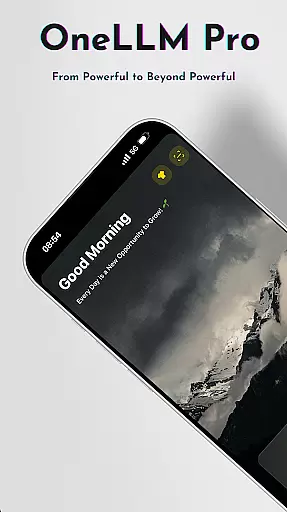
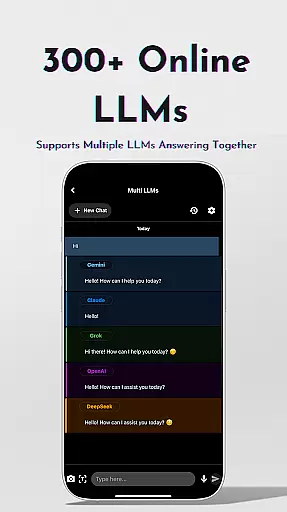
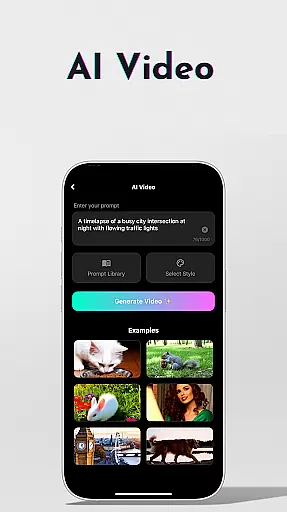
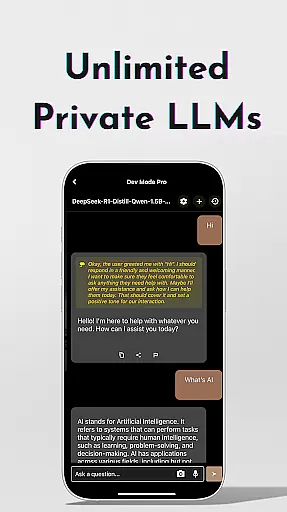
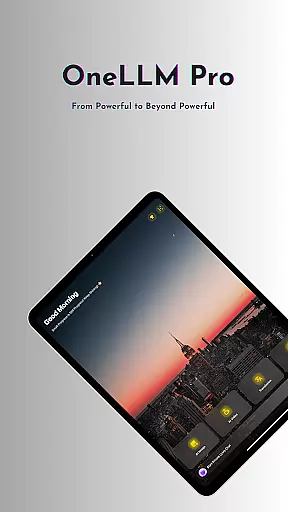
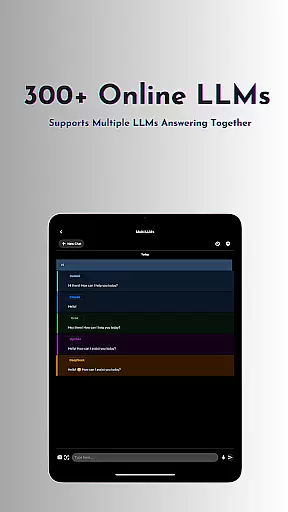
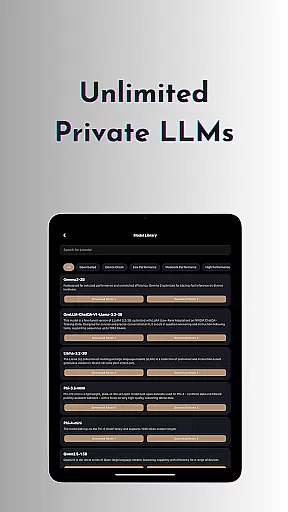
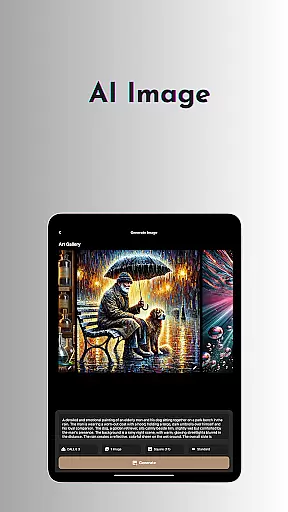
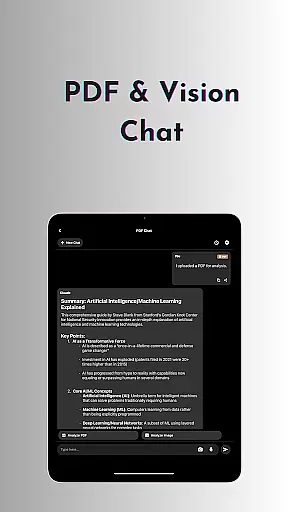
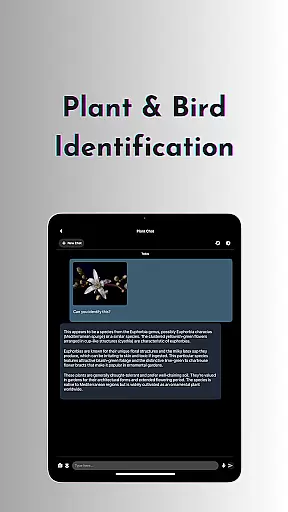
OneLLM Pro is a cutting-edge productivity app that seamlessly integrates local and cloud AI capabilities, offering users an extensive suite of tools for enhanced efficiency. Whether offline or online, the app provides access to thousands of fully offline Large Language Models (LLMs) and over 300 online LLMs, including top performers like ChatGPT 4o and Claude. Its core strength lies in delivering private, secure, and lightning-fast interactions through local processing while leveraging cloud power for demanding tasks.
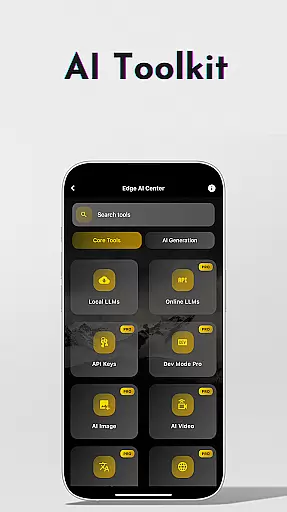
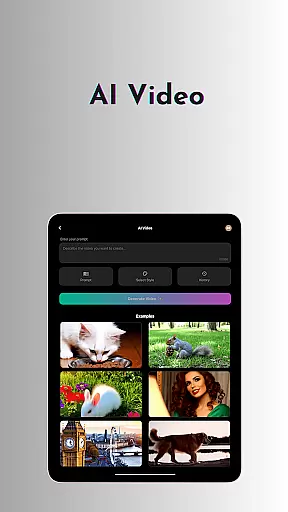
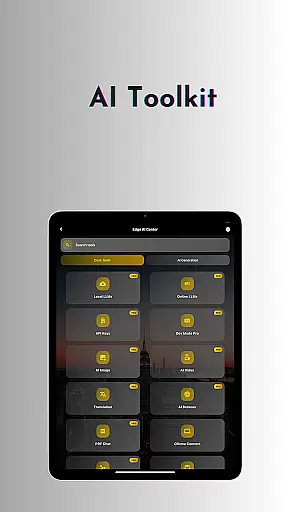
The app's AI toolkit covers a wide range of use cases, from AI video and image generation to offline OCR document scanning and private speech-to-text transcription. With features like Ollama Connect, AI Browser, and multi-LLM simultaneous response mode, OneLLM Pro empowers users to streamline workflows and optimize productivity across devices. The app also includes advanced functionalities such as LLM Dev Mode for developers and plant/bird identification using AI technology.
OneLLM Pro is optimized for all devices, ensuring smooth performance from entry-level to flagship models. It offers an ad-free experience with complete user control over privacy, making it ideal for professionals, students, and tech enthusiasts seeking a versatile AI-powered productivity solution.
OneLLM Pro stands out with its comprehensive feature set designed to maximize productivity and versatility. The app provides access to an extensive library of both offline and online LLMs, enabling users to customize unique AI characters tailored to specialized chat demands. This flexibility ensures smarter, faster, and more private interactions without requiring an internet connection for local models.
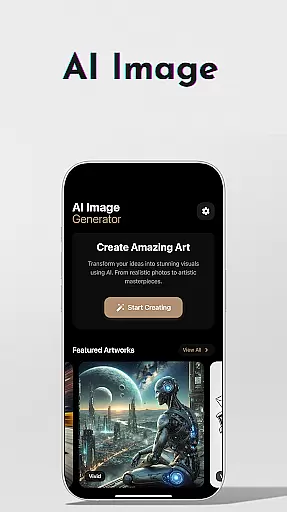
Among its standout features are AI-driven tools like video generation, image creation powered by Stable Diffusion and DALL·E 3, and offline OCR document scanning. These tools cater to diverse needs, whether crafting visuals, digitizing documents, or generating cinematic content. Additionally, the app supports advanced functionalities such as Ollama Connect for linking mobile devices to PCs or servers running large LLMs, private speech-to-text transcription for meetings, and an AI browser for summarizing complex articles.
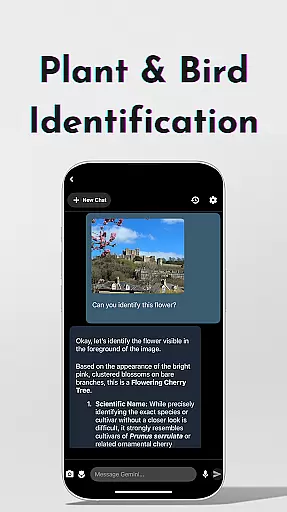
For developers and power users, OneLLM Pro includes LLM Dev Mode, which allows fine-tuning parameters and saving custom configurations. Other notable features include plant and bird identification, multi-LLM simultaneous response mode, and study assistance supporting text input, photo capture, or image uploads. With Hugging Face integration, smart LLM matching, and privacy-focused local processing, OneLLM Pro delivers a robust, user-centric AI experience.
At the heart of OneLLM Pro lies its robust core task management system, designed to streamline productivity across various use cases. This feature allows users to efficiently organize and execute tasks using both local and cloud-based AI capabilities.
The application provides access to thousands of offline Large Language Models (LLMs) for private task handling, alongside 300+ online LLMs for more demanding operations. Users can switch between these models effortlessly, ensuring optimal performance regardless of internet connectivity.
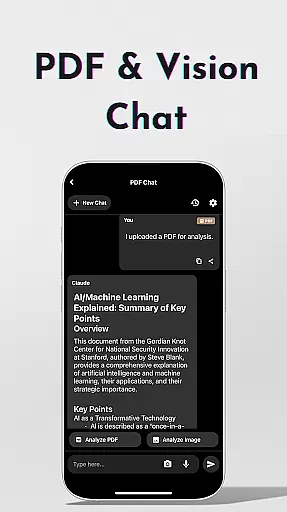
OneLLM Pro's task management extends beyond basic organization. It includes specialized tools like AI-powered document scanning, speech-to-text transcription, and multi-LLM response modes. These features enable users to handle complex workflows while maintaining privacy and efficiency.
The true value of this system becomes apparent in its adaptability. Whether you're managing simple daily tasks or complex professional projects, the intelligent model matching system recommends optimal LLM configurations based on your device's specifications, ensuring peak performance while conserving resources.
OneLLM Pro excels in cross-device synchronization, offering users a seamless experience across multiple platforms. This reliability is crucial for professionals and students who require consistent access to their data and tools regardless of their current device.
The application maintains synchronization through a sophisticated system that balances local processing with cloud capabilities. This hybrid approach ensures that user data remains accessible yet private, with real-time updates that reflect changes across all connected devices immediately.
Particularly noteworthy is the Ollama Connect feature, which enables users to link their mobile devices with powerful LLMs running on PCs or servers. This creates a unified ecosystem where work started on one device can be effortlessly continued on another without losing progress or context.
The synchronization system also supports advanced features like per-model history management and custom configuration tracking. These elements ensure that users' preferred settings and recent activities are consistently maintained across devices, providing a truly integrated and reliable productivity solution.
Extensive AI toolkit
Offline functionality
Cloud performance
Privacy-focused design
Cross-device optimization
Complex setup required
Premium pricing model
Resource-intensive
Limited free features
Steep learning curve

QuickBooks Workforce lets teams view pay info and track time in one place.
 4.70
4.70
Direct Chat without saving contacts & Dual WA Account on Single Device
4.70
Automates browsing any website and notifies you of important changes or events
4.30
The upgraded version of Name Wheel with AI and the power to add your own wheels.
4.5
Protect and view your important info on your phone and tablet with eWallet®
4.80
App lock - lock apps with fingerprint, password, pin or pattern, protect privacy
4.70
Enjoy classic gameplay with customizable features and retro-style graphics.
4.30
Quickly and easily keep track of your work shifts
4.70
Ultimate Virtual AI Character for immersive Roleplay Chat. Perfect Companion
3.90
A beautiful digital clock with autostart and many other functions
4.70
All document reader, all in one file viewer read PDF, DOCX, XLS, PPT, TXT files.
4.60
To do list widget with a notebook organizer, checklist, simple shopping list
4.60
Translate text/voice/photos in 150+ languages. Offline & fast translator app.
4.50
A lightweight JSON & XML files creator, editor and viewer (Premium Version)
4.40
Intelligent AI Assistant
4.10
Unlock AutoNotification
4.00
Create and edit presentations with Google Slides, part of Google Workspace.
4.00
The ultimate file manager for rooted devices. The original and still the best.
4.00
ID.me Authenticator is a simple and free Two Factor Authentication solution
3.50


User Reviews