
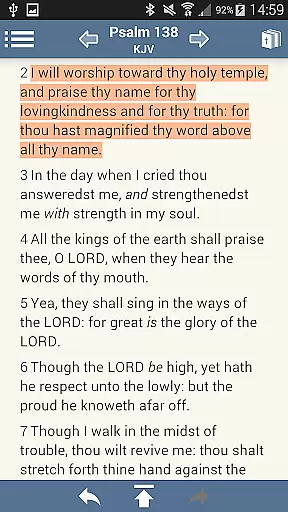
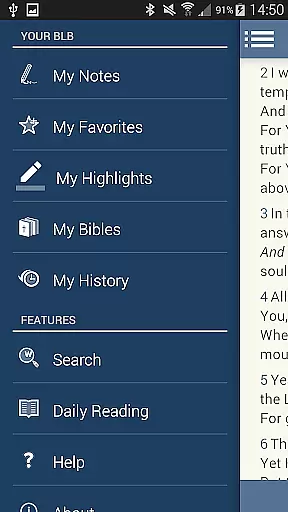
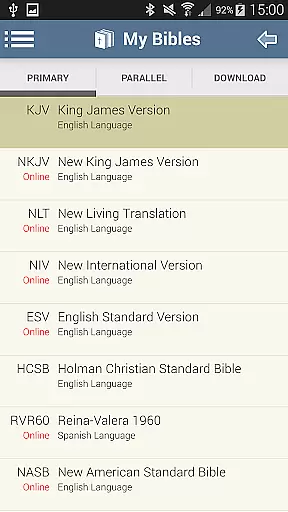
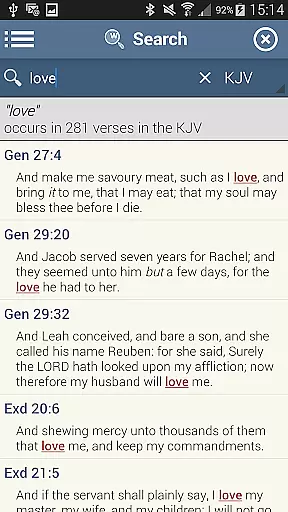
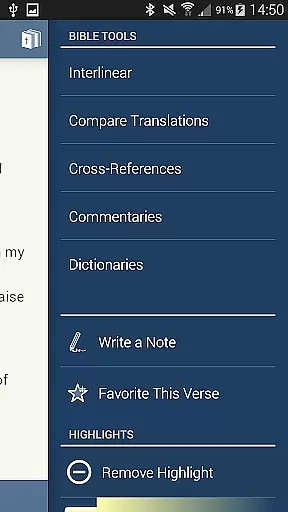
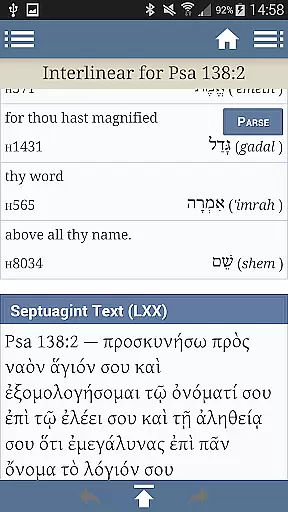
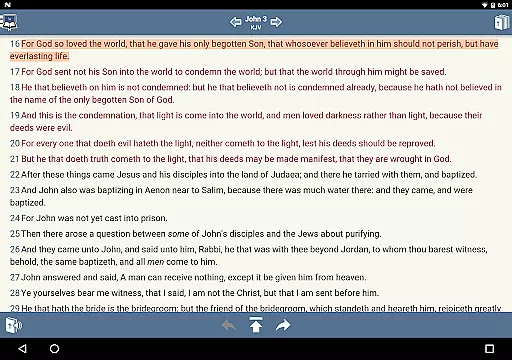
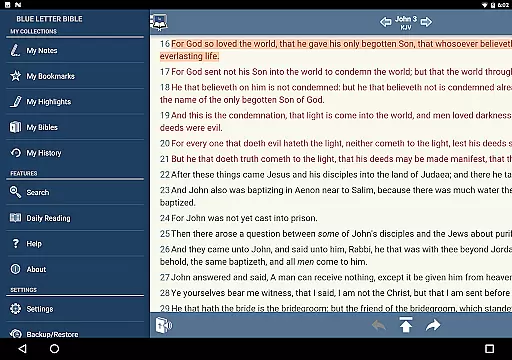
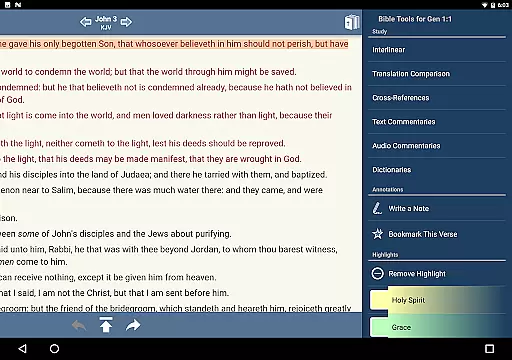
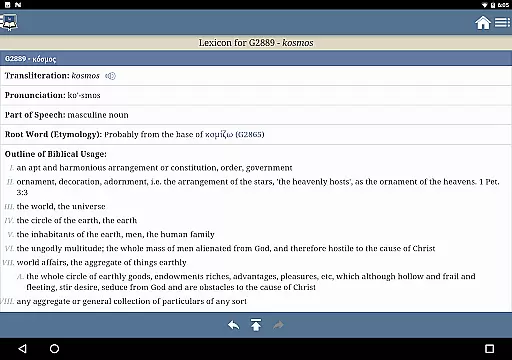
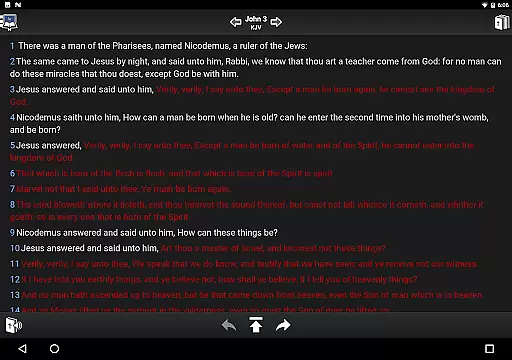
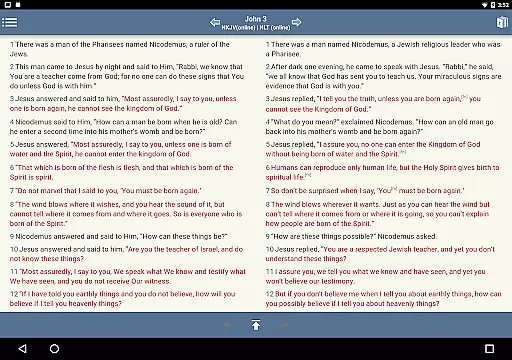
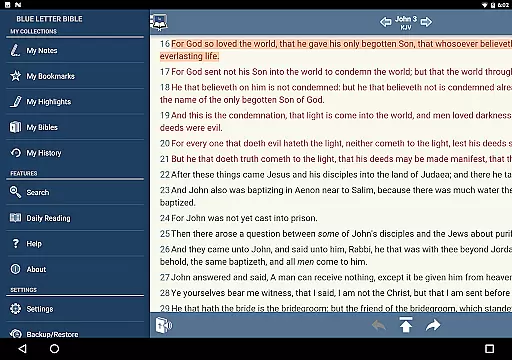
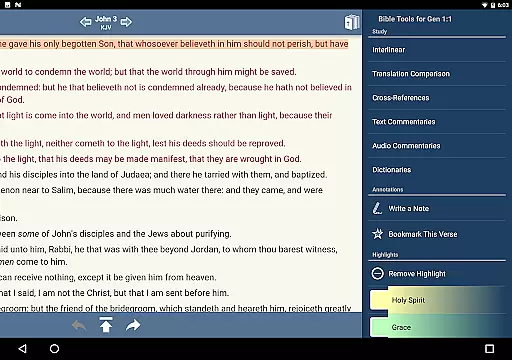
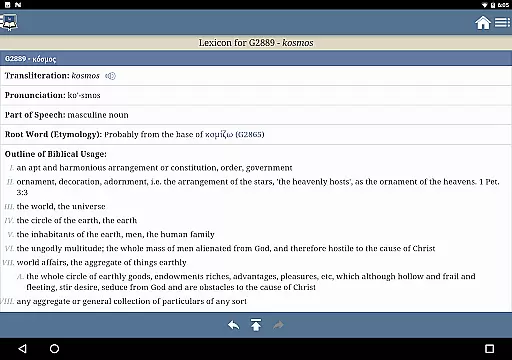
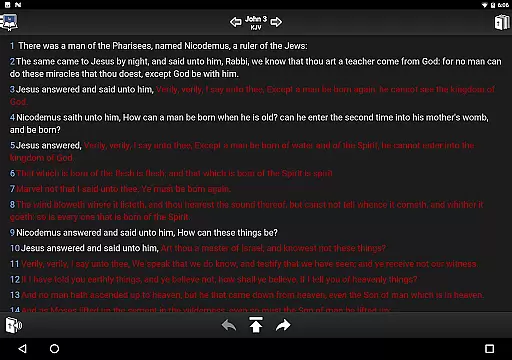
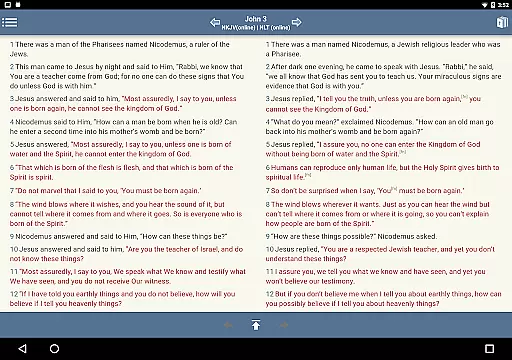
Blue Letter Bible is a comprehensive Bible study app that provides users with access to over 15 Bibles and a suite of powerful study tools. The app allows for in-depth exploration of the Scriptures through text commentaries, Hebrew and Greek lexicons, interlinear texts, dictionaries, and word searches. With personalized study options such as highlighting, tagging favorite verses, and parallel Bible views, it caters to both casual readers and serious scholars.
The app's standout feature is its language study tools, enabling users to delve into original biblical languages. Whether you're looking to enrich your daily devotions or prepare for an in-depth sermon, Blue Letter Bible offers the resources needed to dig deeper into God's Word. Its customizable interface and extensive reference materials make it an invaluable tool for anyone seeking a more profound understanding of the Bible.
Blue Letter Bible stands out with its extensive library of study resources, including over 8,000 text commentaries from more than 40 authors. The app's language tools are particularly robust, offering original Hebrew and Greek lexicons alongside interlinear texts for comparative study. These features allow users to perform detailed word studies using various dictionaries and encyclopedias.
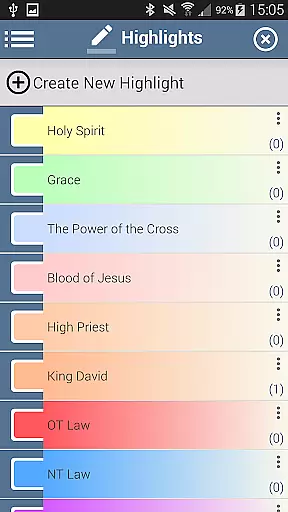
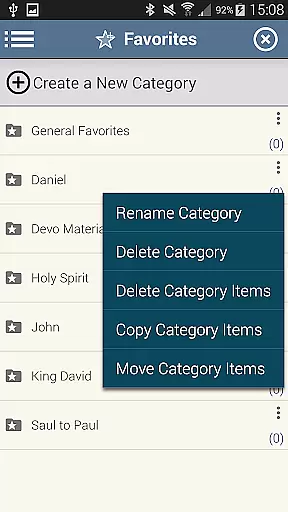
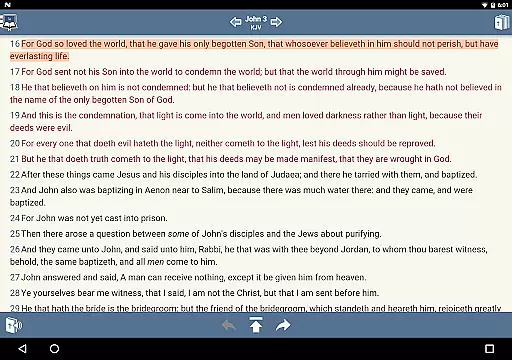
Personalization is at the core of Blue Letter Bible's functionality. Users can create digital notebooks for organizing notes, tag favorite verses into custom folders, and highlight passages in multiple colors. The app also provides adjustable reading settings such as font size and line height customization, optional red-letter display for Christ's words, and flexible footnote markers. These features combine to create a tailored Bible study experience that adapts to each user's preferences and needs.
Blue Letter Bible offers an extensive digital library with over 15 available Bibles, making it a comprehensive resource for Bible study. The app provides users access to a vast collection of text commentaries, Hebrew and Greek lexicons, interlinear texts, and various dictionaries.
The content within the app is carefully curated to ensure copyright authenticity, giving users peace of mind when they utilize the resources for personal or academic purposes. This dedication to authentic content ensures that every study session is both reliable and authoritative.
With millions of annual website users, Blue Letter Bible has established itself as a trusted platform for those who wish to dig deeper into God's Word. The breadth of its e-book library empowers users to engage in thorough biblical research using verified and credible sources.
User-friendly interface
Extensive commentary library
Original language resources
Customizable study tools
Parallel Bible viewing
Steep learning curve
Occasional performance issues
Limited offline functionality
Complex navigation
Heavy storage usage

Contains the 365 daily readings and everything other thing needed for catholics
 4.70
4.70
“I am the Lorax. I speak for the trees.”
4.80
The Bible Audio Guide
4.80
Essential Technical Rescue Field Operations Guide 6, the Industry Standard Guide
4.20
Enjoy your favorite books
3.50
Manage collectibles, survey and treasure maps in Elder Scrolls Online.
4.40
Learn Thai with 195,000+ entries, crisp Thai sounds, big text; works offline.
4.80
Unlock unlimited access to bestselling ebooks, novels, stories, and audiobooks
4.60
A Comprehensive Restoration of Sacred Scripture
4.50
The Original Tropical Freshwater Aquarium Fish And Plant Care Guide
4.80
Plan of Life that Saint Josemaría recommended
4.80
8 Dr. Seuss short stories in 1 app!
4.70
"Do you like green eggs and ham?"
4.70
Read aloud texts, audiobooks, PDFs or any eBook with text to speech AI audio
4.60
Bible Spiritual Companion
4.40
Cute bedtime story for kids
4.30
WebNovel - Read Solo Leveling novel and comic
4.10
Novels, audiobooks, ebooks & fanfiction. Read anytime, anywhere!
3.40
America's best dictionary and thesaurus - with premium content and no ads
3.40


User Reviews