

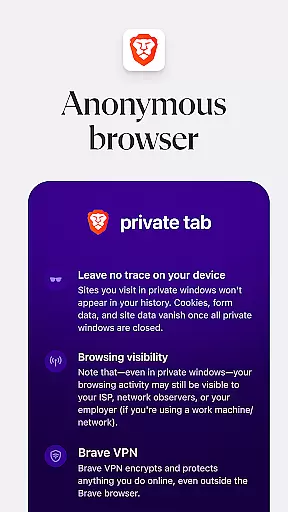
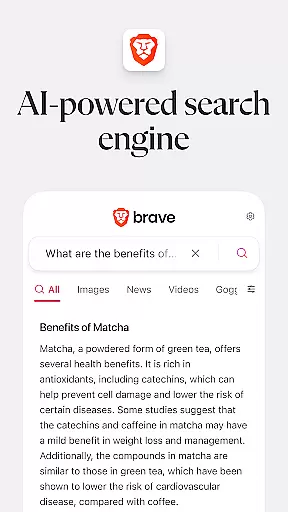
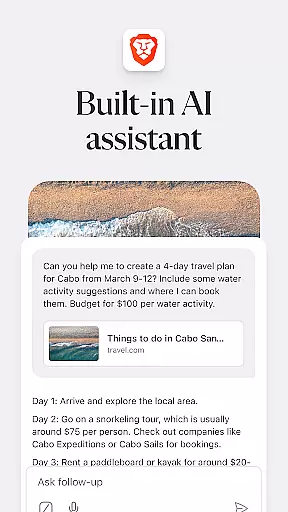

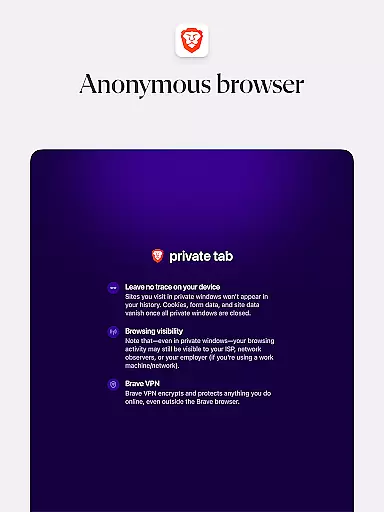
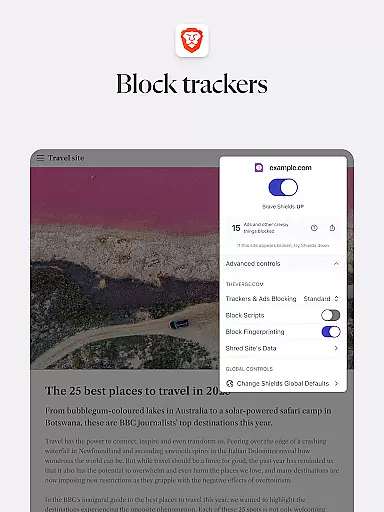

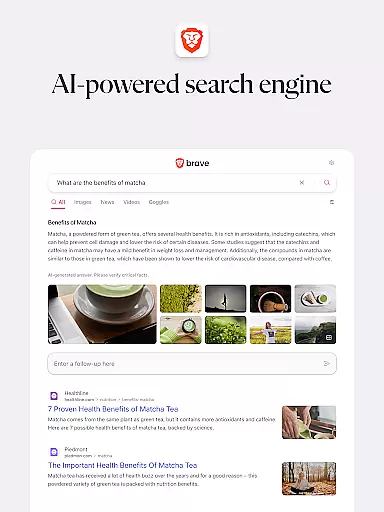
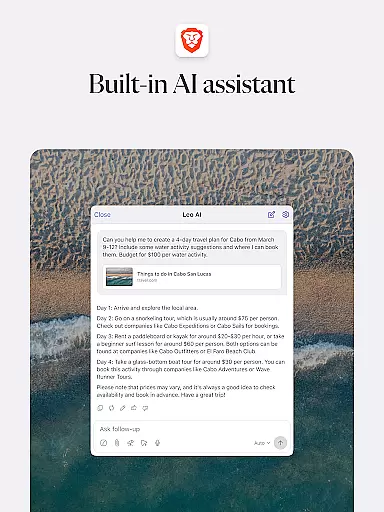

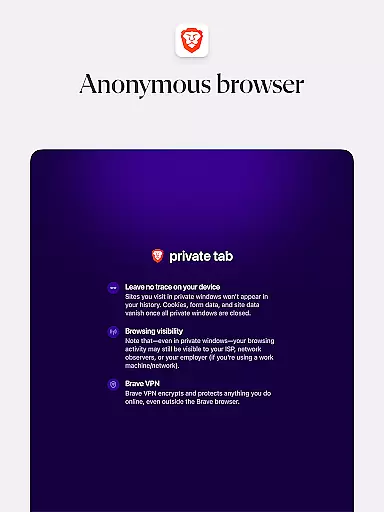
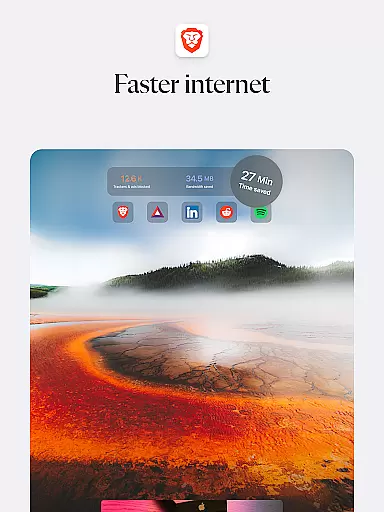

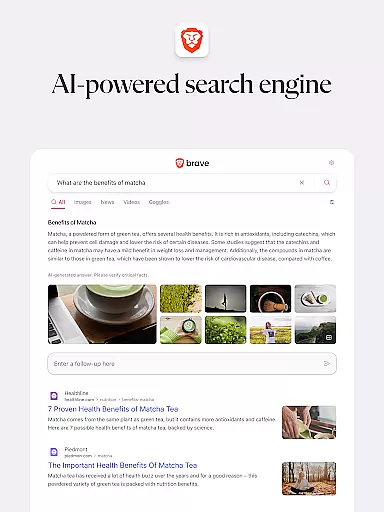
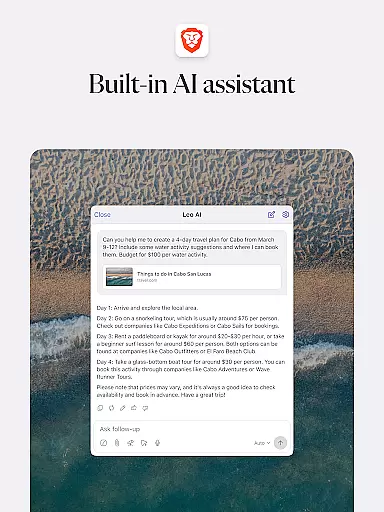
Brave Private Web Browser is a top-tier communication tool that combines privacy, speed, and innovative features to deliver an exceptional browsing experience. As a private web browser with built-in VPN capabilities, it ensures users can browse the internet securely while maintaining their anonymity. The app's powerful AI assistant, Brave Leo, provides intelligent support for various tasks, from answering questions to language translation.
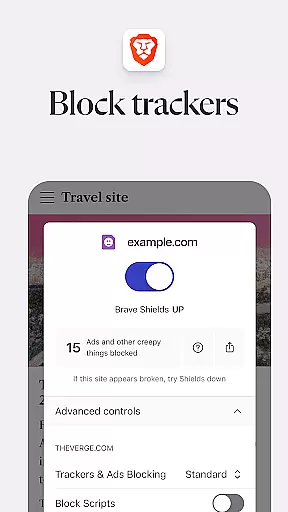
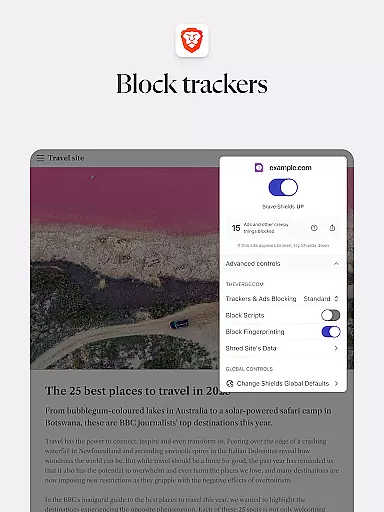
What sets Brave apart is its comprehensive approach to user protection. It includes an independent search engine (Brave Search), HTTPS Everywhere encryption, script blocking, and tracking protection. These features create a fortress of privacy around your browsing activities. Additionally, the browser offers a unique reward system through Brave Rewards, allowing users to earn tokens for viewing privacy-respecting ads.
The application is particularly beneficial for remote workers and digital communicators who require secure connections across different networks. Its Firewall + VPN feature makes it ideal for professionals who need to maintain constant, secure communication channels while traveling or working from various locations.
Brave Private Web Browser distinguishes itself through its extensive feature set designed to enhance both security and usability. The integrated AI assistant, Brave Leo, revolutionizes browsing by providing real-time assistance without compromising user privacy. Unlike other browsers, Brave doesn't store or utilize chat history for training purposes, ensuring complete confidentiality in AI interactions.
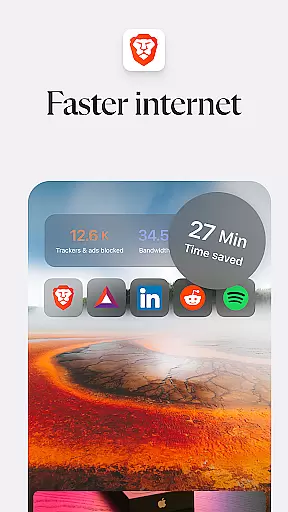
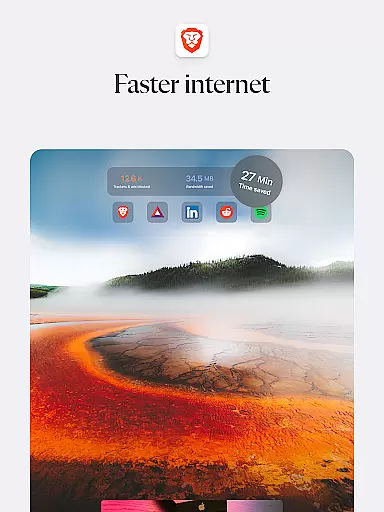
The browser's performance optimization features are remarkable. With its built-in adblocker and malware protection, Brave reduces page loading times significantly while maintaining optimal performance. The night mode feature demonstrates attention to user comfort, enabling easy reading in low-light conditions without straining eyes. Furthermore, the application's ability to block cookie consent notifications and remove tracking codes when copying URLs showcases its commitment to seamless, interruption-free browsing.
For users concerned about data security, Brave implements multiple layers of protection. The HTTPS Everywhere feature ensures all data traffic remains encrypted, while the script blocker and cookie blocker work together to prevent unauthorized tracking. These security measures, combined with private incognito tabs and global privacy control, create an impenetrable shield against online tracking and data breaches.
In today's fast-paced digital world, the speed and reliability of real-time messaging are crucial for effective communication. Brave Private Web Browser incorporates advanced technology to ensure messages are delivered instantly and reliably, without delays or failures.
The browser's architecture is designed to minimize latency while maximizing throughput, ensuring that users experience seamless interactions during their communication sessions. This is particularly important for applications such as online collaboration and instant messaging, where timing can be critical.
Moreover, Brave employs state-of-the-art security protocols to protect data integrity during transmission, which means not only are messages sent quickly, but they also remain confidential and tamper-proof throughout the process. Users can trust that their communications will reach the intended recipients without interception or alteration.
By prioritizing both performance and privacy, Brave Private Web Browser offers a superior messaging environment that enhances user productivity and peace of mind, making it an ideal choice for those who value efficient and secure communication tools.
Sharing media files efficiently and securely is a key feature of modern web browsers like Brave Private Web Browser. With robust support for various file formats, users can easily exchange images, videos, and documents without compatibility issues disrupting their workflow.
Brave has optimized its media sharing capabilities to handle large files smoothly, ensuring that even high-resolution content can be transferred swiftly between devices. This capability is essential for professionals who rely on quick exchanges of multimedia content in fields such as graphic design, journalism, or remote education.
Additionally, Braveu2019s commitment to privacy extends to media sharing, with end-to-end encryption safeguarding shared files against unauthorized access. This ensures that sensitive information remains protected, whether it's personal photos or confidential business documents being exchanged.
Ultimately, Brave Private Web Browser empowers users to share media with confidence, knowing that their files are delivered promptly and securely, thus facilitating smoother collaboration and communication across different platforms and devices.
Lightning-fast browsing speed
Comprehensive privacy protection
Built-in AI assistant
Independent search engine
Free VPN service
Occasional compatibility issues
Resource-intensive operation
Limited advanced settings
No native email client
Learning curve for new users

A web browser that respects your privacy.
 4.30
4.30
Fast and mini browser with Ad Blocker,Video Downloader and Video Player
4.40
Call Blocker app: Identify unknown callers, block spam calls, fraud & robocalls
4.30
Simplify texting with Messages SMS, offline messaging, themes & smart tools!
4.30
An agentic AI browser for Android, built by Perplexity
4.50
Smart and simple anti-wiring application - IMSI-catchers catcher
4.40
Read OBD2 data and DTCs Create custom dashboards Enhanced diagnostics available
4.70
A browser that does more than load page, like keeping your privacy safe.
4.70
Enhance browsing with AI-powered features and Copilot.
4.70
Messenger, an MMS & SMS messages app with Blockers, Driving mode & Private box
4.60
Faster version of Messages. Messenger for your contacts.
4.50
Caller ID App! Add names & photos to unknown calls & Call Recording
4.40
RemoteHams.com Android RCForb Client Pre-Release
4.30
Federated instant messaging for your mobile device (Jabber, XMPP, Snikket)
4.10
Messages: Fast, simple SMS app with scheduling and smart features.
4.00
Telegram is a messaging app with a focus on speed and security.
4.00
At select facilities, you now have an easy way to video visit your loved ones!
3.30
A Browser with powerful ad blocker to help focus on what really matters.
3.00
Manage Phone Calls, call history, and contacts easily with Phone Pro.
4.3


User Reviews