
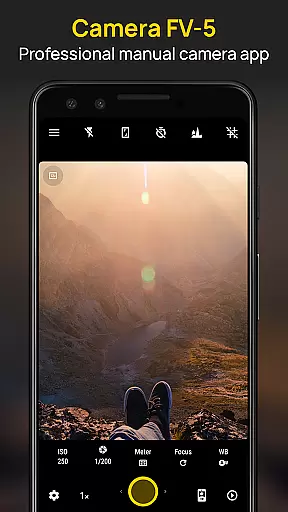
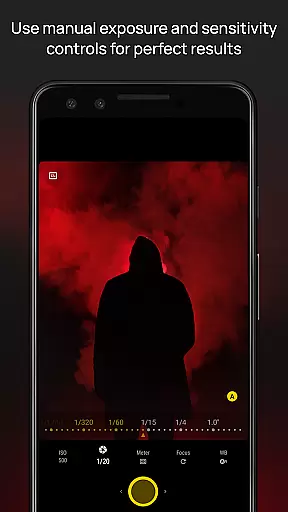
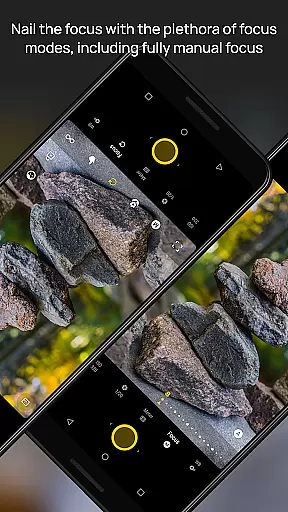
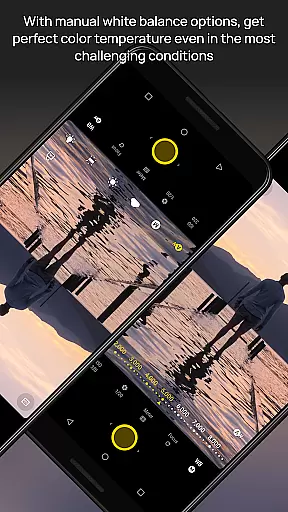
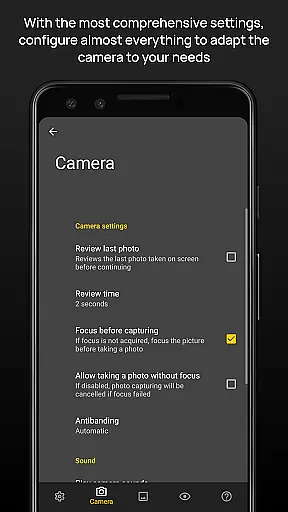
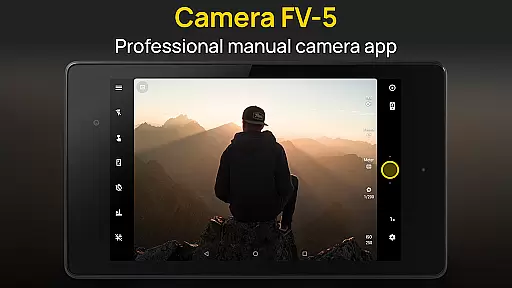
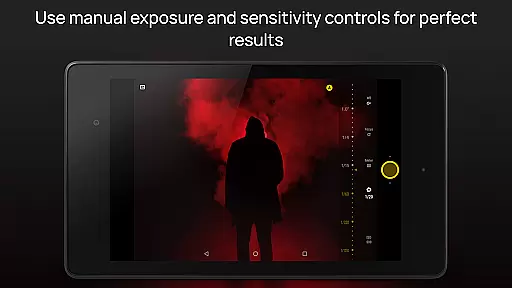
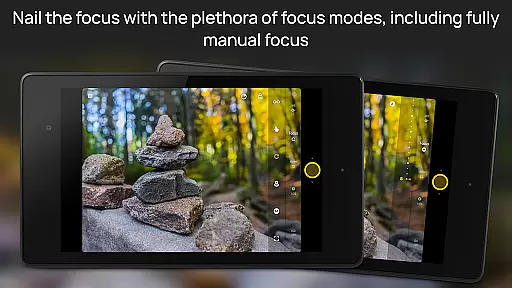
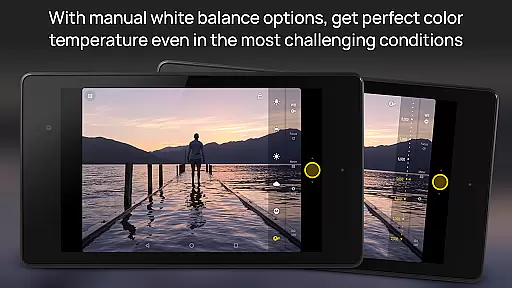
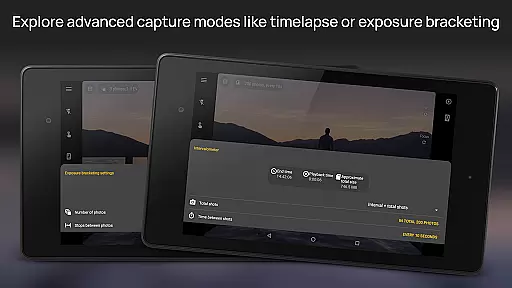
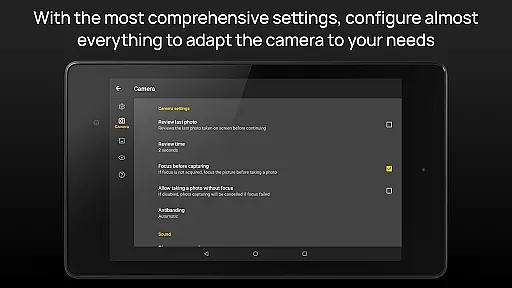
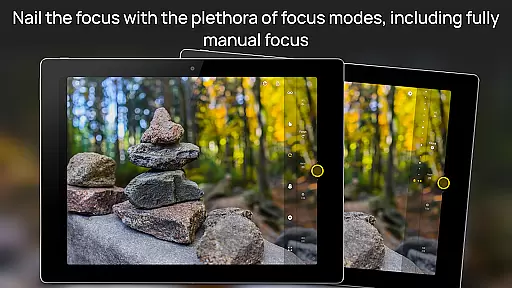
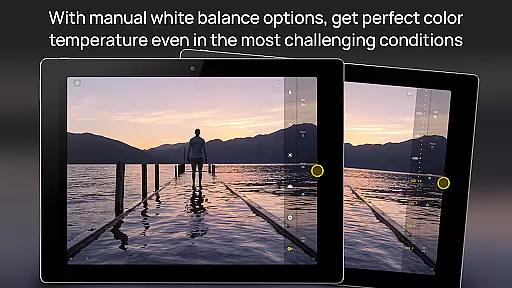
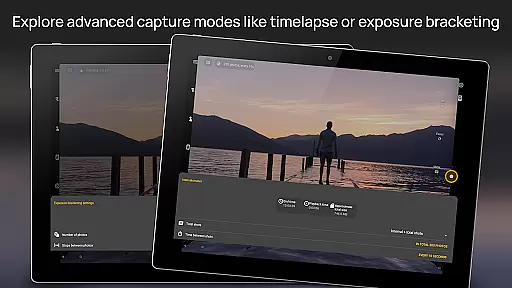
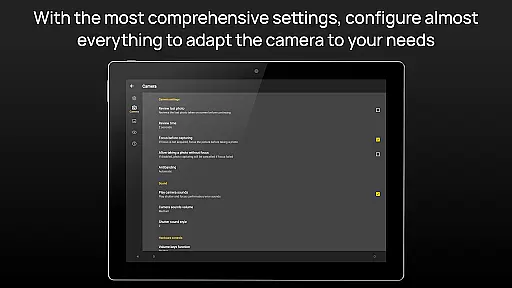
Camera FV-5 is a professional-grade camera application designed for mobile devices, offering DSLR-like manual controls. It caters to enthusiast and professional photographers by providing the capability to capture high-quality raw photographs for post-processing. The app supports various photographic parameters such as exposure compensation, ISO, light metering, focus modes, white balance, and more. With features like exposure bracketing, intervalometer for timelapses, and multiple photo capturing formats including JPEG, RAW, and PNG, it ensures stunning results limited only by the user's imagination.
The interface includes a DSLR-like viewfinder that displays exposure details in real-time, allowing users to adjust settings with precision. Supporting advanced functionalities like program and speed-priority modes, long exposure shots up to 30 seconds, and full manual control over shutter speed, Camera FV-5 delivers an unmatched mobile photography experience. Its compatibility with external hardware keys and support for different focus modes make it versatile for various shooting scenarios. Available in over 30 languages, this app is ideal for those seeking extensive control over their mobile photography.
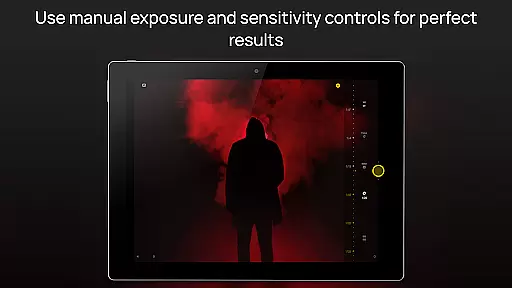
Camera FV-5 stands out with its comprehensive set of features tailored for professional photographers. One of its key aspects is the ability to manually adjust all photographic parameters such as ISO, exposure compensation, light metering, and focus modes directly from the interface. This granular control mimics the functionality of a DSLR camera, empowering users to capture photos exactly as they envision. Additionally, the app provides a live RGB histogram and several composition aids, enhancing the precision of each shot.
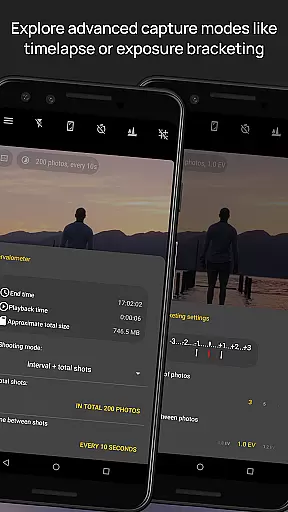
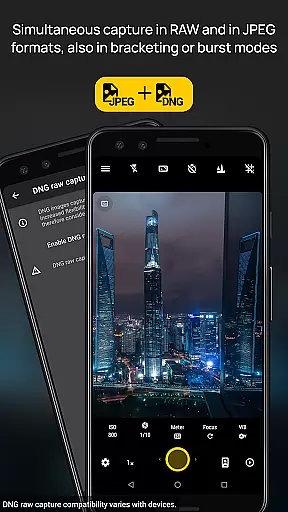
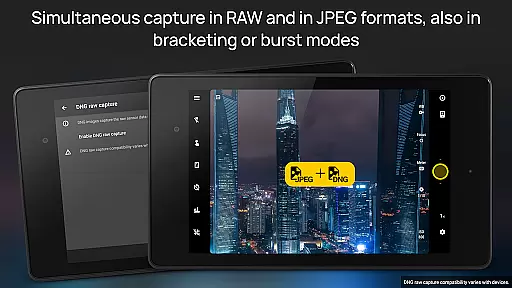
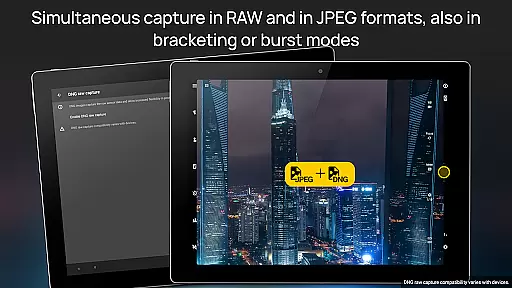
Another remarkable feature is the built-in intervalometer, which allows users to create stunning timelapses and manage time-controlled photo series effortlessly. The app also supports different photo formats including true 16-bit RAW in DNG format, enabling detailed post-processing. With options like exposure bracketing, customizable file naming, and background photo processing, Camera FV-5 ensures a seamless and efficient workflow. These capabilities make it an indispensable tool for photographers who demand the highest level of control and quality in their mobile photography.
Real-time capture and preview functionality is essential for photographers who need precise control over their shots. Camera FV-5 excels in this area by providing a DSLR-like viewfinder display. This feature allows users to see critical photographic parameters such as exposure time, aperture, and stops with EV and bracketing settings in real-time.
The application supports manual adjustments of various settings including ISO, light metering mode, focus mode, and white balance while maintaining a live preview. This ensures that photographers can fine-tune every aspect of their image before capturing it. The immediate visual feedback helps in making informed decisions, thus enhancing the overall quality of photographs.
Additionally, Camera FV-5 offers advanced tools like live RGB histogram and multiple composition grid overlays within the electronic viewfinder. These tools assist photographers in achieving perfect composition and exposure. With these capabilities, users can capture professional-grade images directly from their mobile devices without any compromise on quality or creative control.
While Camera FV-5 focuses primarily on professional-grade manual controls, it also incorporates AI beauty and enhancement features that ensure natural-looking results. Unlike many other applications that apply heavy filters which can distort images, Camera FV-5 uses sophisticated algorithms to enhance photos subtly yet effectively.
The app provides options for adjusting color temperature, exposure compensation, and focus modes, allowing users to optimize their images naturally. By leveraging its robust post-processing capabilities, Camera FV-5 ensures that enhancements are seamlessly integrated into the original photo, preserving its authenticity and detail.
Furthermore, the ability to shoot in true 16-bit RAW format empowers users to perform extensive post-processing themselves. This flexibility guarantees that any enhancements made are both subtle and true to life, catering to the needs of both amateur and professional photographers seeking natural beauty in their work.
DSLR-like controls
RAW photo capture
Advanced exposure settings
Intervalometer for timelapses
Comprehensive manual adjustments
Complex for beginners
High battery consumption
Limited device compatibility
No automatic scene modes
Requires technical knowledge

Photo Album Watch Face shows your favorite pictures as a Watchface.
 1.90
1.90
[3DSteroid Pro] is a stereoscopic application for Android.
4.30
Create funny photos and videos with the popular Time Warp Scan filter.
4.90
Viewfinder, Light meter, Reciprocity failure time, DOF & Bellows Extension
4.60
Pet Camera
3.70
Transform photos into videos! Create realistic or anime-style images easily!
4.50
See your baby AI baby face generator AI baby maker Face generator babymaker fun!
4.70
Professional quality photo edits with the new Snapseed.
4.00
AI-powered video creator by MiniMax - Where ideas meet cinema
4.20
Pro version: AR sun/moon tracker for any date. Tool for photographers & planners
4.90
Gallery show photo, video, slideshow, is perfect 3D effect private photo albums.
4.80
AI Photo Editor with 100+ Filters, Effects! Remove BG, Retouch & Photo Enhancer.
4.80
Discover & download millions of art for The Frame TV or Hisense CanvasTV
4.60
Fit multiple photos on one post. Create carousels & scroll layouts for Instagram
4.50
Trendy TikTok time warp scan funny filter app brings you unique photos & videos.
4.40
RAW video capture with advanced controls
4.40
AI portrait generator and polaroid AI selfie, fun AI generated AI photo creator!
4.30
Catch sunlight, sunrise sunset times and sun phases with the AR sun tracker.
4.10
HD Photo gallery and photo manager to edit, hide private photos, videos & albums
4.3


User Reviews