
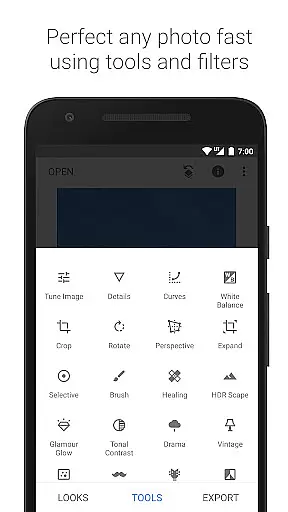
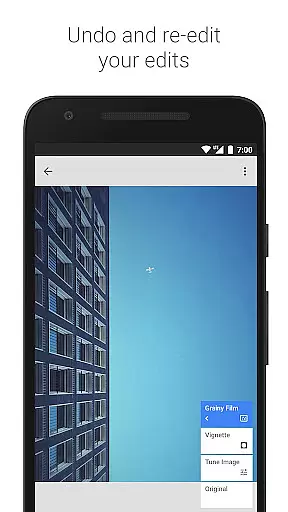
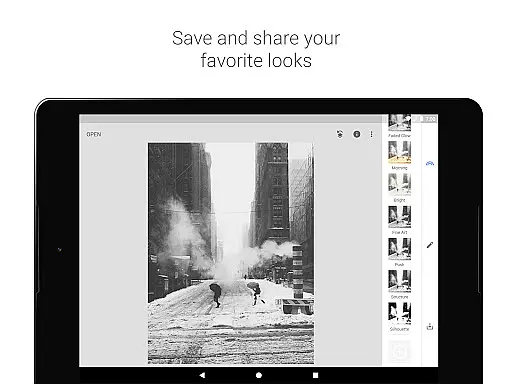
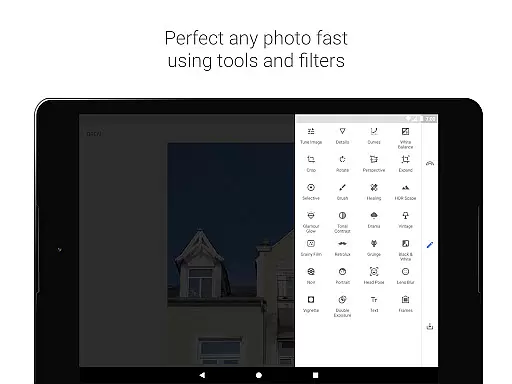
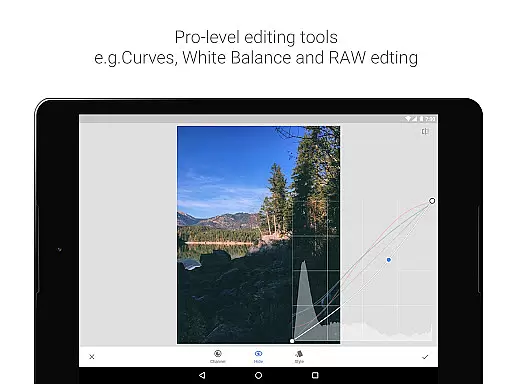
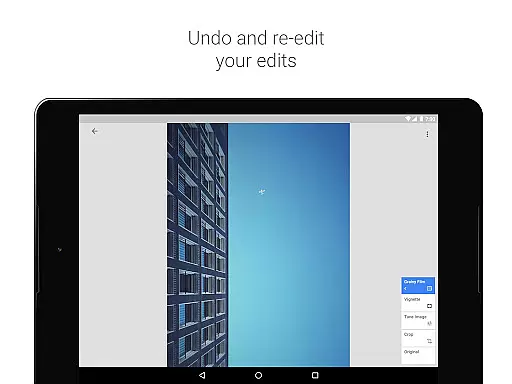
Snapseed is a comprehensive photo editing application developed by Google, offering professional-grade tools for both amateur and expert photographers. The app provides an extensive suite of 29 tools and filters, including options like Healing, Brush, Structure, HDR, and Perspective correction, making it a versatile choice for photo enhancement.
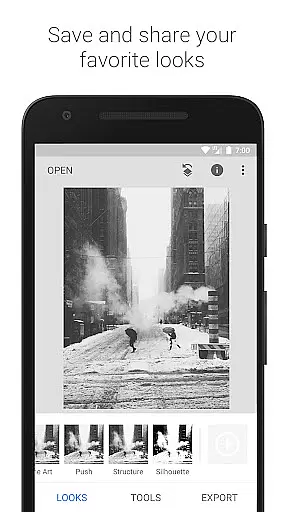
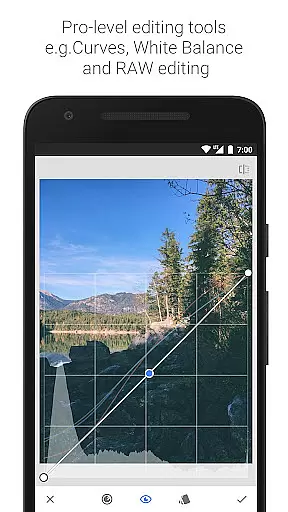
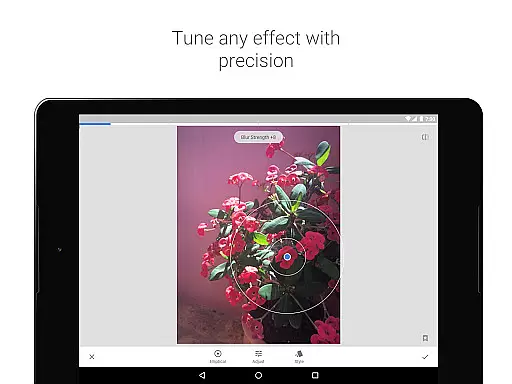
One of Snapseed's standout features is its support for both JPG and RAW file formats, allowing users to work with high-quality images directly on their mobile devices. Users can save personalized editing styles and apply them to future projects, ensuring consistent aesthetics across their work. With precise control over every edit, the app enables detailed adjustments that cater to specific creative needs.
Whether you're looking to correct minor imperfections or completely transform an image, Snapseed offers the tools necessary to achieve professional results. Its intuitive interface and powerful functionality make it suitable for a wide range of photography tasks, from basic adjustments to advanced creative effects.
Snapseed stands out in the photography category due to its robust set of features tailored for detailed photo editing. The app includes advanced tools such as RAW Develop, which allows users to open and tweak RAW DNG files non-destructively, preserving the original image quality while enabling complex edits.
The Tune Image tool provides automatic or manual adjustments for exposure and color, giving users fine-grained control over their images. Additionally, the Selective filter uses Control Point technology, where up to 8 points can be placed on an image to assign specific enhancements, with the algorithm intelligently applying changes across the photo.
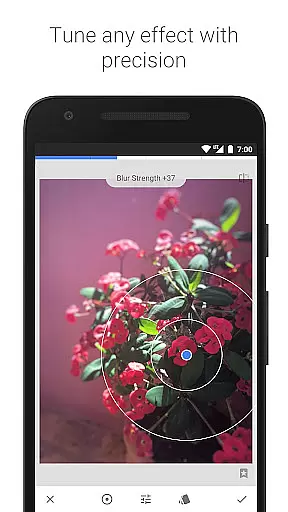
Other notable features include Healing for removing unwanted elements, Lens Blur for creating beautiful bokeh effects, and Glamour Glow for adding a soft glow ideal for portraits. Each tool is designed to offer precise control, ensuring that users can achieve their desired aesthetic with accuracy and ease.
Snapseed offers a powerful real-time capture and preview feature that allows photographers to see adjustments as they are made. This immediate feedback is crucial for making precise edits without guesswork.
The application supports both JPG and RAW file formats, providing flexibility in capturing images with different levels of detail and dynamic range. This ensures that users can work with high-quality images directly from their cameras.
With its selective filter brush and control point technology, Snapseed enables users to apply enhancements selectively across an image. This level of precision ensures that edits look natural and professional.
Photographers benefit from the ability to save personal looks and apply them to new photos later. This feature streamlines the editing process, allowing for consistent styles across multiple images.
Snapseed incorporates advanced AI beauty and enhancement features that elevate photo editing to new heights. These tools help in refining portraits while maintaining a natural appearance, avoiding the over-processed look.
The Face Enhance tool focuses on key areas such as the eyes and skin, adding emphasis where needed and smoothing imperfections. This results in portraits that retain their authenticity while looking polished and refined.
Additionally, the Glamour Glow feature adds a subtle glow to images, perfect for fashion or portrait photography. It enhances the overall aesthetic without overpowering the original image, preserving its natural beauty.
Users appreciate the fine-grained control over enhancements, ensuring that every edit aligns with their creative vision. This meticulous attention to detail sets Snapseed apart in the realm of mobile photo editing applications.
User-friendly interface
Extensive editing tools
Supports RAW files
Customizable filters
Professional results
Steep learning curve
Overwhelming for beginners
Limited video editing
No real-time collaboration
Occasional bugs

AI portrait generator and polaroid AI selfie, fun AI generated AI photo creator!
 4.30
4.30
Edit like a pro with Hypic. Apply filters, AI effects, & magic touch.
4.40
Transform photos into videos! Create realistic or anime-style images easily!
4.50
The #1 app for B&W film developing featuring an advanced darkroom timer.
4.10
Create amazing frames with up to five photos. Rounded corners, effects and more!
3.60
Raw Image Viewer. Gallery with support of raw images (.cr3, .cr2, .nef, .raf).
2.00
AI-powered video creator by MiniMax - Where ideas meet cinema
4.20
Pro version: AR sun/moon tracker for any date. Tool for photographers & planners
4.90
Welcome to ProShot, the most powerful camera app on Android.
4.20
AI Photo Editor with 100+ Filters, Effects! Remove BG, Retouch & Photo Enhancer.
4.80
Easily view, share, delete photos with Gallery.
4.70
1M influencer's special filter
4.60
PhotoSync Bundle Add-On License. Enables all features and services in PhotoSync.
4.60
HD Camera Pro with HD Video shooting, Panorama, Photo editor , Beauty Camera.
4.50
Photo editor & gallery. Crop pictures & edit photos offline, no wifi!
4.50
Easily stitch panoramas from multiple photos or video.
4.40
Remote control of the phone camera from your Wear OS smartwatch
3.70
Photo Album Watch Face shows your favorite pictures as a Watchface.
1.90
Add a dreamy vibe to your selfies and videos with soft style filters
4.2


User Reviews