
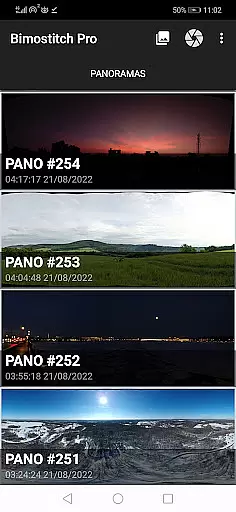
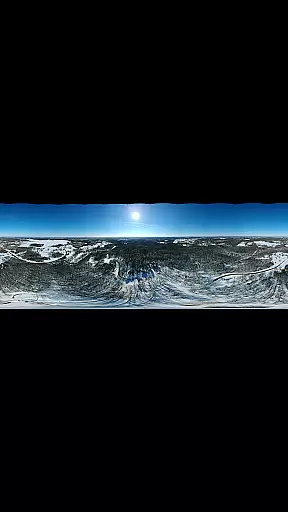
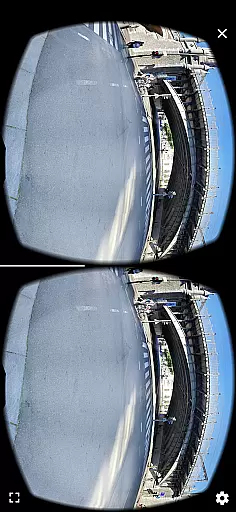
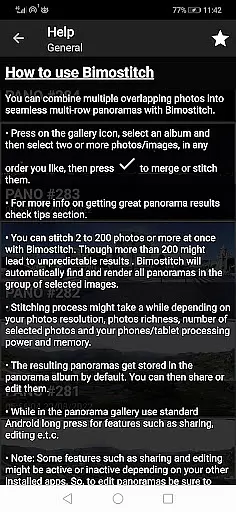
Bimostitch Panorama Pro is a powerful photography app designed for creating high-resolution panoramic images directly on your mobile device. The app utilizes advanced on-device stitching algorithms to automatically align and blend overlapping photos into stunning panoramas, supporting various formats including single-row, multi-row, vertical, horizontal, 360°, and photospheres. With support for stitching anywhere from 2 to 200+ images, it offers flexibility for both casual users and professional photographers.
One of the standout features of Bimostitch Panorama Pro is its ability to maintain the quality of source photos while producing ultra-high-resolution outputs of up to 1 Gigapixel. The app also includes pro-level tools such as auto-exposure balancing, automatic straightening, seam detection modes, and lens distortion compensation, making it suitable for use with wide-angle and fisheye lenses. Additionally, the app supports video-to-panorama conversion, enabling users to transform panning motion videos into detailed panoramic images.
Ideal for photographers who need a portable yet robust solution, this app allows users to create PC-quality panoramas without requiring any additional equipment or an internet connection. Whether you're capturing landscapes, architecture, or aerial shots using a drone, Bimostitch Panorama Pro ensures professional-grade results in just minutes, depending on your device's processing power.
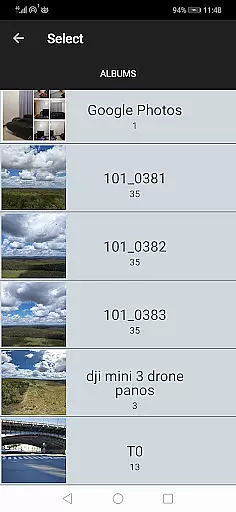
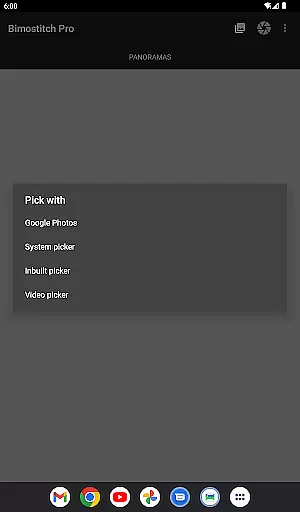
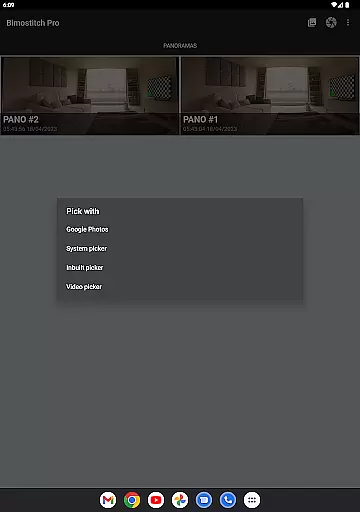
Bimostitch Panorama Pro stands out with its comprehensive set of features tailored for panoramic photography enthusiasts. The app provides multiple ways to select and import photos, including its built-in photo picker, integration with gallery apps, and direct camera access within the app itself. This versatility ensures that users can work with images from various sources, whether captured via DSLR cameras, drones, or smartphone cameras.
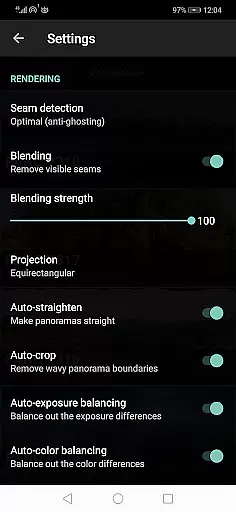
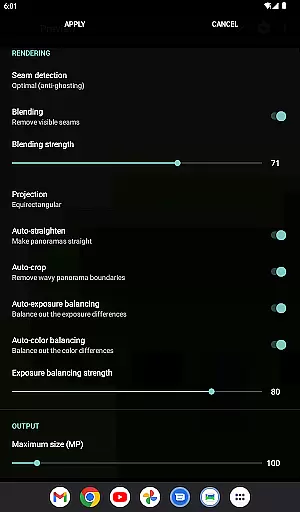
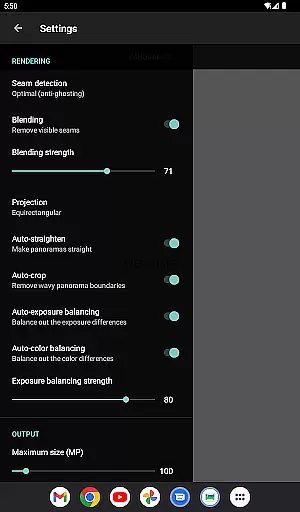
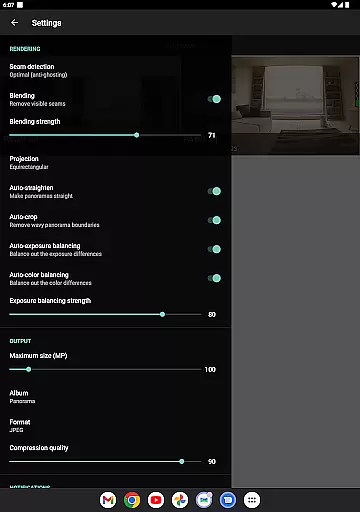
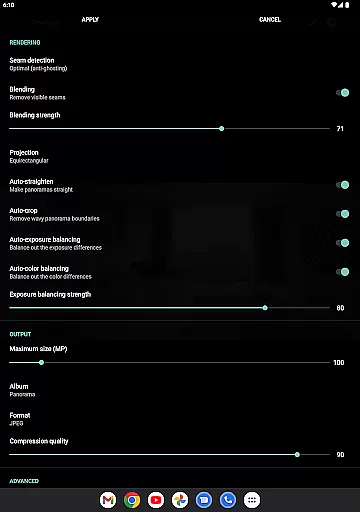
The app's automatic image processing capabilities are particularly noteworthy. It performs tasks like exposure balancing, panorama straightening, and cropping with minimal resolution loss, ensuring high-quality output every time. Advanced users will appreciate the fine-tuning options available, such as adjusting seam detection quality, blending intensity, and color balancing. These features allow for precise control over the final output, catering to both beginners and professionals.
Additional functionalities include saving previews for later editing, compressing large panoramas to save storage space, and choosing between JPEG or PNG output formats. The app also supports offline usage, making it perfect for travel or areas with limited connectivity. With no ads and the ability to handle up to 1 Gigapixel resolution (with at least 4GB RAM), Bimostitch Panorama Pro delivers a seamless and professional panoramic photography experience.
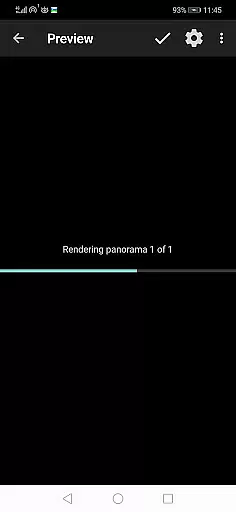
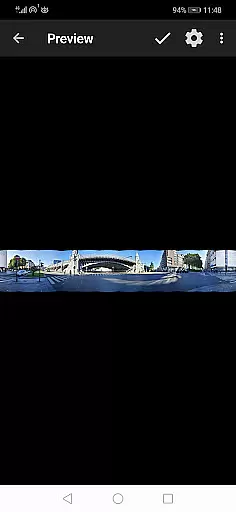
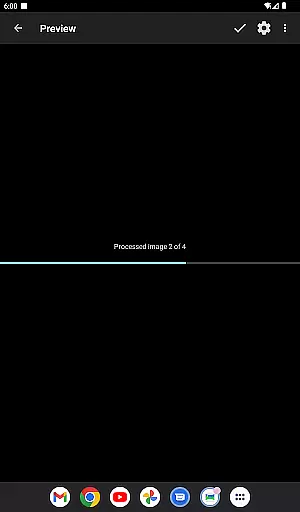
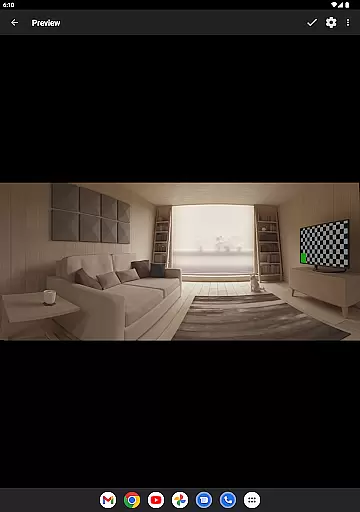
Real-time capture and preview functionality is essential for ensuring that every panorama you create with Bimostitch Panorama Pro meets your expectations. This feature allows users to see a live preview of their stitched panoramas directly on their device, providing immediate feedback on the quality and alignment of the images.
The app's advanced algorithms work seamlessly to match, align, and blend photos into breathtaking panoramas in just a few minutes. Whether you're using overlapping photos from your gallery or capturing new images with the built-in camera function, the real-time preview ensures that each photo is correctly positioned, allowing for adjustments before finalizing the stitch.
With this capability, photographers can achieve professional-quality results without needing specialized equipment. The ability to preview panoramas on-the-go means you can make instant corrections, ensuring high-quality output regardless of your location or the source of your photos.
Ultimately, real-time capture and preview empower users to produce stunning panoramic images confidently. By delivering immediate visual feedback, Bimostitch Panorama Pro enhances the creative process, making it easier than ever to craft memorable pano shots right from your mobile device.
AI beauty and enhancement features in Bimostitch Panorama Pro ensure that every panorama not only captures the scene accurately but also enhances it naturally. These intelligent tools automatically balance exposure, straighten horizons, and apply color corrections, resulting in vibrant and lifelike panoramic images.
The app employs sophisticated AI algorithms to analyze and adjust various aspects of the stitched panorama. For instance, auto-exposure balancing optimizes brightness levels across all stitched photos, while auto-color balancing ensures consistent hues throughout the image. Seam detection modes further refine the blending process, creating smooth transitions between individual frames.
These enhancements are applied with precision, maintaining the authenticity of the original photos while elevating their overall quality. Users benefit from ultra-high-resolution outputs of up to 1 Gigapixel, preserving the intricate details captured by DSLR cameras, drones, or wide-angle lenses.
By integrating these AI-driven enhancements, Bimostitch Panorama Pro delivers professional-grade panoramas effortlessly. Photographers can trust that their creations will exhibit natural beauty and clarity, whether they're shooting landscapes, cityscapes, or immersive 360u00b0 photospheres.
User-friendly interface
High-resolution output
Advanced stitching algorithms
Offline functionality
Versatile photo import options
Requires powerful hardware
Pro features come at a cost
Steep learning curve for beginners
Limited free version capabilities
Large file sizes for high-res outputs

Remote control of the phone camera from your Wear OS smartwatch
 3.70
3.70
Find time and duration of different sunlight phases at any location
4.90
All-in-One Editor & AI Photo Enhancer, Collage, Cartoonify, Funny Stickers & BGS
4.10
Edit like a pro with Hypic. Apply filters, AI effects, & magic touch.
4.40
Photo editor: AI filters, photo enhancer, pic collage maker, AI art generator.
4.80
Luminar: Photo Editor - easy picture editing with AI
4.20
live datamoshing
4.00
PhotoSync Bundle Add-On License. Enables all features and services in PhotoSync.
4.60
Effortlessly make high-quality GIFs from images & videos without any watermarks.
4.70
Cartoon and artistic effects for your photos and videos
4.70
Light-weight Media Gallery app for Android made with Jetpack Compose
4.60
Unblur, enhance & restore photos with powerful AI photo enhancer tools.
4.60
Transform photos into videos! Create realistic or anime-style images easily!
4.50
Photo Exif Editor allows to view, add and modify EXIF data of multiple photos
4.50
How would you look like with a differently shaped nose, chin or lips?
3.90
Hair color changer, AI haircut app, fun hair editor and buzz cut filter for all!
3.80
Pet Camera
3.70
Create amazing frames with up to five photos. Rounded corners, effects and more!
3.60
HD Photo gallery and photo manager to edit, hide private photos, videos & albums
4.0


User Reviews