
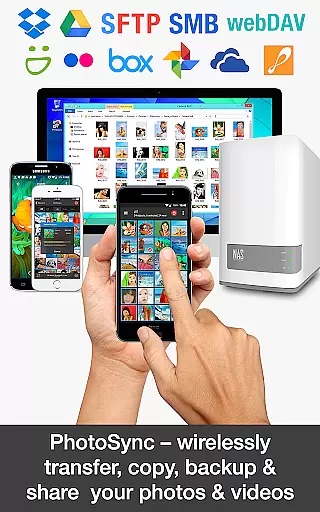
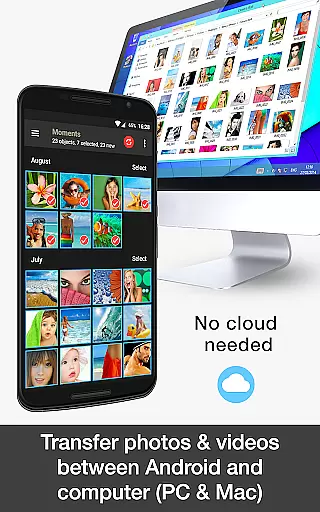
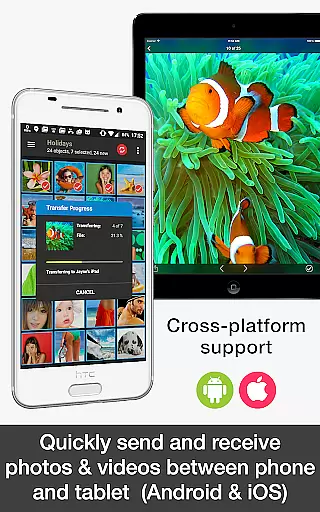
PhotoSync Bundle Add-On is an advanced activation license that enhances the free version of PhotoSync, a leading cross-platform solution for wireless photo and video management. This add-on enables users to seamlessly transfer, backup, and share multimedia content between Android, iOS, Windows, Mac, NAS devices, and various cloud services.
With over 10,000 positive reviews and millions of successful transfers, PhotoSync stands out for its reliability, security, and continuous updates over its ten-year market presence. The bundle includes Autotransfer, NAS, and Cloud add-ons, providing comprehensive automation options for backups and transfers while removing ads from the application.
Ideal for photographers and everyday users alike, PhotoSync ensures total control over media files with customizable settings. Whether backing up to a NAS, transferring files based on triggers like Wi-Fi or geolocation, or syncing with popular cloud services, this tool offers a complete solution for managing digital assets across multiple platforms.
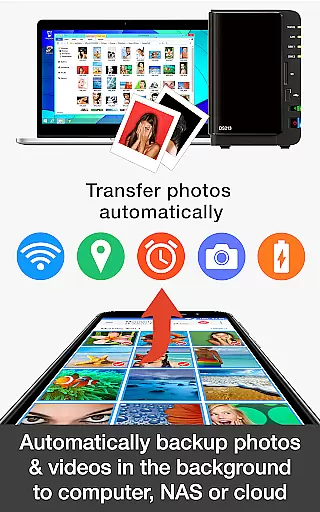
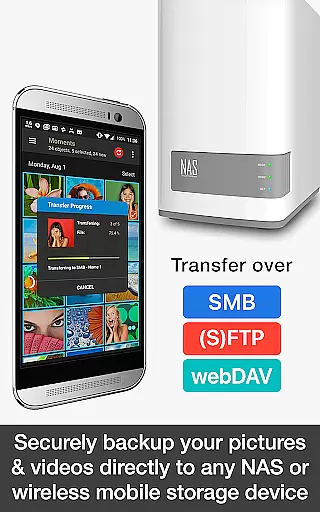
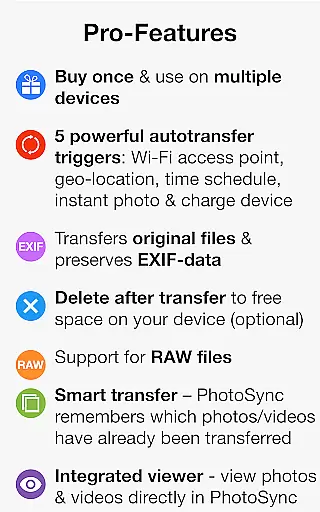
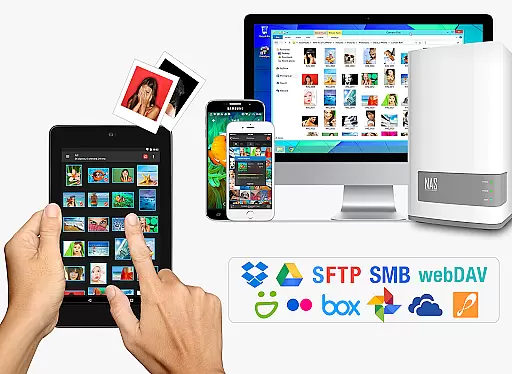
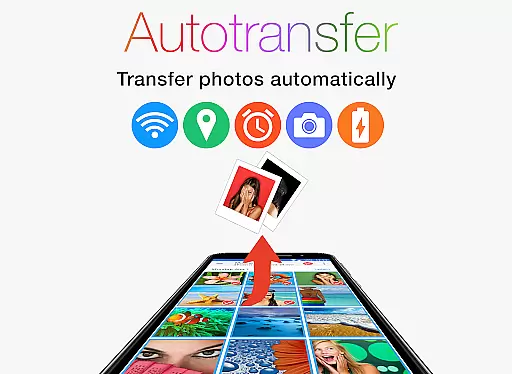
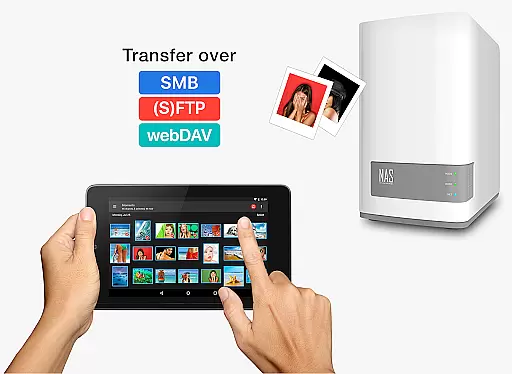
The PhotoSync Bundle Add-On boasts an impressive array of features designed to streamline photo and video management. It allows automatic backups directly from Android devices to computers, NAS systems, or remote servers using protocols such as SMB, (S)FTP, and WebDAV. Users can also set up instant transfers triggered by events like taking a new picture, connecting to a specific Wi-Fi network, or reaching a certain location.
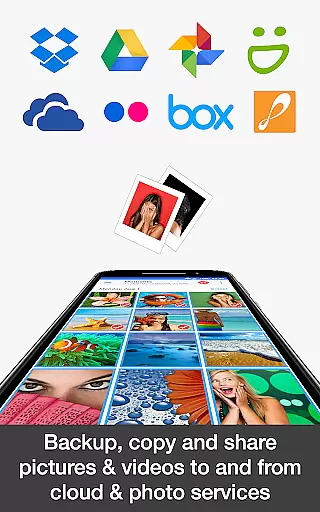
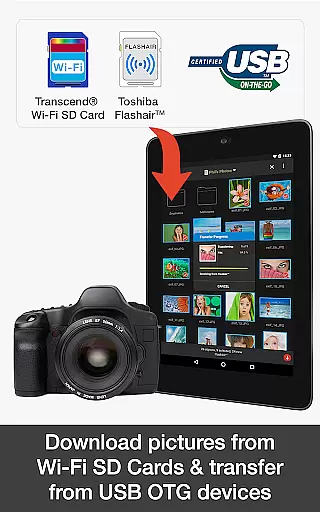
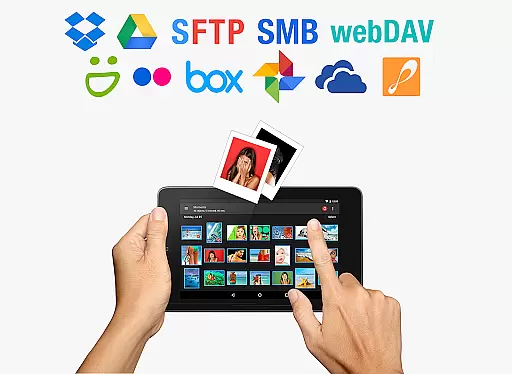
Included in the bundle is the NAS Add-On, which supports major storage solutions from brands like Synology, QNAP, and Western Digital. This feature facilitates quick uploads and downloads to wireless portable hard drives, ensuring media is accessible on-the-go. Additionally, the Cloud Add-On integrates with services like Dropbox, Google Drive, and OneDrive, allowing users to upload, import, and share content effortlessly.
By combining these powerful tools, PhotoSync delivers a versatile platform that meets diverse user needs, from personal backups to professional workflows, all while maintaining ease of use and robust performance.
Real-time capture and preview functionality is essential for photography apps, allowing users to see exactly what the camera captures before taking a shot. PhotoSync Bundle Add-On ensures this by enabling instant photo and video transfers directly from your Android device to various destinations such as computers, NAS, or cloud services.
This app provides reliable and secure software that has been operating in the market for 10 years and continuously updated, ensuring that users receive accurate previews of their content. The real-time aspect is further enhanced by features like instant transfer, which automatically sends new pictures or videos right after they are taken.
Users benefit from the ability to wirelessly transfer, backup, and share their photos and videos between multiple devices without delay. This seamless integration allows photographers to focus on capturing moments while the app handles the storage and organization.
The value lies in its cross-platform solution with native apps for Android, iOS, Windows, and Mac, giving users total control over their media with fully customizable options. Whether you're backing up to a NAS or sharing to cloud services, PhotoSync ensures your captured content is immediately available wherever needed.
AI beauty and enhancement features have become increasingly popular in photography apps, aiming to improve image quality while maintaining natural aesthetics. Although PhotoSync Bundle Add-On does not explicitly advertise AI-driven enhancements, it offers robust tools that ensure high-quality photo management and transfer, indirectly supporting these enhancements.
The application supports automatic uploads and downloads of photos and videos to and from various storage solutions, including SMB, (S)FTP, WebDAV, and major cloud services like Dropbox and Google Drive. These capabilities allow users to apply third-party AI beauty tools and then seamlessly integrate enhanced images back into their libraries.
By removing ads and bundling all future add-ons for free, PhotoSync provides an uninterrupted user experience focused on delivering clean, unaltered images. Users can trust that their photos and videos retain their original quality during transfers, preserving any applied enhancements naturally.
Ultimately, the strength of PhotoSync lies in its versatility and reliability, offering thousands of happy users a comprehensive solution for managing their digital assets across platforms. While direct AI enhancements may not be present, the app's ecosystem supports a workflow where such improvements can be effortlessly incorporated and managed.
Comprehensive feature set
Wide device compatibility
Reliable and secure transfers
Customizable automation options
Cost-effective bundle pricing
Requires separate app installation
Limited free version functionality
Premium cost for full features
Complex setup for beginners
Dependent on stable internet connection

What celebrity do you look like? Celebs will find your celebrity match!
 4.10
4.10
Create collages easily! Nice pic collage maker & background eraser for Instagram
4.50
Create AI Photos, Improve and restore quality of blurry, old or damaged pics.
4.20
Raw Image Viewer. Gallery with support of raw images (.cr3, .cr2, .nef, .raf).
2.00
Professional quality photo edits with the new Snapseed.
4.00
Enhance, retouch & create your story - Share the moment with Photoshop Express.
4.60
Easily create custom gifts, cards, photo books & more on the Shutterfly app!
4.60
AI-powered video creator by MiniMax - Where ideas meet cinema
4.20
Catch sunlight, sunrise sunset times and sun phases with the AR sun tracker.
4.10
Viewfinder, Light meter, Reciprocity failure time, DOF & Bellows Extension
4.60
Photo Exif Editor allows to view, add and modify EXIF data of multiple photos
4.50
A reflected light meter with spot metering and incident light metering.
4.40
Smart, light, and fast photo and video gallery
4.30
Professional camera app that brings DSLR manual photography controls to Android.
4.20
All-in-One Editor & AI Photo Enhancer, Collage, Cartoonify, Funny Stickers & BGS
4.10
How old age camera Gender Swap App Face Shape Hairstyle App Hair Styler App fun!
4.00
Turn photos into cartoons & avatars! - Photo Editor, Cartoon Face!
3.90
Perfect photos with body shaping, BG changer and object remover.
3.70
HD Photo gallery and photo manager to edit, hide private photos, videos & albums
4.3


User Reviews