
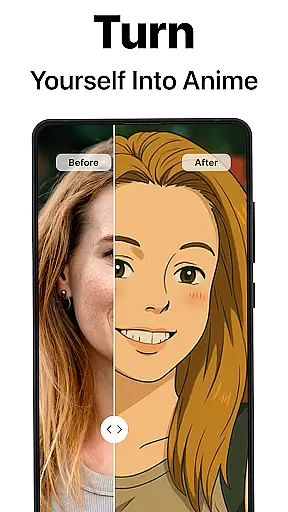
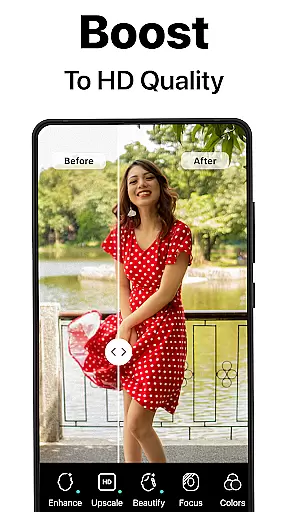
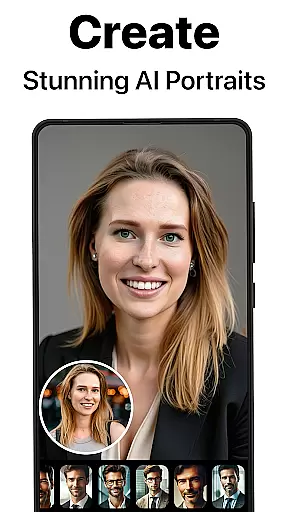
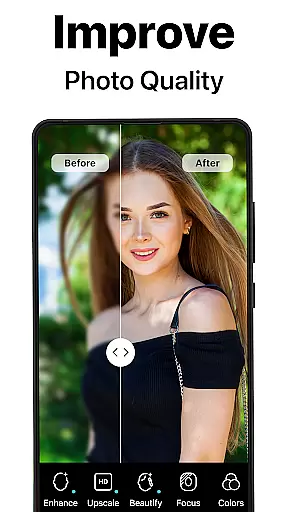
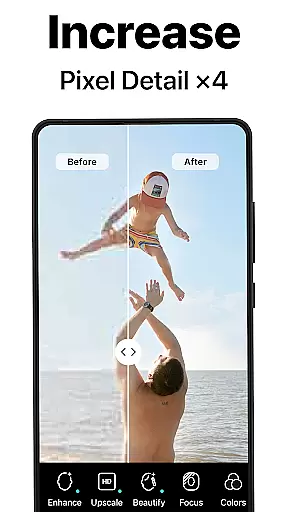
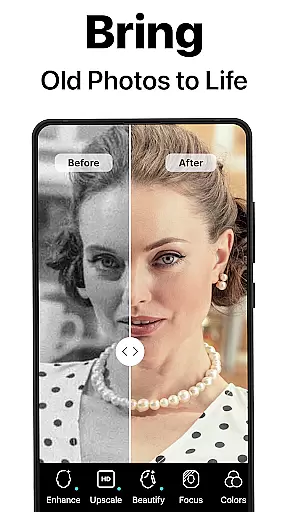
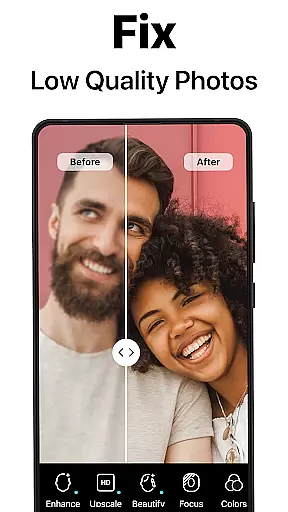
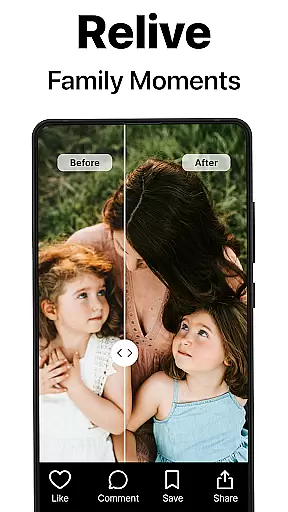
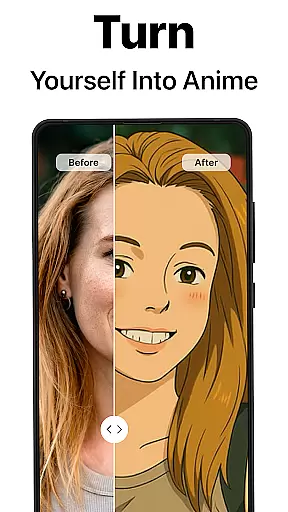
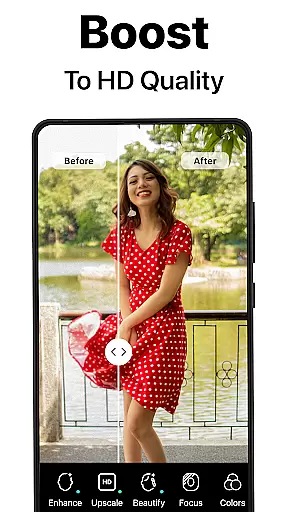
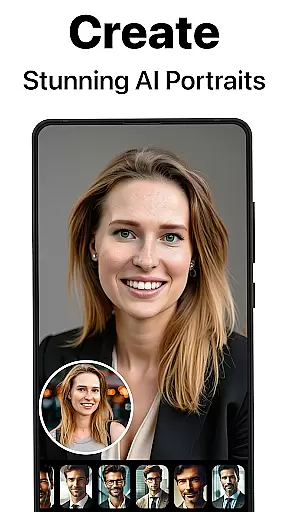
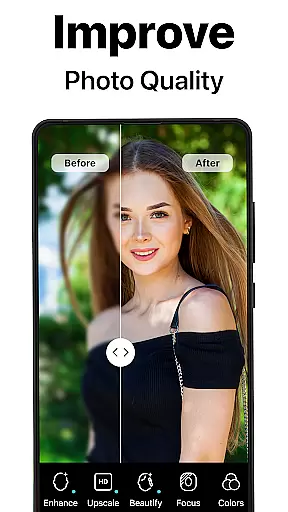
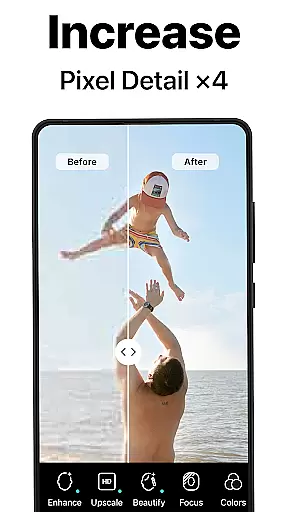
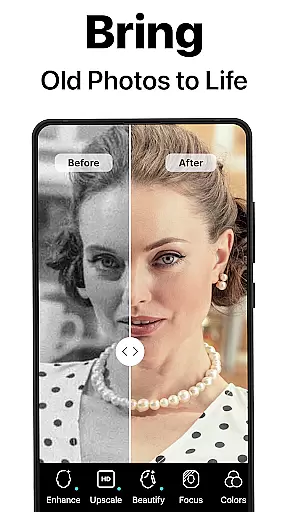
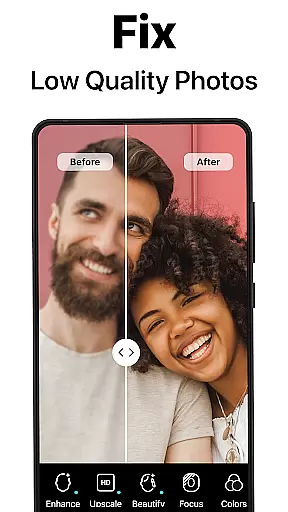
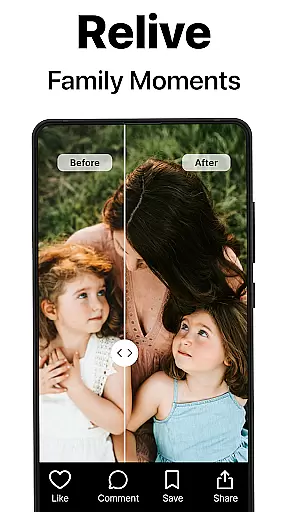
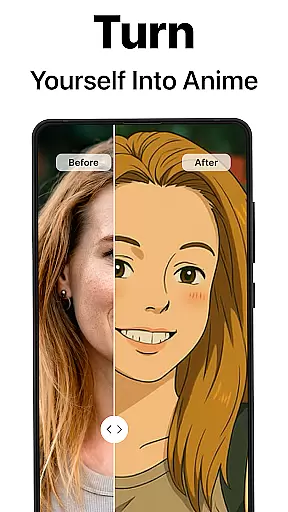
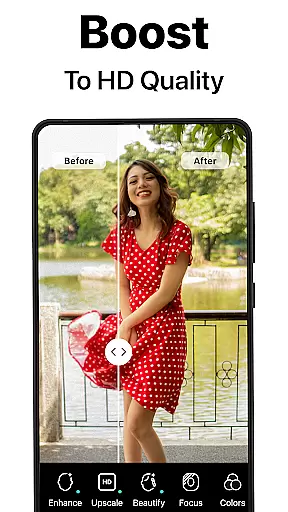
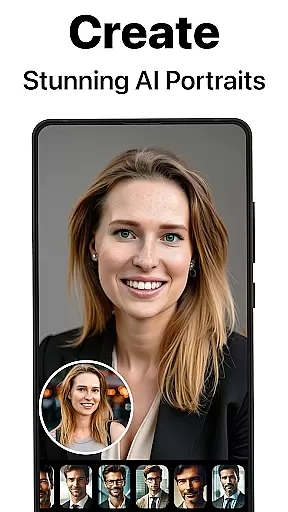
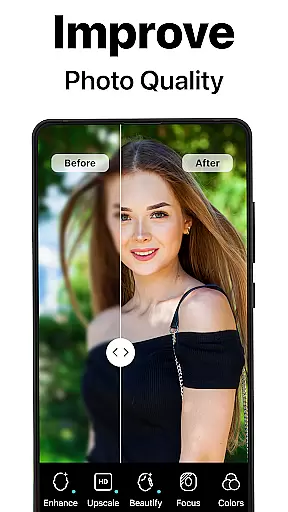
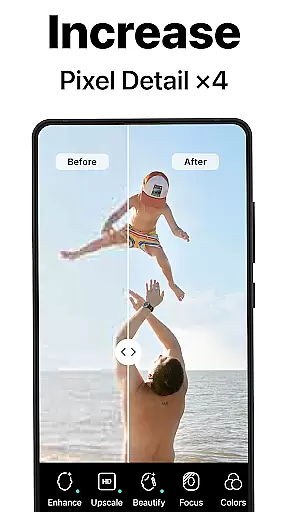
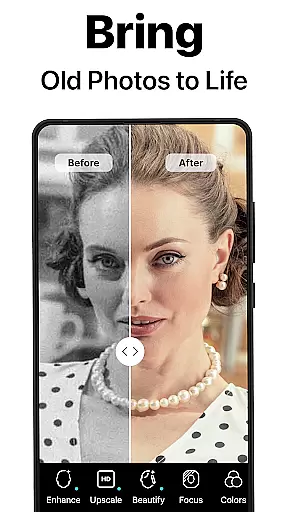
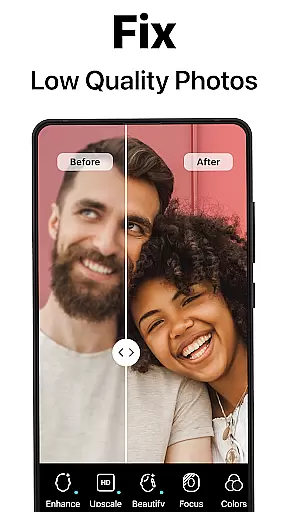
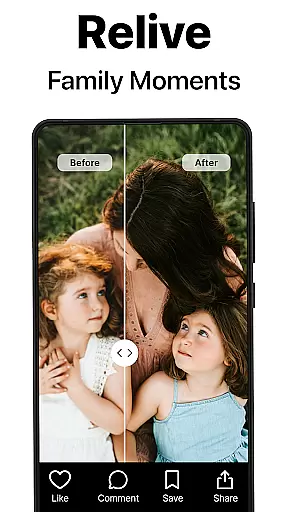
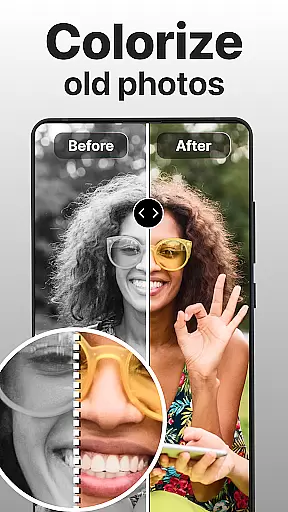
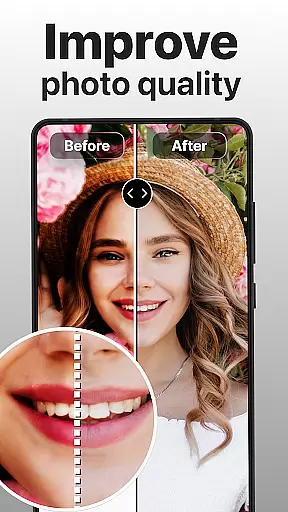
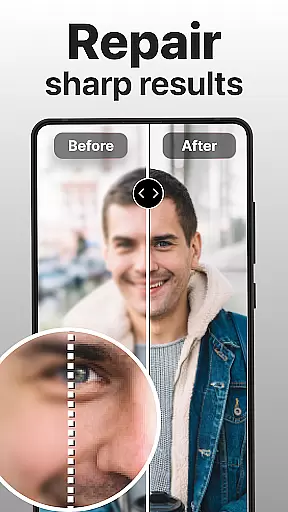
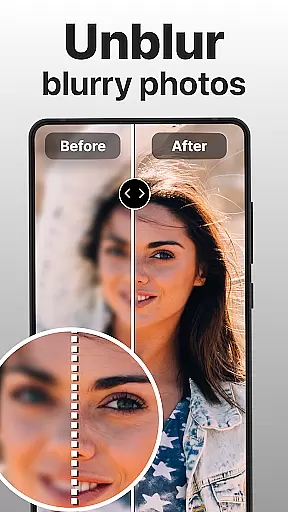
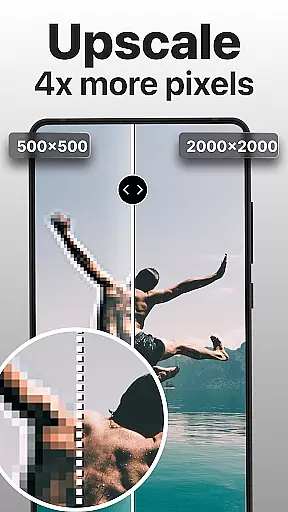
PhotoBoost is a revolutionary photography app that uses advanced AI technology to enhance, restore, and transform your photos. Whether you're looking to sharpen blurry images, revive pixelated memories, or create stunning AI-generated avatars, PhotoBoost delivers professional-quality results in seconds. The app's cutting-edge features include instant photo sharpening, old photo restoration, AI upscaling, and an extensive library of customizable avatar styles.
Designed for both casual users and photography enthusiasts, PhotoBoost caters to a wide range of needs. From restoring cherished family albums to generating creative avatars for social media, the app ensures versatility and precision. Its state-of-the-art AI algorithms guarantee high-quality enhancements while maintaining the original essence of your images. With regular updates and new themes, PhotoBoost keeps your photo editing experience fresh and engaging.
PhotoBoost stands out with its diverse set of powerful features tailored to elevate your photo editing experience. One of its core functionalities is the ability to instantly sharpen blurry or low-resolution images, making them suitable for social media posts or personal keepsakes. Additionally, the app offers advanced restoration tools that repair scratched, faded, or damaged photos, including colorization for black-and-white images.
The AI Avatars feature is another highlight, offering the largest selection of styles and themes on the market. Users can transform their selfies into creative masterpieces inspired by art styles like Van Gogh or pop culture icons. Other notable features include AI-powered upscaling for enlarging images without quality loss and side-by-side comparison tools to showcase before-and-after transformations. These capabilities ensure that PhotoBoost remains a versatile and indispensable tool for enhancing your digital memories.
Real-time capture and preview functionality is essential for ensuring that every photo taken meets the user's expectations. With PhotoBoost, users can see exactly how their image will look before capturing it, allowing for precise adjustments to framing, lighting, and focus.
The app leverages advanced AI technology to enhance the real-time preview experience. This ensures that even in challenging lighting conditions, users can expect clear and vibrant previews, empowering them to take better photos effortlessly.
By offering a responsive and accurate preview window, PhotoBoost enables photographers of all skill levels to refine their shots instantly. This feature not only saves time but also enhances the overall photography experience by reducing the need for post-processing adjustments.
AI-powered beauty and enhancement features are revolutionizing mobile photography by providing natural-looking improvements without compromising authenticity. PhotoBoost employs sophisticated algorithms to subtly enhance facial features, skin texture, and overall appearance while maintaining the subject's unique characteristics.
This app goes beyond basic filters by intelligently analyzing each photo and applying enhancements that complement the original image. Whether smoothing skin imperfections or brightening eyes, the results appear organic and true-to-life, avoiding the over-processed look common in other editing tools.
Users benefit from consistently high-quality edits that preserve the integrity of their photos. By prioritizing natural enhancement, PhotoBoost ensures that every edited image reflects a polished yet genuine version of the original, making it ideal for both casual snapshots and professional portraits.
Advanced AI technology
Extensive avatar library
Fast processing speed
Versatile editing tools
Regular theme updates
Paid subscription required
Free trial limitations
Internet connection needed
Complexity for beginners
Limited offline functionality

A collection of tools and reference tables for DPs, ACs, DITs and Operators.
 4.70
4.70
Perfect photos with body shaping, BG changer and object remover.
3.70
Easily stitch panoramas from multiple photos or video.
4.40
Viewfinder, Light meter, Reciprocity failure time, DOF & Bellows Extension
4.60
Natural Beauty, Selfie Retouch
4.30
Superimpose one photo on top of another using the original Superimpose app!
3.20
AI Photo Editor with 100+ Filters, Effects! Remove BG, Retouch & Photo Enhancer.
4.80
Astrophotography with your smartphone, photo live stacking and much more!
3.90
Edit photos with the picture generator: PS2 & AI Clay filters, cartoon effects.
4.50
Photo editor: AI filters, photo enhancer, pic collage maker, AI art generator.
4.80
Easily view, share, delete photos with Gallery.
4.70
The original Rarevision VHS look seen everywhere!
4.70
Take videos and pictures with the popular TikTok TIME WARP SCAN filter.
4.60
Edit like a pro with Hypic. Apply filters, AI effects, & magic touch.
4.40
Create & Edit with AI: AI Remove, Enhance, Retouch, Filter
4.10
Transform Photos: Edit, Beautify and Craft Memories & Make Collages!
4.10
Catch sunlight, sunrise sunset times and sun phases with the AR sun tracker.
4.10
How old age camera Gender Swap App Face Shape Hairstyle App Hair Styler App fun!
4.00
Application for remote controlling DSLR
3.00


User Reviews