
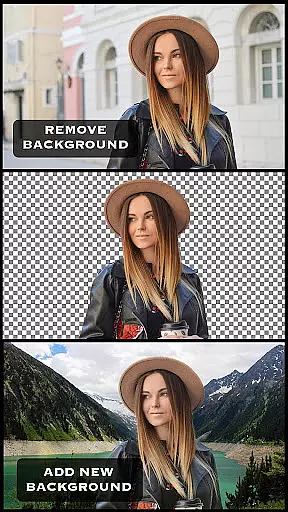
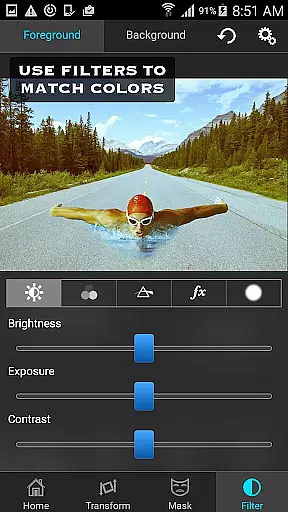
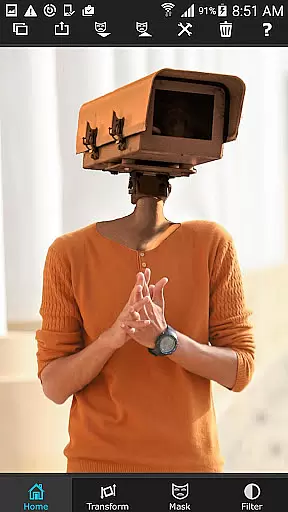
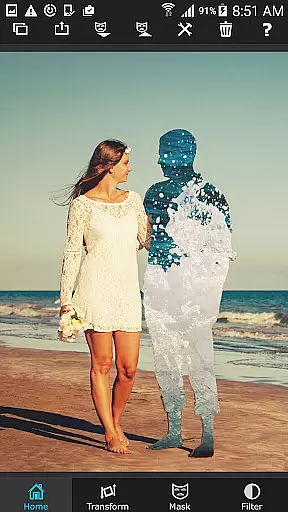
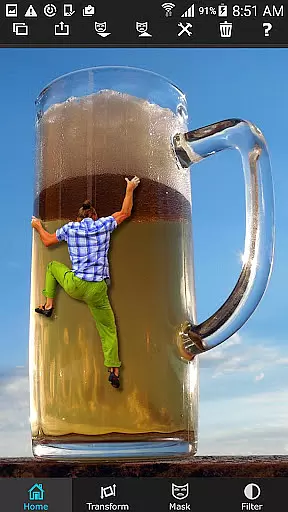
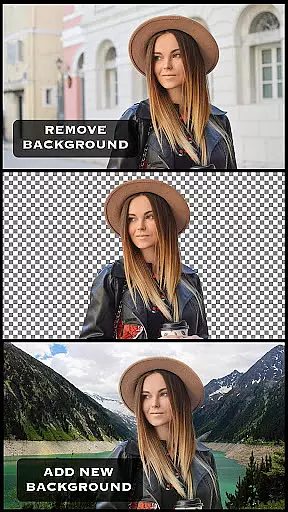
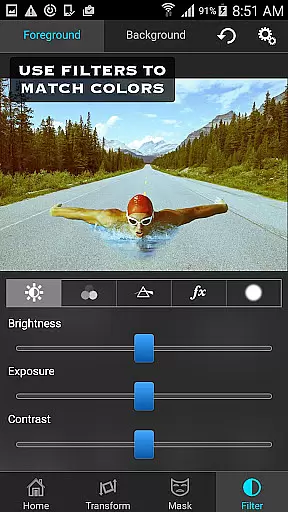
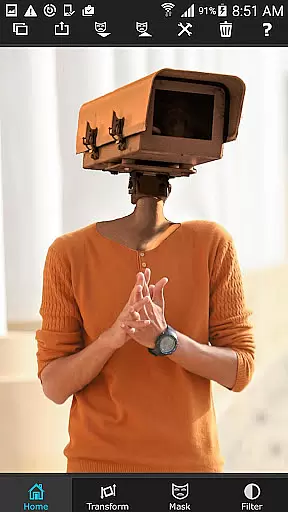
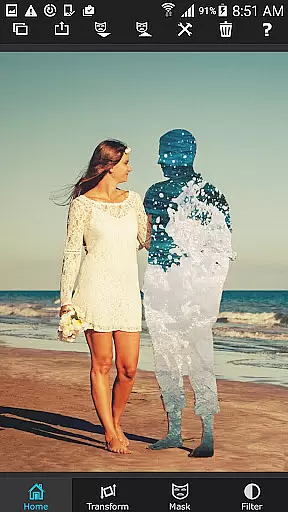
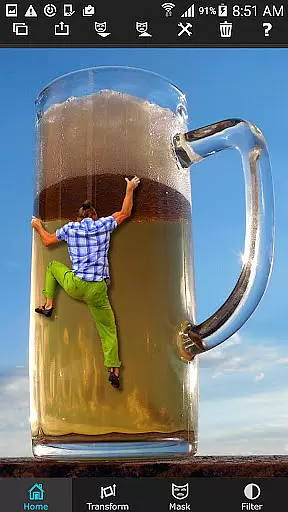
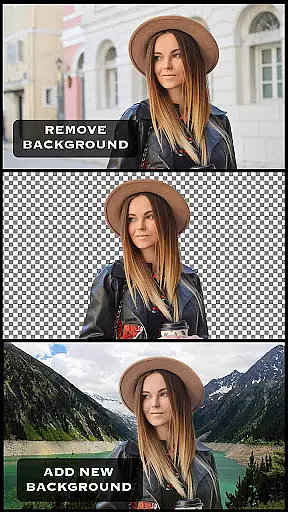
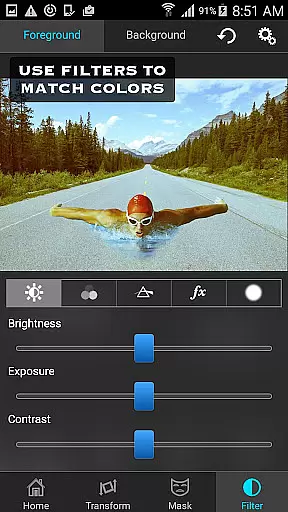
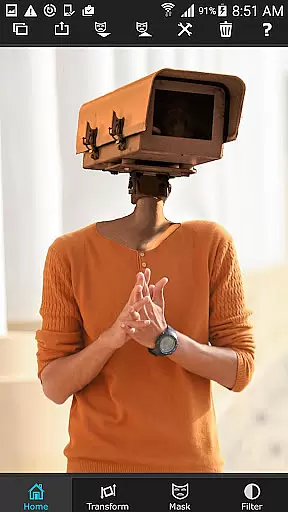
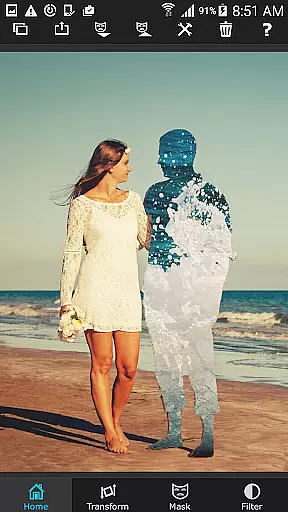
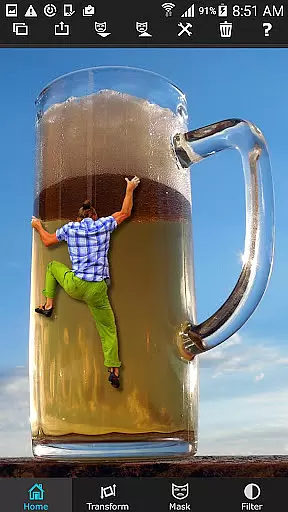
Superimpose is a powerful mobile application that allows users to create professional-grade superimposed or juxtaposed photos directly on their iPhone. With just a few taps, you can seamlessly blend images without the need for a computer or expensive software. The app offers an intuitive workflow where you load a background image, then a foreground image, and use various masking tools to remove unwanted portions of the foreground. You can further refine your creations by smoothing edges, adjusting colors, exposure, contrast, hue, and saturation to achieve perfect harmony between the images.
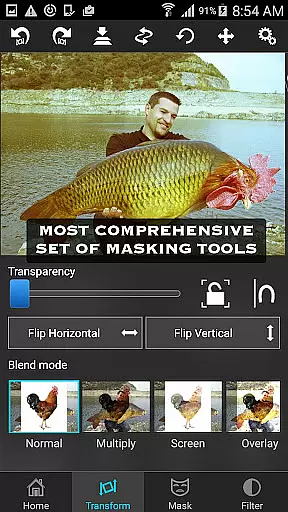
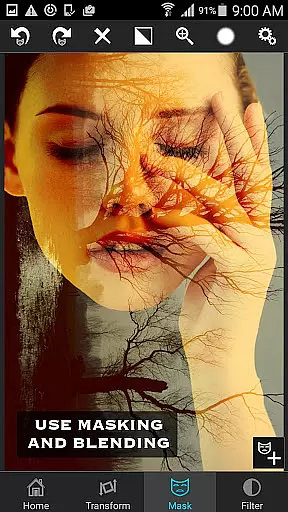
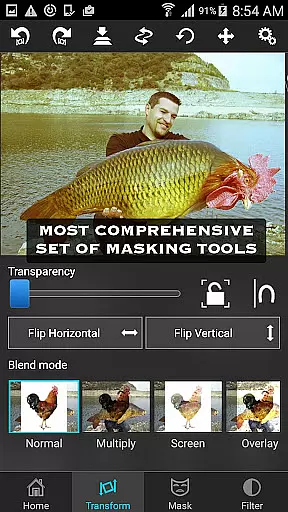
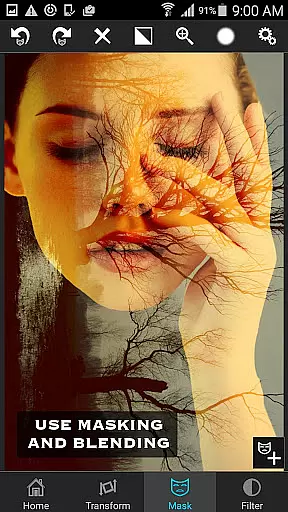
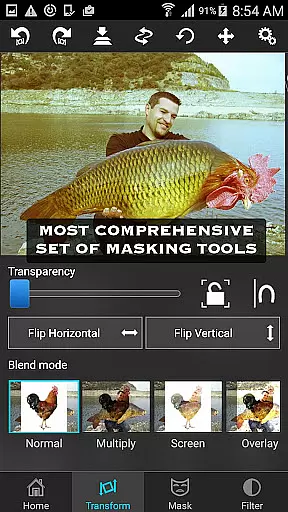
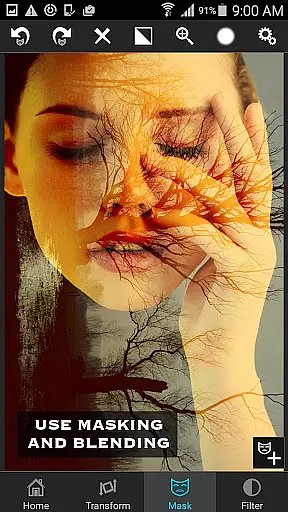
This app is not only ideal for casual photo editing but also for serious tasks like blending textures, overlaying borders, or performing double exposure with adjustable transparency and 18 blending modes. Whether you're looking to impress your friends with creative compositions or enhance your photography projects, Superimpose provides all the necessary tools in one convenient package.
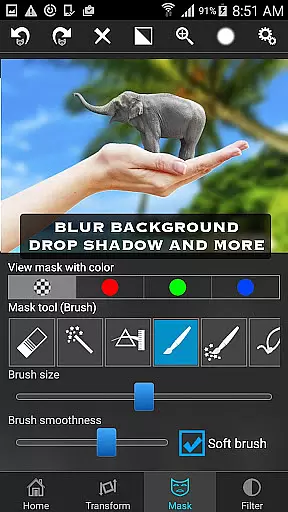
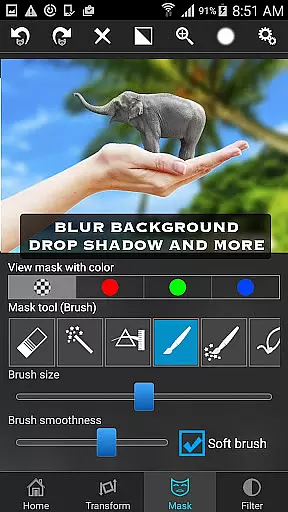
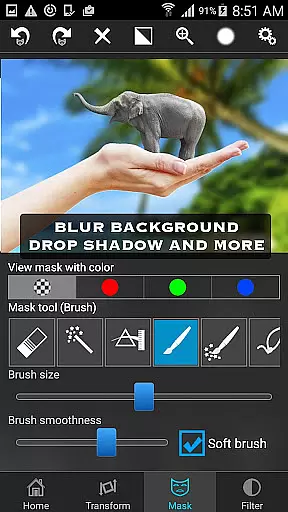
Superimpose stands out with its comprehensive suite of masking tools, which are considered the most powerful available on the App Store. Users can tap on an area of the photo, and the app will automatically mask out connected areas with similar colors. Alternatively, you can utilize brush, lasso, global color similarity, rectangle, ellipse, linear, bi-linear, or radial gradient masking tools. These features allow for precise control over which portions of the foreground image become transparent, revealing the background beneath.
In addition to masking, the app offers robust editing capabilities such as moving, scaling, resizing, rotating, and flipping the foreground image to place it accurately on the background. Fine-tune your edits with color adjustment options including exposure, contrast, hue, and saturation to ensure both images match seamlessly in terms of colors. With these advanced features, Superimpose empowers users to perform complex photo editing tasks effortlessly on their mobile devices.
Real-time capture and preview functionality is essential for photography apps as it allows users to see the results of their edits instantly. Superimpose offers this feature, enabling users to witness their creative visions come to life without delay.
The app provides a dynamic interface where users can load background and foreground images, then immediately view changes as they apply various masking tools and adjustments. This instant feedback loop enhances the editing process, making it more intuitive and efficient.
Users benefit from real-time previews when fine-tuning details such as colors, exposure, contrast, hue, and saturation. The ability to see these adjustments in real time ensures that the final composition meets their expectations before sharing with friends or publishing online.
AI beauty and enhancement features are increasingly popular in photo editing applications, aiming to improve image quality while maintaining a natural look. Superimpose incorporates advanced algorithms that assist users in achieving professional-grade superimpositions with minimal effort.
With a suite of masking tools including brush, lasso, and gradient options, the app intelligently identifies and masks out unwanted portions of an image. These AI-driven capabilities ensure smooth edges and seamless integration between foreground and background layers.
Furthermore, color adjustment features powered by AI help balance hues and saturations across both layers, resulting in a cohesive final product. Users can achieve impressive visual effects like double exposure or texture blending, all while preserving the authenticity of the original photos.
User-friendly interface
Powerful masking tools
Comprehensive editing options
High-quality results
Versatile functionality
Limited to iOS
No Android version
Some features may require practice
Advanced tools might overwhelm beginners
Premium price point

A collection of tools and reference tables for DPs, ACs, DITs and Operators.
 4.70
4.70
AI portrait generator and polaroid AI selfie, fun AI generated AI photo creator!
4.30
Gallery Slideshow is slideshow maker app for slideshow from your gallery photos.
3.90
A reflected light meter with spot metering and incident light metering.
4.40
See your baby AI baby face generator AI baby maker Face generator babymaker fun!
4.70
AI-powered video creator by MiniMax - Where ideas meet cinema
4.20
Discover & download millions of art for The Frame TV or Hisense CanvasTV
4.60
Effortlessly make high-quality GIFs from images & videos without any watermarks.
4.70
Photo & Video Gallery app to manage albums and save WA Status easily.
4.70
Create funny photos and videos with the popular Time Warp Scan filter.
4.90
AI Photo Editor with 100+ Filters, Effects! Remove BG, Retouch & Photo Enhancer.
4.80
HD Camera Pro with HD Video shooting, Panorama, Photo editor , Beauty Camera.
4.50
Movie camera, supports pro recording settings for filming. Try it and be amazed!
4.50
Photo editor: face & body editor, beauty cam, filters and quality enhancer.
4.00
live datamoshing
4.00
Turn photos into cartoons & avatars! - Photo Editor, Cartoon Face!
3.90
Pet Camera
3.70
Photo Album Watch Face shows your favorite pictures as a Watchface.
1.90
Snap photos remotely using your Garmin watch as the camera trigger
4.1


User Reviews