
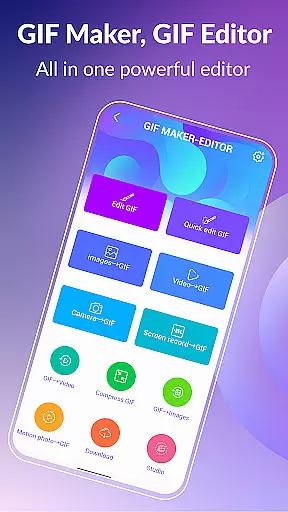
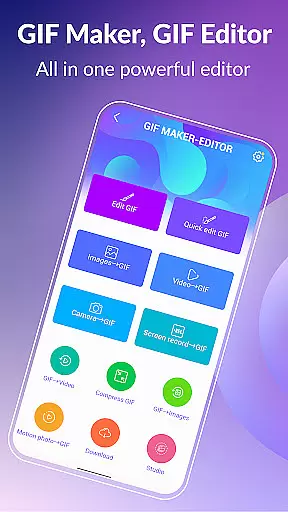
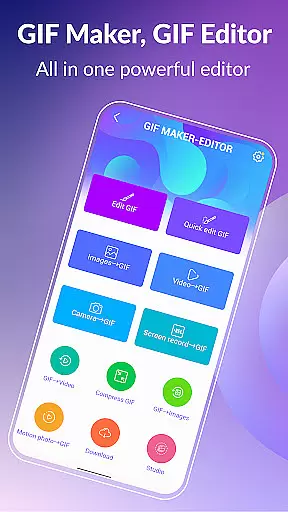

GIF Maker & GIF Editor Pro is a comprehensive photography app designed for creating and editing high-quality animated GIFs. This powerful tool supports up to 600 frames and HD resolution of 720x1280 pixels, ensuring professional-grade output without watermarks. The app's versatility allows users to convert videos, images, screen recordings, and existing GIFs into stunning animations.
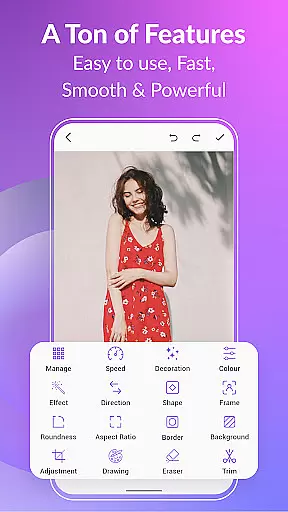
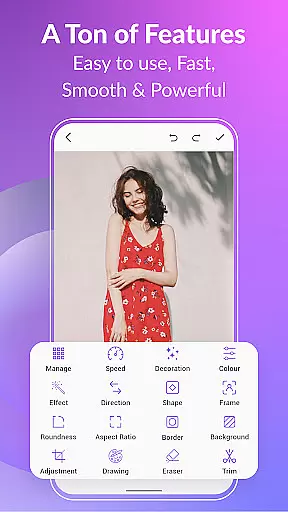
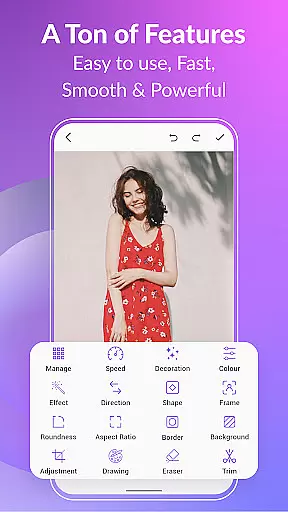
With an intuitive interface and support for over 20 languages, the app caters to a global audience. Users can customize their creations with various features such as cropping, resizing, speed adjustment, adding emojis, filters, and more. Whether you're a casual creator or a professional, GIF Maker & GIF Editor Pro provides the tools needed to produce captivating GIFs that stand out.
GIF Maker & GIF Editor Pro stands out with its extensive feature set tailored for GIF creation and editing. The app supports a wide array of video and image formats including PNG, JPEG, MP4, MPEG, FLV, 3GP, and GIF. This flexibility ensures that users can work with their preferred file types without compatibility issues.
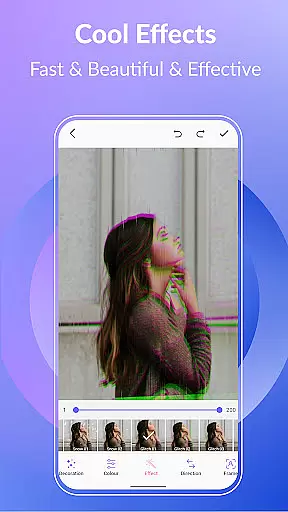
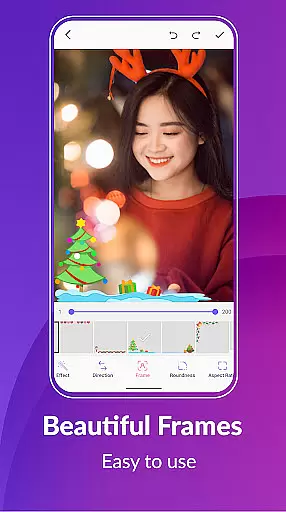
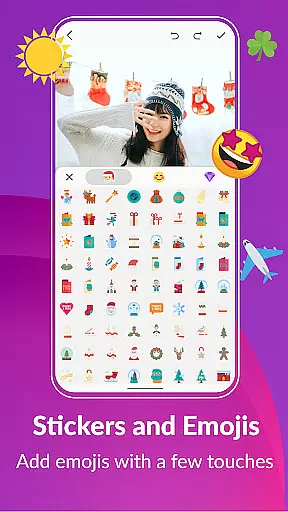
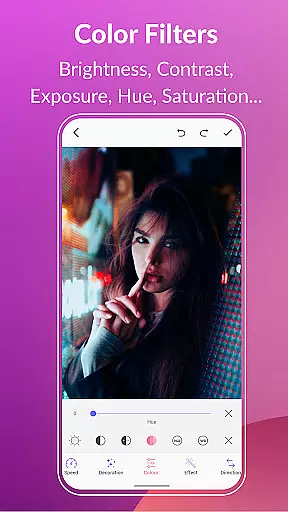
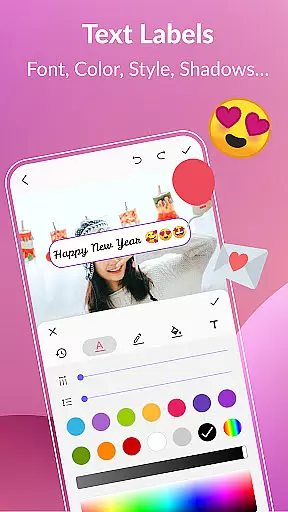
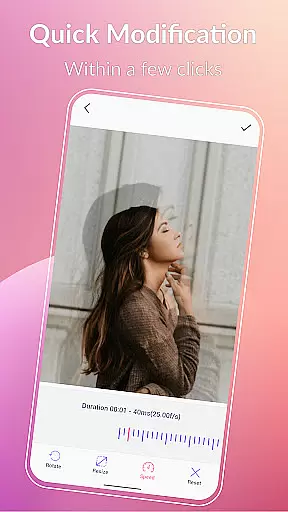
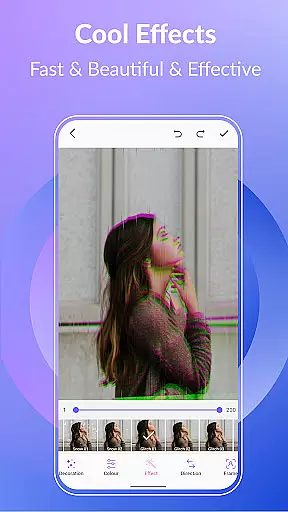
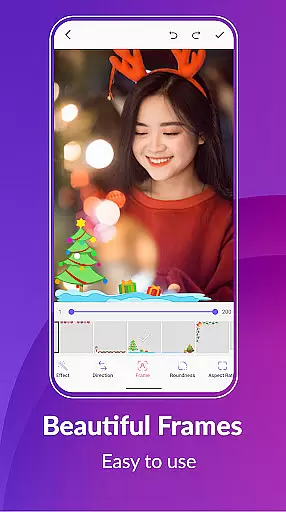
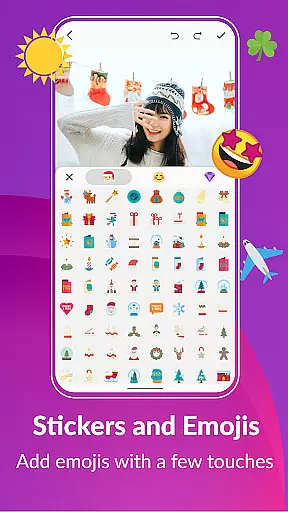
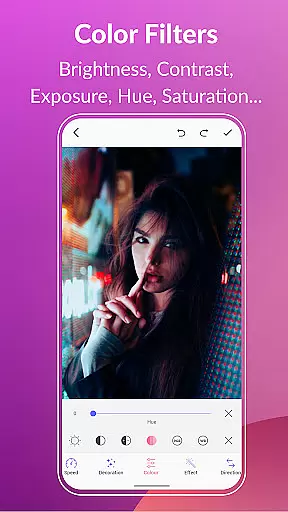
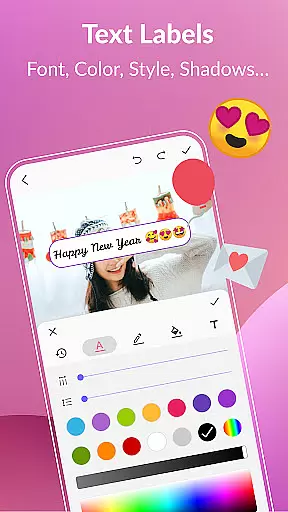
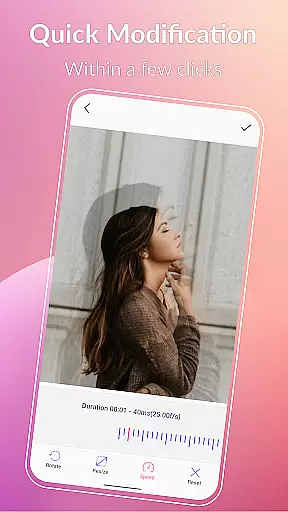
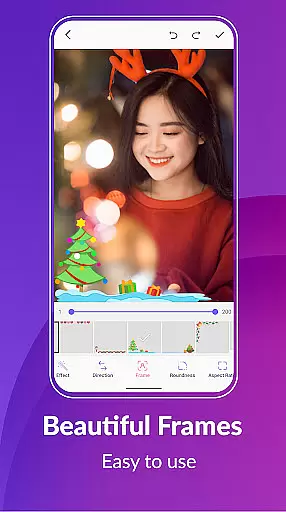
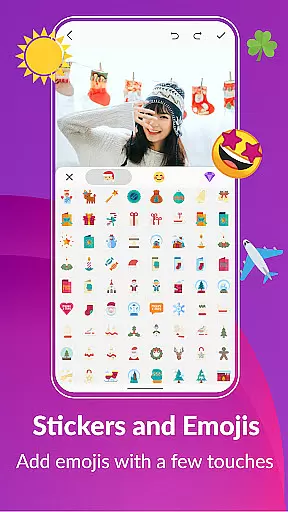
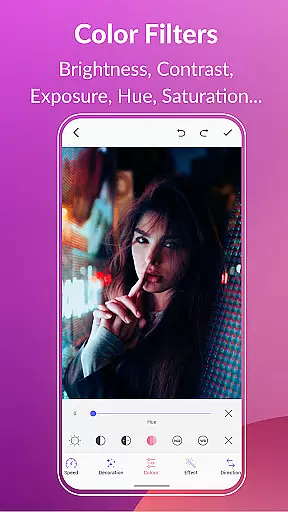
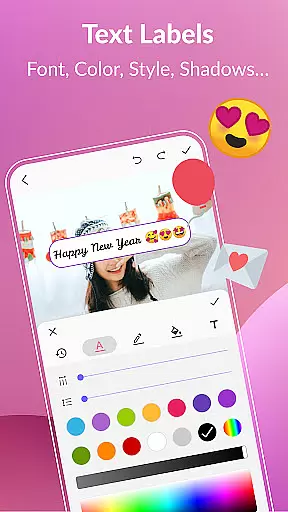
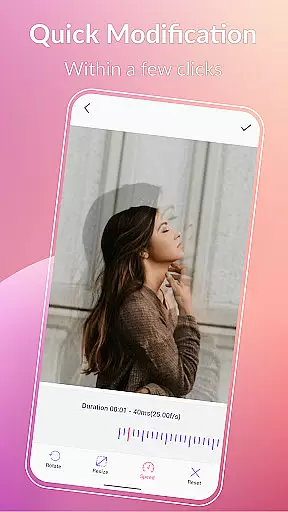
The app offers advanced editing capabilities such as compressing GIFs, converting GIFs to videos, adding background options like transparent or gradient colors, and applying quick edit tools for resizing and speed adjustments. Additionally, users can enhance their GIFs with effects, picture frames, color filters, text labels, stickers, and emojis. These features provide endless possibilities for creativity and personalization.
Other notable features include managing GIF collections, exporting frames from a GIF, and sharing creations on popular platforms like WhatsApp, Facebook, and Twitter. With these robust tools, users can efficiently organize their work, extract individual frames, and showcase their GIFs to a wider audience, making GIF Maker & GIF Editor Pro an indispensable tool for photographers and content creators.
Real-time capture and preview functionality is essential for any photography or GIF creation app, allowing users to see exactly what their final output will look like as they create it.
GIF Maker, GIF Editor Pro offers an intuitive interface that supports real-time processing of images and videos into high-quality animated GIFs. This feature ensures that every frame is captured with precision, supporting formats such as PNG, JPEG, MP4, and more.
Users benefit from the ability to instantly visualize changes, such as cropping, resizing, or applying filters, ensuring that the final GIF meets their expectations without any guesswork. This immediate feedback enhances the creative process.
The app's real-time capabilities extend to its preview options, where creators can test different speeds, effects, and stickers before finalizing their work. This saves time and effort, making GIF creation both efficient and enjoyable.
AI beauty and enhancement features are increasingly important in photo and video editing apps, providing tools that improve visual quality while maintaining a natural look.
GIF Maker, GIF Editor Pro incorporates advanced AI algorithms that enhance GIFs by adjusting brightness, contrast, saturation, and applying color filters. These enhancements bring out the best in every frame without over-processing, preserving the original essence of the content.
With options like background customization, including transparent or gradient backgrounds, users can create GIFs that stand out visually while retaining authenticity. The AI intelligently applies these changes, ensuring smooth transitions between frames.
This balance of enhancement and naturalness makes the app ideal for users who want professional-quality results without sacrificing the genuine feel of their creations. Whether adding text labels, stickers, or emojis, the enhancements blend seamlessly into the overall design.
User-friendly interface
High-quality output
Wide format support
Extensive customization options
Multilingual support
Paid version only
Advanced features may overwhelm beginners
Large file sizes for high-quality GIFs
Limited free trial options
Occasional performance lags

Gallery show photo, video, slideshow, is perfect 3D effect private photo albums.
 4.80
4.80
How would you look like with a differently shaped nose, chin or lips?
3.90
Photobooth mini FULL app will allow you to add more fun to your parties
4.00
Android Native system HD camera app. Never been so simple and faster.
4.70
Photo prints, cards, & gifts at Walgreens. Easy ordering & fast local pickup !
4.80
Create Business Headshots, Polaroid Filter, Retake Photos,Profile Pics,AI Photos
4.50
Add a dreamy vibe to your selfies and videos with soft style filters
4.3
Astrophotography with your smartphone, photo live stacking and much more!
3.90
Your Family Calendar + Photos. Manage your Skylight Calendar and Skylight Frame.
4.40
Collage your moments in one tap: 1000+ layouts, filters, stickers, and texts.
4.90
1M influencer's special filter
4.60
Automatically backup your photos and videos to computer, NAS and Cloud services
4.60
Safe & smart flight with Go Fly drone controller for 40+ drone camera, zone map
4.50
Photo Exif Editor allows to view, add and modify EXIF data of multiple photos
4.50
Photo editor & gallery. Crop pictures & edit photos offline, no wifi!
4.50
Future baby face generator: AI kids generator, kid face! What my baby look like?
4.40
Raw Image Viewer. Gallery with support of raw images (.cr3, .cr2, .nef, .raf).
2.00
Over 800 film simulation recipes for Fujifilm. Black Friday Offer!
4.0
Snap photos remotely using your Garmin watch as the camera trigger
4.5


User Reviews