
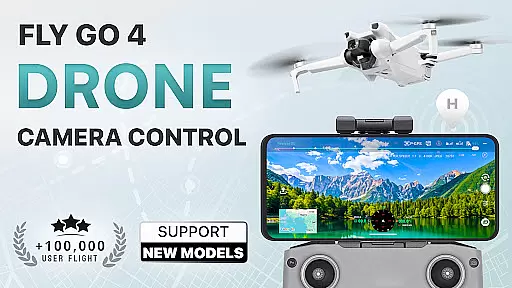
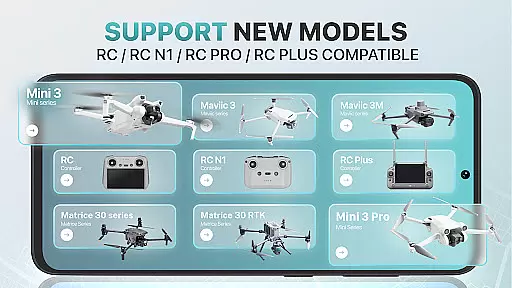
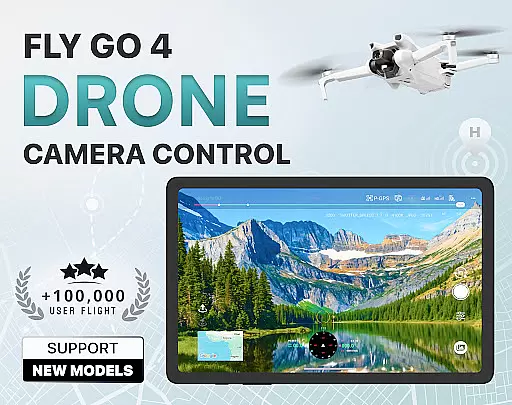
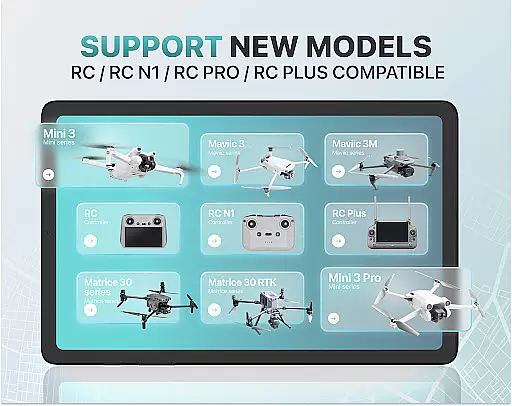
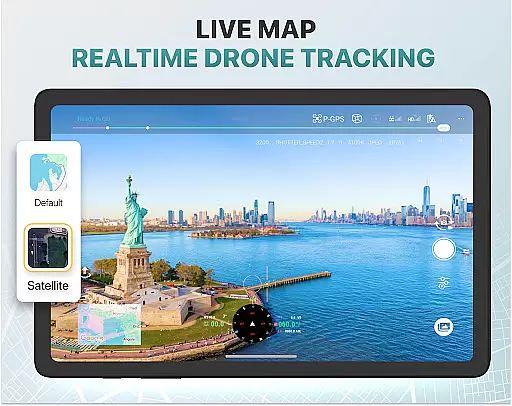
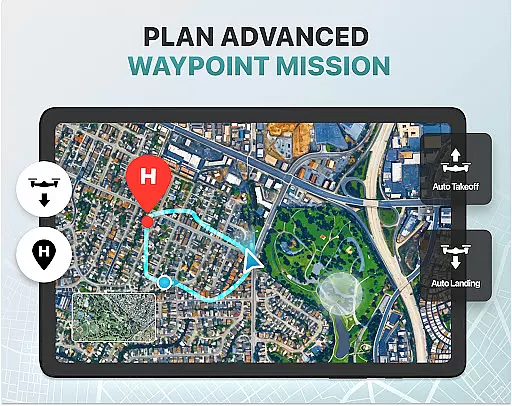
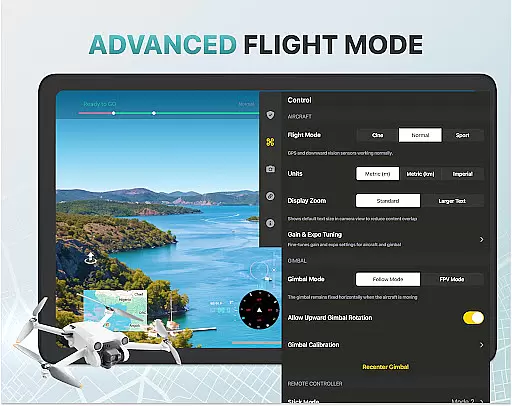
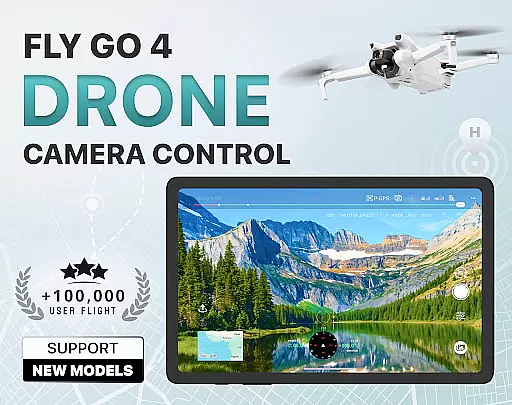
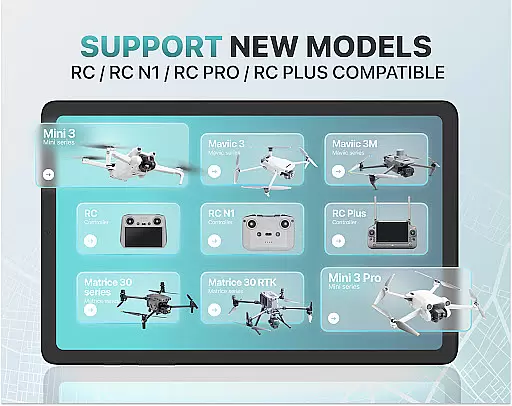
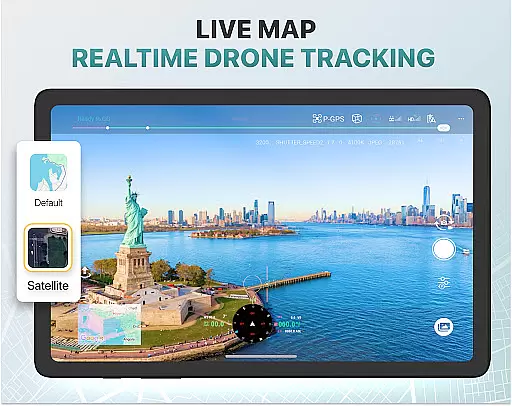
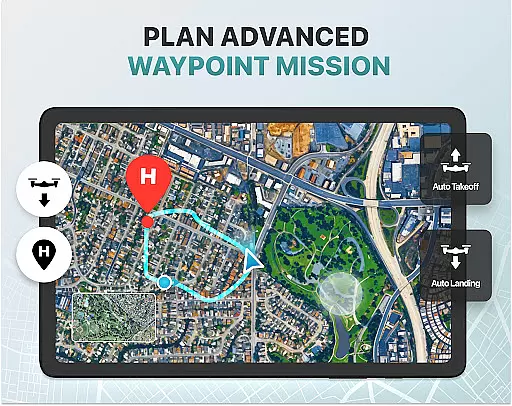
Fly Go 4 Drone Camera Control is a comprehensive drone management app designed for both novice and experienced drone pilots. The application offers seamless compatibility with a wide range of drones, flycams, and UAVs, including popular models like Matrice 350 RTK, DJI Mini 3, and DJI Mavic 3 Enterprise Series. With its intuitive interface, users can effortlessly control their drones directly from their mobile devices.
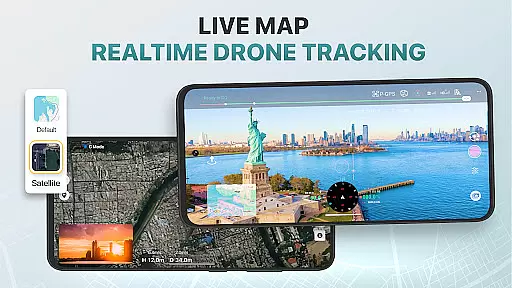
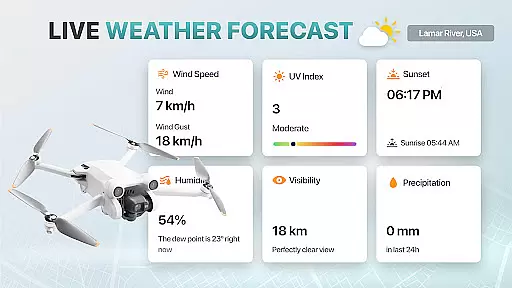
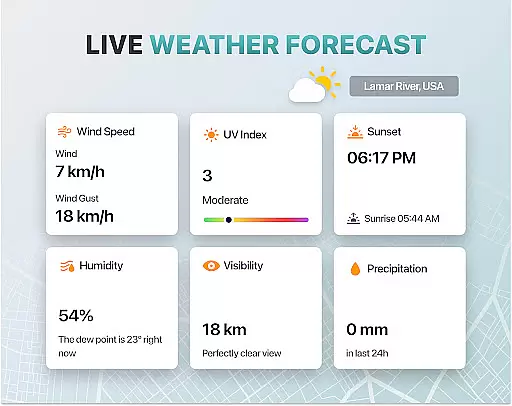
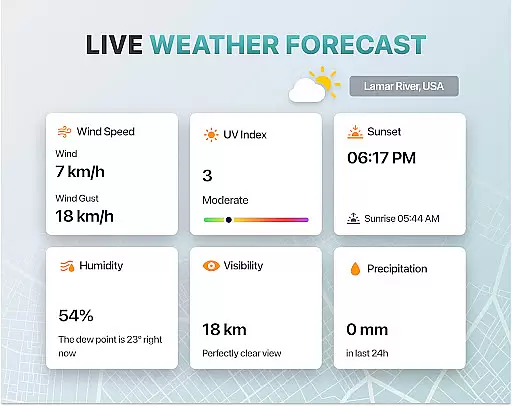
One of the standout features of this app is its ability to provide real-time weather updates, ensuring that users can plan their flights during optimal conditions. Additionally, the app includes no-fly zone alerts, which help pilots avoid restricted airspaces near airports and military bases. This ensures not only the safety of the drone but also compliance with local regulations. Whether capturing panoramic images or tracking the drone's location via GPS, Fly Go 4 Drone Camera Control delivers an exceptional user experience.
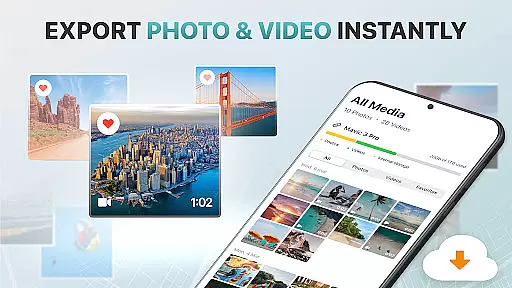
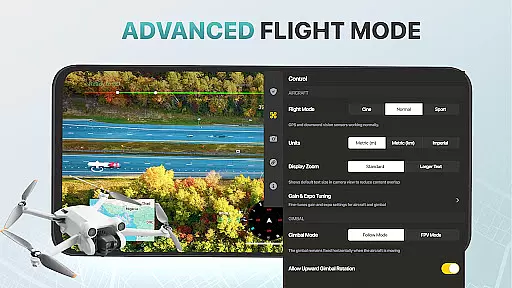
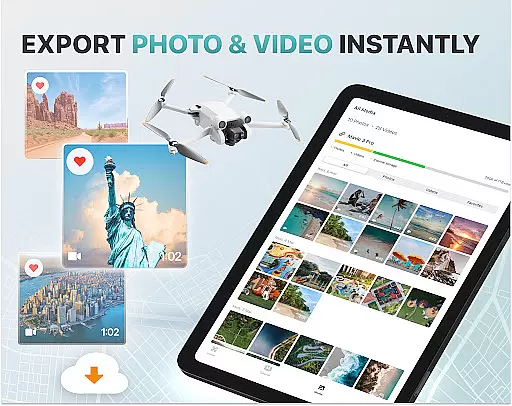
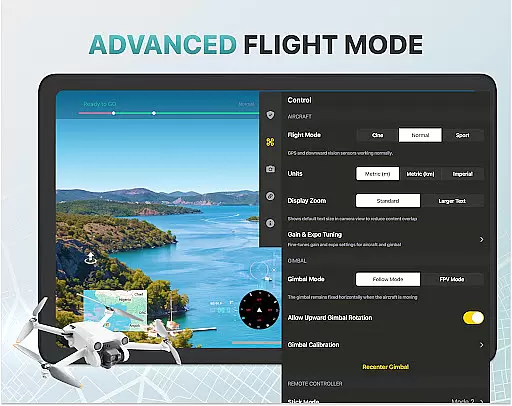
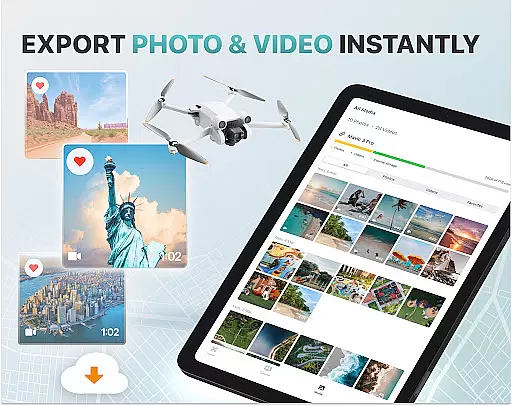
The app also supports advanced functionalities such as gimbal direction adjustment and exposure graph controls, allowing users to capture professional-grade aerial footage. Its smart media export feature makes it easy to transfer high-quality files to your device for sharing or editing. Overall, Fly Go 4 Drone Camera Control is an indispensable tool for anyone looking to enhance their drone piloting skills while ensuring safe and efficient operations.
Fly Go 4 Drone Camera Control boasts a variety of innovative features tailored to meet the needs of modern drone enthusiasts. One of its key capabilities is the real-time camera feed, which provides a lag-free video stream directly to your phone screen. This allows for precise control over your drone's movements and enables you to capture stunning aerial footage with ease. The app also supports drone panorama photography, enabling users to take breathtaking panoramic images and videos using their drone’s camera.
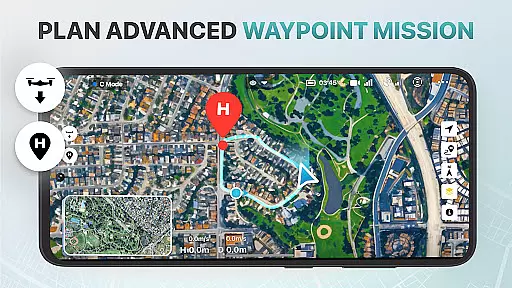
Another notable feature is the UAV weather forecast functionality, which delivers up-to-date weather information to ensure safe flying conditions. Pilots can also benefit from the no-fly zone alerts, which notify them of restricted areas, helping them avoid potential legal issues. For those concerned about losing their drones, the Find My Drone feature uses GPS tracking to help locate the device quickly in case of emergencies. Additionally, the Home Point Functionality ensures that your drone will automatically return to a safe landing spot if it experiences low battery or signal loss.
For beginners, the app offers step-by-step tutorials that cover everything from basic controls to advanced maneuvers. These tutorials are designed to build confidence and improve piloting skills over time. Moreover, the app includes intelligent flight modes that simplify complex operations, making it accessible for users of all experience levels. With support for various high-quality file formats and extensive drone model compatibility, Fly Go 4 Drone Camera Control stands out as a versatile and powerful tool in the realm of drone piloting.
Real-time capture and preview functionality is essential for drone photography, allowing users to see exactly what their drone's camera is capturing as it happens. The Go Fly Drone Controller Pro app excels in this area by providing a seamless live video feed directly to your phone screen.
This feature ensures that every shot can be perfectly framed and timed, giving photographers the control they need to capture stunning aerial images and videos. With minimal lag, users can make real-time adjustments to their drone's position and camera settings, ensuring optimal results.
The app supports a wide range of drones, including popular models like the DJI Mavic 3 Enterprise Series and Matrice 350 RTK, making it versatile for different types of photography projects. This compatibility enhances the user experience by offering flexibility and reliability across various devices.
By delivering a high-quality, real-time preview, the Go Fly Drone Controller Pro empowers users to take full advantage of their drone's photographic capabilities, resulting in professional-grade content creation.
AI beauty and enhancement features are becoming increasingly important in photography apps, offering users the ability to enhance their images with natural-looking effects. While primarily focused on drone control, the Go Fly Drone Controller Pro app incorporates advanced AI algorithms to improve photo quality without compromising authenticity.
These enhancements include automatic adjustments to exposure, color balance, and sharpness, which help bring out the best in every image captured by the drone. By using sophisticated AI, the app ensures that these enhancements look natural and do not distort the original scene, preserving the integrity of the photograph.
For users who want to elevate their aerial photography, the AI-powered enhancements provide an easy way to achieve professional results. Whether capturing landscapes or urban environments, the app's AI tools ensure that every detail is crisp and vibrant, enhancing the overall visual impact.
Ultimately, the AI beauty and enhancement features in the Go Fly Drone Controller Pro app offer a valuable tool for photographers looking to refine their images while maintaining a natural appearance, thus improving the quality of their drone photography effortlessly.
User-friendly interface
Real-time weather updates
No-fly zone alerts
Advanced gimbal controls
Wide drone compatibility
Premium subscription required
Limited free trial period
Not an official manufacturer app
Occasional connectivity issues
High cost for lifetime access

Remote control of the phone camera from your Wear OS smartwatch
 3.70
3.70
Android Native system HD camera app. Never been so simple and faster.
4.70
Create AI Photos, Improve and restore quality of blurry, old or damaged pics.
4.20
GCamera allows all GCam features on all phone models! Better photos with GCamera
3.30
Collage your moments in one tap: 1000+ layouts, filters, stickers, and texts.
4.90
Enhance, retouch & create your story - Share the moment with Photoshop Express.
4.60
Use AI Video Generator to turn your words to ai generated videos.
4.50
A light meter for true photographers.
4.20
Remote control the phone camera shutter from your smartwatch and take a picture
1.60
Pro version: AR sun/moon tracker for any date. Tool for photographers & planners
4.90
HD Camera Pro with HD Video shooting, Panorama, Photo editor , Beauty Camera.
4.50
Edit like a pro with Hypic. Apply filters, AI effects, & magic touch.
4.40
Shooting photos and records video easily and efficient with professional Camera
4.30
Smart, light, and fast photo and video gallery
4.30
AI-powered video creator by MiniMax - Where ideas meet cinema
4.20
How would you look like with a differently shaped nose, chin or lips?
3.90
Be your best in every shot! Fix, edit and retouch your face in selfies & photos.
3.70
Professional video recording application with manual controls for filmmakers!
2.80
Add a dreamy vibe to your selfies and videos with soft style filters
4.0


User Reviews