
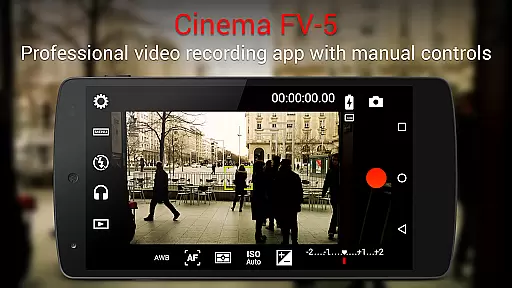
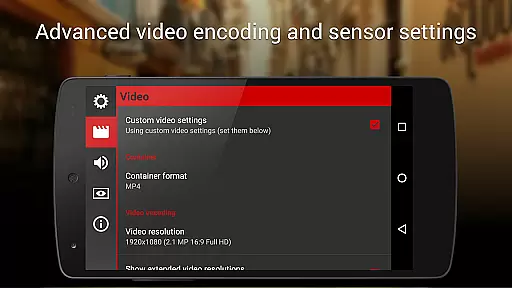
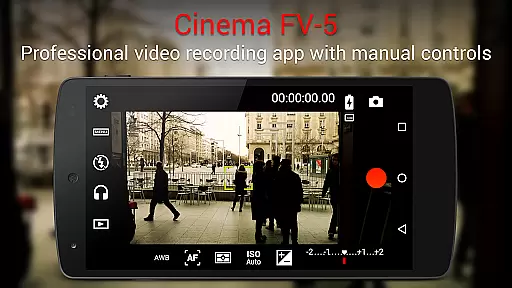
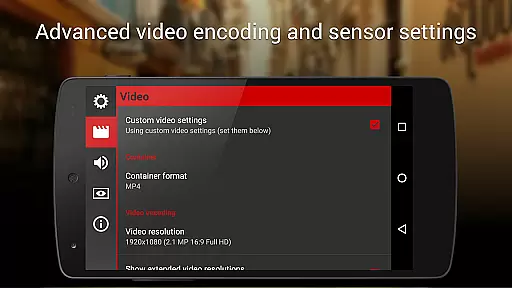
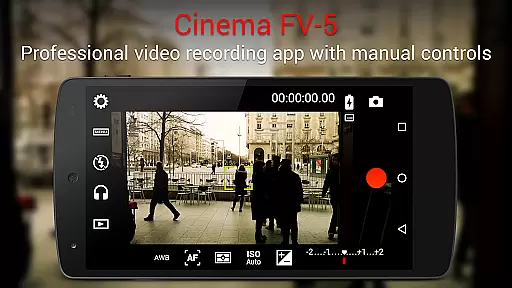
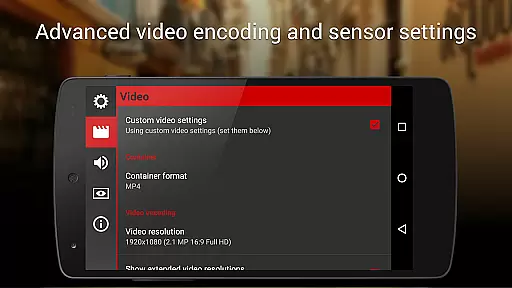
Cinema FV-5 is a professional-grade video camera application designed for mobile devices, offering advanced manual controls that empower videographers and filmmakers. With its comprehensive suite of features, the app allows users to adjust critical image sensor parameters such as ISO, exposure compensation, focus modes, and white balance, even during recording. This level of control ensures optimal footage quality for postproduction purposes, making it an ideal tool for creative professionals seeking to capture high-quality videos with their smartphones or tablets.
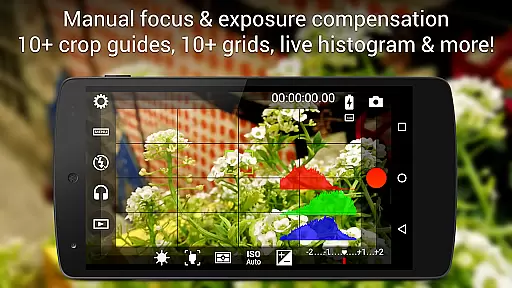
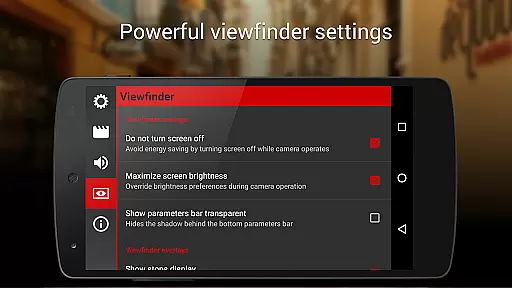
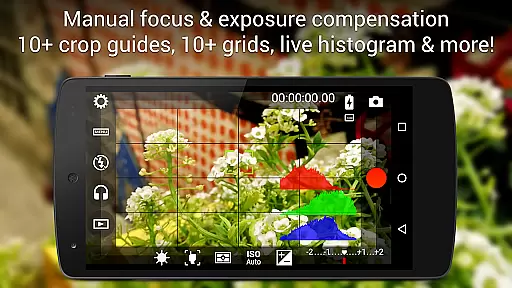
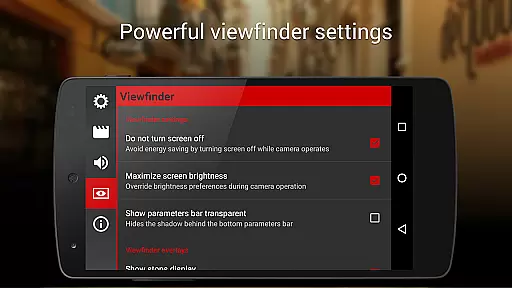
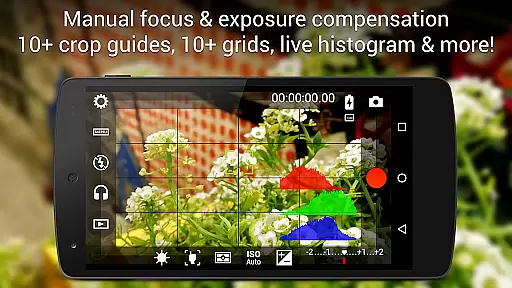
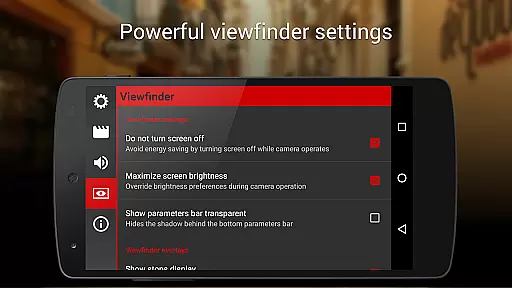
The app stands out with its professional viewfinder capabilities, including live RGB histograms, 10+ compositing grids, and customizable crop guides. Additionally, Cinema FV-5 supports 4K UHD video recording on compatible devices and provides extensive audio customization options, ensuring superior sound quality. Its compatibility with external microphones and Bluetooth headsets further enhances its versatility. Whether you're shooting a short film or capturing professional-grade content, Cinema FV-5 delivers the tools necessary to unleash your creativity.
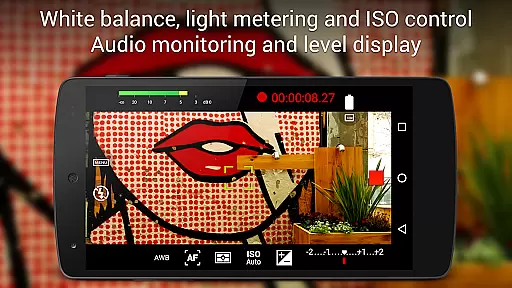
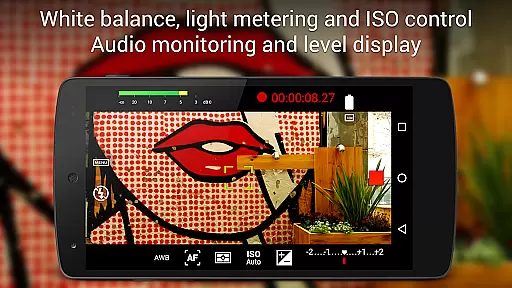
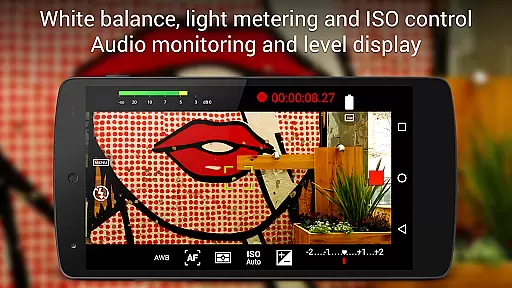
Cinema FV-5 offers an array of advanced features tailored for professional videography. One standout aspect is its ability to provide complete manual control over camera settings, including ISO, exposure compensation, and white balance adjustments during recording. The app also supports focus adjustments in real-time, allowing users to lock focus on subjects or switch focus planes seamlessly while filming. These functionalities ensure precise control over every aspect of video capture, enabling filmmakers to achieve their desired visual effects.
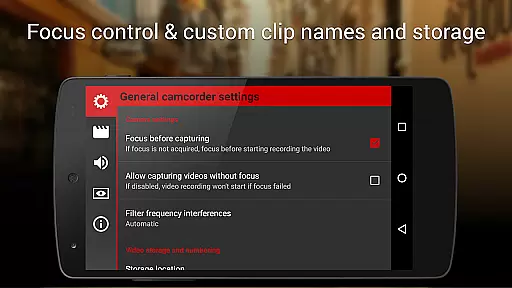
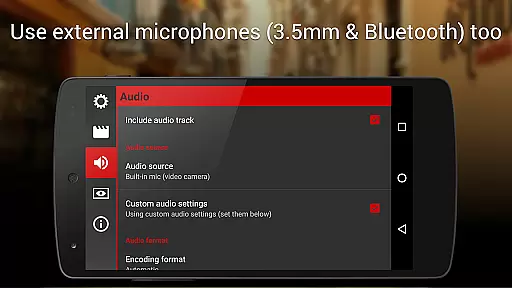
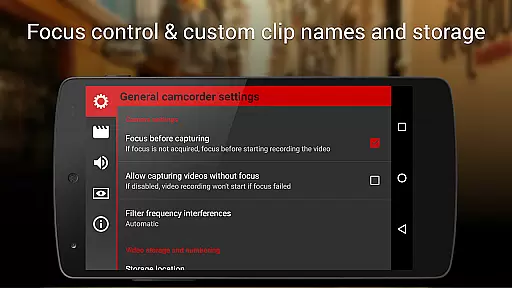
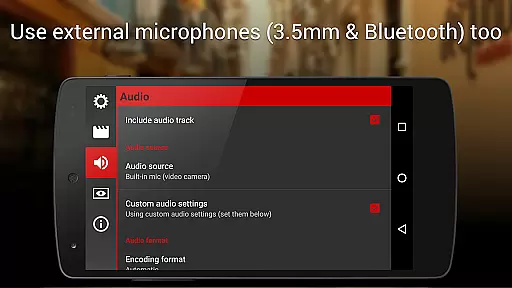
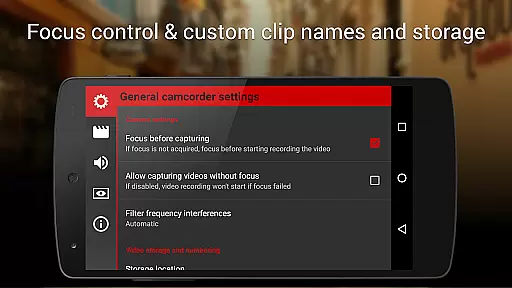
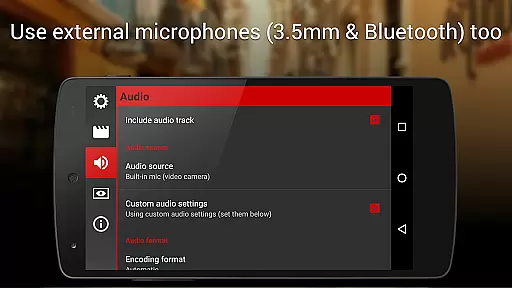
In addition to its robust video capabilities, Cinema FV-5 includes professional-grade audio tools. Users can monitor audio levels with peak warnings and clipping indicators, ensuring high-quality sound recording. The app supports various audio input sources, including built-in microphones, external wired microphones, and wireless Bluetooth headsets. Furthermore, advanced video organization options allow users to customize file names and storage locations, streamlining workflows for both small and medium-sized productions. With support for 4K UHD recording and geotagging functionality, Cinema FV-5 caters to a wide range of professional needs.
Cinema FV-5 excels in real-time capture and preview capabilities, offering videographers precise control over their footage. The application provides professional manual controls that allow users to adjust image sensor parameters such as ISO, exposure compensation, and white balance on the fly.
During recording, focus can be adjusted dynamically, ensuring that videographers can change focus planes without interrupting the capture process. This feature is crucial for creating dynamic shots where the subject's distance from the camera changes.
The electronic viewfinder in Cinema FV-5 includes live RGB and luminance histograms, which are available even during recording. These tools enable users to monitor exposure and contrast in real time, ensuring optimal footage quality. Additionally, professional sound metering options display audio peaks and clipping warnings, enhancing audio capture precision.
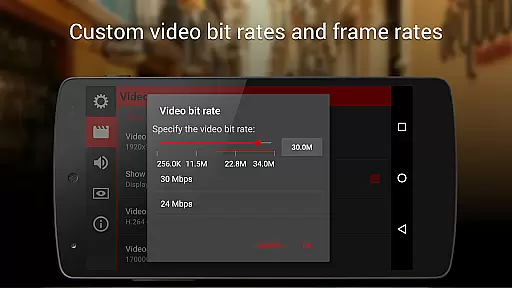
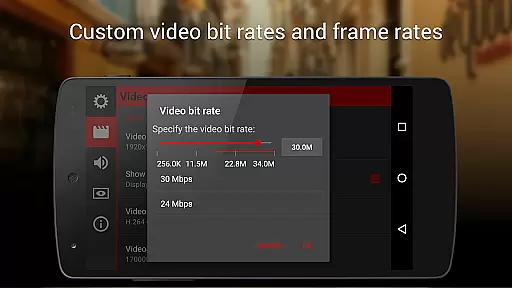
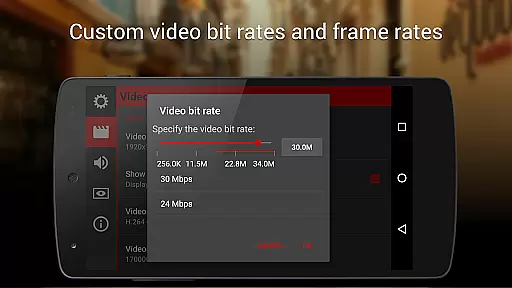
With support for various audio input sources and customizable video codecs, bitrates, and sampling rates, this app ensures high-quality audio and video capture. Users can record in 4K UHD on supported devices, providing crisp, detailed footage ready for any post-production needs.
While primarily focused on professional-grade features, Cinema FV-5 also offers enhancements that improve the naturalness of captured content. Although it doesn't rely heavily on AI beauty features typical in consumer apps, its advanced manual controls contribute to achieving a natural yet polished look in videos.
The ability to fine-tune settings like white balance, light metering modes, and focus ensures that skin tones and textures appear authentic and unaltered. Videographers can avoid the artificial smoothing effects often associated with automated beauty enhancements by manually adjusting these parameters.
Cinema FV-5 supports external microphones and Bluetooth headsets, allowing creators to capture clear, natural audio that complements their visual content. This flexibility in audio input selection helps maintain the authenticity of ambient sounds and dialogue.
Furthermore, the app's comprehensive file organization options and customizable naming conventions help streamline workflows, making it easier to manage and edit raw footage while preserving its natural qualities. These features collectively ensure that the final output remains true to the original scene while benefiting from professional-grade enhancements.
Advanced manual controls
Real-time parameter adjustments
Professional viewfinder tools
Supports 4K UHD recording
Versatile audio customization
Complex for beginners
Requires high-end device
No free version available
Interface may feel cluttered
Geotagging not enabled by default

Gallery show photo, video, slideshow, is perfect 3D effect private photo albums.
 4.80
4.80
Application for remote controlling DSLR
3.00
Create collages easily! Nice pic collage maker & background eraser for Instagram
4.50
Photo Exif Editor allows to view, add and modify EXIF data of multiple photos
4.50
HD Camera Pro with HD Video shooting, Panorama, Photo editor , Beauty Camera.
4.50
AI Photo Editor with 100+ Filters, Effects! Remove BG, Retouch & Photo Enhancer.
4.80
Easily create custom gifts, cards, photo books & more on the Shutterfly app!
4.60
Unblur, enhance & restore photos with powerful AI photo enhancer tools.
4.60
Photo & Video Gallery app to manage albums and save WA Status easily.
4.70
Create funny photos and videos with the popular Time Warp Scan filter.
4.90
Perfect body tune & face app - photo retouch, makeup, slim body & beautify face.
4.80
Cartoon and artistic effects for your photos and videos
4.70
PhotoSync Bundle Add-On License. Enables all features and services in PhotoSync.
4.60
[3DSteroid Pro] is a stereoscopic application for Android.
4.30
Create AI Photos, Improve and restore quality of blurry, old or damaged pics.
4.20
Professional camera app that brings DSLR manual photography controls to Android.
4.20
The #1 app for B&W film developing featuring an advanced darkroom timer.
4.10
Professional quality photo edits with the new Snapseed.
4.00
Photo Album Watch Face shows your favorite pictures as a Watchface.
1.90


User Reviews