
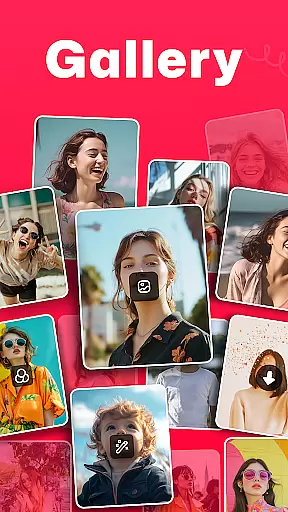
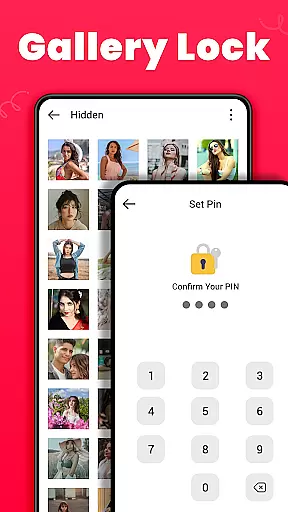
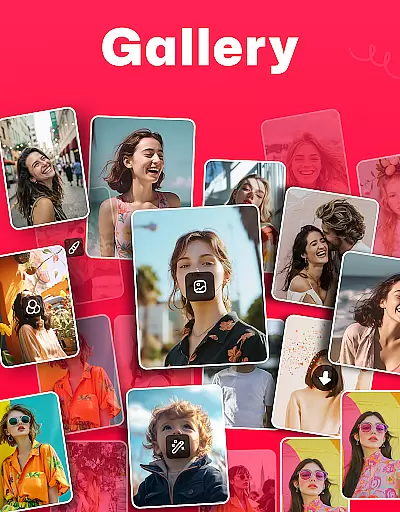
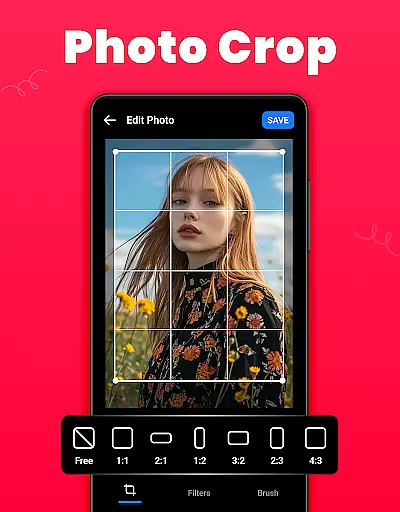
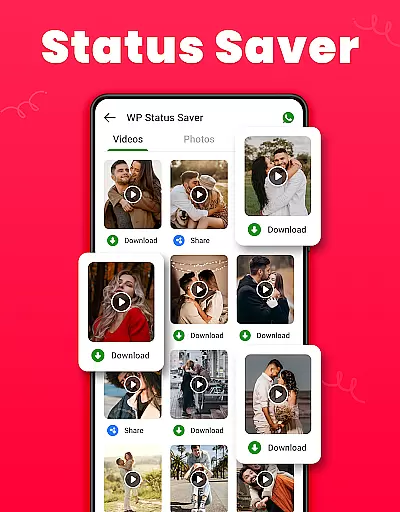
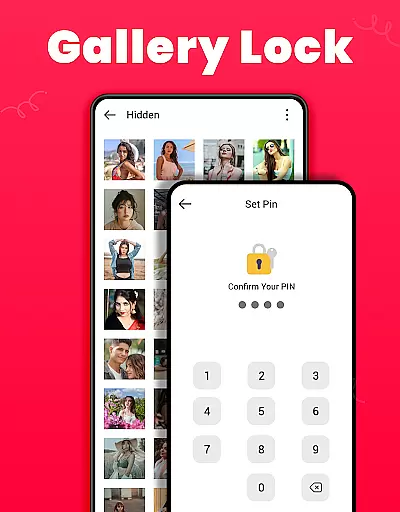
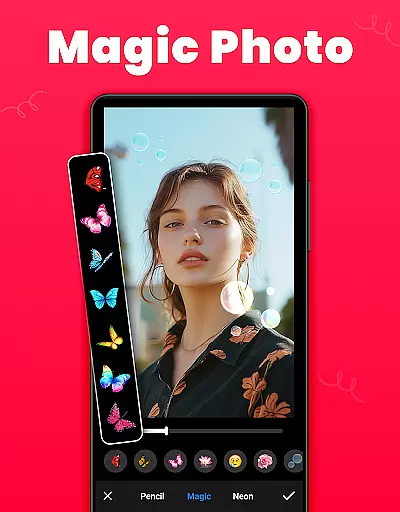
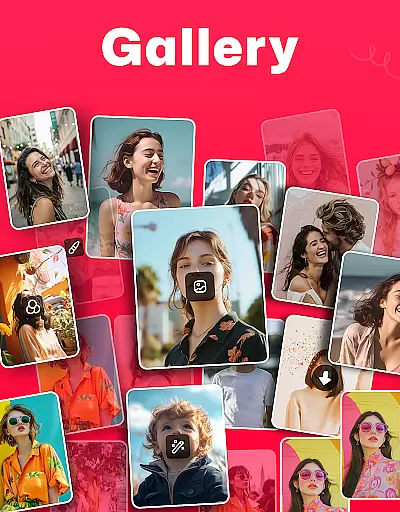
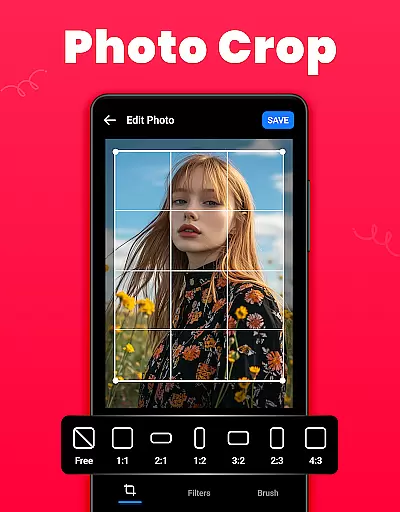
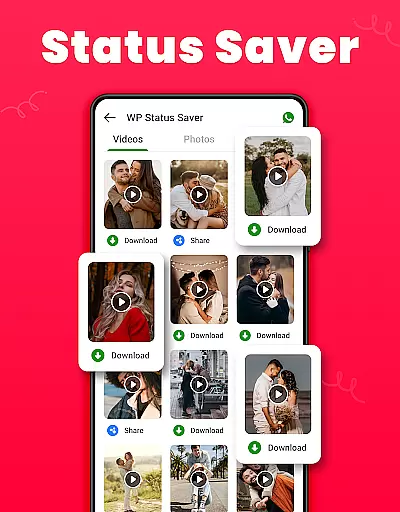
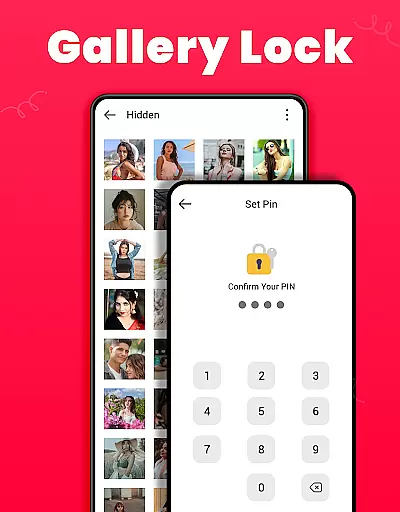
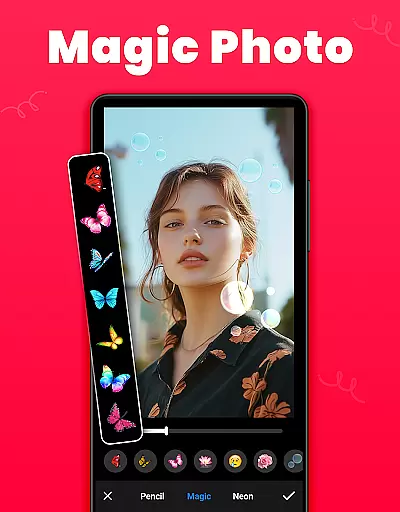
Gallery is a versatile offline photo and video management app designed for Android users. This application allows you to organize, edit, and share your media files effortlessly. One of its standout features is the Gallery Lock, which lets you secure sensitive photos and videos in a protected vault using a PIN or password. Additionally, it offers tools for editing images with options like crop, filter, and brush, making it an all-in-one solution for managing your digital memories.
The app automatically organizes media according to file paths and provides easy access to viewing and editing photos and videos. It supports features such as setting wallpapers, creating favorites lists, and recovering deleted media from a Recycle Bin. With its user-friendly interface and powerful functionalities, Gallery ensures that your cherished moments are well-organized and securely stored.
Whether you're looking to manage your media library efficiently or safeguard your private content, Gallery offers a comprehensive suite of tools tailored to meet these needs. Its compatibility with various Android versions, including specific permissions for Android 11, makes it a reliable choice for users seeking a robust media management solution.
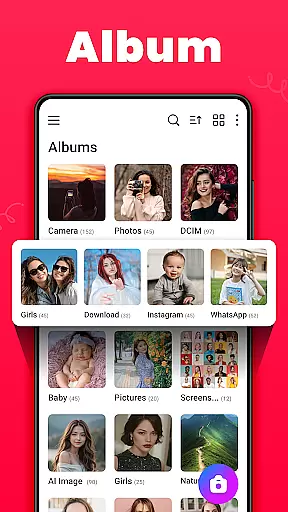
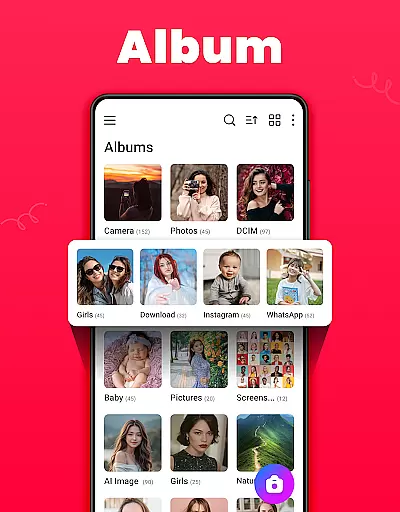
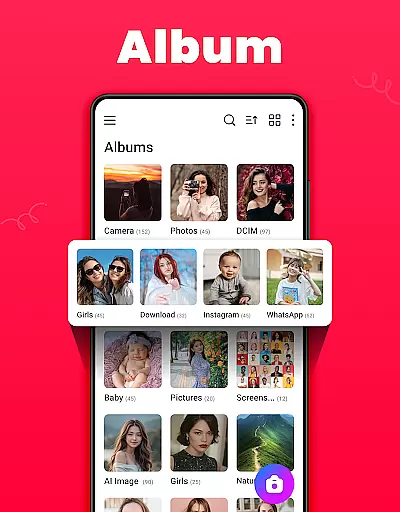
Gallery boasts an array of features that cater to both casual and power users. The app's ability to organize media automatically by path simplifies navigation and enhances accessibility. Users can create and manage albums, sort them by name, date, or path, and choose between list or grid views for browsing files. These organizational tools ensure that your media library remains tidy and easy to navigate.
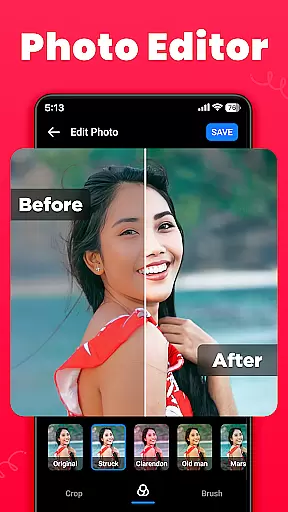
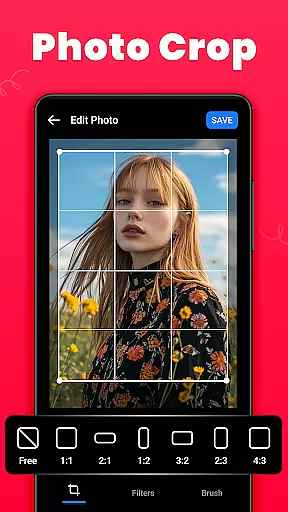
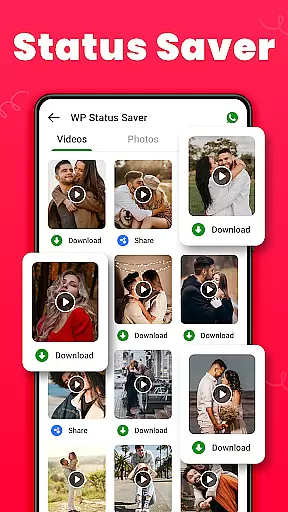
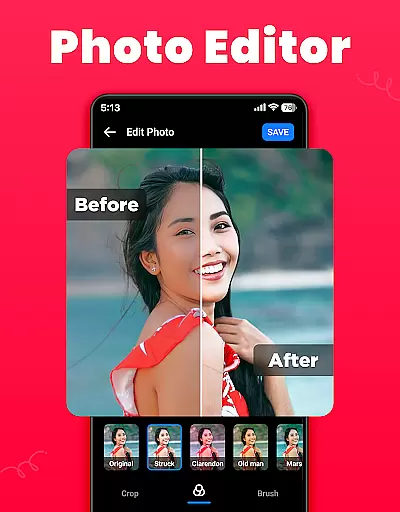
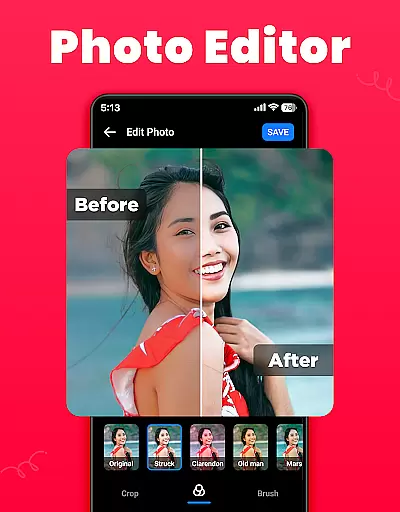
In addition to organization, Gallery provides robust editing capabilities. The built-in photo editor includes functions like cropping, applying filters, and using brushes to enhance images. For those who value privacy, the Gallery Lock feature offers peace of mind by securing sensitive content behind a PIN or password. Furthermore, the app supports downloading WA statuses and saving them directly within the gallery, adding another layer of convenience for social media enthusiasts.
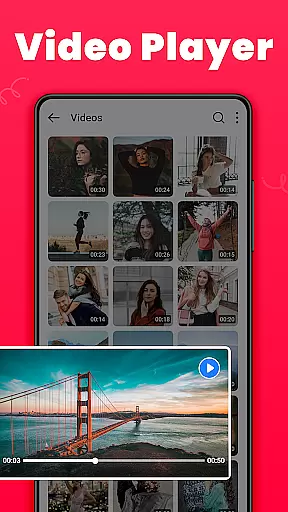
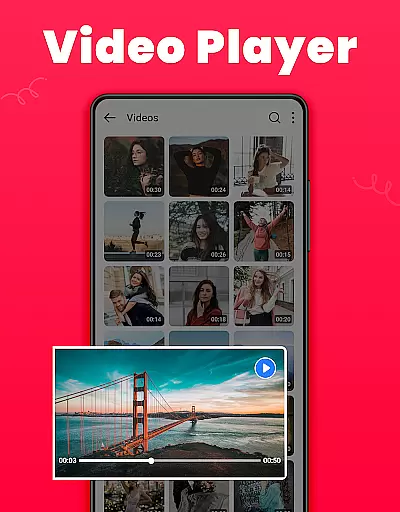
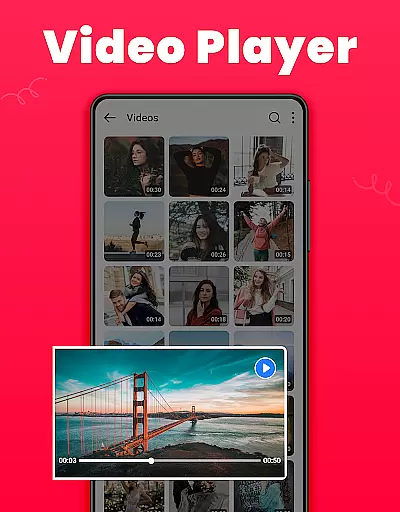
Gallery also excels in sharing and playback functionalities. You can easily share photos and videos on any social media platform, set images as wallpapers, and play videos in HD quality. The app's lightweight design and offline capabilities make it an ideal choice for users who prioritize performance without compromising on features. Overall, Gallery delivers a seamless experience for managing and enjoying your digital media collection.
Real-time capture and preview functionality is essential for ensuring that users can take high-quality photos and videos with immediate feedback. The Gallery app offers a seamless experience by allowing users to capture photos and videos directly within the app.
This feature ensures that users can see exactly what they are capturing before they take the shot, providing them with greater control over their media. With real-time previews, users can adjust settings such as lighting and focus to achieve the best possible results.
In addition to basic capture capabilities, the app also supports advanced features like setting images as wallpapers or creating favorite lists of photos and videos. This enhances the overall user experience by offering versatile options for managing and personalizing media content.
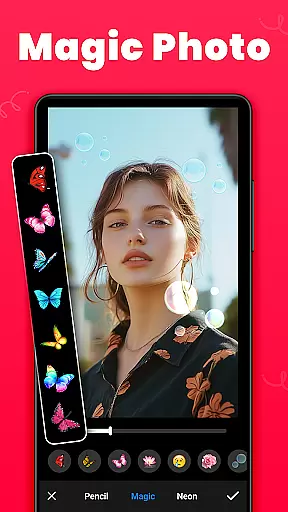
The AI Beauty and Enhancement feature in the Gallery app uses advanced algorithms to naturally enhance the quality of photos. This tool allows users to apply various effects and enhancements without compromising the authenticity of the original image.
With options like cropping, filtering, and brushing, users can fine-tune their images to meet their preferences. These tools help in adjusting the size, applying artistic effects, and even adding stickers to make images more attractive while maintaining a natural look.
Furthermore, the app provides an intuitive interface for editing, making it easy for users to enhance their photos with minimal effort. By leveraging AI technology, the Gallery app ensures that all enhancements appear natural and do not distort the original photo, preserving the integrity and beauty of user memories.
User-friendly interface
Comprehensive editing tools
Secure media storage
Efficient organization features
Offline functionality
Limited advanced editing options
Occasional bugs reported
Requires additional permissions for full functionality
Interface may feel dated
Some features locked behind ads

Effortlessly organize, view and share your photos & videos with Gallery app!
 4.40
4.40
Safe & smart flight with Go Fly drone controller for 40+ drone camera, zone map
4.50
Transform photos into videos! Create realistic or anime-style images easily!
4.50
Over 800 film simulation recipes for Fujifilm. Black Friday Offer!
4.1
Amazing Photo Effects - The most fun you can have with your photos!
4.70
Collage your moments in one tap: 1000+ layouts, filters, stickers, and texts.
4.90
Turn photos into cartoons & avatars! - Photo Editor, Cartoon Face!
3.90
Your Family Calendar + Photos. Manage your Skylight Calendar and Skylight Frame.
4.40
Edit photos with the picture generator: PS2 & AI Clay filters, cartoon effects.
4.50
Find time and duration of different sunlight phases at any location
4.90
Photo editor: AI filters, photo enhancer, pic collage maker, AI art generator.
4.80
AI Photo Editor with 100+ Filters, Effects! Remove BG, Retouch & Photo Enhancer.
4.80
Take videos and pictures with the popular TikTok TIME WARP SCAN filter.
4.60
Light-weight Media Gallery app for Android made with Jetpack Compose
4.60
Create AI Photos, Improve and restore quality of blurry, old or damaged pics.
4.20
Luminar: Photo Editor - easy picture editing with AI
4.20
Create & Edit with AI: AI Remove, Enhance, Retouch, Filter
4.10
USB Storage Access for Photos, Videos, Music and Documents
3.80
Long exposure camera with computational photography
2.60


User Reviews