
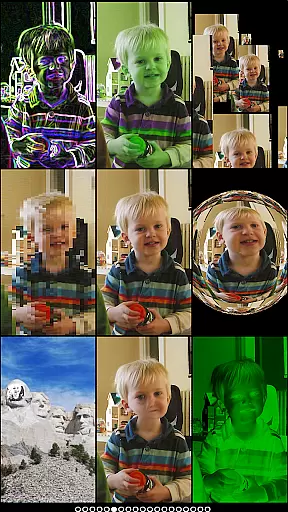
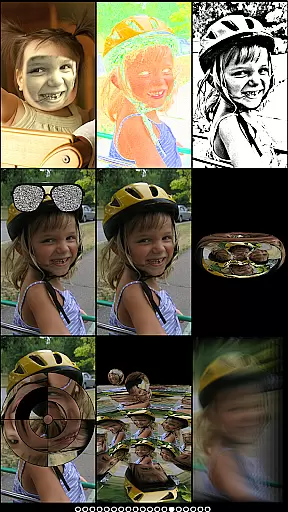
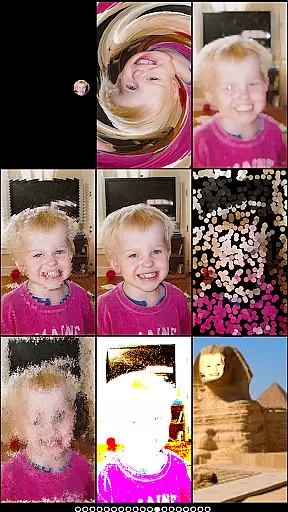
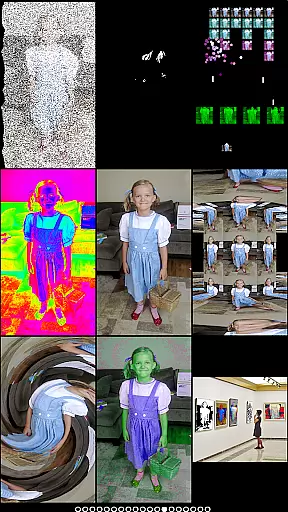
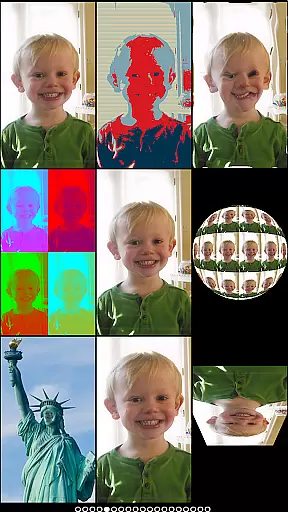
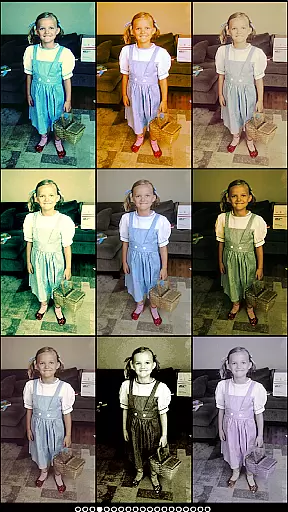
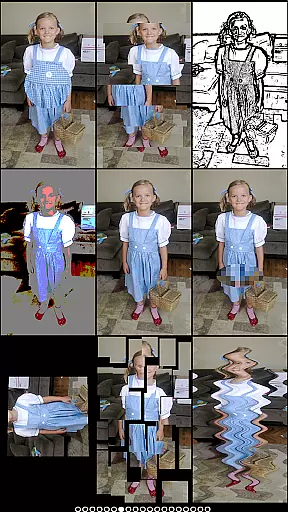
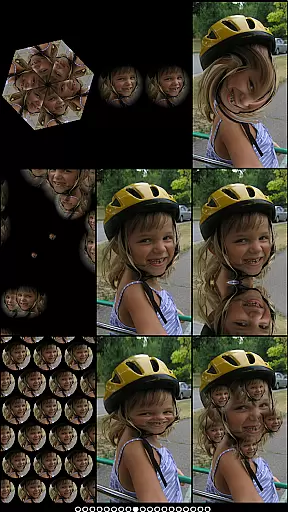
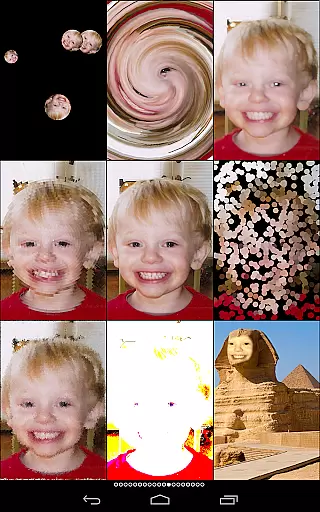
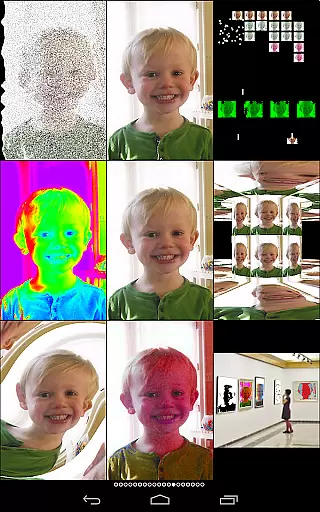
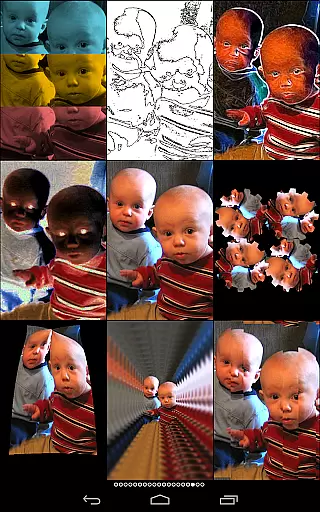
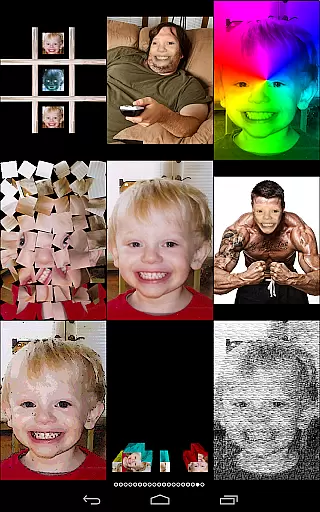
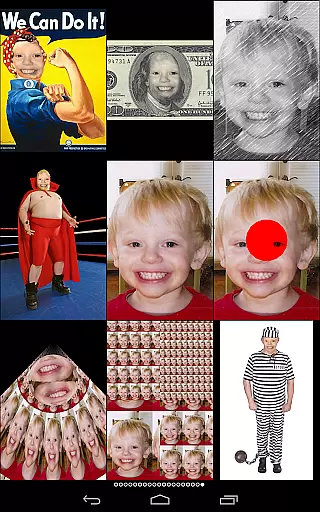
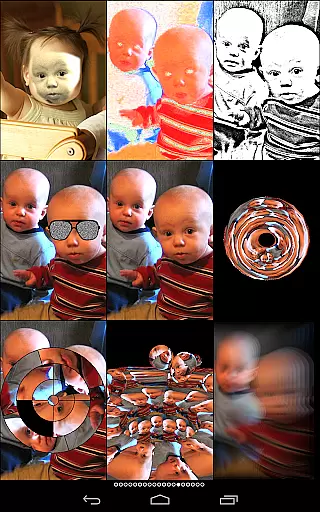
Mega Photo Pro is a feature-rich photography app that transforms your photos and videos into interactive masterpieces. With over 200 real-time effects, it offers unique ways to personalize your images through morphing, warping, and applying various filters. The app also includes engaging games like brick breaker and tile puzzles, allowing users to interact with their photos in playful ways.
One standout feature is the ability to walk through a 3D maze of your photos or apply vintage camera effects for a retro feel. Whether you're using the live camera feed or selecting images from your library, Mega Photo Pro provides endless creative possibilities. This makes it an ideal tool for those looking to add an element of fun and uniqueness to their photo editing experience.
Mega Photo Pro stands out with its extensive range of features designed to enhance user interaction with photos. The app allows switching between front and rear cameras effortlessly, providing flexibility in capturing images. Users can choose from over 200 effects such as mazes, engravings, cube puzzles, and more, all rendered in real-time.
In addition to photo effects, the app includes mini-games like brick breaker and tile puzzles, which integrate your photos into gameplay. Many effects are interactive; users can tap, drag, zoom, and rotate images before capturing them. This combination of powerful editing tools and entertaining games ensures that Mega Photo Pro delivers both functionality and enjoyment.
Real-time capture and preview functionality is essential for photography apps as it allows users to see effects applied instantly. Mega Photo Pro excels in this area by offering over 200 real-time effects that transform your photos in unique ways.
The app provides an interactive experience where users can twist, morph, pinch, and warp their photos into outrageous designs. This instant feedback loop enhances creativity and lets photographers experiment without any delays.
With the ability to switch between front and rear cameras seamlessly, users can apply these effects to both selfies and regular shots. The live camera feed ensures that every adjustment is visible immediately, making photo editing intuitive and engaging.
AI-powered beauty and enhancement features are becoming increasingly important in modern photography apps. Mega Photo Pro offers 40 vintage camera effects that provide a retro feel while maintaining natural-looking results.
The app's AI algorithms intelligently apply enhancements without over-processing the image. This ensures that skin tones remain realistic and details stay sharp, avoiding the artificial look common in other apps.
Users can personalize their images with interactive effects before taking the picture. The app's sophisticated processing maintains the authenticity of the original photo while adding artistic touches that enhance its overall appeal.
User-friendly interface
Extensive effect library
Interactive photo games
Real-time rendering
Versatile camera options
May drain battery quickly
Some features require learning
Occasional performance lags
Premium price tag
Not suitable for basic edits

1M influencer's special filter
 4.60
4.60
Professional video recording application with manual controls for filmmakers!
2.80
All-in-One Editor & AI Photo Enhancer, Collage, Cartoonify, Funny Stickers & BGS
4.10
Be your best in every shot! Fix, edit and retouch your face in selfies & photos.
3.70
Create AI Photos, Improve and restore quality of blurry, old or damaged pics.
4.20
Cartoon and artistic effects for your photos and videos
4.70
Light-weight Media Gallery app for Android made with Jetpack Compose
4.60
AI photo enhancer with Sora 2! Enhance, descratch, and colorize your old photos.
4.50
Unlock the full potential of your DJI drone with Litchi
4.50
See your baby AI baby face generator AI baby maker Face generator babymaker fun!
4.70
The original Rarevision VHS look seen everywhere!
4.70
Viewfinder, Light meter, Reciprocity failure time, DOF & Bellows Extension
4.60
Add Watermark - Sign your pictures with a text or logo. Effective, quick, easy!
4.50
Safe & smart flight with Go Fly drone controller for 40+ drone camera, zone map
4.50
Movie camera, supports pro recording settings for filming. Try it and be amazed!
4.50
[3DSteroid Pro] is a stereoscopic application for Android.
4.30
live datamoshing
4.00
An interval timer to automate photo taking process for timelapse
2.90
Snap photos remotely using your Garmin watch as the camera trigger
4.2


User Reviews