
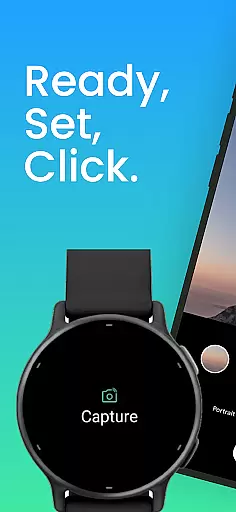
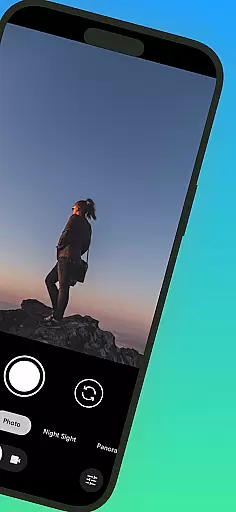
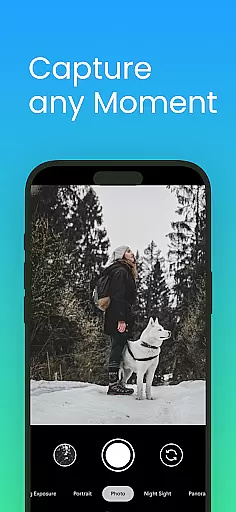
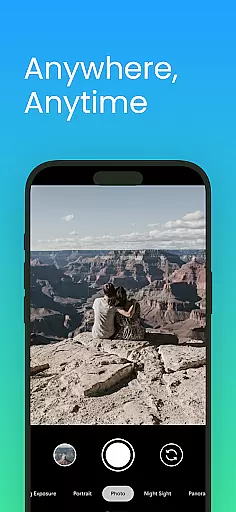
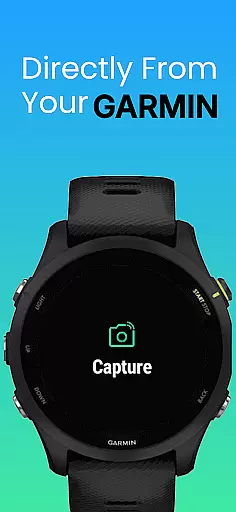
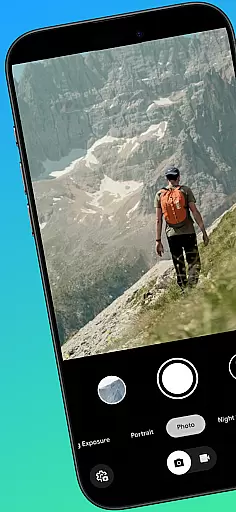
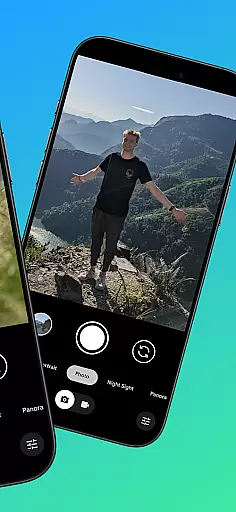
CameraClick is a powerful photography app that connects your Garmin smartwatch with your Android phone, enabling wireless remote control of your camera. This seamless integration allows users to capture photos and videos directly from their wrist, making it ideal for group shots, solo adventures, or distance recordings.
The app works with your phone's native camera application, preserving your preferred settings and quality. By leveraging Android’s AccessibilityService, CameraClick ensures compatibility across a wide range of devices while giving users complete control over their photography experience.
Whether you're an athlete recording workouts, a creator capturing content, or simply someone who enjoys hands-free photography, CameraClick offers a reliable solution tailored to various needs.
CameraClick stands out with its unique ability to integrate Garmin smartwatches and Android phones effortlessly. The app triggers the phone’s native camera app rather than relying on a custom viewer, ensuring no compromise in image quality or user preferences.
One of the key features is its use of Android’s AccessibilityService, which interacts directly with the camera shutter button. This functionality supports a broad spectrum of camera apps across different devices, offering unmatched versatility. Additionally, CameraClick has been rigorously tested on popular Android brands like Google, Samsung, Motorola, Xiaomi, and others, guaranteeing consistent performance.
Designed for creators, athletes, and everyday users alike, this app simplifies remote shooting without requiring additional hardware or complicated setups.
Real-time capture and preview functionality is essential for ensuring that users can take photos or record videos with precision and confidence. CameraClick excels in this area by providing seamless integration between your Garmin smartwatch and Android phone.
The app leverages the native camera app on your phone, meaning you can use your preferred camera interface with all its settings intact. This ensures that the quality of your captures remains consistent with what you're accustomed to, while still enjoying the convenience of remote control.
With CameraClick, you get to enjoy real-time feedback directly on your smartwatch. As you adjust angles or compose your shot from a distance, you receive immediate visual confirmation, making it easier to capture the perfect moment without needing to physically interact with your phone.
This feature is particularly beneficial for content creators and athletes who require precise control over their shots. Whether you're filming a workout session or capturing scenic views, the ability to see a live preview right on your wrist enhances both convenience and creative possibilities.
AI beauty and enhancement features are increasingly popular in photography apps, offering users the ability to refine and enhance their images instantly. While CameraClick focuses primarily on remote capture, its compatibility with various camera apps means you can still leverage advanced AI enhancements available within those applications.
By working seamlessly with your phone's native camera app, CameraClick ensures that any AI-driven beautification or enhancement features you have come to rely on remain accessible. This includes skin smoothing, blemish removal, and other aesthetic adjustments that elevate your photos.
One of the standout aspects of CameraClick is its commitment to maintaining natural-looking results. Instead of applying heavy-handed filters, the app supports subtle enhancements that preserve authenticity while still elevating image quality. This approach caters to users who value genuine representation over exaggerated effects.
Whether capturing everyday moments or professional-grade content, having access to these AI-powered tools through CameraClick adds an extra layer of versatility and polish to your photography experience.
Wireless convenience
Native app support
Wide compatibility
Easy setup process
Reliable performance
Requires Garmin device
Limited iOS support
Accessibility permissions needed
Dependent on phone camera
No advanced editing tools

AI portrait generator and polaroid AI selfie, fun AI generated AI photo creator!
 4.30
4.30
Search, tag and rate your way to an organized image gallery
4.40
Shooting photos and records video easily and efficient with professional Camera
4.30
AI photo editor with hair editor, retouch tools, hair color changer & filters!
4.50
Over 800 film simulation recipes for Fujifilm. Black Friday Offer!
4.5
HD Camera Pro with HD Video shooting, Panorama, Photo editor , Beauty Camera.
4.50
Easily view, share, delete photos with Gallery.
4.70
Easily create custom gifts, cards, photo books & more on the Shutterfly app!
4.60
Enhance, upscale, and transform your images — on your device, without limits
4.70
Photo editor: AI filters, photo enhancer, pic collage maker, AI art generator.
4.80
Photo editor & gallery. Crop pictures & edit photos offline, no wifi!
4.50
Use AI Video Generator to turn your words to ai generated videos.
4.50
Future baby face generator: AI kids generator, kid face! What my baby look like?
4.40
RAW video capture with advanced controls
4.40
[3DSteroid Pro] is a stereoscopic application for Android.
4.30
Turn your phone into a professional camera - full DSLR manual photography
4.30
Virtual makeup, hair filters & body tuner—edit from face to full body!
4.20
Transform Photos: Edit, Beautify and Craft Memories & Make Collages!
4.10
GCamera allows all GCam features on all phone models! Better photos with GCamera
3.30


User Reviews