
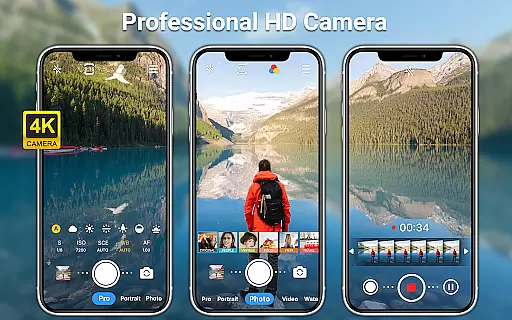
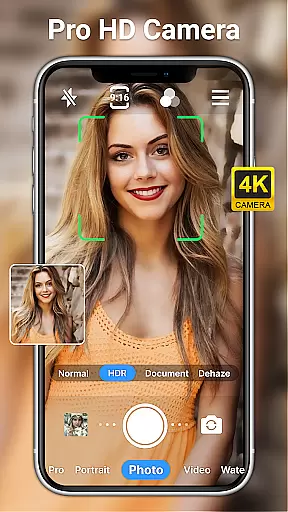
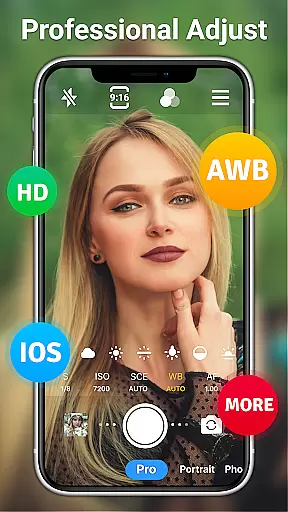
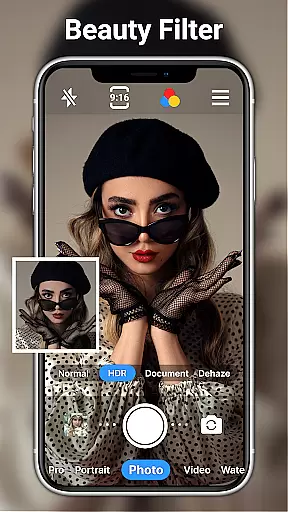
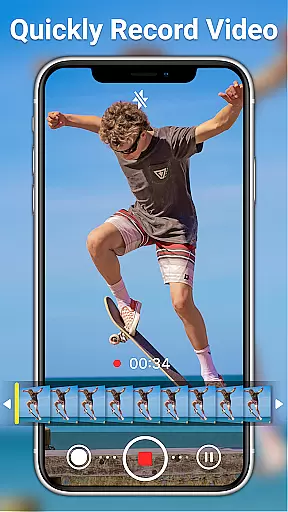
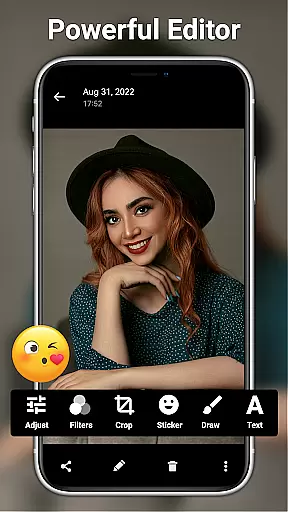
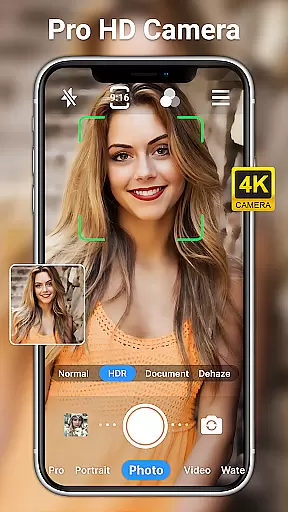
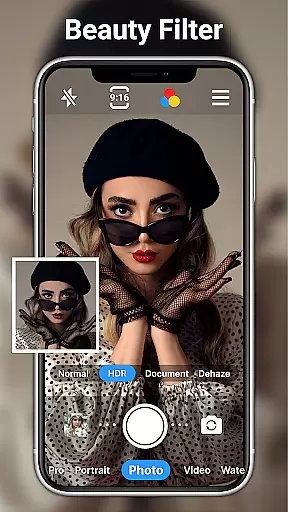
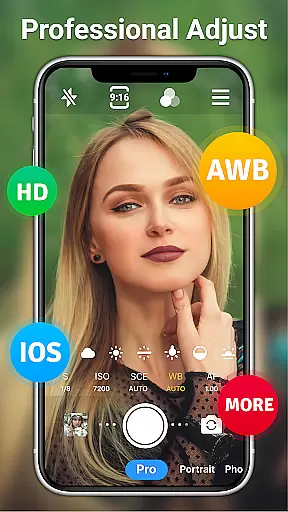
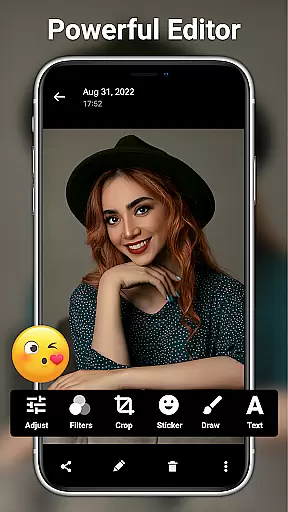
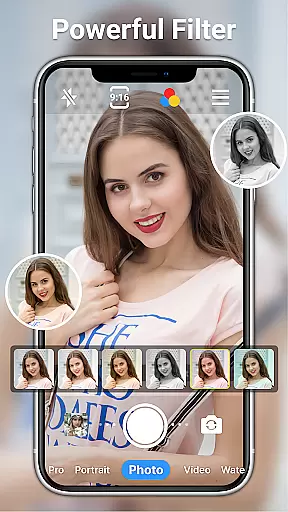
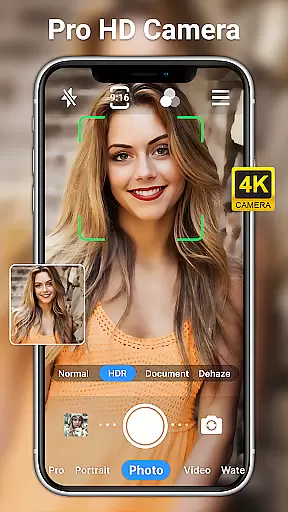
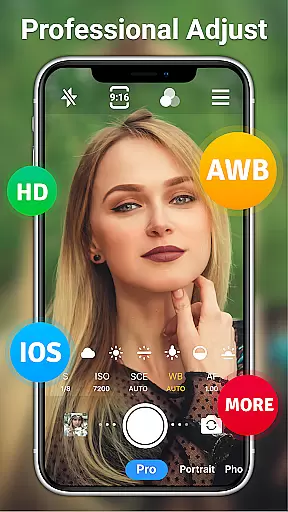
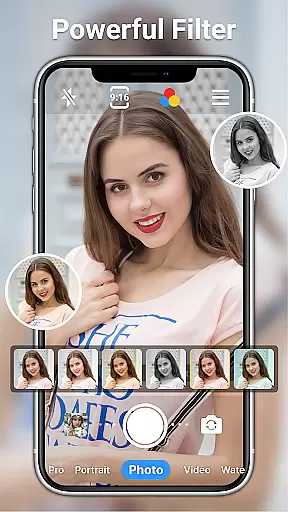
HD Camera for Android is a professional-grade photography application that empowers users to capture high-definition photos and videos with ease. The app offers an array of advanced features typically found in DSLR cameras, including 1080p full HD shooting, real-time filters, and manual controls for ISO, shutter speed, and white balance.
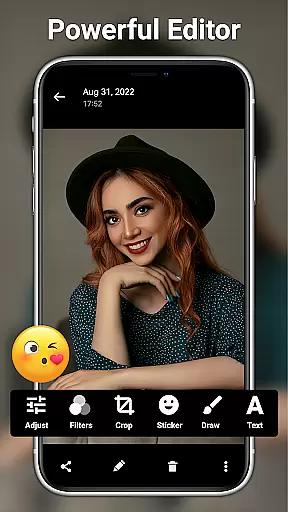
Designed for both amateur and professional photographers, this app supports various scene modes, optical/digital zoom, and focus adjustments. It also includes creative tools like photo editing, AI restoration, and facial retouching. Whether you're capturing daytime landscapes or nighttime portraits, HD Camera delivers exceptional image quality across all lighting conditions.
The app's intuitive interface and comprehensive feature set make it an essential tool for mobile photography enthusiasts. From adjusting camera settings to applying artistic filters, HD Camera helps users create stunning visual content while preserving original image quality. Perfect for documenting life's precious moments with professional-grade results.
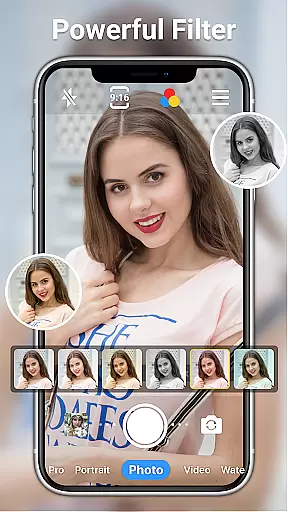
HD Camera stands out with its extensive feature set designed for both casual and professional use. The app provides multiple shooting modes including steady shooting, short-video mode, and time-lapse photography. Users can toggle between front and rear cameras while utilizing amazing real-time filters to enhance their creative expression.
Advanced photography controls include scene mode selection (sports, night, sunset), white balance adjustment (cloudy, daylight, fluorescent), and manual settings for ISO and shutter speed. The app also features professional editing tools such as brightness, contrast, and saturation adjustment, along with 20+ photo filters and AI-powered restoration capabilities.
Additional functionality includes optical/digital zoom, tap-to-focus, timer settings, grid overlays, and date watermarking. These features work together to provide users with DSLR-level control in a mobile application, enabling them to capture and edit professional-quality images directly from their Android devices.
Real-time capture and preview functionality is essential for ensuring that every photo or video taken meets the user's expectations immediately. HD Camera for Android offers a seamless experience by providing an accurate and instantaneous preview of what the camera sees, allowing users to make necessary adjustments before capturing.
This app supports 1080p full HD mode, enabling users to capture high-quality images with vibrant colors and fine details. The real-time filters further enhance this experience by offering various aesthetic options, letting users express their creativity directly through the viewfinder.
Users benefit from features like optical and digital zoom, tap to focus, and steady shooting, which contribute to a smooth and responsive capture process. These tools ensure that whether shooting in daylight or at night, the clarity and sharpness of the images remain uncompromised.
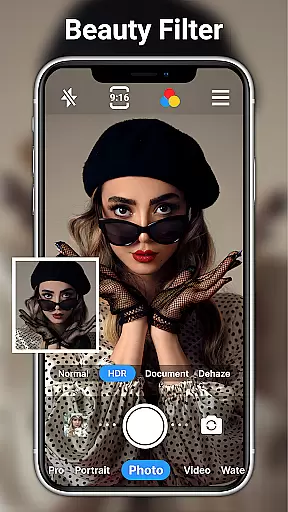
AI beauty and enhancement features have become increasingly popular for those looking to elevate their photography with natural-looking improvements. HD Camera for Android incorporates advanced AI algorithms that intelligently apply enhancements without sacrificing authenticity, ensuring that edited photos retain their genuine appeal.
The app provides powerful yet easy-to-use photo editing tools, including one-click facial retouching, which delicately smoothens skin tones while preserving natural textures. Users can also adjust settings such as brightness, contrast, saturation, and exposure, giving them control over the final look of their images.
With 20+ photo filters catering to different styles and occasions, users can effortlessly transform their photos into artistic expressions. Additionally, AI restore and AI palettes offer innovative ways to rejuvenate old photos or experiment with new color schemes, making photo editing both enjoyable and intuitive.
User-friendly interface
Advanced camera controls
Real-time filters
Professional editing tools
Completely free
May drain battery quickly
Large file sizes
Interface complexity
Occasional crashes
Ads present

Photobooth mini FULL app will allow you to add more fun to your parties
 4.00
4.00
How old age camera Gender Swap App Face Shape Hairstyle App Hair Styler App fun!
4.00
Create & Edit with AI: AI Remove, Enhance, Retouch, Filter
4.10
Create amazing frames with up to five photos. Rounded corners, effects and more!
3.60
Easily view, share, delete photos with Gallery.
4.70
Use AI Video Generator to turn your words to ai generated videos.
4.50
RAW video capture with advanced controls
4.40
Snap photos remotely using your Garmin watch as the camera trigger
4.1
Effortlessly make high-quality GIFs from images & videos without any watermarks.
4.70
Perfect body tune & face app - photo retouch, makeup, slim body & beautify face.
4.80
Automatically backup your photos and videos to computer, NAS and Cloud services
4.60
Enhance, retouch & create your story - Share the moment with Photoshop Express.
4.60
Discover & download millions of art for The Frame TV or Hisense CanvasTV
4.60
Trendy TikTok time warp scan funny filter app brings you unique photos & videos.
4.40
What celebrity do you look like? Celebs will find your celebrity match!
4.10
Astrophotography with your smartphone, photo live stacking and much more!
3.90
USB Storage Access for Photos, Videos, Music and Documents
3.80
Superimpose one photo on top of another using the original Superimpose app!
3.20
Remote control the phone camera shutter from your smartwatch and take a picture
1.60


User Reviews