
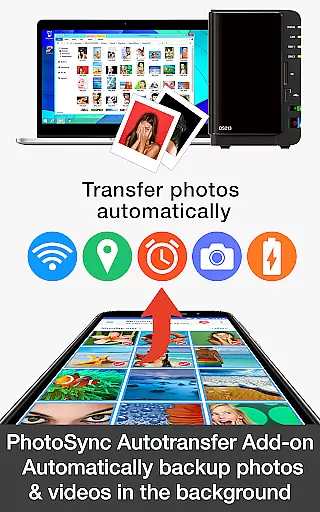
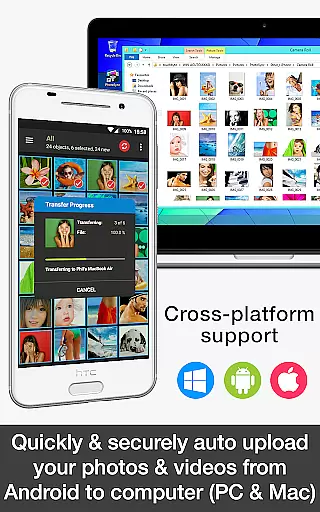

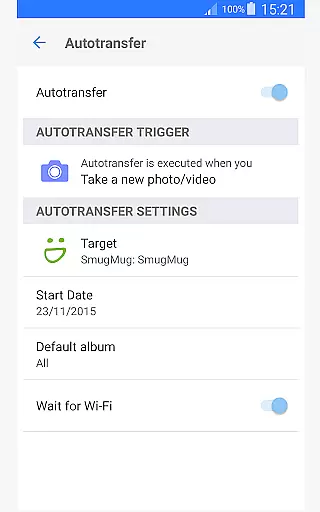
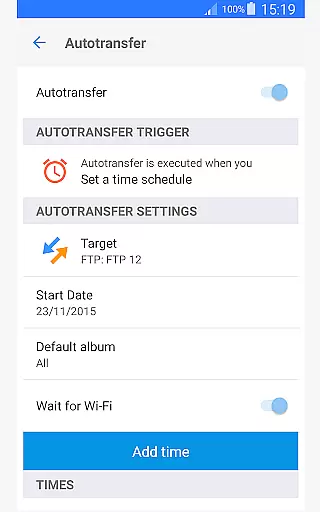
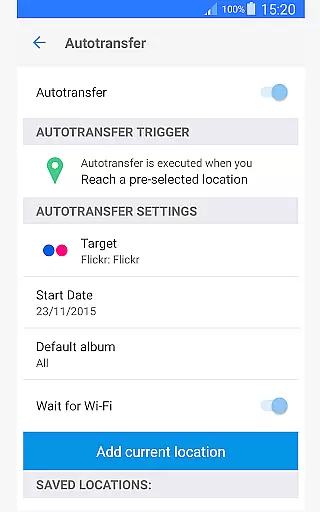
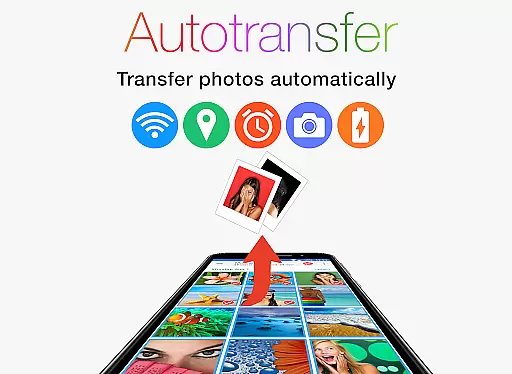
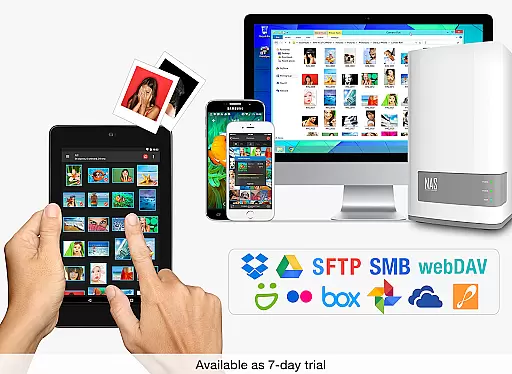
PhotoSync Autotransfer Add-On is an advanced activation license designed to enhance the free version of PhotoSync, a leading cross-platform solution for photo and video management. This add-on enables automatic wireless backup of photos and videos to various destinations including computers, private clouds, NAS, and supported cloud services. With over 10,000 positive reviews and millions of successful transfers, PhotoSync has established itself as a reliable tool in the market for ten years.
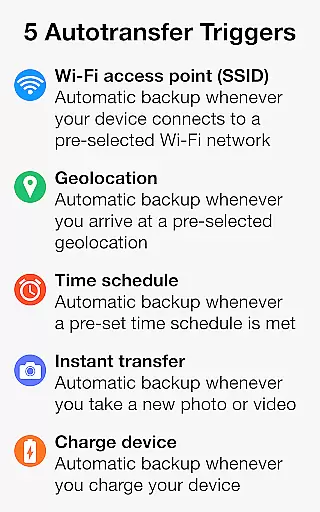
The core functionality revolves around five configurable Autotransfer triggers that ensure your media is backed up based on specific conditions such as Wi-Fi access points, geolocation, time schedules, device charging status, or when new photos are taken. This makes it an ideal choice for users seeking a seamless, automated solution to safeguard their digital memories without manual intervention.
By upgrading to the Autotransfer Add-On version, users can enjoy an ad-free experience while gaining access to advanced features like instant transfers, location-based backups, and scheduled syncs. Whether you're a professional photographer or a casual user, this tool ensures your files are securely stored across multiple platforms, providing peace of mind and effortless data management.
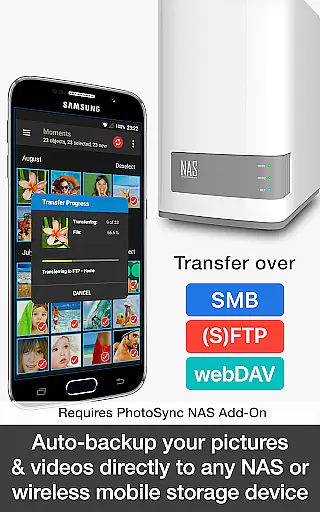
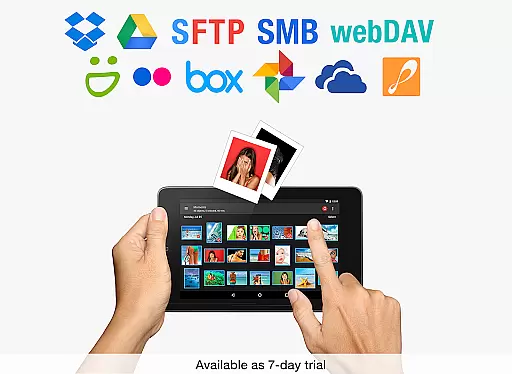
PhotoSync Autotransfer Add-On offers a comprehensive suite of features tailored for efficient media management. One standout capability is its support for automatic background transfers to multiple targets including computers (PC and Mac), NAS devices, and popular cloud services like Dropbox, Google Drive, and more. This versatility allows users to create a customized backup strategy that fits their unique needs.
The application provides five distinct Autotransfer triggers, each designed to streamline the backup process. These include instant transfer upon capturing new media, SSID-based transfer when connected to specific Wi-Fi networks, location-based transfer triggered by geolocation, charge-based transfer when the device is plugged in, and time-scheduled transfers for regular backups. Each feature is engineered to give users complete control over how and when their data is synchronized.
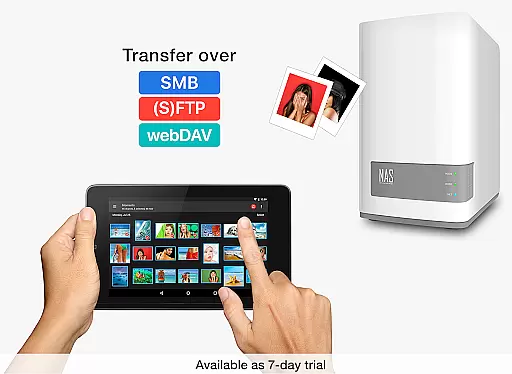
Additionally, PhotoSync emphasizes security and reliability. Media transfers occur over secure protocols such as SMB, (S)FTP, and WebDAV, ensuring that files remain protected during transit. The software's long-standing presence in the market and continuous updates reflect its commitment to quality and user satisfaction. By removing ads and enhancing functionality, the Autotransfer Add-On delivers a premium experience for both casual and power users alike.
Real-time capture and preview functionality is essential for ensuring that every photo or video taken meets the desired quality standards. PhotoSync Autotransfer Add-On offers a seamless experience by allowing users to wirelessly and automatically back up their media files in the background.
This application supports instant transfer, which means as soon as you capture a new photo or video, it gets backed up without any manual intervention. This feature ensures that your precious moments are stored safely without interrupting your photography flow.
Moreover, the app provides multiple autotransfer triggers such as Wi-Fi access points, geolocation, time schedules, and device charging. These options give users flexibility and peace of mind knowing their files are backed up under various conditions, enhancing the overall user experience.
By integrating with different storage solutions like computers, private clouds, NAS, and supported cloud services, PhotoSync ensures that all your captured memories are not only instantly available but also securely stored across multiple platforms.
While PhotoSync Autotransfer Add-On does not focus on AI beauty enhancements, its core strength lies in providing natural and unaltered backups of your photos and videos. The emphasis here is on preserving the authenticity of your captured moments rather than altering them through AI enhancements.
The application allows secure auto-backup of photos and videos directly from Android devices to computers, NAS, and cloud services. This ensures that original files remain untouched and true to their source, maintaining the integrity and natural essence of your media.
With support for various protocols like SMB, (S)FTP, WebDav, and integration with major cloud services including Google Drive and Dropbox, PhotoSync guarantees that your media files retain their original quality during transfers.
Users benefit from having complete control over where and how their files are stored, ensuring that no artificial modifications occur during the backup process. This approach prioritizes data security and reliability, offering a trustworthy solution for managing digital assets.
Automatic wireless backup
Multiple transfer triggers
Ad-free experience
Cross-platform support
Secure file transfers
Paid add-on required
Limited free features
Complex setup for beginners
Additional costs for NAS/cloud
Dependent on network stability

Remote control of the phone camera from your Wear OS smartwatch
 3.70
3.70
Photo editor: face & body editor, beauty cam, filters and quality enhancer.
4.00
Create Business Headshots, Polaroid Filter, Retake Photos,Profile Pics,AI Photos
4.50
Over 800 film simulation recipes for Fujifilm. Black Friday Offer!
4.0
Create amazing frames with up to five photos. Rounded corners, effects and more!
3.60
GCamera allows all GCam features on all phone models! Better photos with GCamera
3.30
See your baby AI baby face generator AI baby maker Face generator babymaker fun!
4.70
Catch sunlight, sunrise sunset times and sun phases with the AR sun tracker.
4.10
Your Family Calendar + Photos. Manage your Skylight Calendar and Skylight Frame.
4.40
Cartoon and artistic effects for your photos and videos
4.70
Light-weight Media Gallery app for Android made with Jetpack Compose
4.60
All-in-One Editor & AI Photo Enhancer, Beautify & Retouch, Collage, Cartoonify
4.20
Create AI Photos, Improve and restore quality of blurry, old or damaged pics.
4.20
Luminar: Photo Editor - easy picture editing with AI
4.20
All-in-One Editor & AI Photo Enhancer, Collage, Cartoonify, Funny Stickers & BGS
4.10
Create & Edit with AI: AI Remove, Enhance, Retouch, Filter
4.10
Superimpose one photo on top of another using the original Superimpose app!
3.20
Long exposure camera with computational photography
2.60
Add a dreamy vibe to your selfies and videos with soft style filters
4.0


User Reviews