
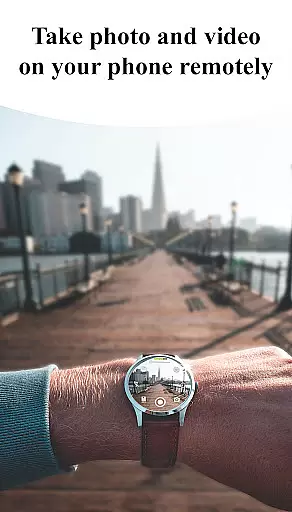
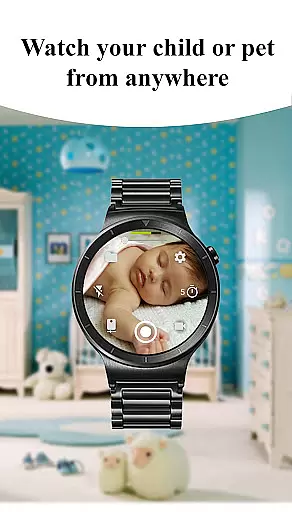
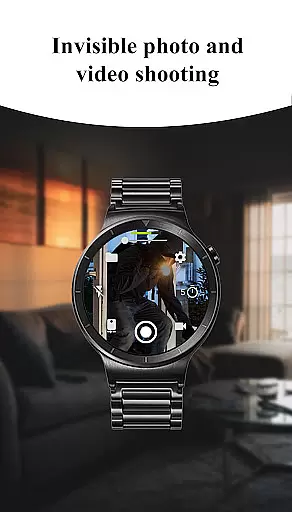
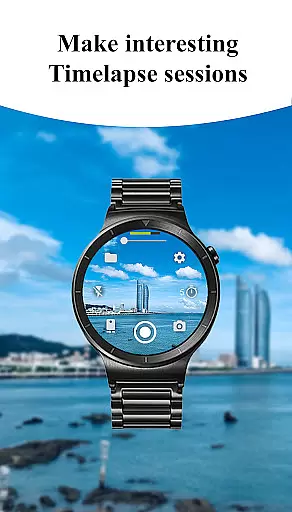
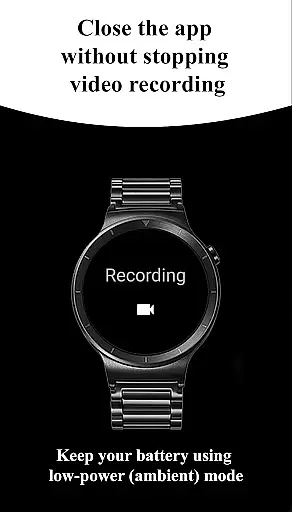
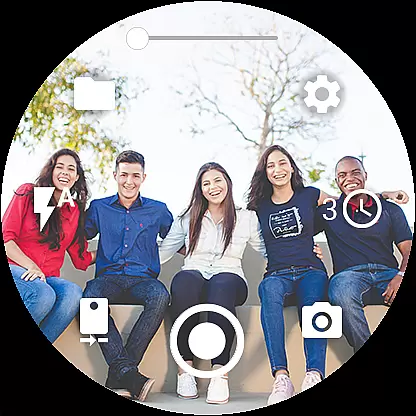
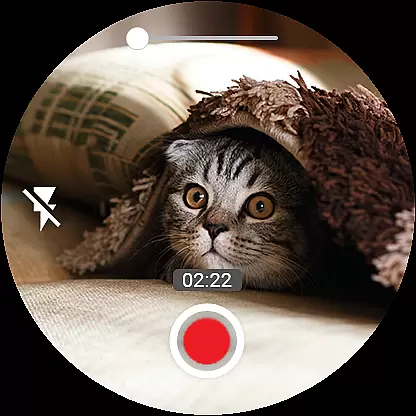

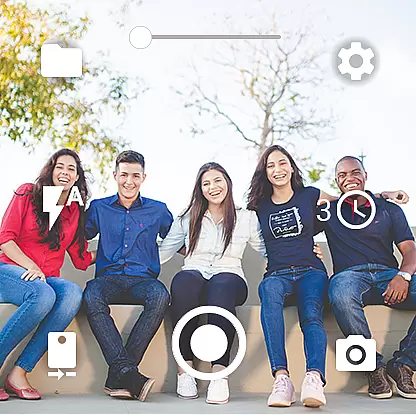
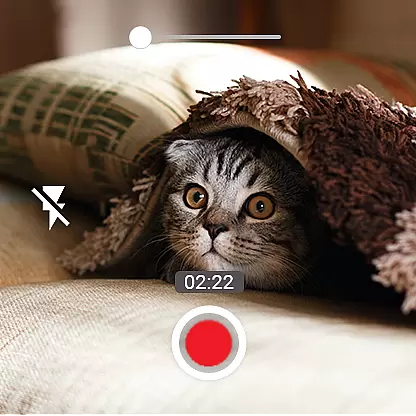
Camera Control for Wear OS is a powerful photography app that allows users to remotely control their phone's camera directly from a Wear OS smartwatch. With this app, you can capture photos, record videos, and even create timelapse sessions effortlessly. It supports advanced camera modes such as Bokeh, HDR, Night, and Auto, ensuring enhanced image quality based on your device's compatibility.
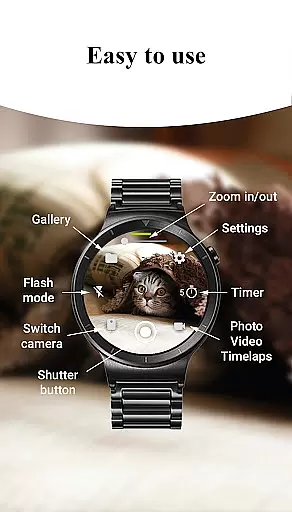
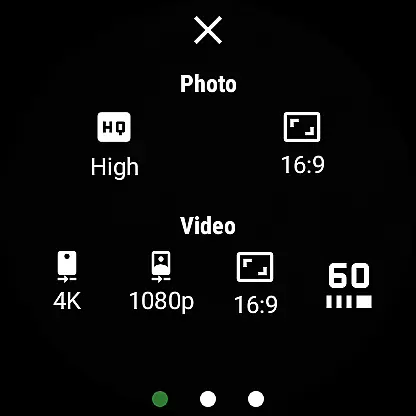
The app offers a wide range of features including flash and flashlight control, quick camera switching between front and rear cameras, and zoom control. You can also adjust photo and video quality settings directly from the watch. Additional functionalities include geotagging, camera orientation lock, and screen-off capture, making it an indispensable tool for photographers who need flexibility and convenience in their workflow.
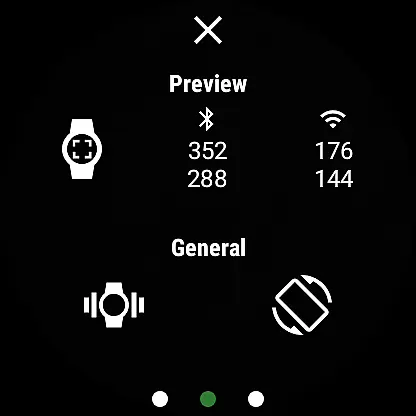
Whether you're a professional photographer or simply enjoy capturing moments during outdoor activities, Camera Control for Wear OS provides a seamless experience by enabling wireless connectivity via Bluetooth and Wi-Fi. Its intuitive gesture and button controls ensure easy operation, while the photo gallery feature lets you view captured images right on your smartwatch.
One of the standout features of Camera Control for Wear OS is its three shooting modes: photo, video, and timelapse. Each mode is designed to provide effortless control over your phone's camera functions. For instance, the timelapse feature automatically groups photos into folders per session, ensuring organized storage and easy access later.
In addition to basic shooting modes, the app includes advanced camera settings such as Bokeh, HDR, Night, and Auto modes. These options allow users to experiment with different photography styles and achieve professional-grade results. The timer setup function adds precision to your shoots, while flash and flashlight controls offer multiple illumination options for various lighting conditions.
Other notable features include wide-angle camera support, high-framerate video recording at 30 or 60 frames per second, and aspect ratio options like 4:3 and 16:9. Users can also capture stunning 4K videos on supported devices. With flexible storage options and complication support for quick access, Camera Control for Wear OS ensures a comprehensive and user-friendly photography experience.
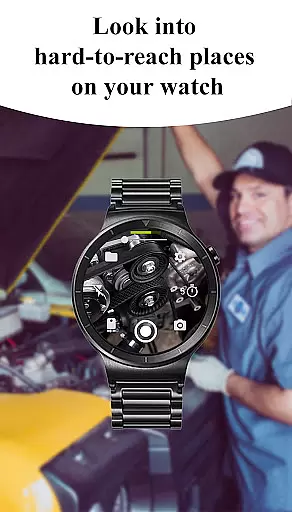
Real-time capture and preview functionality is essential for ensuring that users can frame and take photos or videos with precision directly from their Wear OS smartwatch. The Camera Control for Wear OS app excels in this area by providing an intuitive interface that mirrors the phone's camera settings.
This app allows you to adjust various parameters such as flash modes, camera orientation, and photo quality right from your wrist. Such control ensures that you are always ready to capture the perfect moment without needing to interact directly with your phone.
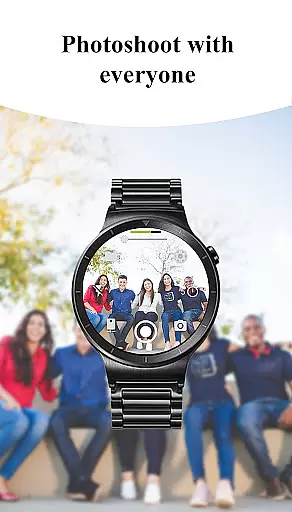
With real-time preview, users can see exactly what their phoneu2019s camera sees, allowing them to compose shots accurately. This feature is particularly useful when taking selfies or group photos where the user wants to ensure everyone is in frame before capturing the moment.
The ability to control advanced camera modes like Bokeh, HDR, Night mode, and more adds another layer of sophistication. Users can explore different creative possibilities while maintaining full control over their photography experience, all through their smartwatch.
AI beauty and enhancement features have become increasingly popular in photography apps, offering users the ability to improve their images instantly. The Camera Control for Wear OS app incorporates these enhancements naturally, ensuring that edits look authentic and not overly processed.
Through AI-powered tools, users can apply beautification effects that smooth skin tones and enhance facial features subtly. This ensures that portraits retain their natural look while still benefiting from professional-grade touch-ups.
In addition to beautification, the app also offers a range of enhancement options such as automatic image rotation and geotagging. These features help organize and optimize photos for easy access and better presentation.
By integrating seamlessly with the smartwatch, these AI enhancements allow users to make quick adjustments on-the-go. Whether it's adjusting the aspect ratio or applying a timelapse effect, the app ensures that every photo or video taken is optimized for maximum impact while preserving its original essence.
User-friendly interface
Advanced camera modes
Wireless connectivity
Intuitive controls
Organized timelapse sessions
Limited device compatibility
Requires Wear OS
Some features may vary
Dependent on phone's camera
Premium version needed

AI portrait generator and polaroid AI selfie, fun AI generated AI photo creator!
 4.30
4.30
1M influencer's special filter
4.60
An interval timer to automate photo taking process for timelapse
2.90
Virtual makeup, hair filters & body tuner—edit from face to full body!
4.20
Photo prints, cards, & gifts at Walgreens. Easy ordering & fast local pickup !
4.80
Light-weight Media Gallery app for Android made with Jetpack Compose
4.60
USB Storage Access for Photos, Videos, Music and Documents
3.80
Collage your moments in one tap: 1000+ layouts, filters, stickers, and texts.
4.90
The original Rarevision VHS look seen everywhere!
4.70
Create collages easily! Nice pic collage maker & background eraser for Instagram
4.50
AI photo editor with hair editor, retouch tools, hair color changer & filters!
4.50
A reflected light meter with spot metering and incident light metering.
4.40
Natural Beauty, Selfie Retouch
4.30
Turn your phone into a professional camera - full DSLR manual photography
4.30
Professional photography on your mobile phone
4.20
Hair color changer, AI haircut app, fun hair editor and buzz cut filter for all!
3.80
GCamera allows all GCam features on all phone models! Better photos with GCamera
3.30
Superimpose one photo on top of another using the original Superimpose app!
3.20
Raw Image Viewer. Gallery with support of raw images (.cr3, .cr2, .nef, .raf).
2.00


User Reviews