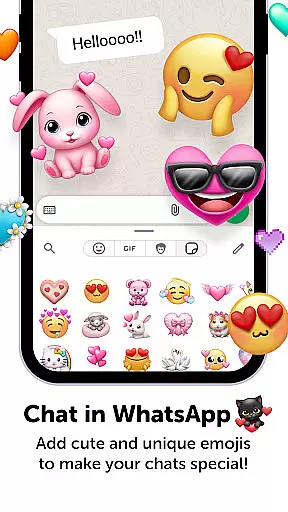
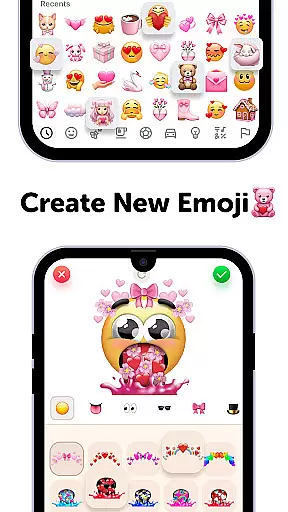
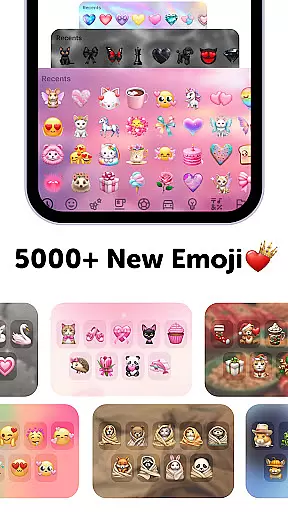
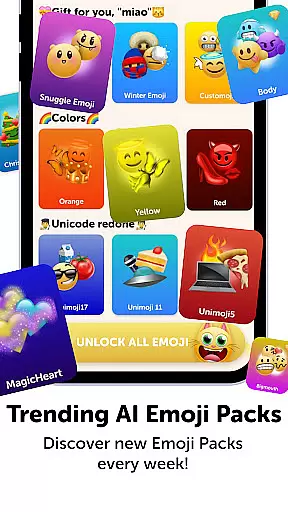
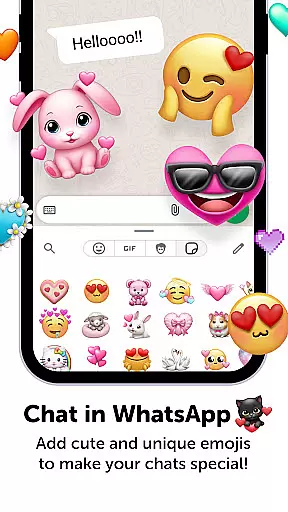
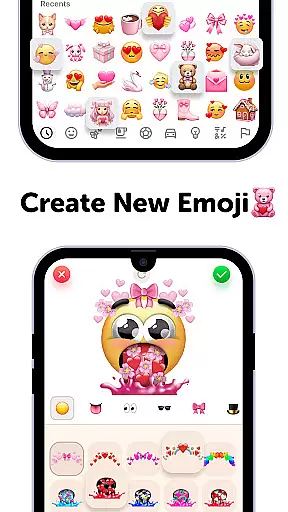
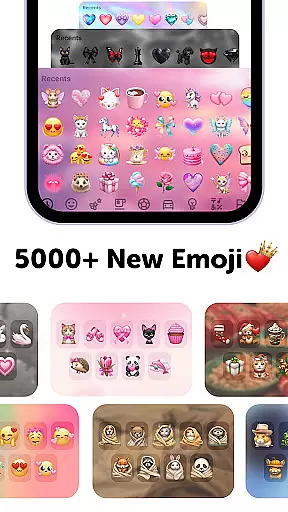
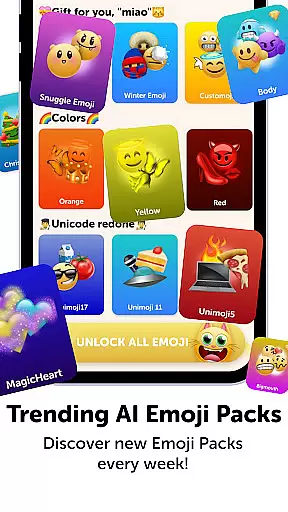
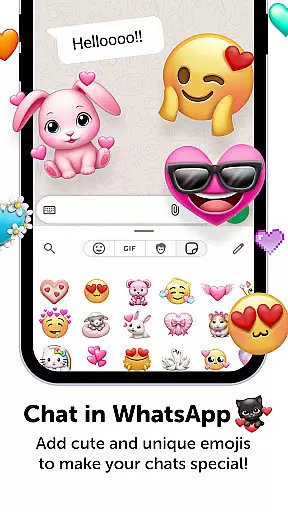
Emoji Up is a creative emoji maker app that allows users to design custom emojis and stickers. With an intuitive interface, the app offers extensive customization options including mixing emoji bases, eyes, mouths, and more. Users can create unique emojis for various social platforms like TikTok, Instagram, and WhatsApp.
The app also features engaging games such as 'Emoji Puzzle Blitz Game' where players solve emoji puzzles to win rewards. These rewards include exclusive emoji packs, stickers, and themes. Emoji Up combines creativity with entertainment, making it a versatile tool for personal expression.
Whether you're looking to enhance your digital communication or simply enjoy a fun puzzle game, Emoji Up provides a comprehensive platform. The app is free to use but offers in-app purchases for additional content, providing both casual and power users with plenty of options.
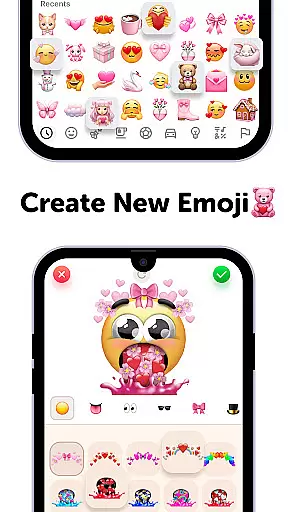
Emoji Up stands out with its robust emoji creation tools. Users can mix and match different emoji elements such as bases, eyes, and mouths to craft unique designs. This feature transforms the app into a virtual emoji kitchen where creativity knows no bounds.
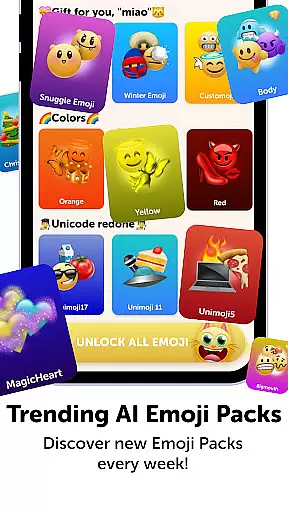
In addition to the emoji maker, Emoji Up includes the 'Emoji Puzzle Blitz Game'. This IQ game challenges users to match three emojis, rewarding them with 'Mystery Emoji Packs'. These packs contain exclusive emojis, stickers, and themes, enhancing user engagement and retention.
Users can export their creations and use them across popular social networks. This seamless integration makes Emoji Up not just a tool for creation but also a platform for sharing and showcasing one's artistic flair. The combination of creative freedom and interactive gameplay sets Emoji Up apart from other personalization apps.
Customization is at the heart of Emoji Up, offering users an extensive array of options to express their creativity. The app provides a rich palette of emoji bases, eyes, mouths, and more, allowing for the creation of unique emojis and stickers.
With features akin to an emoji kitchen, users can mix and match different elements to whip up new emojis that are limited only by their imagination. This process is not just about making emojis; it's about crafting personal art pieces that reflect individuality and flair.
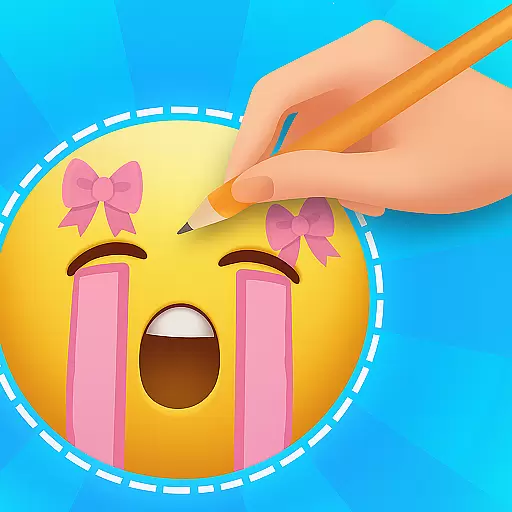
The ability to draw and paint emojis elevates the user experience, transforming anyone into a true emoji artist. Whether aiming for cool or cute, the app supports diverse artistic expressions, ensuring creations are anything but ordinary.
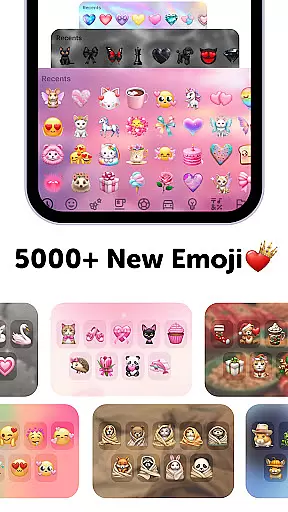
Emoji Up ensures seamless integration with various themes, enhancing the visual consistency across devices. Users can export their custom emojis and stickers, applying them within their favorite social networks like TikTok, Instagram, and WhatsApp.
This compatibility extends beyond mere aesthetics; it enriches communication by letting personalities shine through in digital conversations. Friends and followers will recognize the unique touch brought by custom emojis, reinforcing personal branding.
Moreover, the app offers additional resources such as keyboards, GIFs, fonts, and wallpapers, which complement the created emojis. These assets work together to provide a cohesive look and feel, making every interaction a testament to one's creative prowess.
User-friendly interface
Extensive customization
Engaging puzzle game
Social media integration
Free to use
Premium content costs
Limited free features
Ads may interrupt
Complex for beginners
Occasional bugs

A Colorful and Minimal icon pack in an Outline Style - Over 13,600 icons!
 4.70
4.70
Beautiful realistic hybrid watch face with numerous customization options.
4.50
Art & Emoji Keyboard with Cool Fonts, Cute Themes and Custom Designs.
4.40
Try creating your own keyboard with "Keyboard theme for android" app now!
4.50
More than 3000+ themes and 9000+ wallpapers for everybody!
4.10
Customize your home screen with stunning themes, blur, widgets & icons.
4.60
HappyLighting is a Bluetooth lamp control software.
3.40
Crystal-clear, square icon provides a sleek and sophisticated visual upgrade
4.00
300+ Stunning and well-designed widgets inspired by NOTHING.
4.70
Winter's Journey: digital watch face for Galaxy Watch & Wear OS
4.80
Classic analogue watch face. For wear os devices.
4.60
Make your phone look simple & luxury, like iDevice
4.60
Bring adorable pets to life on your screen. Playful, interactive and full of fun
4.60
Aesthetic Widgets, HD Wallpapers, Themes in Mico Widget for Home and Lock Screen
4.50
Turn text & photos into stunning AI videos, art, and creative visual stories.
4.50
The definitive Icon pack maker and editor
4.30
App Icon Changer & Shortcut Creator. Customize your icons without any watermarks
4.30
Transform your phone with stunning video wallpapers and a unique, personal touch
3.80
Capture moments that pass like a storm, second by second.
4.5


User Reviews