
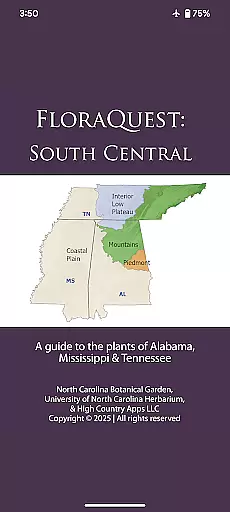
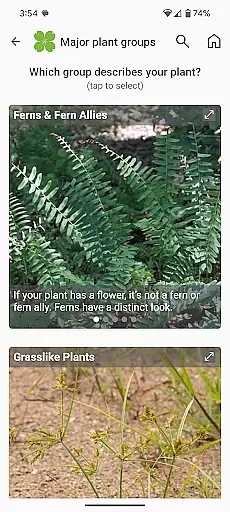
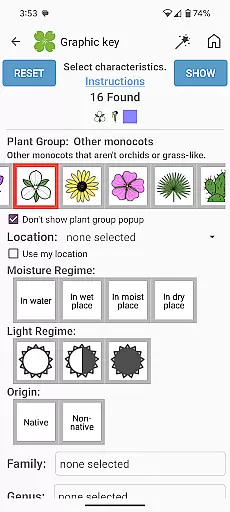
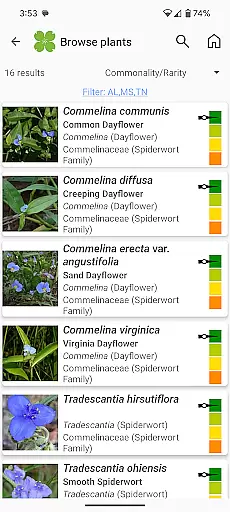
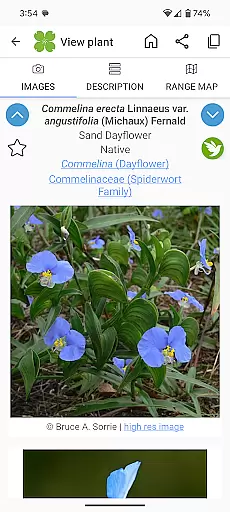
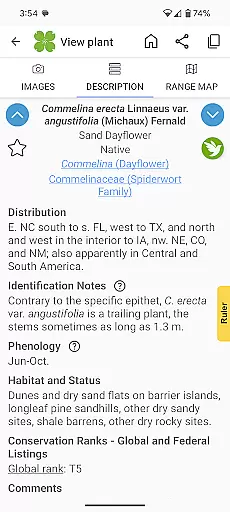
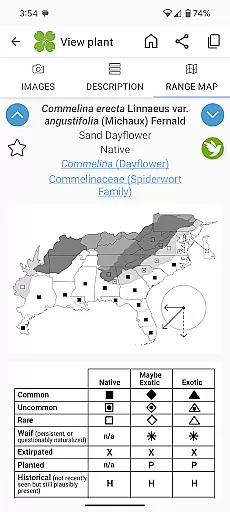
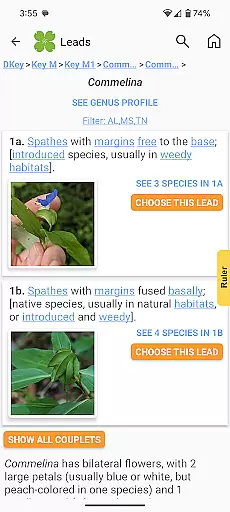
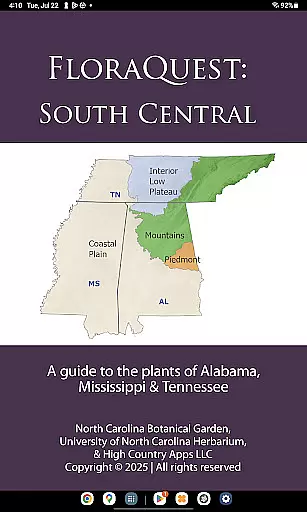
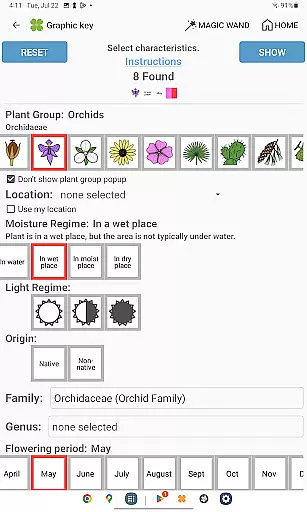
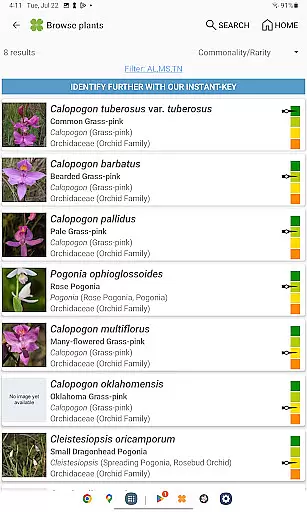
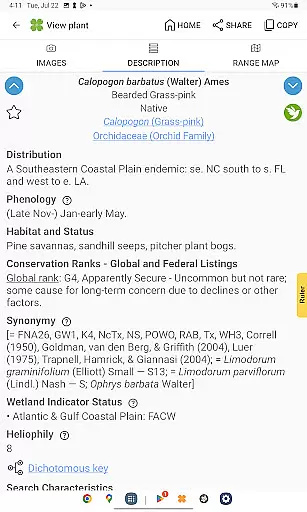
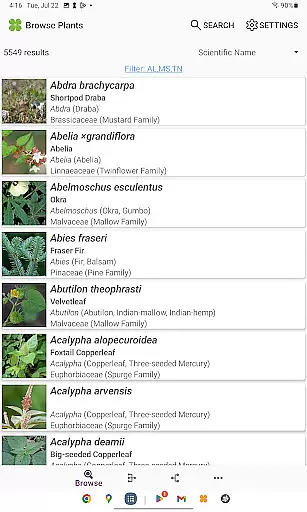
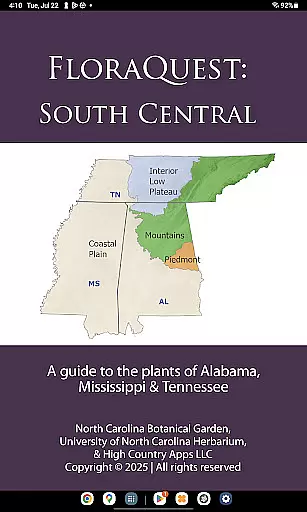
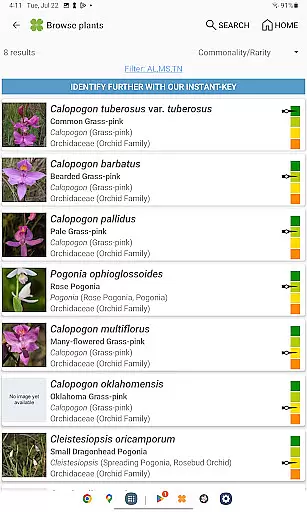
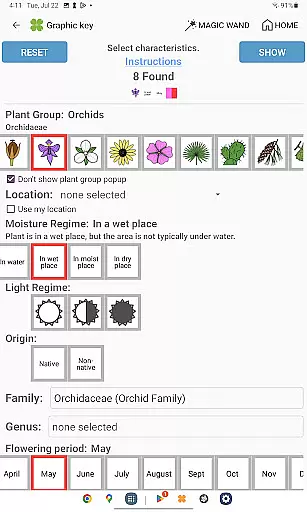
FloraQuest: South Central is an extensive plant identification app developed by the University of North Carolina's Southeastern Flora Team. This comprehensive guide covers 5,549 plant species across Alabama, Mississippi, and Tennessee, making it an invaluable resource for botanists, students, and nature enthusiasts. The app features multiple identification methods including graphic keys, dichotomous keys, and detailed habitat descriptions.
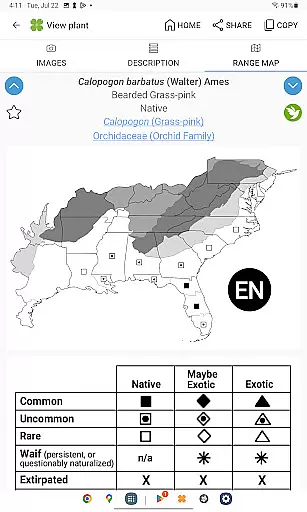
One of the standout features is its offline functionality, allowing users to identify plants without an internet connection. The app also includes a vast library of 38,000 diagnostic photographs and comprehensive range maps. Its recent updates introduce illustrated glossary terms, dark mode support, and enhanced search capabilities with base 2 and base 3 codes. These features make plant identification more accessible and efficient than ever before.
The app serves as a complete botanical companion, particularly useful for field research and educational purposes. With its 'Great Places to Botanize' feature, users can explore recommended botanical sites across the region. As part of the larger FloraQuest vision, this app represents a significant step toward creating comprehensive flora guides for all 25 states in the research region.
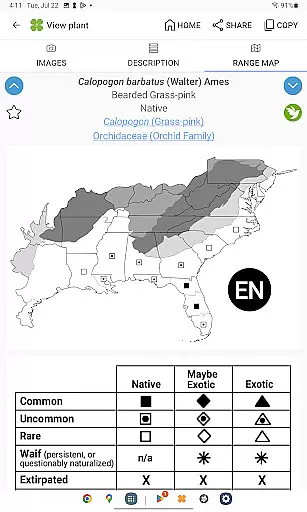
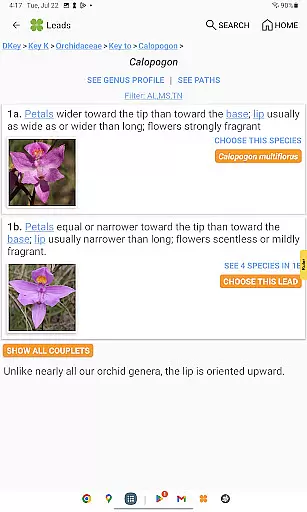
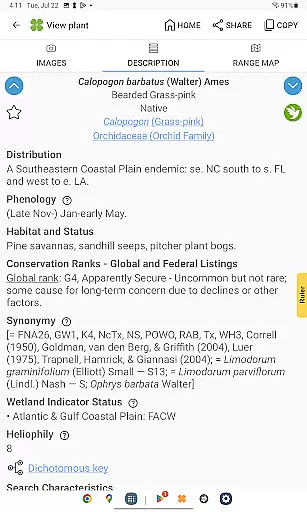
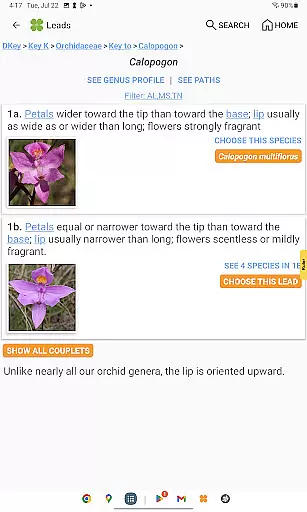
FloraQuest: South Central stands out with its diverse array of features designed to enhance plant identification. The app offers easy-to-use graphic keys and powerful dichotomous keys, providing multiple pathways for accurate plant identification. Users benefit from detailed habitat descriptions and comprehensive range maps, which offer valuable ecological context for each species.
A notable innovation is the inclusion of illustrated glossary terms and image-enhanced dichotomous keys, making complex botanical terminology more accessible. The app's enhanced search functionality, featuring base 2 and base 3 codes, allows for more precise and efficient searches. Additional features include dark mode support, plant sharing capabilities, and improved graphic keys that streamline the identification process.
These features collectively create a robust platform for botanical exploration. The offline functionality ensures usability in remote areas, while the vast library of 38,000 diagnostic photographs provides crucial visual references. The 'Great Places to Botanize' feature adds an exploratory dimension, guiding users to prime botanical locations across Alabama, Mississippi, and Tennessee.
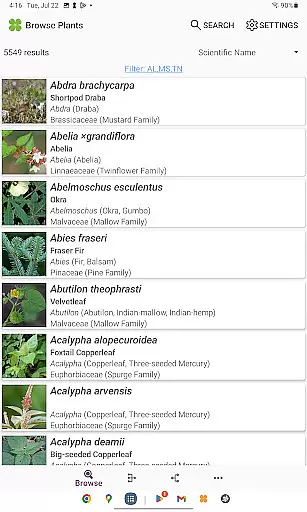
FloraQuest: South Central offers an extensive e-book library comprising detailed information on 5,549 plant species found across Alabama, Mississippi, and Tennessee. This vast collection ensures that users have access to a comprehensive resource for plant identification and study.
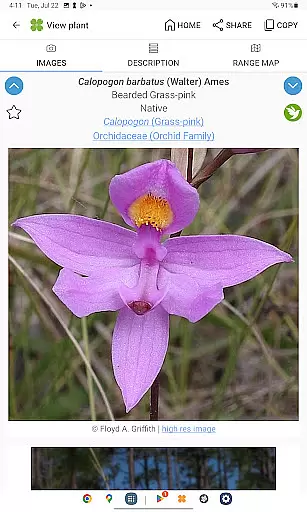
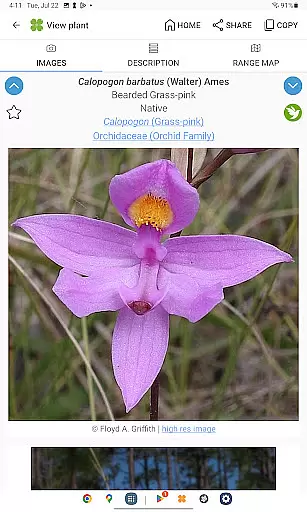
The app includes over 38,000 high-quality diagnostic photographs, providing visual references that enhance the learning experience. These images are not only numerous but also carefully curated to ensure accuracy and relevance in identifying various flora.
Copyright authenticity is guaranteed as FloraQuest is developed by the University of North Carolina's Southeastern Flora Team. The involvement of academic professionals ensures that all content is original, properly licensed, and backed by scientific research.
Users benefit from this rich repository of knowledge with offline access capabilities, allowing them to explore plant species without needing an internet connection. This feature makes it an invaluable tool for botanists, students, and enthusiasts who venture into areas with limited connectivity.
FloraQuest: South Central excels in format compatibility, ensuring that its content is accessible across various devices and platforms. The app supports multiple formats for plant descriptions, habitat details, range maps, and diagnostic photographs, making it versatile for different user preferences and needs.
One of the standout features is the inclusion of both graphic keys and dichotomous keys, catering to users who prefer visual aids as well as those who rely on traditional text-based methods for plant identification. This dual approach broadens the app's appeal and usability.
In addition to supporting standard image formats for its extensive photo library, FloraQuest incorporates illustrated glossary terms and image-enhanced dichotomous keys. These elements enrich the user experience by providing clear visual explanations alongside textual information.
Furthermore, the appu2019s enhanced search functionality with base 2 and base 3 codes demonstrates its commitment to accommodating diverse data retrieval methods. Users can efficiently navigate through the comprehensive database regardless of their preferred search technique, ensuring a seamless and intuitive exploration of botanical knowledge.
Comprehensive plant database
Offline functionality
High-quality images
User-friendly interface
Regular updates
Limited regional coverage
Large file size
Advanced botanical terms
No audio guide
Premium price

Flora of Virginia Project (www.floraofvirginia.org)
 5.00
5.00
CleverBook Pro makes the popular guide for the game even better!
4.00
The favorite Christmas story comes to life!
4.80
Battle Royale Chapter 5 Season 2 HD Wallpapers Emotes Skins and BattlePass
3.00
WebNovel - Read Solo Leveling novel and comic
4.10
"When tweetle beetles fight, it's called a tweetle beetle battle."
4.90
Discover, track, and share your reading with friends & our community of readers
4.60
A story reading app: Read stories, novels and books, or write your own.
3.90
A lightweight reader for comics and mangas files (.cbr, .cbz, .cbt, .pdf, ...)
4.80
Offline dictionary for learning Cantonese as a second language
4.90
Daily rosary and gospel reflections for catholic
4.90
Track your Star Wars book collection across Canon & Legends
4.80
Personalized Chat with Bible
4.80
Read and study the Bible and other content in over 1,000 languages.
4.80
Unlock unlimited access to bestselling ebooks, novels, stories, and audiobooks
4.60
Research your family history to explore ancestors and search for your heritage
4.50
Cute bedtime story for kids
4.30
“There was one last piece of cake. My little sister said ‘Me too!’”
4.00
All in one Calibre libraries on your phones and tablets.
3.80


User Reviews