
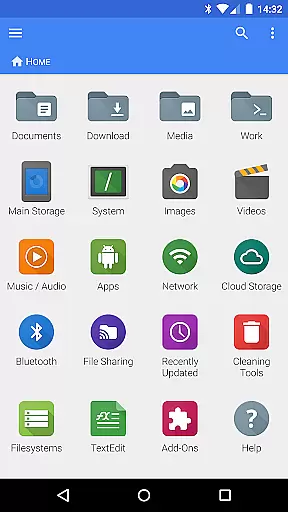
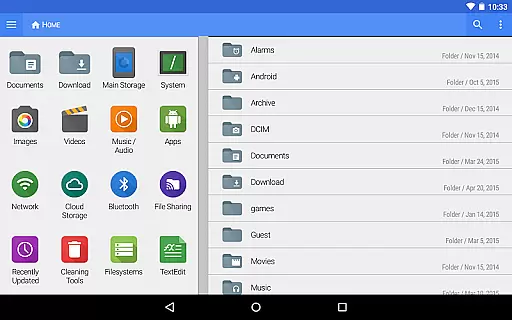
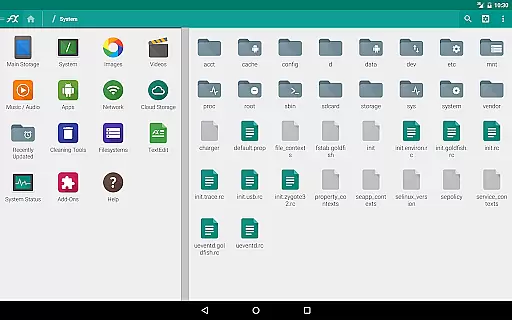
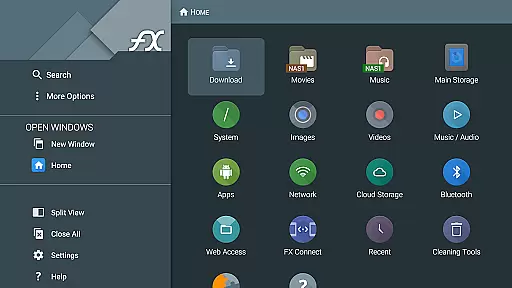
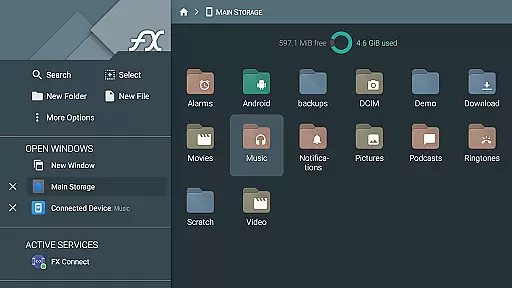
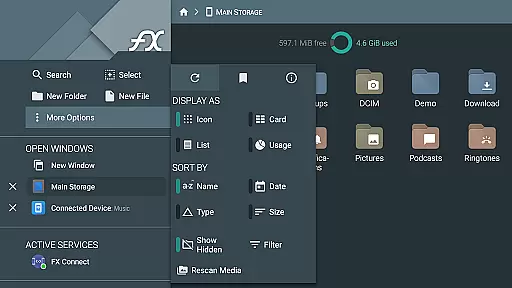


FX File Explorer is a comprehensive file management tool tailored for business users who require advanced media, networking, and cloud capabilities. This application extends the functionality of the base FX File Explorer by integrating AES-encrypted zip file handling, network file transfers, and cloud storage access.
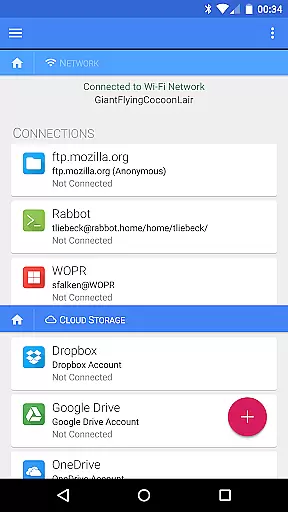
The app enables secure browsing of encrypted files without decryption, supports multiple cloud services like Google Drive and Dropbox, and facilitates local network file sharing through Windows networking protocols. Its sophisticated feature set makes it ideal for professionals managing sensitive data across various platforms.
With its ability to handle media collections, rearrange playlists, and stream video/audio files from multiple sources, FX File Explorer proves invaluable for businesses needing robust digital asset management in a secure environment.
FX File Explorer stands out with its extensive range of features designed to enhance productivity. The app allows users to create and extract AES-128 and AES-256 encrypted zip files, ensuring maximum security for sensitive business data. It also provides seamless access to cloud storage solutions including Google Drive, Dropbox, and Box.
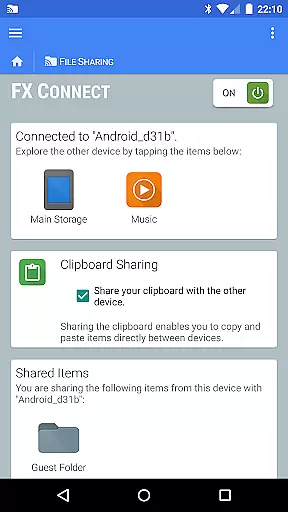
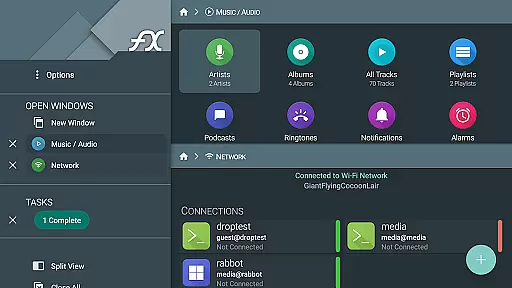
Networking capabilities are equally impressive, offering FTP, SSH FTP, and WebDAV support alongside local network discovery for Windows shares. The newly added FX Connect feature enables direct file transfers between devices using NFC or Wi-Fi, while FX Web Access permits remote management through a computer's web browser.
Additional features include comprehensive media management tools, encrypted keyring for secure password storage, and Bluetooth FTP capabilities. These functionalities collectively provide business users with a versatile solution for managing both local and cloud-based assets efficiently.
FX File Explorer offers robust collaborative work features that are essential for modern business environments. The application supports network and cloud capabilities, allowing teams to seamlessly share and manage files across different platforms such as Google Drive, Dropbox, and Windows networking (SMB).
One of the standout functionalities is FX Connect, which enables direct file transfers between two phones using NFC or Wi-Fi. This feature ensures that collaboration is not just limited to email or cloud services but can happen directly and instantly between team members.
Additionally, FX Web Access allows users to browse and manage files using a computer's web browser, making remote teamwork more efficient. These collaborative features ensure that no matter where team members are located, they can access necessary documents and media, thereby enhancing productivity and ensuring projects move forward without unnecessary delays.
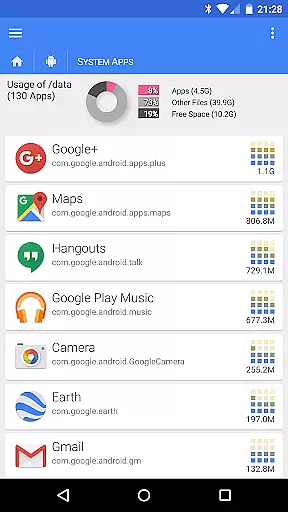
Task management within FX File Explorer is designed to streamline both individual and team workflows. With the ability to browse and manage installed applications, users can keep track of software resources and ensure that all necessary tools are readily available for task completion.
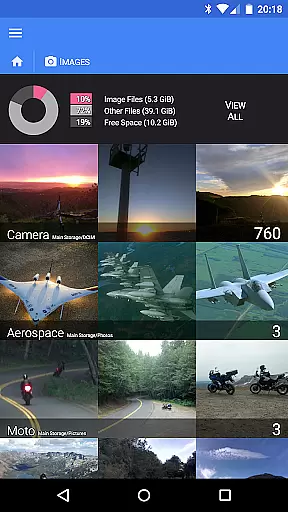
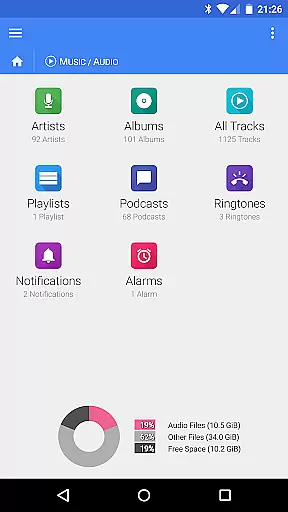
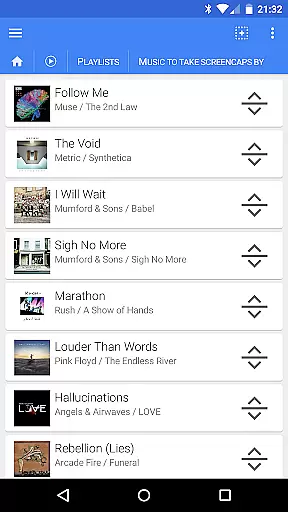
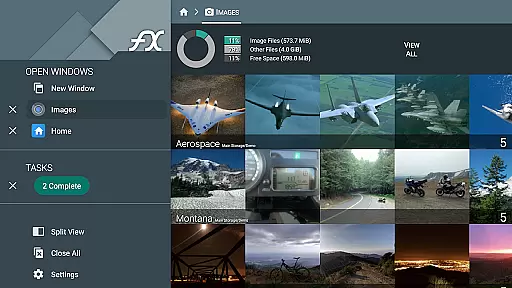
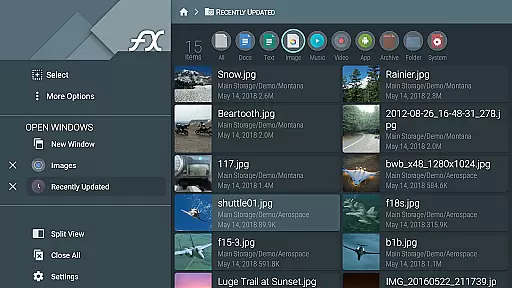
The application also excels in organizing media and files. Users can browse image and video collections, manage audio files by artist, album, or playlist, and even rearrange playlists with drag-and-drop functionality. This level of organization translates into more effective task management, as users spend less time searching for files and more time executing tasks.
Moreover, the encrypted keyring feature adds an extra layer of security, ensuring sensitive information is protected while managing tasks. This comprehensive approach to task management helps businesses maintain high standards of efficiency and security, ultimately leading to successful project outcomes.
Advanced encryption
Wide cloud support
Secure file sharing
Comprehensive media tools
Efficient network protocols
Complex interface
Requires base app
No standalone function
Premium cost
Steep learning curve

Ask Accio anything about business. Alibaba-backed, built by experts, not just AI
 4.60
4.60
Convert Your Lovable.dev Website into a Mobile App Instantly!
4.5
Manage work life on the go
4.50
viewing and sharing PDFs and other files—anytime, anywhere!
4.4
Amazon A to Z is the place to manage your work-life at Amazon.
4.50
One marketplace. Hundreds of services. Unlimited possibilities. All on Fiverr.
4.40
Use Generative Summary to understand your rental or insurance docs in seconds.
4.70
Earn money with the driver & delivery partner app for Uber, UberEats & Postmates
4.60
No more passwords, easier sign-in, and greater protection for your accounts.
4.60
FaxCover - Create fax cover pages. Works with any app or fax machine.
4.90 4.70
4.70
We help people get jobs
4.70
Mobile POS for any business: sales, invoices, retail, restaurants & appointments
4.60
Deliver and earn money
4.30
Formerly Facebook Ads Manager. Manage and create ads on the go.
4.20
VSD Viewer - Visio Drawings Viewer for Android Preview VSD, VDX, VSDX drawings
4.10
Shop, deliver, and earn with the Spark Driver™ App
4.10
Work happy with AI Companion
4.10
Simple, Fast & Lightweight
3.90


User Reviews