
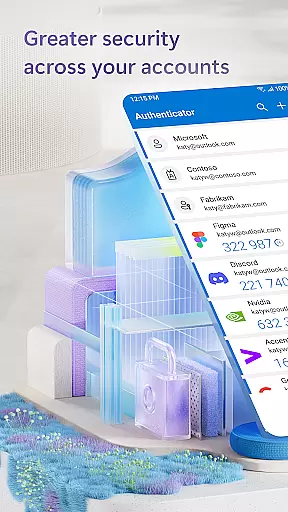
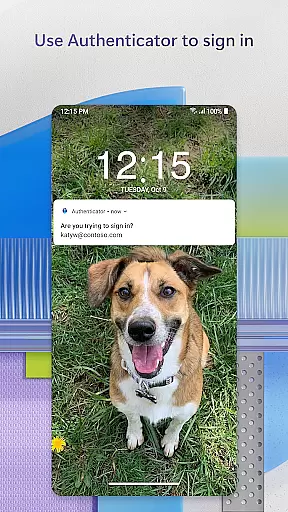
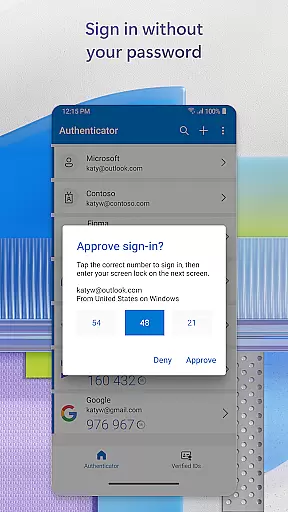
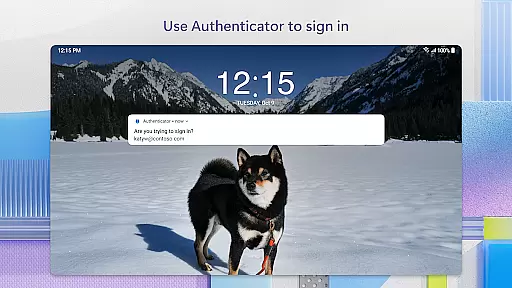
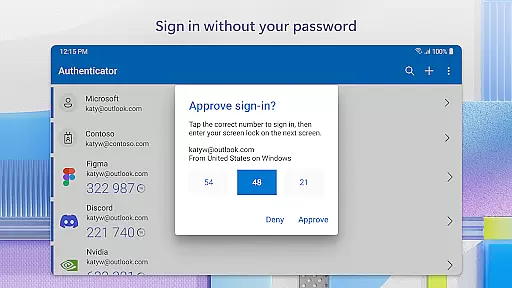
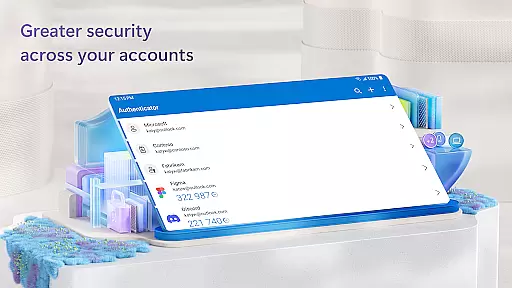
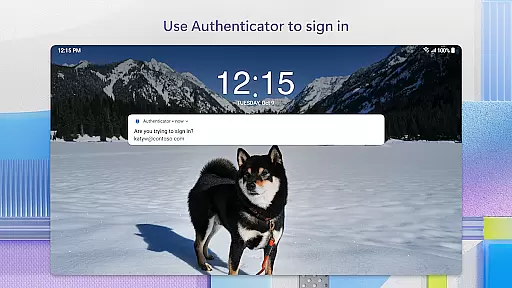
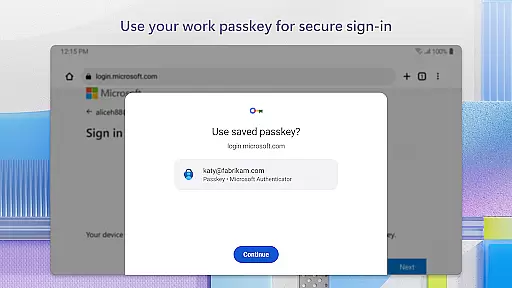
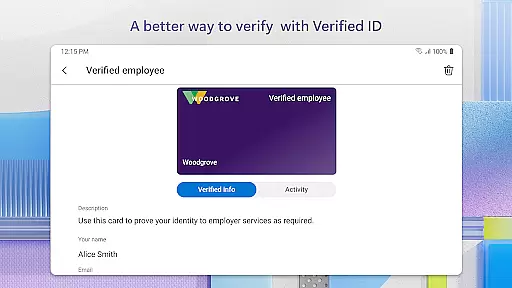
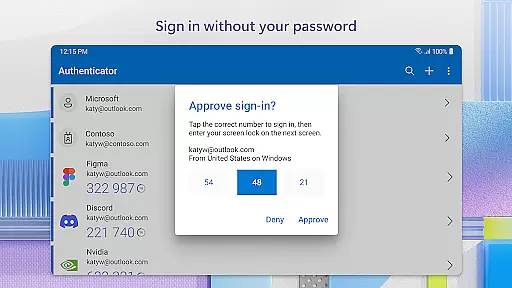
Microsoft Authenticator is a business-focused authentication app that provides secure sign-in options for online accounts through multi-factor authentication (MFA), passwordless login, and traditional passwords. The app supports both personal Microsoft accounts and work or school accounts, offering users a reliable second layer of security when accessing sensitive resources.
The app's core functionality revolves around two-factor authentication (2FA) and one-time passwords (OTP). Users can approve login requests via push notifications or generate time-based OTP codes that refresh every 30 seconds. Additionally, the passwordless feature allows users to log in using biometric verification like fingerprint or face ID. This makes it an essential tool for businesses looking to enhance their security protocols while maintaining ease of access.
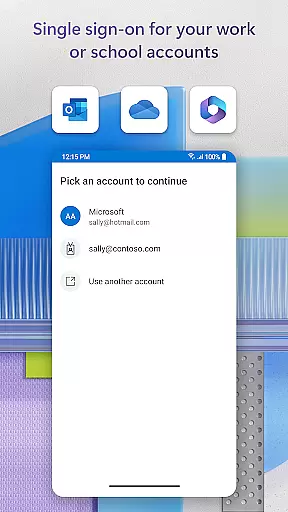
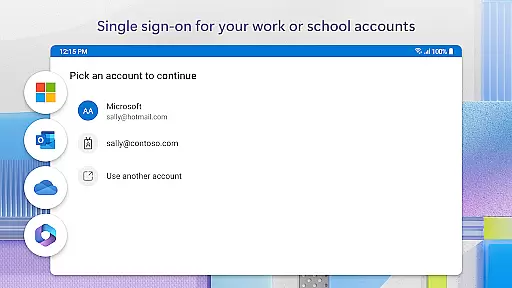
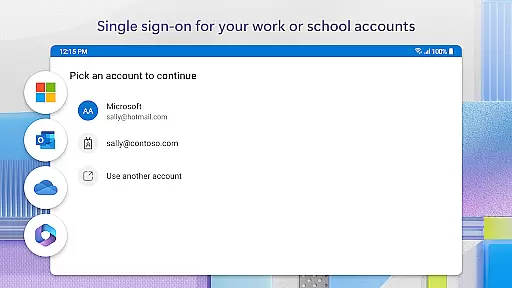
One key scenario where Microsoft Authenticator shines is in corporate environments. Employees can use the app to securely access company files, emails, and internal applications without needing to repeatedly enter credentials. The app also supports single sign-on (SSO), allowing seamless access to multiple Microsoft services after initial authentication.
Microsoft Authenticator stands out with its comprehensive set of features tailored for modern business needs. One of its primary capabilities is multi-factor authentication, which significantly reduces the risk of unauthorized access by requiring additional verification beyond just a password. Users can either approve push notifications sent directly to their devices or use time-based OTP codes that automatically refresh every 30 seconds.
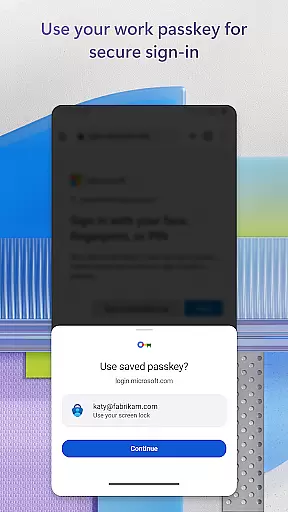
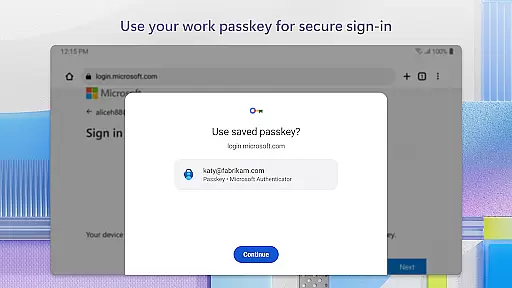
In addition to MFA, the app offers a passwordless login option. This innovative feature lets users sign in using their mobile device instead of a traditional password. By combining username entry with biometric verification such as fingerprint or facial recognition, the app creates a highly secure yet user-friendly authentication process. Furthermore, the app supports cert-based authentication, issuing certificates on devices to verify trusted sign-in requests.
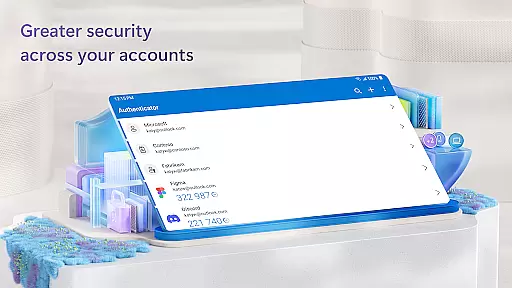
Another notable feature is the ability to manage multiple accounts within a single interface. Users can add various account types including personal Microsoft accounts, work or school accounts, and even non-Microsoft services like Facebook, Amazon, and Google. The app also includes optional permissions such as location tracking for organizations with specific security policies and QR code scanning for easy account setup.
Microsoft Authenticator plays a pivotal role in collaborative work environments by ensuring secure access to shared resources. The app supports multi-factor authentication (MFA) and two-factor authentication (2FA), which are essential for protecting sensitive data within teams. By requiring additional verification steps, such as approving notifications on a registered device or entering one-time passwords (OTP), it significantly reduces the risk of unauthorized access.
For organizations utilizing Microsoft services like Outlook, OneDrive, and Office, the Authenticator app facilitates seamless and secure access. Once users authenticate their identity using the app, they gain access to all Microsoft products without needing to log in repeatedly. This single sign-on feature enhances productivity by minimizing repetitive login processes while maintaining high-security standards.
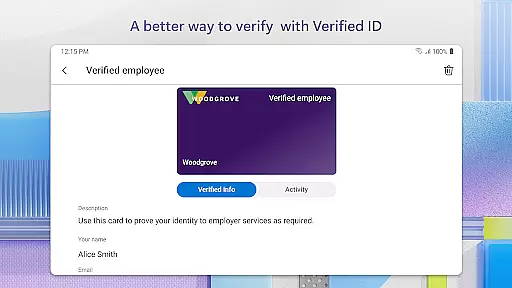
Moreover, Microsoft Authenticator supports cert-based authentication by issuing certificates on devices. This process assures organizations that sign-in requests originate from trusted devices, further securing collaborative workspaces. As a result, employees can focus on their tasks without worrying about potential security breaches, knowing that their accounts are protected by robust authentication mechanisms.
While Microsoft Authenticator is primarily designed for authentication purposes, its functionality indirectly supports effective task management within business environments. By streamlining the login process through passwordless options and two-step verification methods, employees can dedicate more time to managing their tasks rather than dealing with complex login procedures. The app's ability to store multiple accounts, including non-Microsoft ones, allows users to switch between different platforms quickly, enhancing overall productivity.
The app's support for single sign-on (SSO) across Microsoft services means that once authenticated, users can access various tools needed for task management without repeated authentication. Whether checking emails in Outlook, collaborating on documents in OneDrive, or working on projects in Office, the uninterrupted access provided by Microsoft Authenticator enables smoother workflow transitions and better time management.
Additionally, the optional access permissions offered by Microsoft Authenticator, such as location tracking and camera usage for QR code scanning, contribute to efficient task execution. These features help verify user identities based on contextual information, ensuring that only authorized personnel can access specific resources. Consequently, businesses can maintain strict access controls while empowering employees to manage their responsibilities effectively.
Enhanced security
User-friendly interface
Multi-account support
Seamless integration
Regular updates
Requires internet
Limited offline
Device dependency
Setup complexity
Permission requests

Quickly open and manage PDF files on your device.
 3.80
3.80
Convert Your Lovable.dev Website into a Mobile App Instantly!
4.2
TurboScan turns your phone into a full-featured PDF document scanner.
4.80
Amazon A to Z is the place to manage your work-life at Amazon.
4.50
Simple, Fast & Lightweight
3.90
A secure, all-in-one team collaboration app
4.30
Mobile POS for any business: sales, invoices, retail, restaurants & appointments
4.60
Find part-time earning opportunities near you that pay within days.
3.20
Ship, Track, Find a Location or Get a Quote with UPS. Anytime. Anywhere.
4.60
Job search app that finds jobs for you! Takes the work out of looking for a job!
4.90
Finance, Investing, Stocks, Trading and Stock news
4.60
Scan Business Cards & Conference Badges - Capture Leads at Events & Tradeshows
4.20
Build a store in minutes with our full suite of AI tools. Start for free!
4.20
Smarter career moves start here. AI job alerts, insights & the right tools.
4.20
On the go? Take FedEx with you.
4.00
Zoom built for Chrome OS
3.90
Get your benefits on-the-go.
3.80
viewing and sharing of PDFs
3.60
view, manage, and share every PDF file you have
3.60


User Reviews