
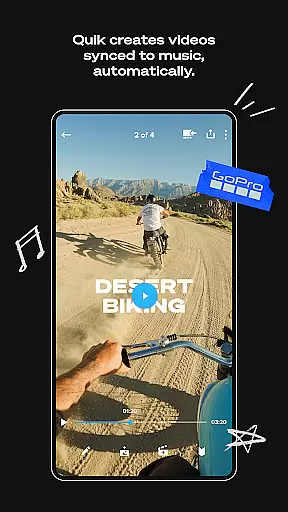
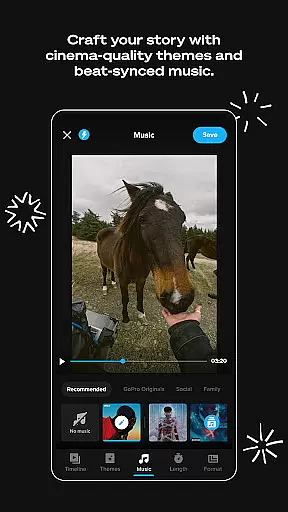
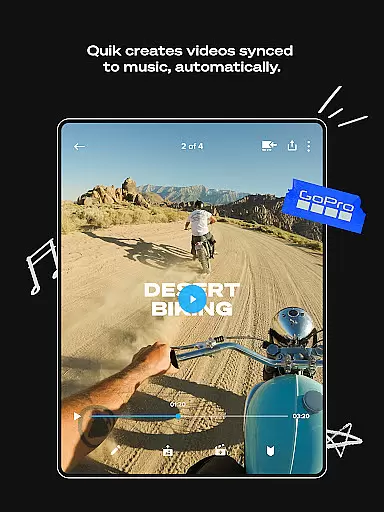
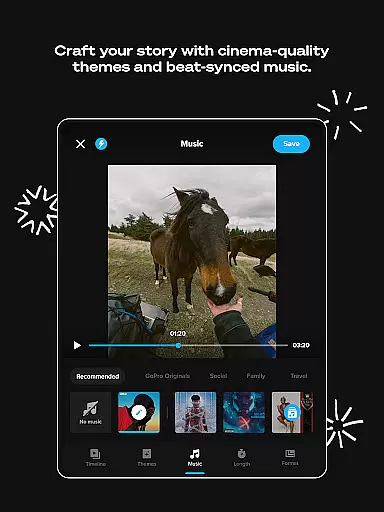
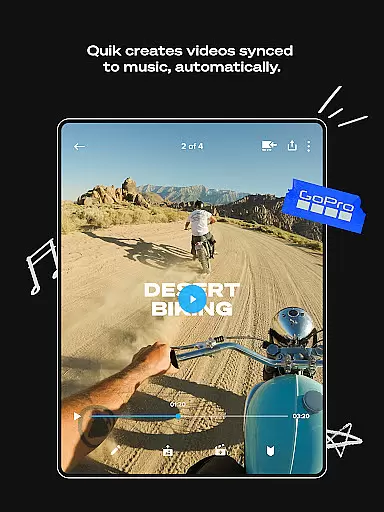
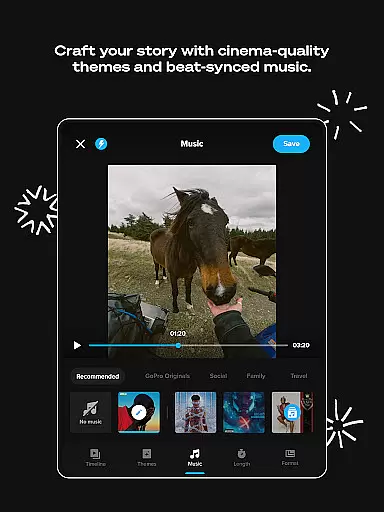
GoPro Quik is a powerful video editing application designed to simplify the process of creating professional-quality videos. The app's standout feature is its automatic editing capability, which intelligently selects your best shots, syncs them to music, and adds polished transitions to generate captivating videos with minimal effort. Beyond editing, Quik offers unlimited cloud storage for GoPro footage at 100% quality through its Premium subscription, ensuring that all your media is securely backed up and accessible across devices.
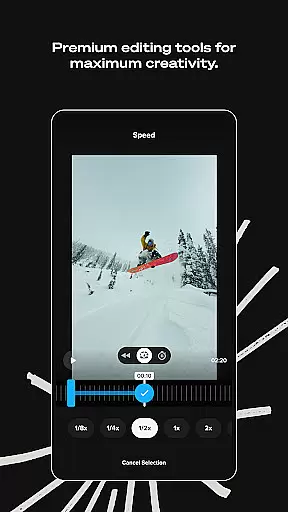
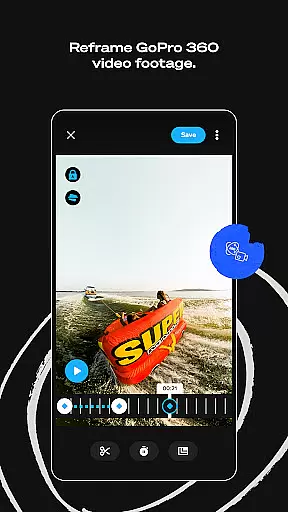
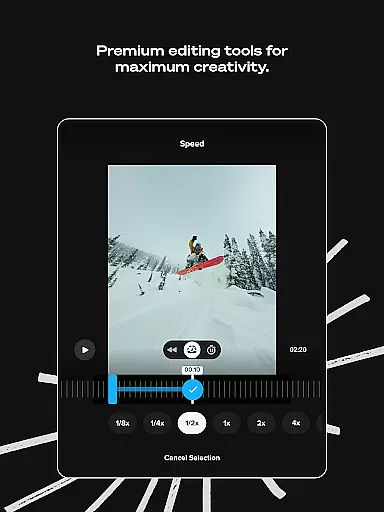
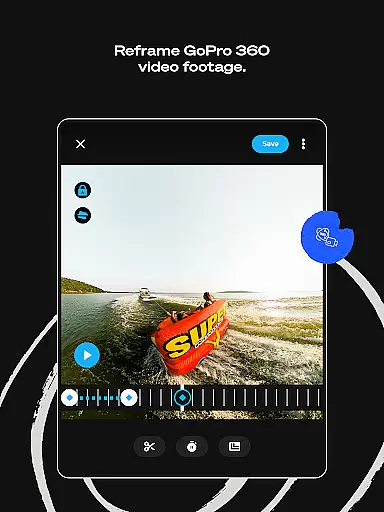
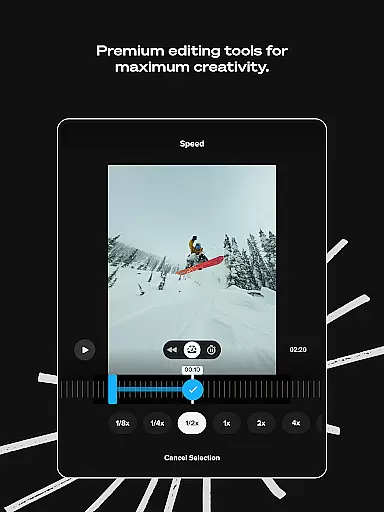
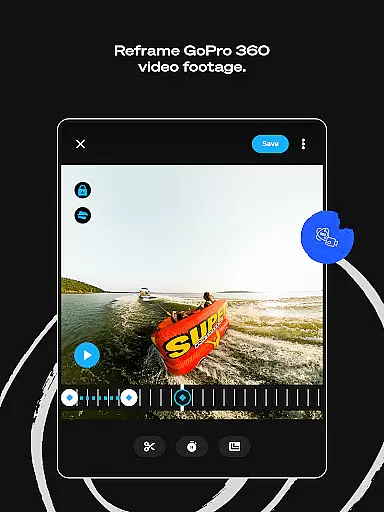
In addition to its automated features, Quik provides a comprehensive suite of premium editing tools. Users can experiment with color adjustments, trim clips, add custom text overlays, and apply unique filters optimized for specific environments like snow and water. The app also supports advanced functionalities such as Beat Sync for aligning edits with music rhythms and Reframe for transforming 360-degree footage into traditional video formats. These features make it an ideal choice for both casual creators and GoPro camera owners looking to enhance their storytelling capabilities.
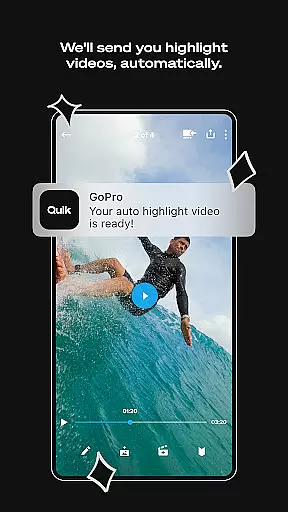
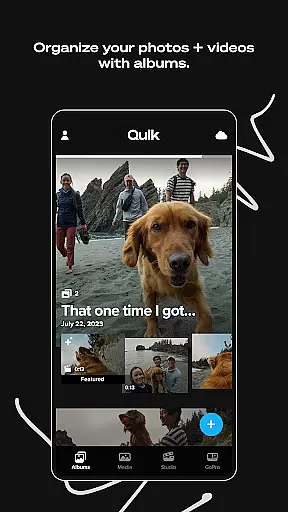
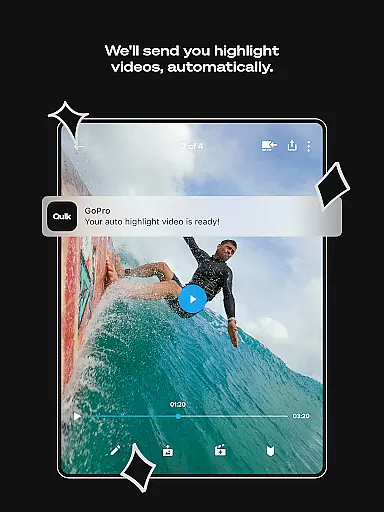
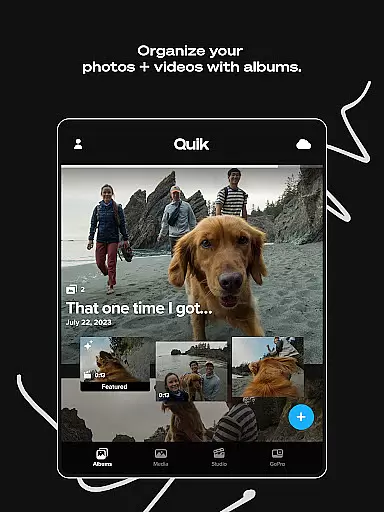
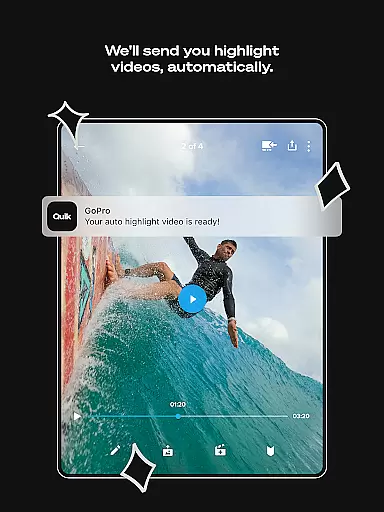
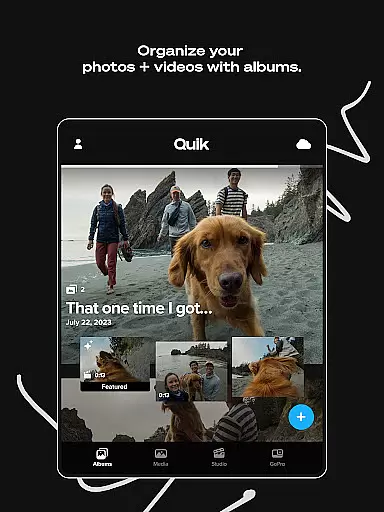
Quik stands out in the Video Players & Editors category due to its robust combination of automation and customization. One of its key innovations is Automatic Highlight videos, where the app analyzes your footage to identify the most compelling moments and compiles them into a cohesive video. This feature is complemented by Auto Upload and Cross Device Sync, which streamline content management by automatically backing up media to the cloud and synchronizing it across multiple devices for seamless access.
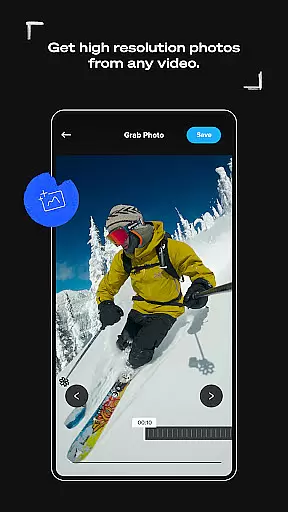
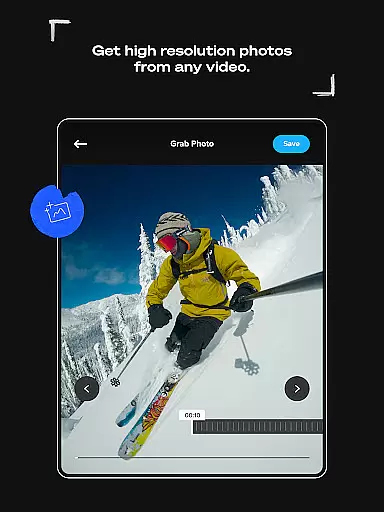
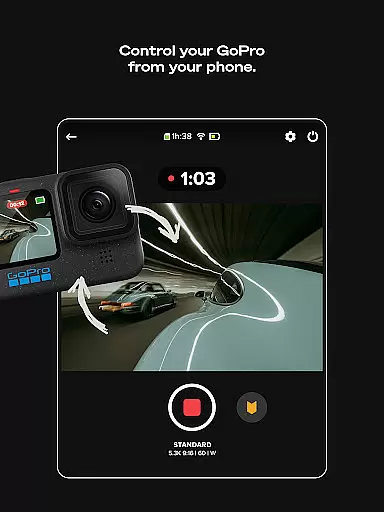
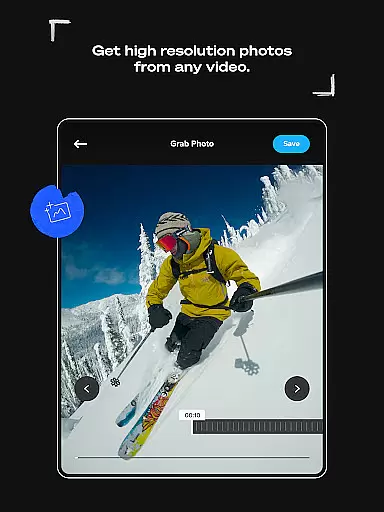
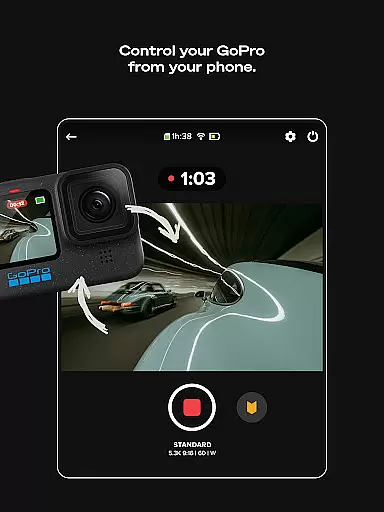
For users seeking more control, Quik offers a variety of advanced editing tools. These include Frame Grab for extracting high-resolution stills from videos, Themes for applying cinematic transitions and effects, and Text Overlays for adding context or creative flair. Additionally, GoPro camera owners benefit from exclusive features like Auto GoPro Detection + Transfer, which simplifies the process of importing footage, and Preview Shots + Delete, allowing users to manage their media directly from the app. Together, these features create a versatile platform that caters to both beginners and experienced editors.
GoPro Quik stands out with its extensive video format compatibility, ensuring that users can work with footage from a variety of sources without limitations. The app supports formats captured by GoPro cameras as well as other devices, making it versatile for creators who use multiple recording tools.
The application's ability to handle 360-degree videos and transform them into traditional formats through the Reframe feature adds another layer of flexibility. This allows users to experiment with different perspectives and export standard videos or photos ready for further editing and sharing.
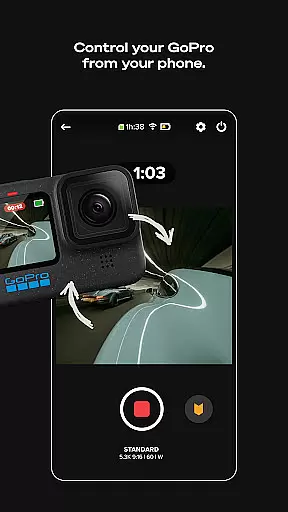
For GoPro camera owners, the app provides seamless integration and automatic detection of connected devices. This ensures that all media, regardless of its origin, is easily transferred and managed within a unified interface. Such comprehensive format support empowers users to focus on their creative process without worrying about technical constraints.
With cloud storage backing up all files at 100% quality, users can rest assured that their original footage remains intact while they explore various editing possibilities. This combination of broad format support and reliable backup makes GoPro Quik an invaluable tool for videographers seeking both convenience and creative freedom.
GoPro Quik harnesses the power of AI to deliver intelligent editing features that streamline the video creation process. The app's Automatic Highlight function uses advanced algorithms to identify the most compelling moments in your footage, syncing them to music beats and adding professional transitions to produce engaging shareable videos effortlessly.
The Beat Sync feature exemplifies the app's innovative use of artificial intelligence by perfectly timing video elements to match the rhythm of selected soundtracks. This creates dynamic, cinematic-quality edits that would typically require significant manual effort from experienced editors.
Through machine learning capabilities, the app learns user preferences and adapts its suggestions accordingly. This personalized approach to automated editing helps users develop their unique style while saving time on routine editing tasks. Premium subscribers benefit from additional AI-driven tools that enhance color grading, stabilization, and special effects application.
All these sophisticated AI-powered features are backed by unlimited cloud storage, allowing creators to experiment freely without storage concerns. The result is a powerful yet accessible editing solution that democratizes professional-grade video production for both amateur enthusiasts and seasoned content creators.
User-friendly interface
Automatic editing tools
Unlimited cloud storage
Premium customization options
Cross-device synchronization
Premium subscription required
Limited free features
High storage demands
Occasional syncing issues
Complex for beginners

Fast video downloader & private browser. Save HD clips to watch offline.
 4.40
4.40
Movie maker & video editing app with AI effects and green screen
4.30
Powerful Video Editor & Photo Editing App —— Quick Edits & Stunning Effects!
4.30
Mix with Virtual DJ directly from your phone or tablet !
3.10
Manage your IPTV live channels and VOD playlists (no playlist included)
3.80
Browser for Fire TV to stream webvideos, online movies, livestreams in HD
4.40
AI Video Editor with Music, Filter, Slideshow, Effect, Merge & Trim Video.
4.80
Download Hub, easy and private way to download and enjoy your videos offline
4.80
Create, Publish & Maximize
4.70
#1 Torrent App on Android ** No Ads Ever + Battery Saver **
4.80
Find, download, and play torrents with the official BitTorrent® Pro app
4.70
Screen recorder with audio to take live videos & Screenshot in high quality!
4.70
Search & download videos from net with all video downloader, auto-detect & safe.
4.60
Create photo video with music & template. AI video maker for stunning slideshow.
4.60
VLC Remote lets you control your VLC Media Player on Mac, PC or Linux.
4.60
Browser + Remote for Roku to stream webvideos, online movies and livestreams
4.60
KMPlayer Plus (Divx Codec) officially support Divx codec.
4.30
IPTV-Smarters Player Pro M3U - Watch Live Stream TV Channels with Chromecast
4.00
AirMirror is Receiver for Screen Mirroring and Casting from Apple Devices.
3.60


User Reviews