
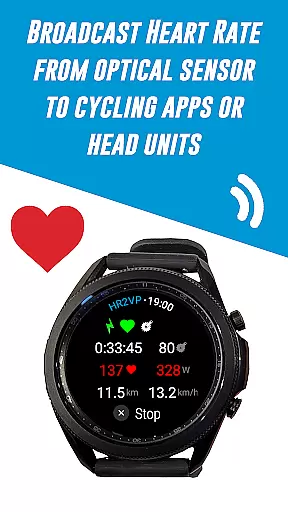
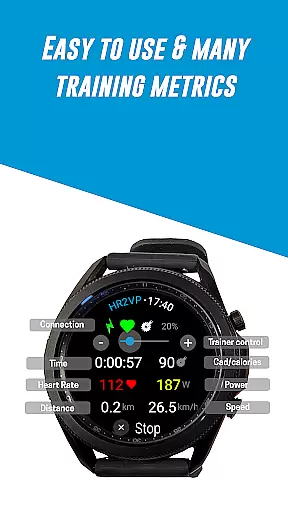
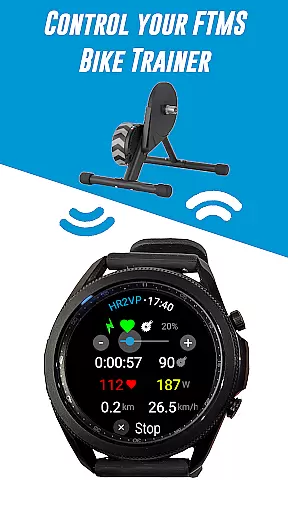
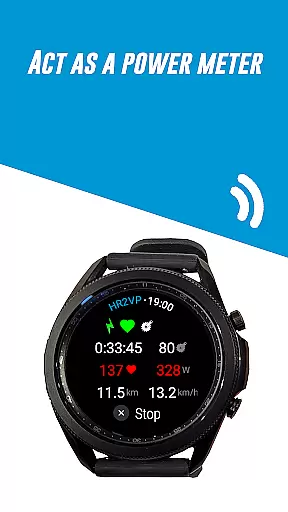
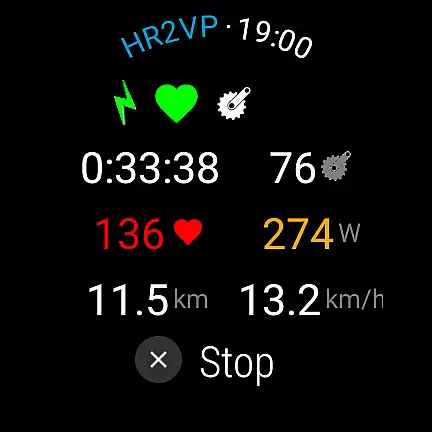
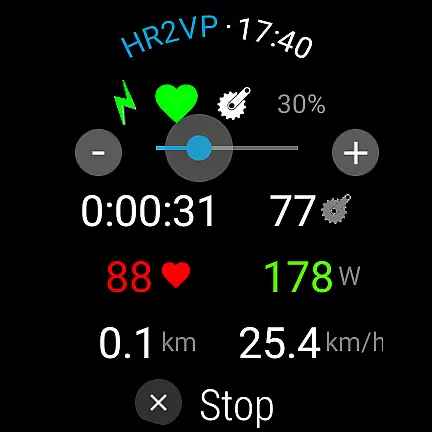
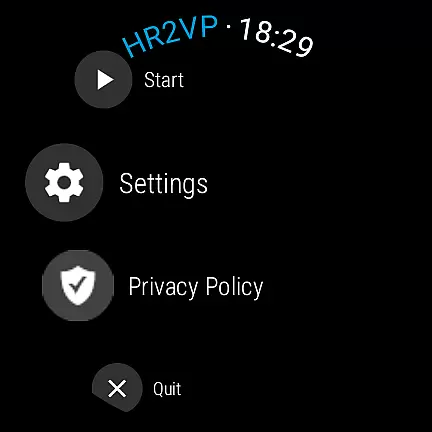
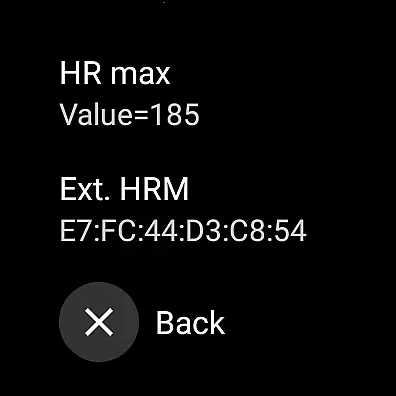
HR2VP Watch Bike Computer is a cutting-edge fitness application designed to transform your Wear OS watch into a powerful heart rate monitor and cycling tracker. This app allows cyclists to seamlessly connect their smartwatches with bike computers or indoor training platforms, broadcasting vital stats such as heart rate and power via Bluetooth Low Energy or ANT+. Whether you're training indoors with apps like Zwift or riding outdoors with a Garmin Edge device, HR2VP ensures accurate data transmission.
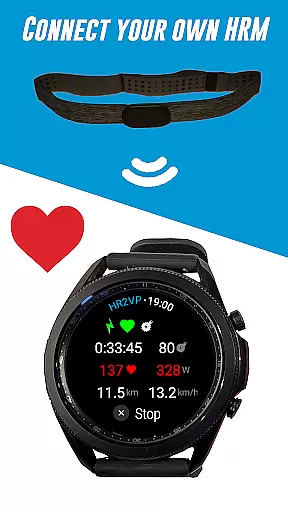
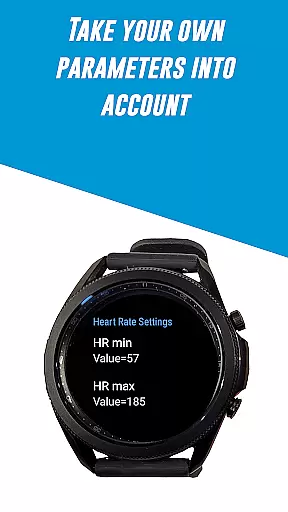
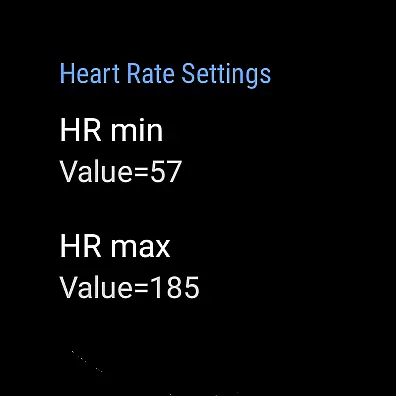
The app's standout feature is its ability to compute power metrics based on heart rate, utilizing the watch's built-in optical sensor or an external chest strap. By factoring in individual parameters like FTP, resting heart rate, and maximum heart rate, it delivers precise calorie expenditure and fitness tracking. Additionally, users can upload their ride data directly to Strava for comprehensive performance analysis. Suitable for both amateur and professional cyclists, this app bridges the gap between wearable technology and advanced cycling metrics.
HR2VP Watch Bike Computer offers a robust set of features tailored for cyclists who demand precision and versatility in their training tools. One of its primary capabilities is functioning as a BLE heart rate monitor, leveraging the watch's optical sensor to measure and broadcast heart rate during workouts. This eliminates the need for additional heart rate straps while maintaining reliable data output.
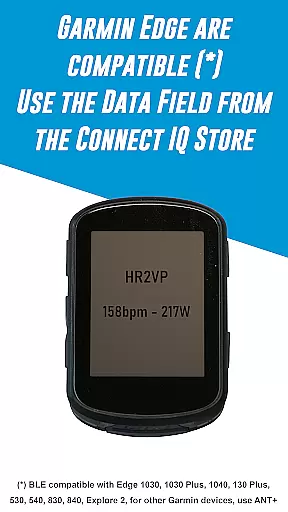
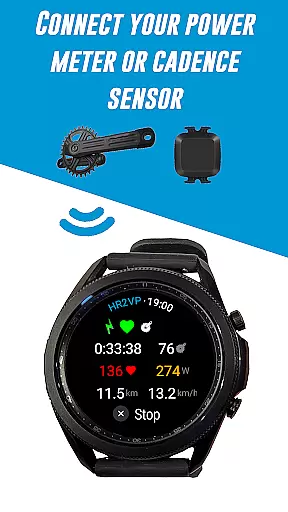
For those using Garmin Edge bike computers, HR2VP provides seamless integration through its dedicated Connect IQ data field. By enabling broadcasting in the app's settings, users can sync their watch with their bike GPS, allowing their phone to act as a bridge between devices. The app also supports various external sensors, including Bluetooth Smart power meters, cadence sensors, and FTMS bike trainers, enhancing the range of metrics available to users. With its advanced algorithm that calculates power based on heart rate, HR2VP delivers a personalized and accurate estimation of workout intensity, making it an indispensable tool for serious cyclists.
Personalized planning in fitness applications refers to the ability to tailor workout routines and metrics specifically to an individual's needs and goals. HR2VP Watch Bike Computer excels in this area by integrating advanced algorithms that compute power output based on heart rate data.
This app measures your heart rate using the optical sensor built into your Wear OS watch, ensuring accurate and personalized monitoring during workouts. By taking into account individual parameters such as FTP, resting heart rate, and maximum heart rate, HR2VP provides a more precise and customized fitness tracking experience.
Users benefit from this personalized approach as it allows them to monitor their fitness levels more effectively. The app helps cyclists and fitness enthusiasts understand their performance metrics better, thus enabling them to optimize their training sessions.
The true value of personalized planning in HR2VP lies in its ability to adapt to each user's unique physiological data. This ensures improved accuracy in tracking progress and achieving fitness milestones, making every workout count towards personal growth and better health outcomes.
Progress visualization is a critical component of any fitness app, providing users with tangible evidence of their achievements and motivating continued effort. HR2VP Watch Bike Computer offers robust features for visualizing progress through detailed metrics and analytics.
With HR2VP, users can see how many calories they have spent during their workouts, directly on their Wear OS watch. This immediate feedback loop helps maintain motivation and adjust workout intensity accordingly. Additionally, the app supports integration with platforms like Strava, where users can automatically upload rides complete with power data for further analysis.
The advantage of such comprehensive progress visualization is clear: users gain insights into their performance over time, which aids in setting realistic goals and celebrating milestones. Visual representations of data such as graphs and charts make it easier to comprehend complex information at a glance.
Ultimately, HR2VP transforms raw data into meaningful insights, empowering users to track their fitness journey effectively. By offering diverse ways to visualize progress, the app not only enhances user engagement but also fosters a deeper commitment to personal health and athletic improvement.
Accurate heart rate monitoring
Seamless Garmin integration
Supports multiple sensors
Advanced power calculation
Direct Strava uploads
Occasional connectivity issues
ANT+ requires additional setup
Battery optimization conflicts
Limited short interval accuracy
Refund window is short

Text notifications, button control, heart monitor & more for your Amazfit.
 2.40
2.40
sobriety counter app to help and motivate people to stop drinking alcohol.
4.90
Sync your activities of the most popular sports tracking services
2.70
Interval timer for High Intensity Interval Training, Tabata and Circuit Training
4.20
When the night comes, we prepare your eyes for deep, sweet dreams
4.70
Load the bar with this barbell & plate calculator. It's leg day, not brain day!
4.70
Wall Pilates at home & Pilates workout for beginners for core and weight loss.
4.80
Eat smarter with Eato, your personal calorie counter and nutrition tracker!
4.40
Looking to take control of your health? Our psychology-based programs can help.
4.10
Meditation app, head space app provides calm music to help you meditate & sleep
5.00
Easy access to health benefits
4.70
a fun app full of surprises :)
4.70
Mind on steroids - relaxation, productivity, meditation and sleep!
4.60
Get lasting results with Chair Yoga, Wall Pilates, and Walking workouts!
4.60
Period Tracker, the easiest way to track your periods!
4.50
Relax to calm sounds, white noise, music, guided meditation and bedtime stories
4.40
See what's really going on inside your head! Real time EEG graphs from your Muse
4.40
Track sleep cycle, relax with white noise, sleep sounds & smart alarm clock
3.80
Using Recognise™ has been shown to reduce pain and improve performance
4.1


User Reviews