
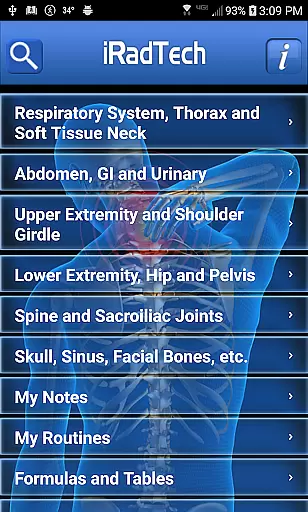
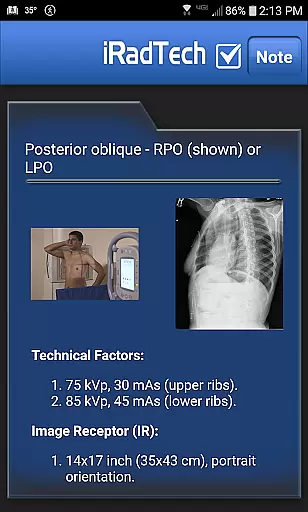
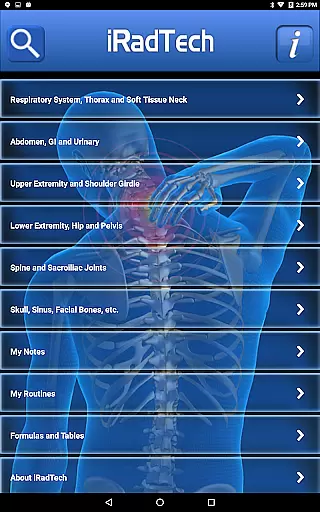
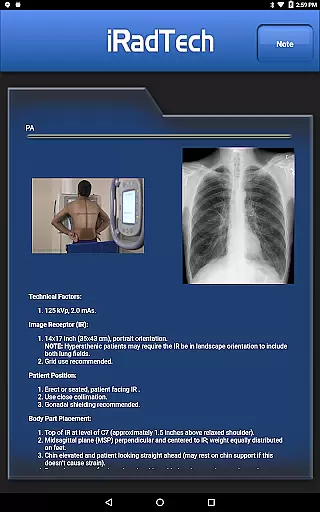
iRadTech is a comprehensive radiographic positioning guide designed for medical imaging professionals and students. This application serves as an essential digital reference similar to traditional pocket guides, offering detailed instructions for over 200 radiographic positions.
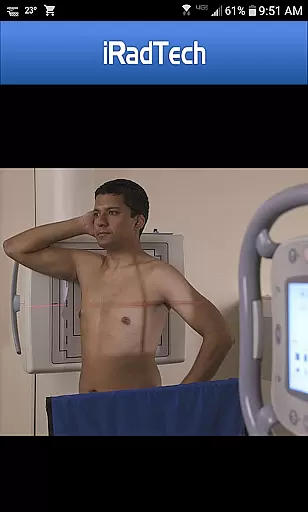
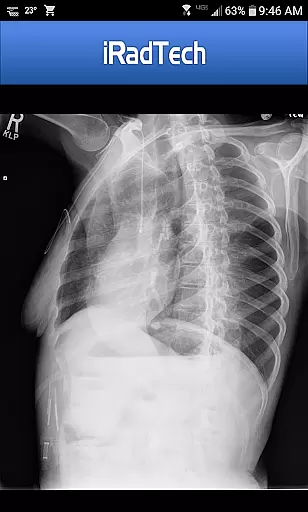
The app provides critical information including technical factors, image receptor specifications, patient positioning guidelines, and respiration instructions. Each entry includes precise details about central ray entrance and exit points, angulation parameters, and image quality considerations. Additionally, the app features enlargeable representative radiographic images and properly positioned human model photographs with correctly collimated areas of interest.
Designed using ARRT Content Specifications, iRadTech covers nearly all entry-level radiographic positions while also including optional positions commonly used in clinical practice. The application's content has been developed by experienced radiography educators with over 30 years of teaching experience, making it an invaluable study aid for students and a convenient reference tool for practicing technologists.
iRadTech offers an extensive array of features that make it an indispensable tool for medical imaging professionals. The application provides suggested digital imaging system technical factor settings for all positions except nephrotomography, ensuring accurate exposure parameters.
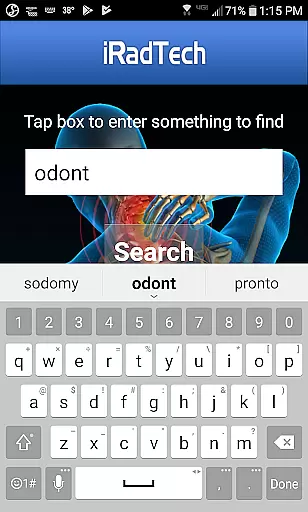
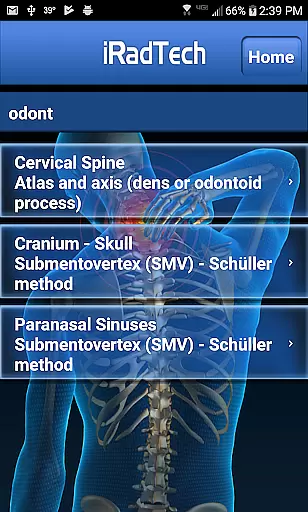
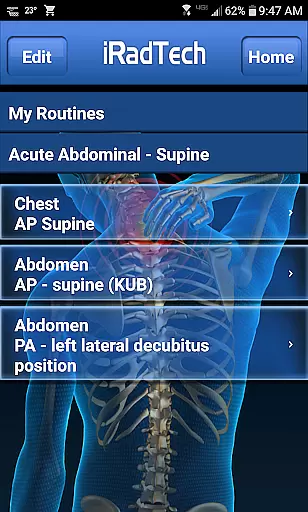
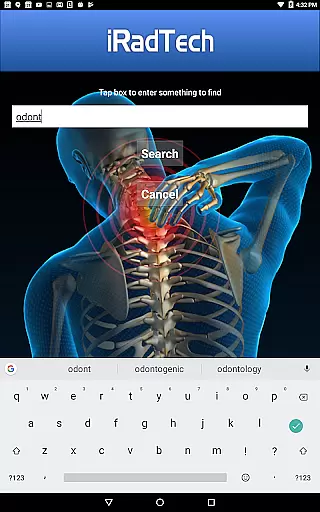
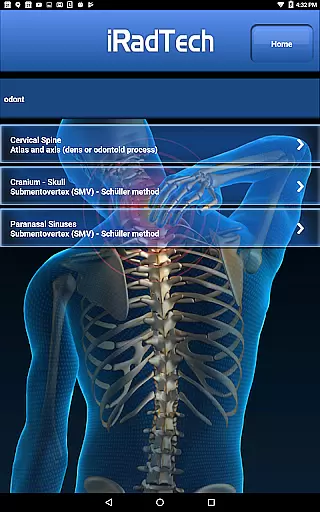
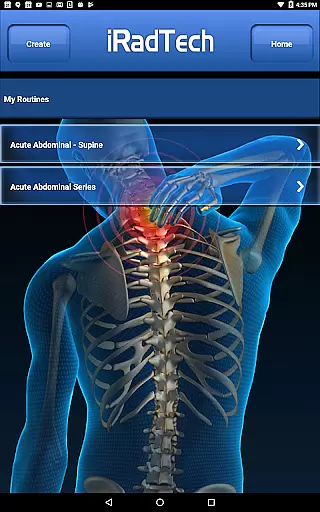
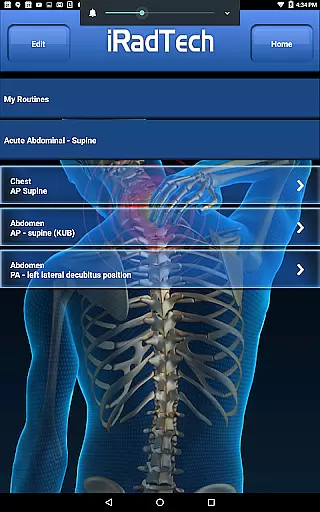
A key feature is the comprehensive position information presented through seven distinct categories: technical factors, image receptor specifications, patient positioning, respiration instructions, central ray details, image quality points, and structures demonstrated. The app's search function enables users to quickly find specific positions or instructions, while the My Routines feature allows grouping of selected positions into saved routines for efficient workflow management.
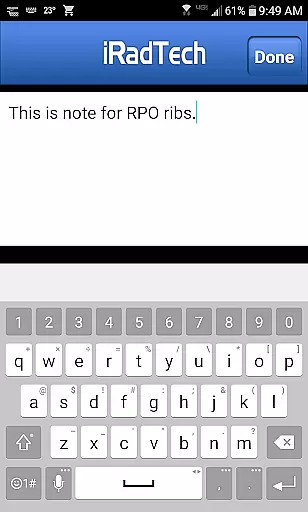
Additional valuable features include a dedicated NOTE tab for each position, allowing users to save techniques and special terms, and a My Notes function for general note-taking. All content has been meticulously referenced against the most recent ASRT Radiography Curriculum and national positioning texts, ensuring accuracy and relevance in both educational and clinical settings.
In the field of medical imaging, the credibility of content is paramount for both professionals and students. iRadTech ensures this by providing detailed instructions for over 200 radiographic positions, each meticulously crafted to cover technical factors, patient positioning, and image quality points.
Developed using ARRT Content Specifications, the app includes nearly all ARRT entry-level radiographic positions. This guarantees that users are accessing information that aligns with industry standards and expectations.
The application's content is further bolstered by the expertise of two Ph.D. radiography educators, each bringing over 30 years of teaching experience. Their involvement in writing and editing ensures that every piece of information is not only credible but also pedagogically sound.
Additionally, iRadTech references the most recent ASRT Radiography Curriculum and national positioning texts, making it a reliable study aid for radiography students and a valuable tool for technologists and clinical instructors.
While iRadTech does not offer teleconsultation services directly, it enhances the quality of potential teleconsultations through its comprehensive resources. The app provides suggested digital imaging systems technical factor settings for all positions, except nephrotomography, ensuring that users can obtain optimal imaging results.
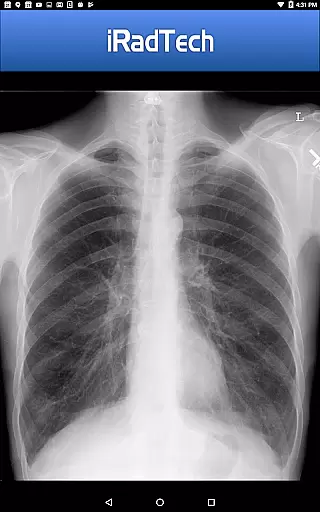
One standout feature is the representative radiographic images that can be enlarged for closer inspection. These images help professionals and students understand the expected outcomes and prepare for teleconsultations more effectively.
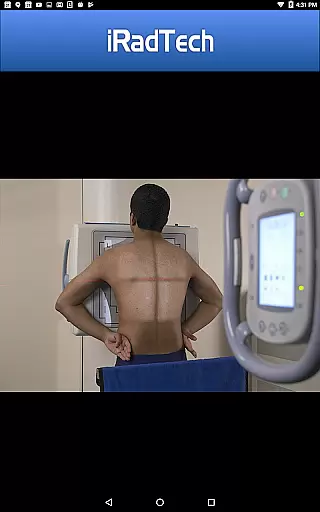
iRadTech also includes an enlargeable photograph of a properly positioned human model, clearly showing the correctly collimated area of interest with the central ray entry point. This visual guidance is crucial for accurate positioning during teleconsultations.
Furthermore, the My Routines function allows users to group selected positions into a saved routine, streamlining the preparation process for teleconsultations. By organizing frequently used positions, users can ensure they are consistently applying best practices, thus enhancing the overall quality of their teleconsultation sessions.
User-friendly interface
Comprehensive position coverage
High-quality reference images
Detailed technical information
Convenient study tool
No offline functionality
Limited advanced techniques
Occasional updates needed
Premium subscription required
Large file size

Check and Track your Blood Pressure & Heart Rate.
 4.50
4.50
We’ve made it easy for Oscar members to get care on the go.
4.30
Modivcare members can book and manage trips.
4.50
The MDLIVE app makes connecting with a doctor fast, easy, and convenient.
4.60
MHealth is the mobile version of MEDITECH’s Patient and Consumer Health Portal.
3.10
The world's best selling 3D Human Anatomy app with groundbreaking 3D technology
2.00
Discover the source of pain with Muscle Trigger Point Anatomy.
4.70
X-Vein: Advanced vein detection for medical practice
3.10
ASCCP Management Guidelines- There’s an app for that!
4.60
Want to make it easier to manage your health? We’re with you, wherever you are.
4.70
Amplify surrounding sounds, conversations, TV or lectures for louder hearing.
4.70
Take your aphasia therapy to the next level with 4 evidence-based advanced apps
4.70
Coaches you through labour using hypnobirthing techniques & tracks contractions
4.70
Adaptive-learning flashcards and quizzes for the Top 250 Drugs
4.60
Master AEMT with 1,400+ study items, TEIs, practice tests, and scoring.
4.10
700 questions, 2 full exams, Predictive Scoring—your key to NREMT success!
3.90
An easy way to earn money donating plasma. Book a visit, sit back, and get paid.
3.80
A fantastic 3d reference that includes over 300 structures and a quiz function.
3.00
ECG modules improve rhythm ID. ACLS is a simulator for cardiac arrest scenarios.
4.3


User Reviews